A typical failure looks like this. The SME records a useful walkthrough, the enablement team turns it into slides, someone else rebuilds it in the LMS, and three weeks later the product UI changes. Now the video, article, and course are all out of sync.
That is usually the authoring problem. Teams already know the material. The bottleneck is converting that expertise into the right format, getting reviews done, localizing it if needed, and updating it without recreating everything from scratch.
The tool choice matters because “authoring software” now covers three very different workflows. Some teams need video-first production for product walkthroughs and training clips. Others need traditional e-learning suites for assessments, branching, SCORM output, and LMS delivery. Others just need fast documentation that turns process knowledge into usable step-by-step articles. If you’re also comparing broader top content creation software, that distinction becomes even more important.
This list is organized around that workflow split. Tutorial AI and Camtasia fit teams starting from recorded screens and narrated demos. Articulate 360, Adobe Captivate, iSpring Suite, dominKnow | ONE, Elucidat, and Lectora are built for structured course production with different levels of control, collaboration, and publishing requirements. Scribe sits in a different lane altogether, rapid documentation for SOPs, support content, and internal how-to articles. Vyond adds another option for teams that need animated explainers rather than live software capture.
For teams evaluating video-first workflows, this practical guide to creating training videos with AI is useful context because it shows what changes when the source asset is a real walkthrough instead of a slide deck. For a broader tooling view, this curated guide to AI tools is a useful comparison point.
The goal here is simple. Match the tool to the output your team has to ship.
1. Tutorial AI
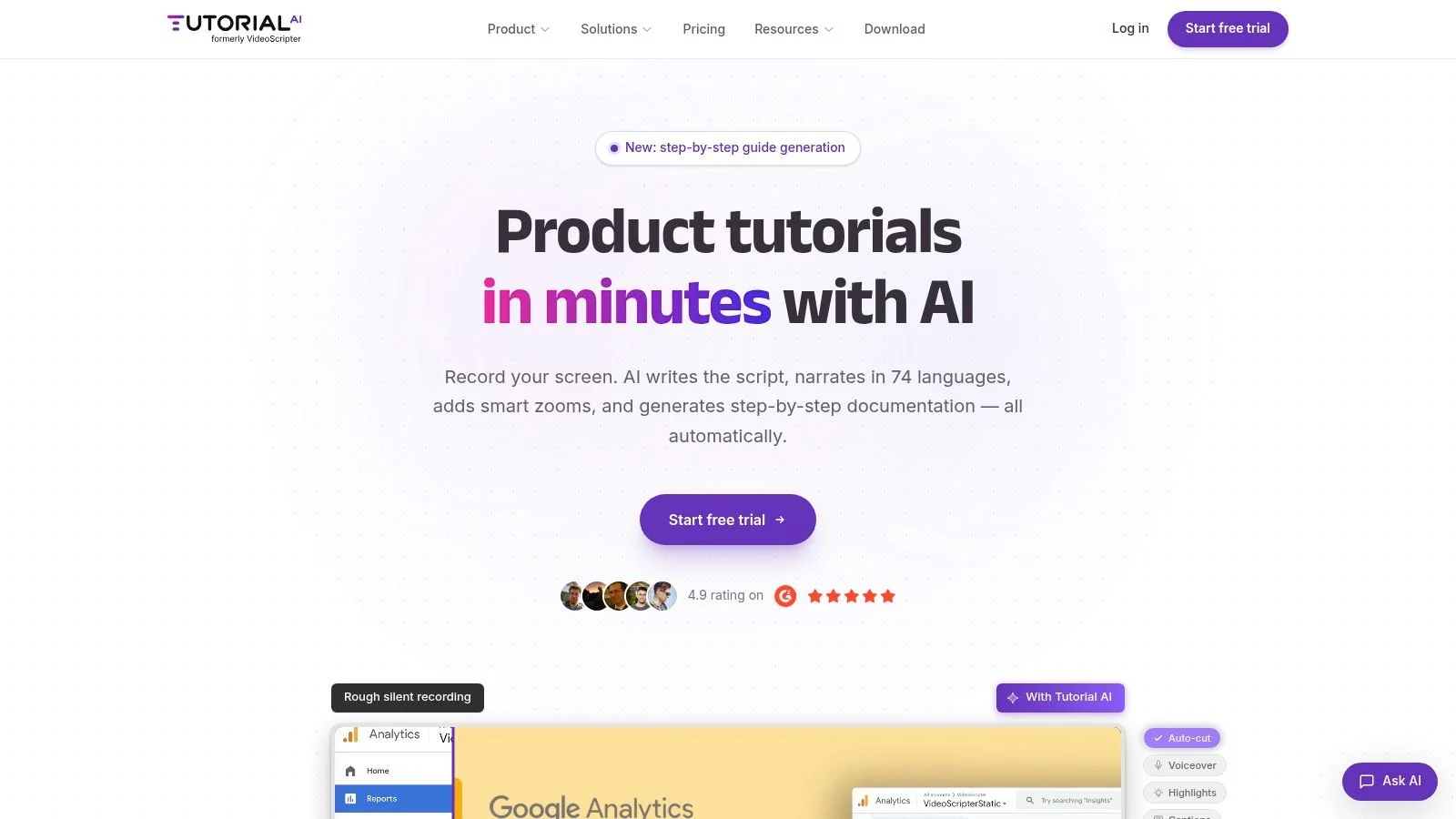
Tutorial AI is the clearest fit when the source material starts as a real product walkthrough. If your SMEs record the screen, explain what they’re doing, and need both a finished video and a written article, this tool is built around that workflow instead of forcing you into a course builder or a traditional video editor.
The key difference is where the editing happens. Instead of trimming a timeline clip by clip, you work from the transcript and script. Tutorial AI transcribes the narration, tightens pacing, adds captions, applies zooms and cursor effects, and generates a matching article from the same recording. For product demos, onboarding, SOPs, help-center videos, and release walkthroughs, that cuts out a lot of repetitive post-production.
A good starting point is this guide on creating training videos with AI, because it matches the kind of team that usually adopts the product first: people who know the workflow but aren’t video editors.
Where Tutorial AI works best
This is a strong option when viewers need to see the actual interface and hear a real explanation. That’s an important distinction from avatar-led tools. Synthetic presenters can work for broad explainer content, but they aren’t ideal when the training depends on showing the live UI, real clicks, and real product states.
It also solves a problem many authoring software examples ignore. Non-instructional teams often need fast maintenance more than deep interactivity. Recent market coverage has started to reflect that shift by including collaborative and AI-centered tools alongside classic course builders, especially for knowledge base, support, and enablement workflows, as noted in Arlo’s discussion of authoring tool examples.
Practical rule: If your team updates product education every time the UI changes, maintenance speed matters more than the fanciest interaction type.
A few capabilities stand out in day-to-day use:
- Edit like a doc: Rewrite the script and the voiceover, timing, and captions update with it.
- Localization workflow: Narration supports 74 languages, and the multilingual player helps teams publish one tutorial across regions.
- Dual output: The same recording produces a video and a written article with screenshots.
- Enterprise fit: Brand Kits, SSO/SAML, SOC 2, and GDPR support matter when tutorials become part of formal enablement or customer education programs.
For trade-offs, pricing isn’t published in a simple upfront grid, so enterprise buyers will need a conversation to understand the full cost. And if your team wants cinematic control, layered motion graphics, or highly custom post-production, a timeline editor still gives more granular control.
For everyone else, Tutorial AI is one of the most practical authoring software examples because it fits how SMEs already work. Record once, refine the script, publish in multiple formats, move on. If you want a broader overview, this curated guide to AI tools is useful context for where this kind of workflow sits.
Website: Tutorial AI
2. Articulate 360
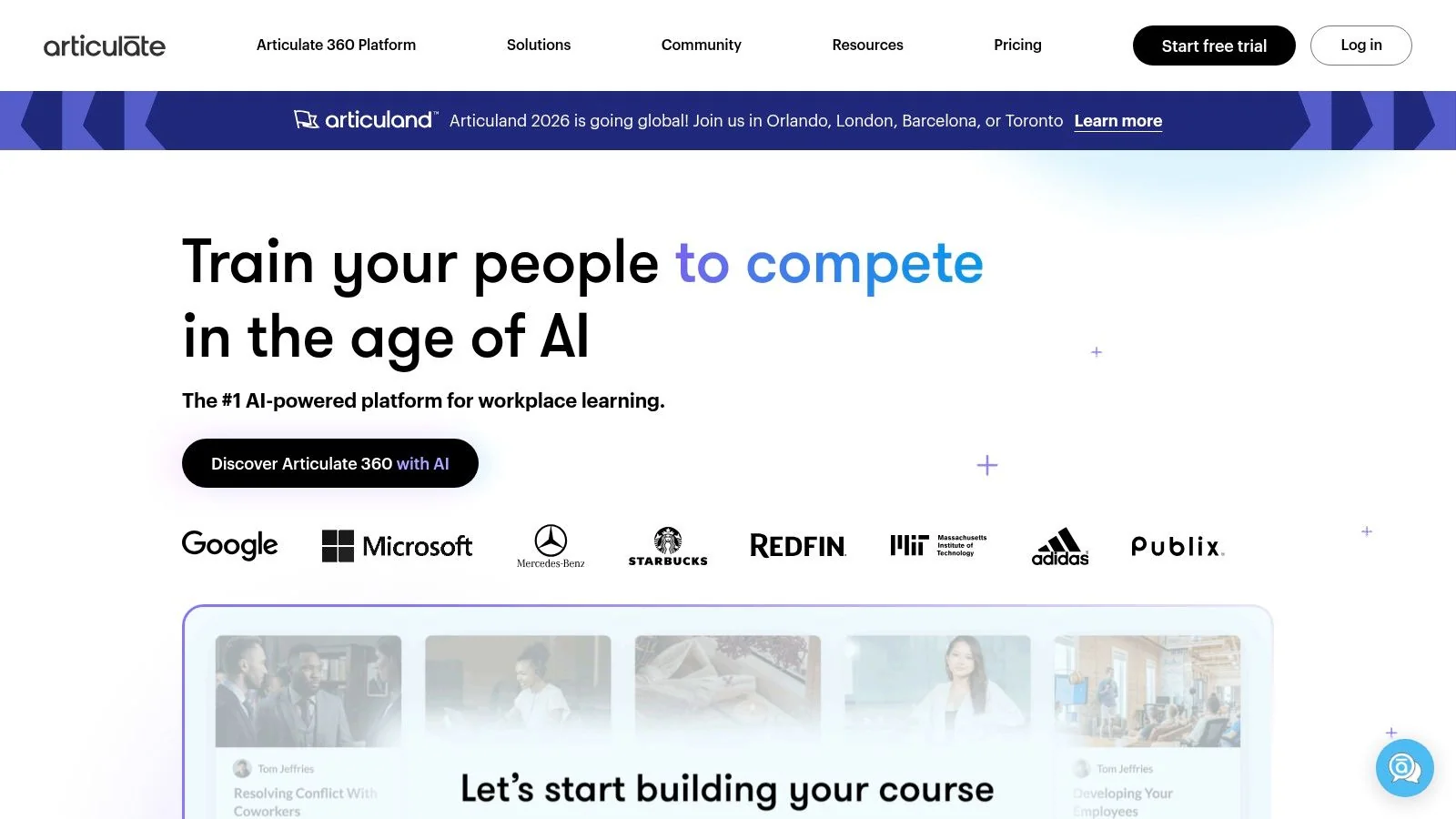
If you ask instructional designers for authoring software examples, Articulate 360 usually comes up first. That’s because it covers two very different production modes in one subscription. Storyline 360 handles freeform interactions and simulations. Rise 360 handles fast, responsive courses with a much lower build burden.
That combination is still hard to beat for L&D teams that need range. You can build a quick policy module in Rise, then switch to Storyline when the project calls for branching scenarios, software simulation, or more customized logic.
Why teams standardize on it
Articulate has become a market standard because it fits established e-learning requirements well. Learning Guild’s 2023 guidance for evaluating authoring software highlights platform support, LMS compatibility, learning curve, and support for formats such as conventional eLearning, microlearning, branching scenarios, simulations, and interactive video. It also names tools like Articulate Storyline 360, alongside Adobe Captivate, Lectora, iSpring Suite, Gomo, Easygenerator, and dominKnow.
In practice, Articulate’s strength is choice without forcing a full platform switch.
- Rise 360: Fast, clean, responsive, easy to review.
- Storyline 360: More freedom, more control, more complexity.
- Review workflow: Built-in review and approval keeps stakeholder feedback centralized.
- Publishing options: SCORM, xAPI, cmi5, web, PDF, and video cover most LMS needs.
Teams that buy Articulate for Rise alone often underestimate how quickly they’ll need Storyline for edge cases.
The trade-off is cost layering. The core suite is already a premium purchase, and teams that need localization, AI features, or expanded distribution should verify the full stack cost early. There’s also a real skills split inside teams. Rise is approachable for many authors. Storyline usually isn’t a casual tool after the first few projects.
Website: Articulate 360
3. Adobe Captivate
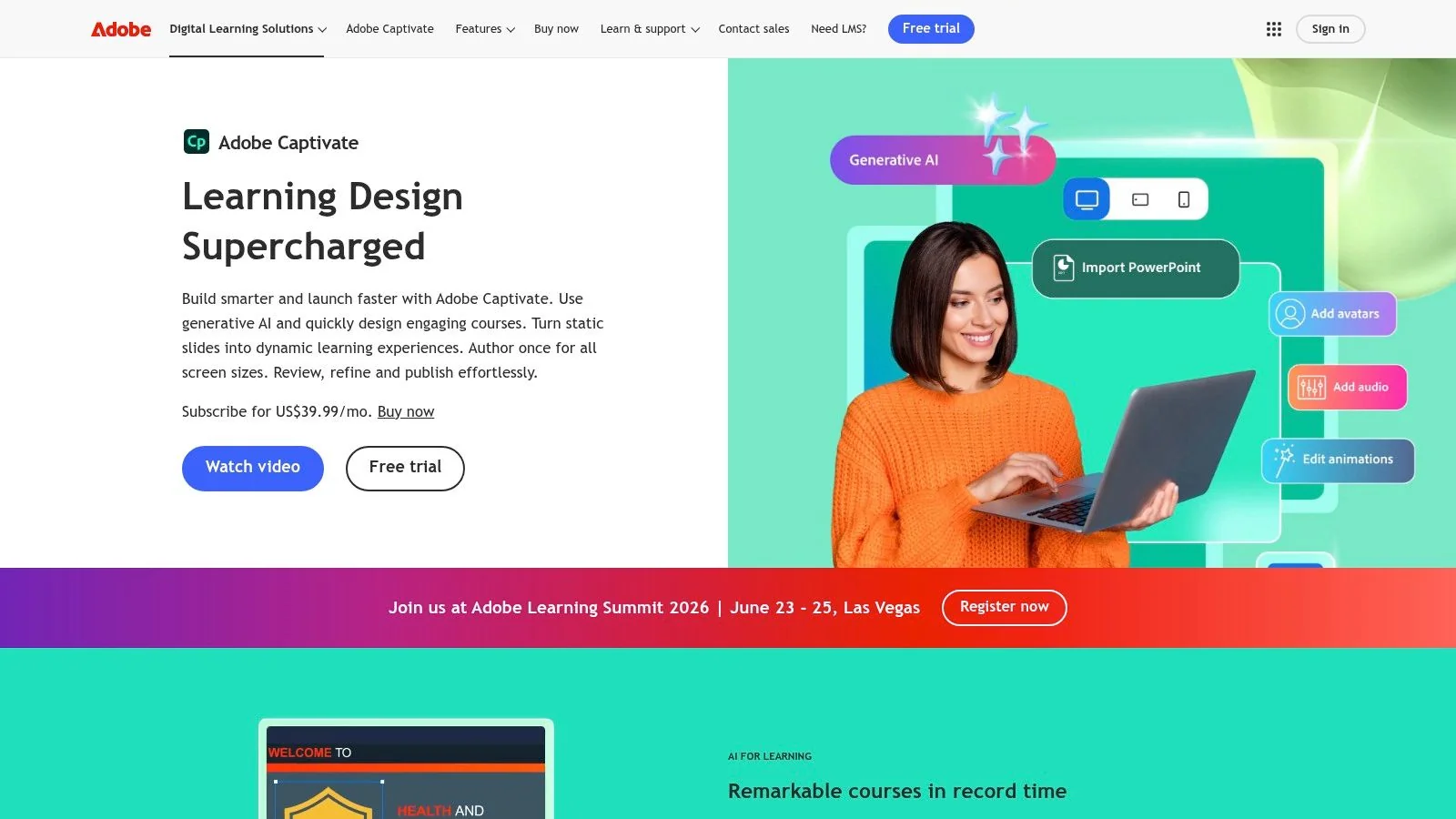
Adobe Captivate sits in an interesting middle ground. It isn’t as beginner-friendly as block-based course builders, but it also isn’t trying to be a giant production suite with a dozen separate tools. For teams that want slide-level control, responsive design options, and smoother reuse of existing PowerPoint material, Captivate still deserves a serious look.
Its current direction favors speed more than older versions did. Smart blocks, AI-assisted creation, PowerPoint import, and browser-based review all make it easier to move from source material to reviewable training without rebuilding everything from scratch.
Best fit for PPT-heavy organizations
Captivate is especially useful when the raw material already exists in slide form. Many corporate teams still start with decks, even when the final output needs to be more interactive than a narrated presentation. Captivate gives those teams a practical bridge.
What usually works well:
- PowerPoint reuse: Editable imports reduce rebuild time.
- Responsive layouts: Smart blocks help courses adapt across screen sizes.
- Branching and widgets: Enough flexibility for scenario-based learning.
- Review flow: Browser review makes stakeholder signoff less painful.
What doesn’t: if your team wants the fastest possible course assembly with minimal training, Rise or iSpring usually feel easier. If your team wants highly customized interactions with a broad community of examples, Storyline often has the edge.
Captivate also benefits from a broader software buying trend. The global software market was estimated at USD 730.70 billion in 2024 and projected to reach USD 1,397.31 billion by 2030, with an 11.3% CAGR from 2025 to 2030. In a market that large, workflow differentiation matters, and Captivate’s pitch is pretty clear: keep more control than a rapid builder, without forcing every team into a heavy custom-development approach.
Website: Adobe Captivate
4. iSpring Suite
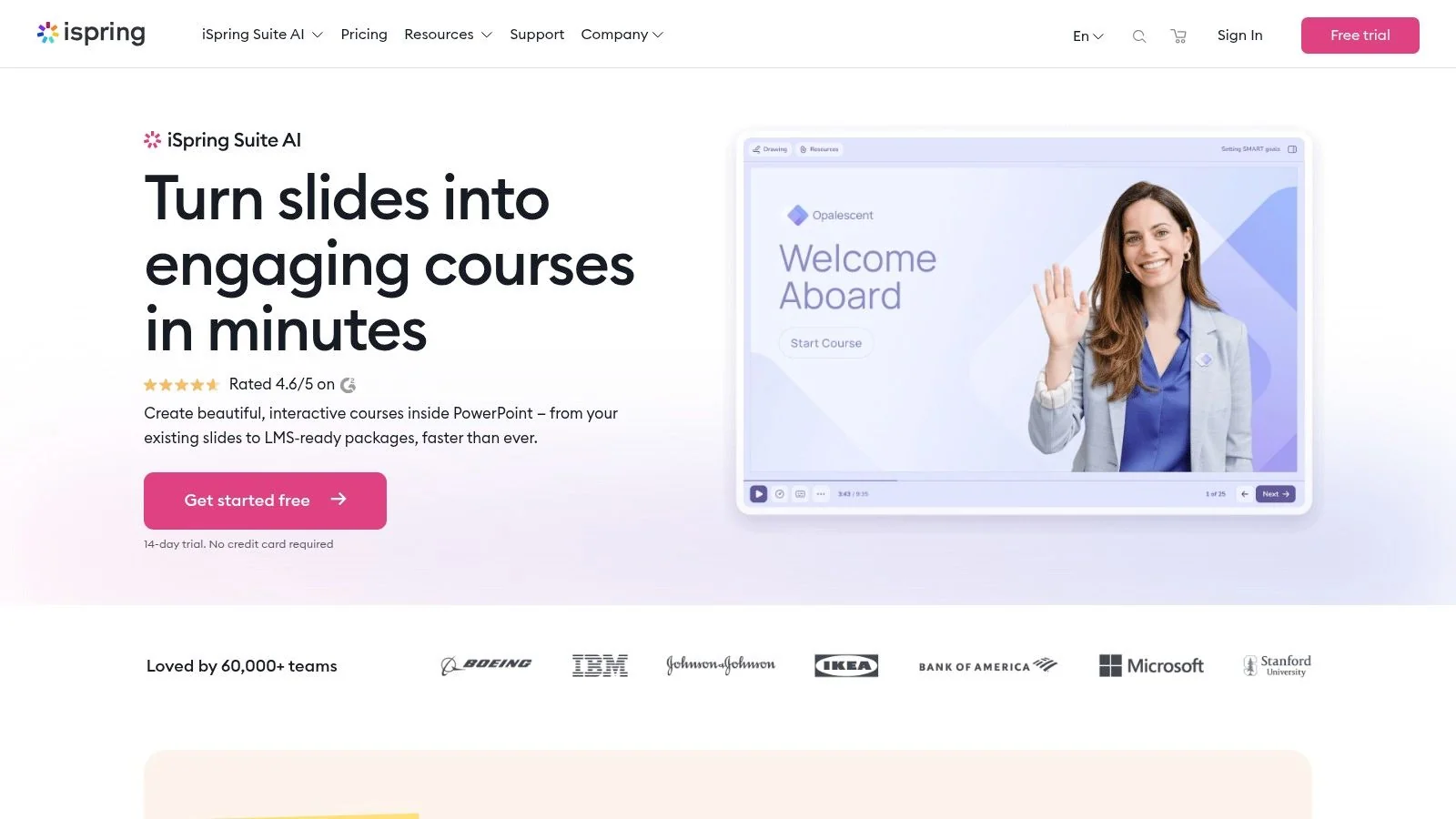
iSpring Suite is what I usually point to when a team says, “We already live in PowerPoint and we don’t want to stop.” That’s not a compromise as much as a workflow decision. If your authors are trainers, HR leads, compliance managers, or internal SMEs who are already comfortable building in slides, iSpring keeps the barrier low.
It handles the usual corporate training outputs well: quizzes, dialogue simulations, screencasts, video lectures, and LMS-ready packaging. That’s why it remains one of the most practical authoring software examples for teams that care more about shipping than experimenting with advanced interaction design.
What it gets right
The learning curve is the main selling point. Authors don’t need to learn an entirely new production model to get SCORM or xAPI outputs. They continue authoring in PowerPoint, then use iSpring to add checks, interactions, and publishing.
A few common wins:
- Low-friction authoring: Familiar interface for slide-based training teams.
- Reliable LMS packaging: Good fit for structured corporate environments.
- Built-in assessment options: Quizzes and dialogue simulations cover common use cases.
- Review support: Easier stakeholder collaboration than slide decks passed by email.
The limitation shows up when the learning experience needs to move beyond PowerPoint logic. Complex interactions, heavily branched simulations, or polished software training often push teams toward Storyline, Lectora, or a dedicated video workflow.
If your team already drafts every course in PowerPoint, don’t overcomplicate the stack unless your content actually demands it.
Another practical point: some organizations pair iSpring Suite with iSpring Learn. That can simplify procurement and deployment, but it changes the cost conversation from authoring tool to broader platform decision. Make sure you’re choosing that bundle for workflow reasons, not because it was the easiest default purchase.
Website: iSpring Suite
5. dominKnow | ONE
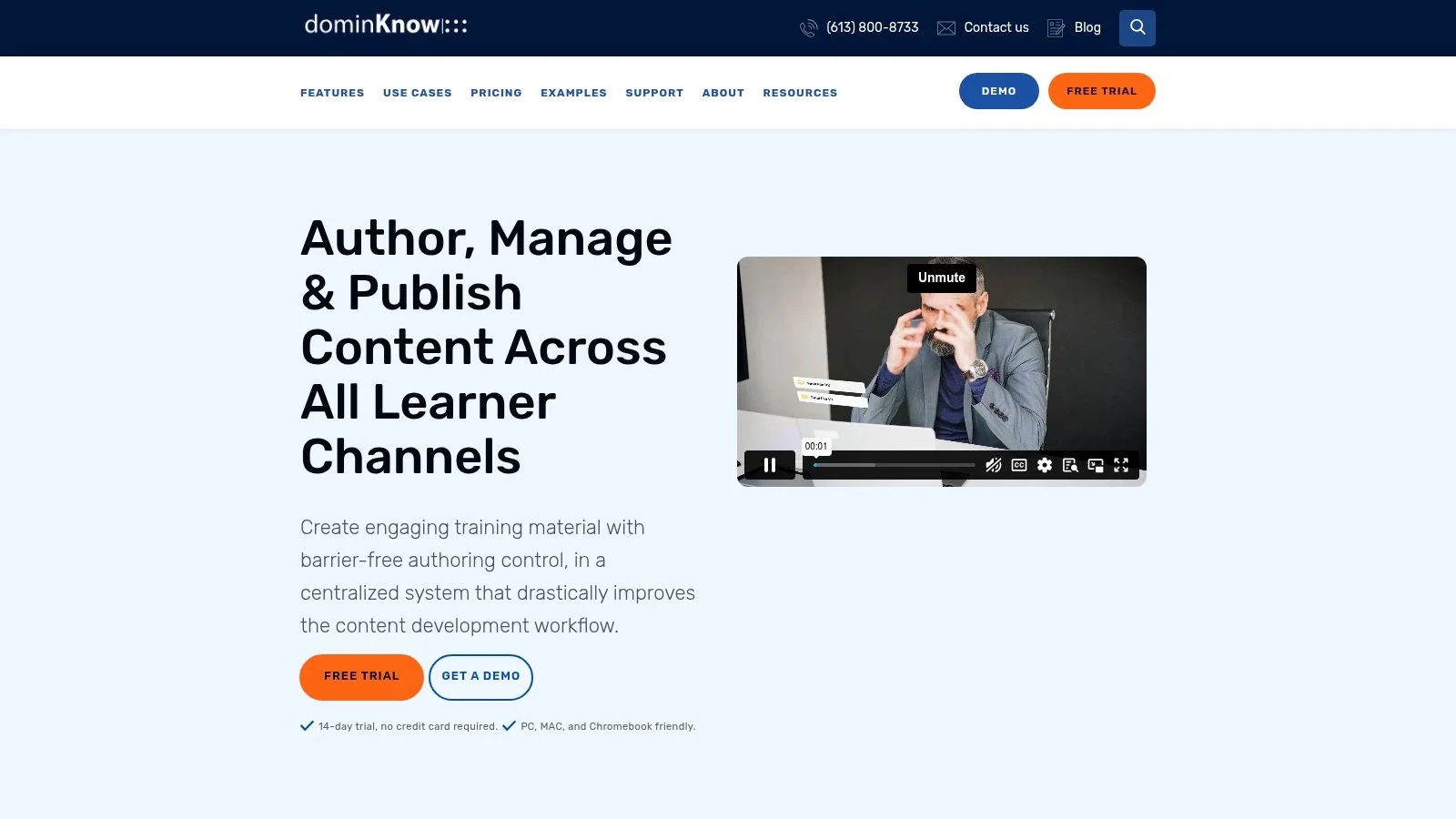
dominKnow | ONE is less about individual course creation and more about controlled content operations. If your team has multiple authors, formal review chains, language variations, governance requirements, and a need to reuse content across projects, this platform makes more sense than a solo-creator tool.
That’s also why it shows up in serious procurement conversations. A lot of teams don’t need just an authoring app. They need a shared system that supports collaboration, review, reuse, and enterprise deployment requirements without the content sprawl that happens when every author works in separate files.
Built for multi-author environments
dominKnow’s strongest feature isn’t any single interaction type. It’s the operating model.
- Real-time collaboration: Multiple people can work, review, and track issues in one environment.
- Content reuse: Shared assets and reusable components lower maintenance effort.
- Language management: Variation handling is useful for global teams.
- Enterprise deployment: SSO, private cloud, and on-prem options fit stricter IT requirements.
Modern authoring increasingly has to plug into broader systems. Enterprise data integration spending is projected at USD 15.24 billion in 2026, reaching USD 47.60 billion by 2034, with growth in the 12.1% to 14.9% CAGR range. For learning teams, that means authoring tools aren’t judged in isolation. They have to work with LMS, CMS, CRM, analytics, and internal governance standards.
dominKnow handles that reality better than many simpler tools. The trade-off is obvious. It can feel expensive and heavy if you’re a small team building a handful of modules each quarter. But if your main problem is version control, shared ownership, and reuse at scale, it’s one of the stronger authoring software examples on the market.
Website: dominKnow | ONE
6. Elucidat
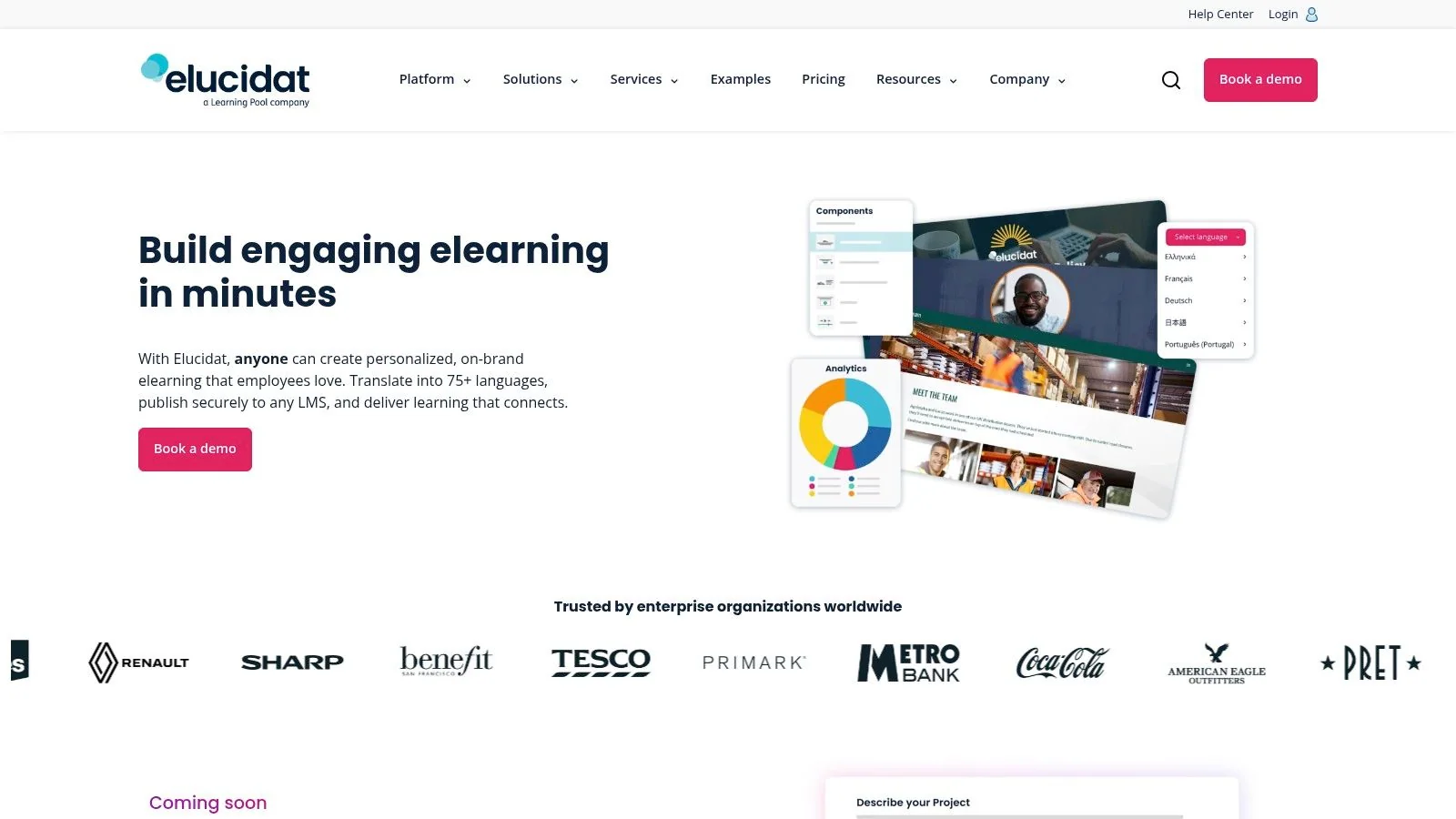
Elucidat is for teams that care about consistency as much as speed. In large organizations, the issue often isn’t whether a course can be built. It’s whether fifty courses can be built by different people without drifting off-brand, duplicating work, or creating maintenance headaches.
That’s where Elucidat tends to stand out. It leans hard into templates, governance, multi-language production, and collaborative creation. You don’t choose it for maximum creative freedom. You choose it when a distributed team needs guardrails.
Strong fit for centralized standards
Elucidat works best when a central L&D, enablement, or compliance function wants to give business units enough flexibility to publish, but not enough freedom to fracture the experience.
Useful strengths include:
- Template-led authoring: Faster output with less design variability.
- Brand governance: Better control over consistency across teams.
- Multi-language workflows: Helpful for organizations publishing in several regions.
- Collaboration and analytics: Easier to manage scaled production and monitor usage.
That makes it a strong option for enterprise training catalogs, franchise or channel education, and large internal academies. It is less appealing for small teams that need one versatile tool and don’t want a sales-led buying process.
The other caution is creative fit. If your instructional designers want to experiment extensively with custom logic or highly bespoke simulations, Elucidat’s strengths can start to feel like constraints. But for organizations where speed, governance, and scale matter more than one-off craftsmanship, that’s usually the right trade.
Website: Elucidat
7. Lectora
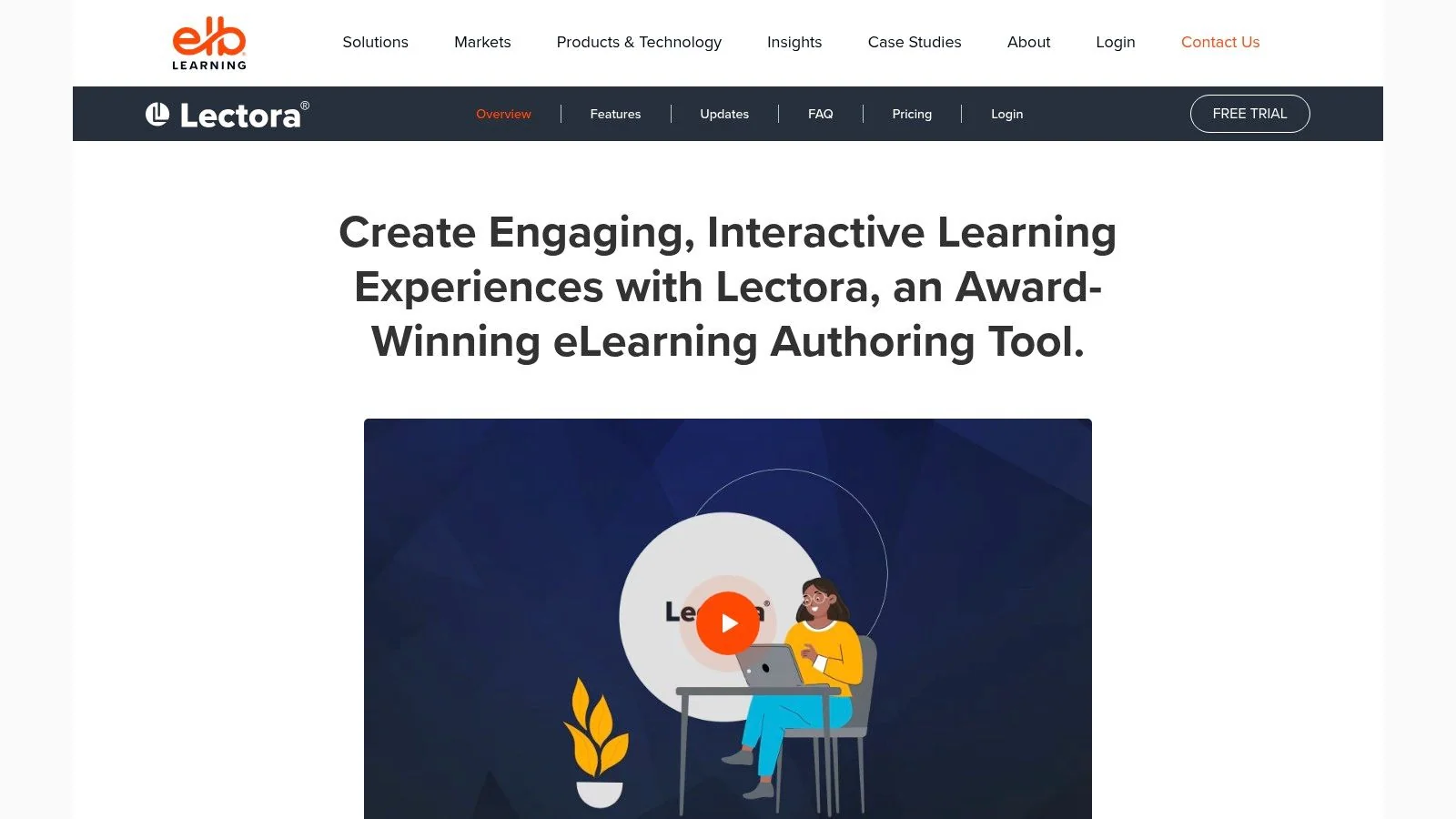
Lectora remains a favorite among teams that need more technical control than rapid tools usually provide. It isn’t the easiest product on this list, and that’s part of the point. When accessibility requirements, scripting, variables, and custom behavior really matter, simpler tools often stop being simple.
Lectora is one of those authoring software examples that rewards specialist ownership. A skilled ID or developer can do a lot with it. A casual author probably won’t enjoy the ride.
Where Lectora earns its place
The value shows up in demanding builds.
- Custom interactivity: JavaScript and variable support open up advanced behaviors.
- Accessibility focus: Useful for teams working against stricter standards.
- Desktop and online options: Helpful for different authoring preferences and IT constraints.
- ReviewLink and assets: Production support is built into the wider workflow.
What I like about Lectora is that it’s honest about its audience. It doesn’t pretend every SME can become productive in an afternoon. It gives capable teams the depth to build more exacting learning experiences.
The wrong way to buy Lectora is as a “just in case” tool. Buy it when your real projects already require technical control.
The downside is predictable. It takes longer to learn, and some teams will need authors with development instincts. If your training needs are mostly straightforward modules, that extra power can become overhead. But if your team is tired of hitting the ceiling in simpler tools, Lectora still deserves a seat in the evaluation.
Website: Lectora
8. Vyond
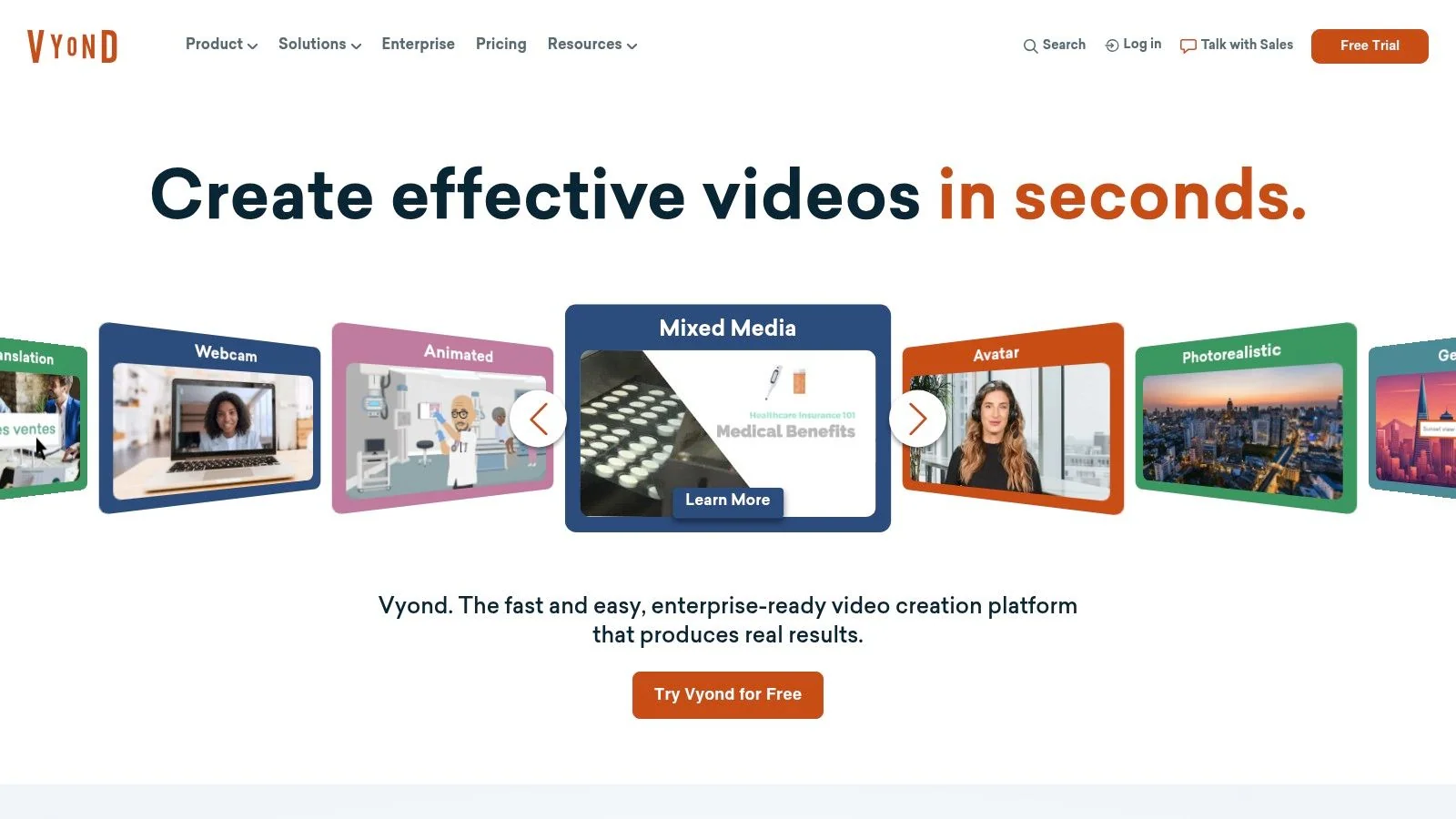
Vyond belongs in this list because not all training needs a recorded screen or a formal course shell. Sometimes the right output is an animated scenario, an internal explainer, or a product marketing piece that teaches through motion and narrative rather than software capture.
It’s especially useful for enablement teams, HR, and communications functions that need repeatable video production without hiring motion designers for every project.
Better for scenarios than software walkthroughs
Vyond does a good job when the visual language is animated by design.
- Animated explainers: Good for concepts, policy, process, and storytelling.
- Avatar and scene control: Useful for role-play or scenario-based content.
- Translation support: Helps with multi-region distribution.
- Brand control: Important for marketing and customer-facing teams.
The limitation is just as important. If your learner needs to see the exact product interface, Vyond isn’t the right first choice. It represents an idea of the workflow, not the actual UI. That’s fine for communication training or scenario work. It’s weak for technical product instruction.
This is the distinction many teams miss when comparing authoring software examples. “Training video” sounds like one category, but animated scenarios and screen-based walkthroughs solve very different problems. Vyond is strong in the first category. It isn’t a replacement for software demo tooling or LMS authoring.
Website: Vyond
9. Camtasia
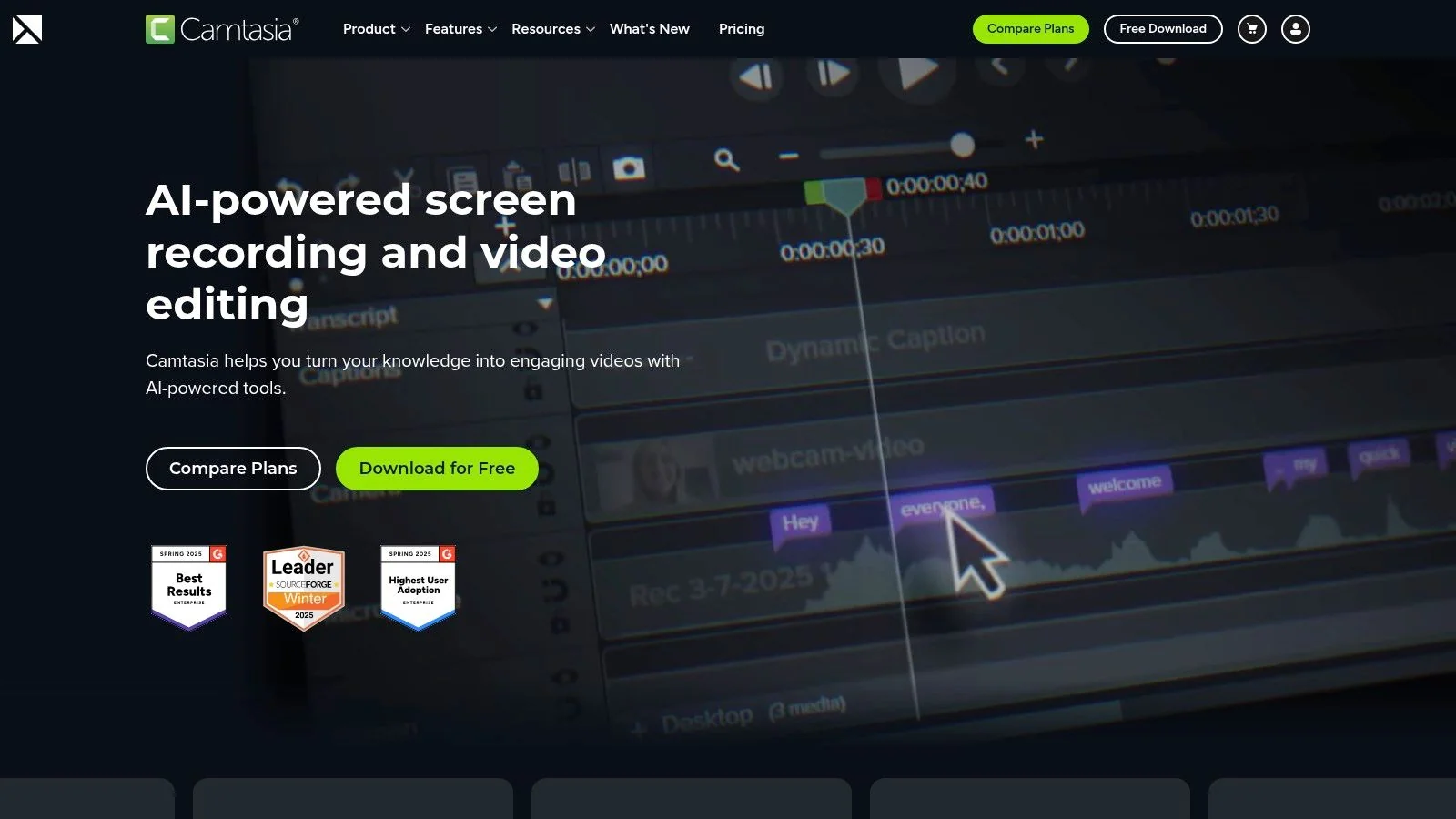
Camtasia has been the default recommendation for software tutorials for years, and for good reason. It records the screen, gives you a non-linear editor, and includes enough effects, callouts, captions, and cleanup tools to finish a training video inside one app.
For many teams, that’s still the right answer. If your process is “record, trim, annotate, export,” Camtasia is reliable and familiar.
A lot of people evaluating it are really asking whether they want a classic editor or a more automated workflow. This guide to screen recording for tutorials is useful framing because it highlights the core issue: recording is only part of the work. Editing and updating often consume more time than the capture itself.
Best for hands-on video production
Camtasia is strongest when the author wants direct timeline control without moving into a full pro editing suite.
- Multitrack editing: More control than lightweight recorders.
- Screen capture and editing together: One environment from recording to export.
- Template support: Helps standardize recurring video types.
- Broad familiarity: Easier hiring and handoff because many teams already know it.
The weakness is maintenance. Timeline editing is fine for one polished asset. It gets slower when you need frequent updates, localization, or a matching written article. Camtasia also isn’t a full course-authoring system, so LMS packaging and richer instructional logic usually require a second tool.
For video-led teams, it’s still a solid choice. But if your SMEs aren’t editors, or if every release creates a wave of content updates, the manual editing model can become the bottleneck.
Website: Camtasia
10. Scribe
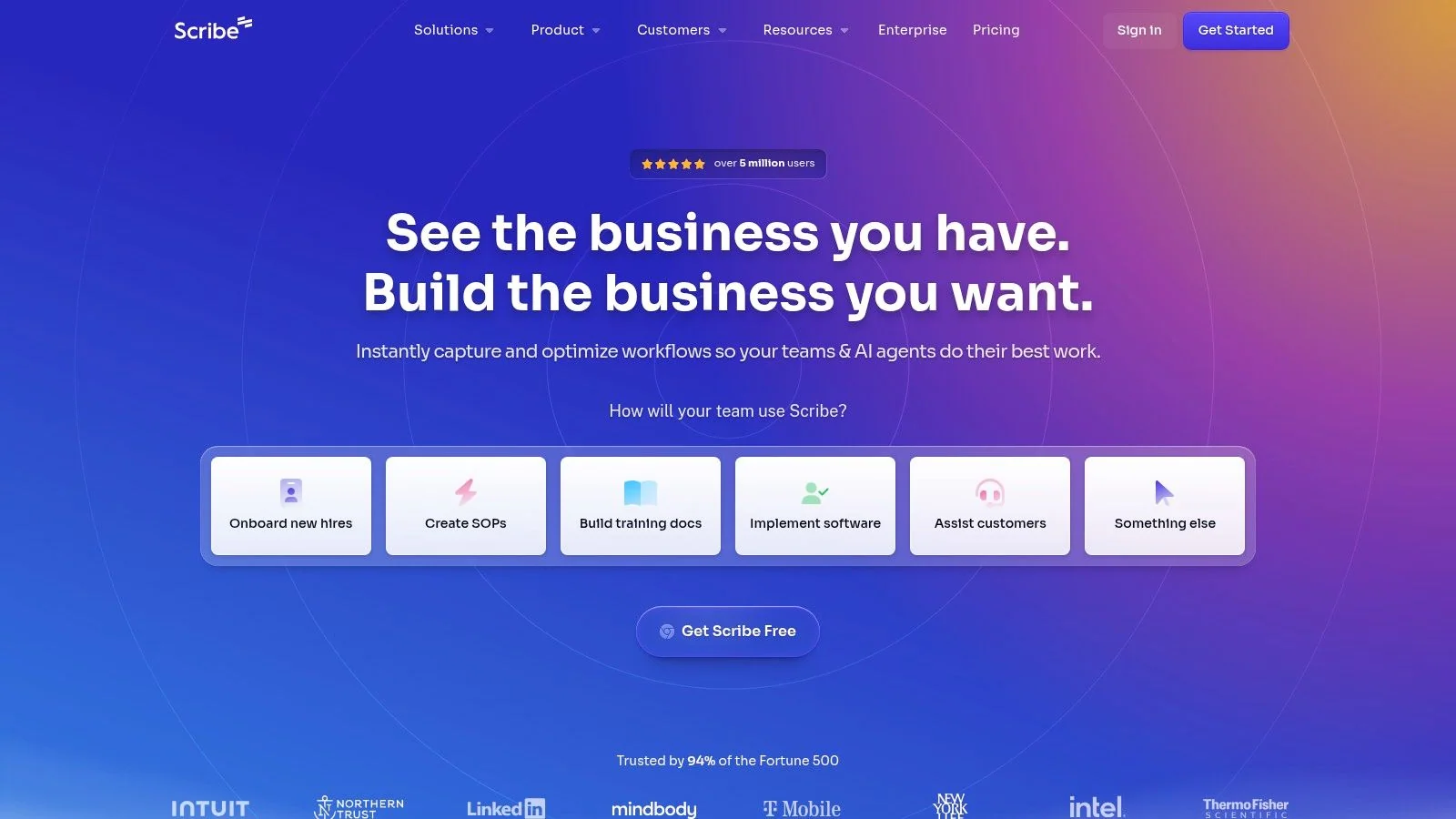
Scribe solves a narrower problem than most tools on this list, but it solves it very well. When the deliverable is a step-by-step process guide, not a course and not a polished video, Scribe can be the fastest path from action to documentation.
That’s why support teams, operations teams, and internal enablement groups often like it. You perform the process once, and Scribe turns it into an annotated guide with screenshots and written steps.
Ideal for SOPs and process documentation
Scribe is easy to underestimate if you come from an LMS or e-learning background. But many teams don’t need interactivity. They need usable documentation that can be embedded in a knowledge base, wiki, or internal handbook.
A few places it works well:
- SOP creation: Repeatable internal processes.
- Help content: Quick how-to articles for support and customer success.
- Guide collections: Pages let teams combine multiple guides into longer docs.
- Embedded workflows: Sharing and embedding are straightforward.
For teams thinking about documentation automation more broadly, this overview of AI for documentation is a useful companion perspective.
The trade-off is depth. Scribe isn’t trying to be Storyline, Captivate, or even a full tutorial video platform. It doesn’t offer deep instructional logic, and some desktop capture functionality sits behind paid tiers. But if your biggest problem is that no one has time to document recurring workflows, Scribe is one of the most immediately useful authoring software examples you can test.
Website: Scribe
Top 10 Authoring Software, Feature Comparison
| Product | Core features | UX & quality | Value & pricing | Best for | Unique strengths |
|---|---|---|---|---|---|
| 🏆 Tutorial AI | ✨ AI screen recording + “Edit like a Doc”, AutoRetime™, 74 languages, docs-from-video | ★★★★★ 4.9 | 💰 Free → Enterprise; advanced voices & cloning on higher tiers | 👥 Customer education, enablement, L&D, technical docs | ✨ AutoRetime™, cursor tracking, instant script→voice/captions |
| Articulate 360 (Storyline + Rise) | Storyline + Rise, 1,000+ templates, AI drafting, SCORM/xAPI export | ★★★★☆ | 💰 Premium subscription; add‑ons can raise cost | 👥 ID teams needing deep interactivity & LMS output | ✨ Deep interactivity + huge asset library |
| Adobe Captivate | Responsive smart blocks, PPT import, branching scenarios, AI assist | ★★★★☆ | 💰 Subscription; per‑seat pricing via billing flow | 👥 Teams reusing PowerPoint & needing slide control | ✨ PowerPoint conversion + responsive layout tools |
| iSpring Suite | PowerPoint‑first authoring, quizzes, screencasts, SCORM/xAPI | ★★★★☆ | 💰 Cost‑effective for PPT users (licensing varies) | 👥 PowerPoint authors + corporate LMS teams | ✨ Familiar PPT workflow → predictable LMS packages |
| dominKnow | ONE | Cloud LCMS, real‑time coauthoring, translation management | ★★★★☆ | 💰 Higher entry; minimum seats on some tiers | 👥 Large teams standardizing governed authoring |
| Elucidat | SaaS authoring, brand governance, templates, translation workflows | ★★★★☆ | 💰 Sales‑assisted pricing; enterprise focus | 👥 Global brands & scalable teams | ✨ Brand control + personalization at scale |
| Lectora (by ELB Learning) | Deep interactivity, JS extensibility, accessibility tools | ★★★★☆ | 💰 Enterprise pricing; desktop/online options | 👥 Advanced authors, accessibility‑focused builds | ✨ Extensible scripting + accessibility reporting |
| Vyond | Animated video editor, AI text→video, avatars, translation | ★★★★☆ | 💰 Tiered plans; costs grow with seats/features | 👥 Marketing, enablement, scenario & explainer videos | ✨ Fast on‑brand animated scenario production |
| TechSmith Camtasia | Multitrack screen recording + non‑linear editor, AI tools | ★★★★☆ | 💰 Paid license / subscription options; video‑focused | 👥 Video creators, trainers making demos & tutorials | ✨ Robust capture → edit workflow in one app |
| Scribe | One‑click process capture → step‑by‑step guides, Pages, embed | ★★★★☆ | 💰 Freemium → paid tiers for desktop features | 👥 Support teams, ops, SOP documentation | ✨ Instant guide generation & interactive “Guide Me” |
From Authoring to Impact Making Your Final Choice
A team records a new product release on Tuesday, publishes training on Wednesday, and by Friday the UI has already changed. That is the critical selection test. Choose the tool that fits the content you need to ship repeatedly, the people who will build it, and the cost of updating it a month later.
The cleanest way to decide is by workflow, not by feature count.
If the core job is product walkthroughs built from real screen activity, start with the video-first tools. Tutorial AI fits teams that need one recording to become both a polished tutorial and usable documentation. Camtasia fits teams with editing skill and time to shape footage on a timeline. Vyond fits teams producing animated explainers, scenarios, and character-based training. All three can support training, but they solve different production problems.
If the output is a formal course packaged for an LMS, the traditional authoring suites make more sense. Articulate 360 remains a safe choice for many instructional design teams because Storyline handles custom interactions well and Rise speeds up simpler builds. Captivate and Lectora are better evaluated when responsive behavior, accessibility controls, or deeper technical customization matter enough to justify a steeper build process. iSpring Suite stays practical for organizations that already create in PowerPoint and need a faster path to publishable course content.
Some teams have a different bottleneck. They do not struggle to build one course. They struggle to coordinate authors, control templates, manage localization, and reuse approved content across business units. That is where dominKnow | ONE and Elucidat earn their place. The trade-off is cost and implementation overhead, but those platforms address governance problems that smaller tools do not handle well.
Scribe belongs in the rapid documentation lane. It will not replace a course builder or a video editor. It does reduce the work involved in creating SOPs, support instructions, and step-by-step process guides, which is often the faster answer when the business problem is documentation coverage rather than instruction design.
Choose the tool that makes updates cheap. Teams often spend more effort maintaining product education, process docs, and compliance content than publishing the first version.
Cloud collaboration is now the default expectation for many buying teams, especially when reviewers, SMEs, and designers work across locations. That does not mean every browser-based platform is the right fit. It means review speed, version control, and publishing workflow should carry as much weight as interaction libraries or visual polish.
Run the trial against a real asset. Use an actual release walkthrough, compliance module, support article, or enablement lesson. Measure how quickly an SME can contribute, how painful revisions are, what the reviewer experience looks like, and how easily the final output reaches the LMS, knowledge base, or help center.
If your team needs to turn real screen recordings into polished tutorials, demos, and documentation without building an editing-heavy workflow, try Tutorial AI. It’s a practical fit for customer education, support, enablement, and internal training teams that need to ship clear product content fast, keep it on brand, and update it without rebuilding from scratch.