CRM training
Record how to create a lead, update a deal, and assign an owner.
Record any software workflow once. Tutorial AI turns it into a polished tutorial video and a step-by-step training guide with screenshots, AI narration and editable instructions. Review the result, then publish it to your team, help center or LMS.
Built for Software Training
AI detects each click and action, turning your recording into clear, numbered steps automatically.
One recording creates both a narrated video tutorial and a written guide with screenshots.
Automatically blur confidential information on screen — keep training materials safe to share.
Record without audio — AI generates professional narration and scripts from your screen actions.
Software training usually needs the same workflow in more than one format.
Create a video for people who want to watch, written steps for quick reference, and screenshots that stay connected to the process — all from the same recording.
AI-powered walkthroughs
AI-generated narration
Automatic documentation
From recording to published training
Video and documentation
The video and written instructions stay connected to the same source workflow, so your team does not have to build or maintain two separate training assets.
AI-generated voiceover, smart zoom effects, cursor smoothing, captions, and professional transitions — all automatic.
AI-generated written documentation with screenshots, numbered steps, and descriptions — ready for your knowledge base or CMS.
Practical workflows
Start with a real task that someone needs to complete. Record it once, then reuse the generated video, written steps, and screenshots wherever people learn or look for answers.
Record how to create a lead, update a deal, and assign an owner.
Record the first setup workflow a new customer should complete, then add it to your customer onboarding tutorials.
Document an approval, reporting, or account-management process and reuse it in your SOP documentation.
Turn a product workflow or common admin task into a tutorial video and a matching help article.
Build the first draft with AI scripts and Ask AI, choose from AI voices for tutorials, edit the tutorial video like a document, and generate documentation from the recording.
Software tutorial maker FAQ
A software tutorial maker helps you capture a workflow and turn it into training people can follow. Tutorial AI starts with a screen recording and creates a tutorial video plus written step-by-step documentation from the same recording.
Yes. You can record the screen silently, then generate and edit the narration as text and use an AI voice for the finished tutorial.
Yes. Tutorial AI can produce a narrated tutorial video and a written guide with screenshots from one recording, so you do not need to build the two formats separately.
Yes. You can edit the script, narration, visual emphasis, and written documentation before publishing. This is useful when the workflow is correct but the explanation needs cleanup.
Yes. Tutorial AI supports multilingual AI narration and translation across 74 languages, with localized versions kept connected to the source content.
Yes. Tutorial AI supports sharing and embedding, plus SCORM export for LMS delivery and completion tracking.
Security
 Hide confidential data on your screen effortlessly Keep customer and employee information secure Build trust with safer training materials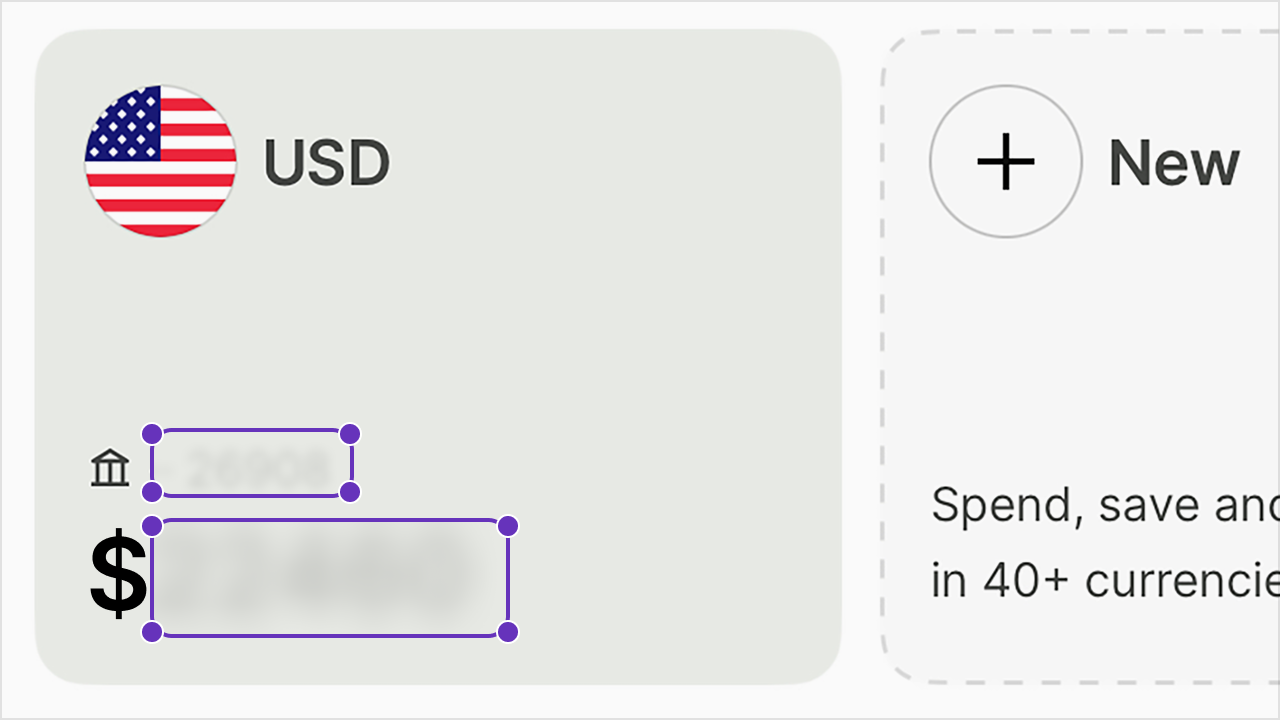
Publish & Share
Publish and share videos instantly via link.
One code snippet for any website, LMS, or CMS.
Edits go live instantly — no re-sharing needed.
One workflow, reusable training
AI builds the script, narration, steps, and screenshots from the workflow you record.
Every recording produces both a video tutorial and a written guide.
Translate training content for global teams automatically.
Folders
Nest folders by department, system, or version Translated versions auto-group with the source in a Translation Folder Move projects between team workspaces without losing structure 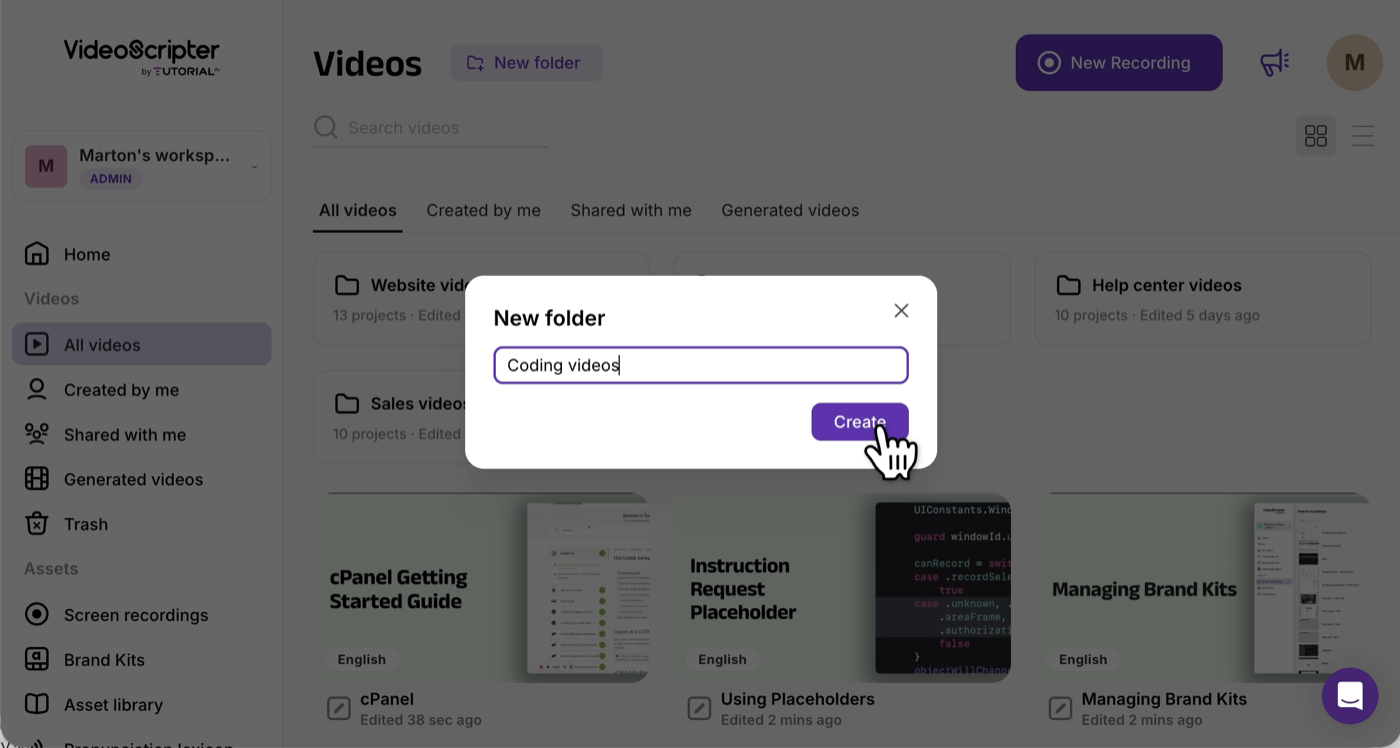
Multilingual Player
One embed includes every translated version of a tutorial Trainees switch language directly in the player — no per-locale builds Add a new language → existing embeds across your LMS auto-update 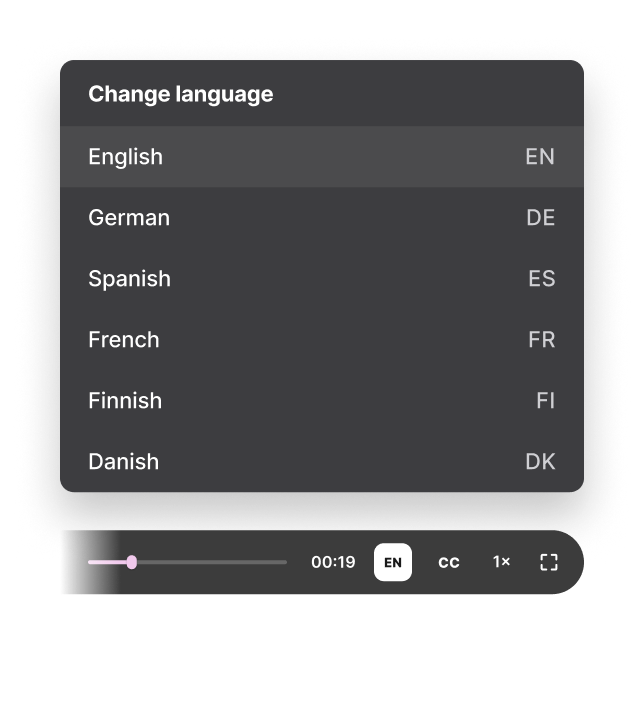
SCORM Export
Package any video as a SCORM 1.2 or 2004 course for your LMS Set the completion threshold (50–100%) — completion reports back automatically Edit and republish anytime — the package references the live embed, no re-export needed 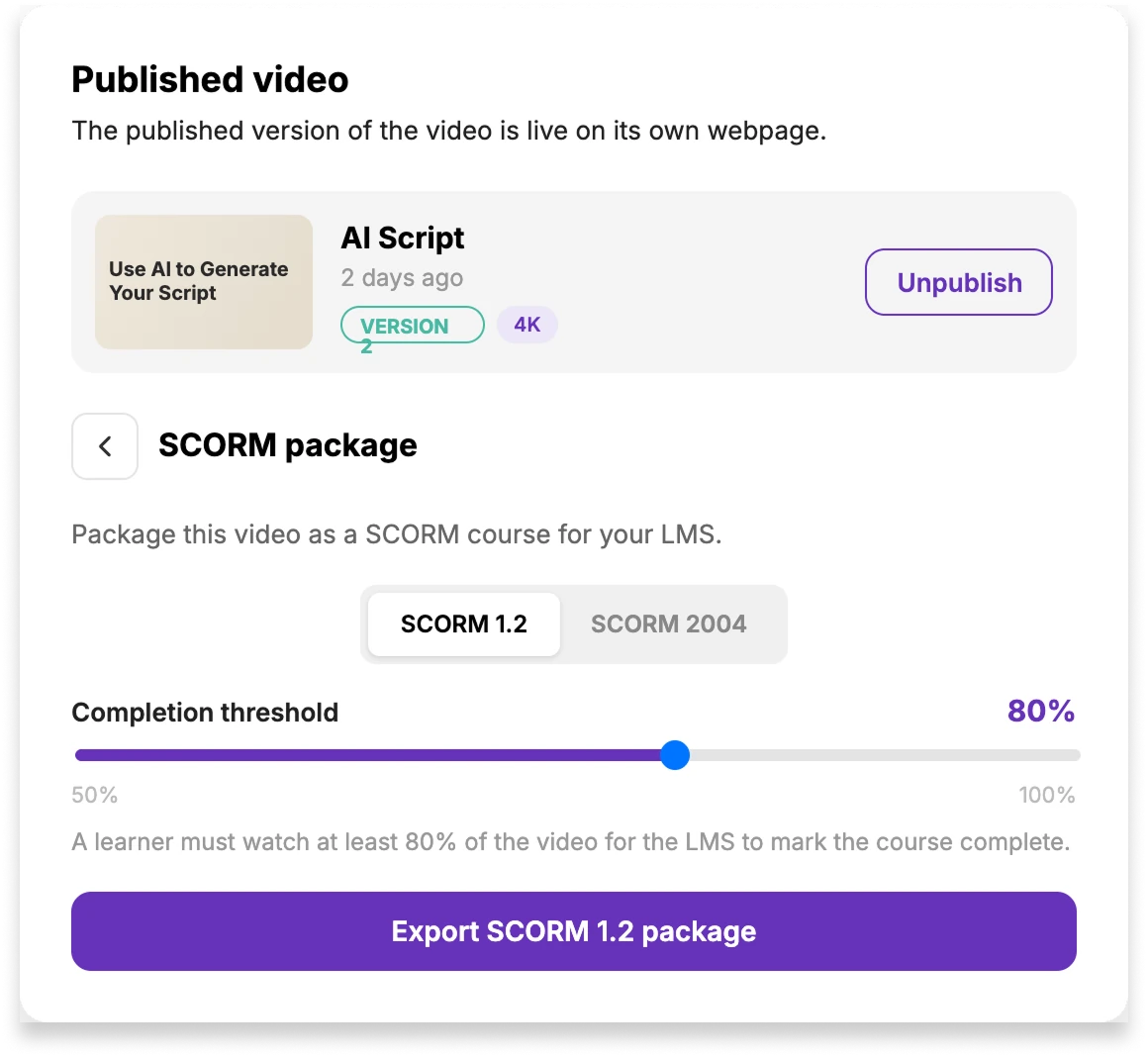
Record the workflow once, review the AI-generated video and guide, then publish the training where your users or team already work.