New: step-by-step guide generation Video tutorials
Video tutorials
in minutes with AI
Turn silent screen recordings into polished videos & documentation.
Start with a short screen recording. Review the AI script, then create your video and written guide.
Rough silent recording
With Tutorial AI
Unmute to hear the difference
Auto-cut
Voiceover
Highlights
Cursor
Captions
Zoom
Auto-hide
Smoothing
Blur
Slides





Trusted by innovative teams worldwide










See the tutorial. Explore the written guide.
Inspect existing product examples before you start. Review the narration, text and screenshots before sharing your own workflow.
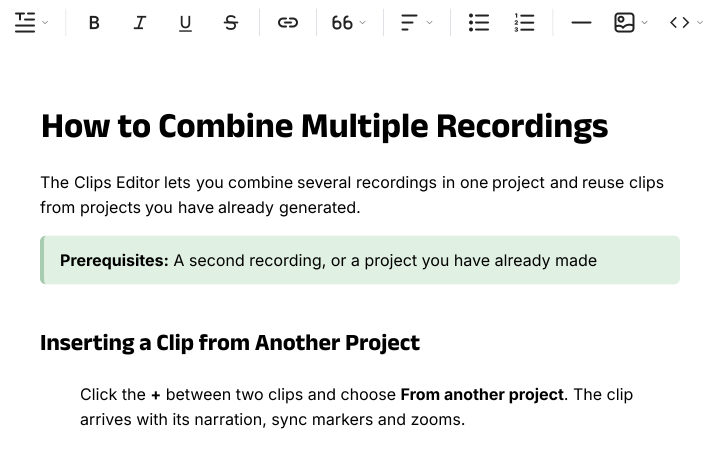
A guide people can follow
Explore the exampleHow it works
Your first tutorial in four steps
Step 01
Record or upload
Record a short workflow with Tutorial AI or upload an existing screen recording.
Step 02
Review the script
Check the AI-generated script, edit the wording, and choose a narration voice.
Step 03
Create your video and guide
Generate your video, then open the Document tab to create a written guide with screenshots.
Step 04
Review and share
Check the video and guide for accuracy. Make any final edits, then export or share.
What do you need to explain?
Start with the task your audience needs to complete.

Thomas Akos
Retail Board Member
28%
Less churn
3x
Faster onboarding
200+
Tutorials created
AI handles the tedious parts
Every edit your video needs — done by AI.
Scripts
AI-Written Scripts
AI removes filler words and rewrites your script clearly and concisely, perfectly matching your brand voice.
Voiceovers
Studio-Quality AI Narration
Your voice is replaced with natural-sounding AI narration in 74 languages, with regional accents and speaking styles — polished and ready to publish.
Auto-Zoom
Auto-Zoom on Key Actions
AI detects key interactions and adds smooth zoom-and-pan effects that guide the viewer's eye.
Captions
Auto-Synced Captions
Auto-generated, perfectly timed captions make your tutorials accessible and engaging.
Documentation
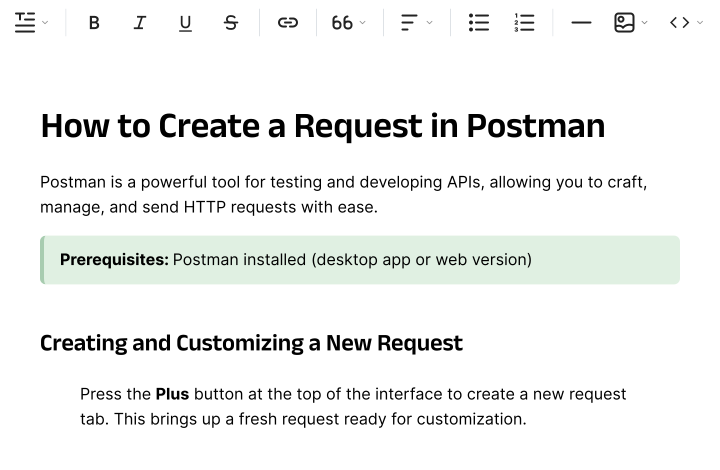
Instant Documentation
Written step-by-step docs alongside your video — perfect for knowledge bases and onboarding.
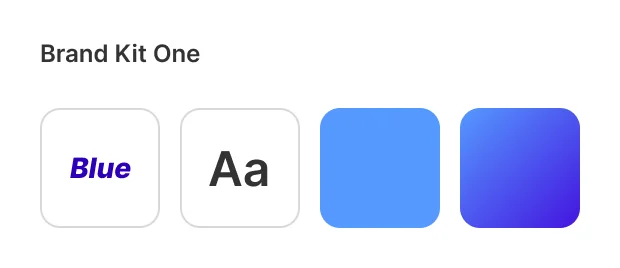
Branding
Your Brand, Every Video
Apply your brand colors, logos, and intro/outro sequences for consistent tutorials.
What’s new
More control over your tutorials
MCP for your AI assistant
Connect your AI assistant to Tutorial AI to work on scripts and projects. MCP is available to everyone.
Explore MCPBeta · Paid plans
Replace Clip
Replace outdated footage while keeping narration that still fits. AI adjusts the lines that need to change. Review the result before sharing.
See Replace ClipHighlights timed to your words
Select the area to highlight and the narration it should stay on screen for. The highlight lasts as long as those words take.
Explore HighlightsAutoRetime™ Translations
Hola. Hallo.
こんにちは. नमस्ते.
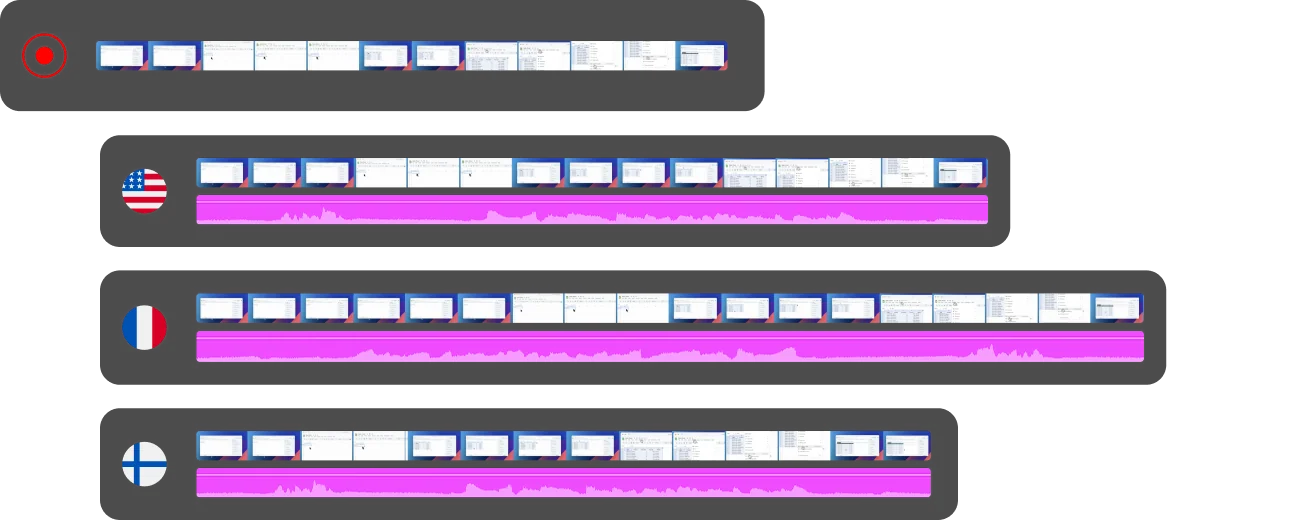
Languages vary in length — but your video shouldn't break. AutoRetime™ automatically adapts video timing, keeping captions, call-outs, click events, and cuts flawlessly in sync.
Translate voiceover, captions, and documentation into 74 languages with a single click.
Watch: raw recording to finished tutorial in 90 seconds
See how Tutorial AI transforms a raw screen recording into a polished tutorial in under 2 minutes.
Start free trial140,000+
Tutorials created
800+
Teams worldwide
74
Languages supported
4.9/5
Average rating

Use cases
Every team.
One tool.
Customer Education
Onboard users faster with clear, consistent product tutorials that scale with your customer base.
Testimonials
You're in good company
"Our teams can quickly turn complex bioinformatics workflows into clear, accurate content—then adapt it across multiple languages without losing precision. It's become an essential tool for both our training and sales enablement efforts."

Attila Berces
SVP of Transplant Innovation & Post-Transplant, Werfen SA
"The multilingual support is a game-changer. We now ship tutorials in 12 languages without hiring a single translator or voice actor."

Roland Dzogan
CEO, YDistri Inc.
"Our sales team used to spend hours recording custom demos for every prospect. Now they send a polished Tutorial AI walkthrough in minutes — and close deals faster."

Naoko Ryde
VP of Sales Enablement, Factbird ApS
SOC 2 Type II
Certified
ISO 27001
Certified
4.9
on G2.com
And there's more
Still not convinced?
Shape the Story
Enhance the Audio
Ready to create your
first tutorial?
Join thousands of teams creating professional product tutorials in minutes, not days.
FAQ
Frequently asked questions
What is Tutorial AI?
Tutorial AI is an AI-powered platform that transforms raw screen recordings into polished, professional product tutorials — complete with scripts, voiceovers, zoom effects, captions, and written documentation.
How does the AI voiceover work?
You can either stay silent during the recording or speak as you go. If you stay silent, Tutorial AI watches your screen actions and generates a clean script for you. If you narrate, we transcribe your voice and enhance it into polished narration. Either way, you can edit the script word-by-word and the AI regenerates a studio-quality voiceover instantly in 74 languages.
Who is Tutorial AI for?
Product, customer support, learning & development, and sales enablement teams who need polished tutorials and documentation faster than scripting, recording, and editing manually allows. Our customers range from growing SaaS companies creating customer onboarding and sales enablement material to enterprises with 500+ employees capturing internal workflows and turning them into training content for staff — anyone who needs to teach a software workflow benefits.
Can I edit the script and content after AI generates it?
Yes. Edit the script like a Google Doc — change a word, rearrange sentences, or ask AI to rewrite a section — and the voiceover regenerates instantly. You can also swap voices, change the language, adjust pacing, or re-narrate any segment without touching a timeline.
Can my team collaborate on tutorials?
Yes. Invite teammates to comment, edit, or co-own tutorials. Brand Kits keep every team member's output on-brand. Larger plans add shared workspaces, asset libraries, and approval workflows.
How is my data secured?
Tutorial AI is SOC 2 Type II certified. Your recordings and data are encrypted at rest and in transit. We never use your content for training our AI models.