You’ve already built the hard part: the product demo, the onboarding flow, the support walkthrough, or the internal training. Now the bottleneck is Spanish narration. Recording every revision with a human voice actor usually doesn’t fit fast-moving documentation work, especially when scripts keep changing after product reviews or legal edits.
That’s where text to speech free spanish tools earn their keep. The difference is that not all of them fit the same workflow. Some are best for a fast MP3 mockup. Some are stronger when you need browser playback for accessibility. Others make sense only if you’re wiring Spanish narration into a larger app or content pipeline.
Spanish text-to-speech has also moved well beyond a niche accessibility utility. Major vendors now bundle Spanish into large multilingual catalogs, and tools increasingly let you paste text, pick a voice, and generate downloadable audio directly on the web in seconds, often through free access points such as ElevenLabs Spanish text to speech. For content teams, that matters because you can test voice direction early instead of waiting for a full localization production cycle.
The useful question isn’t “which tool is best?” It’s “which tool fits the job?” If you need quick narration for a support clip, your choice should differ from what you’d use for a multilingual help center or a website read-aloud feature. These 10 tools are grouped by real workflow fit, with the trade-offs that matter when you’re shipping content continuously.
1. AI Voices from Tutorial AI
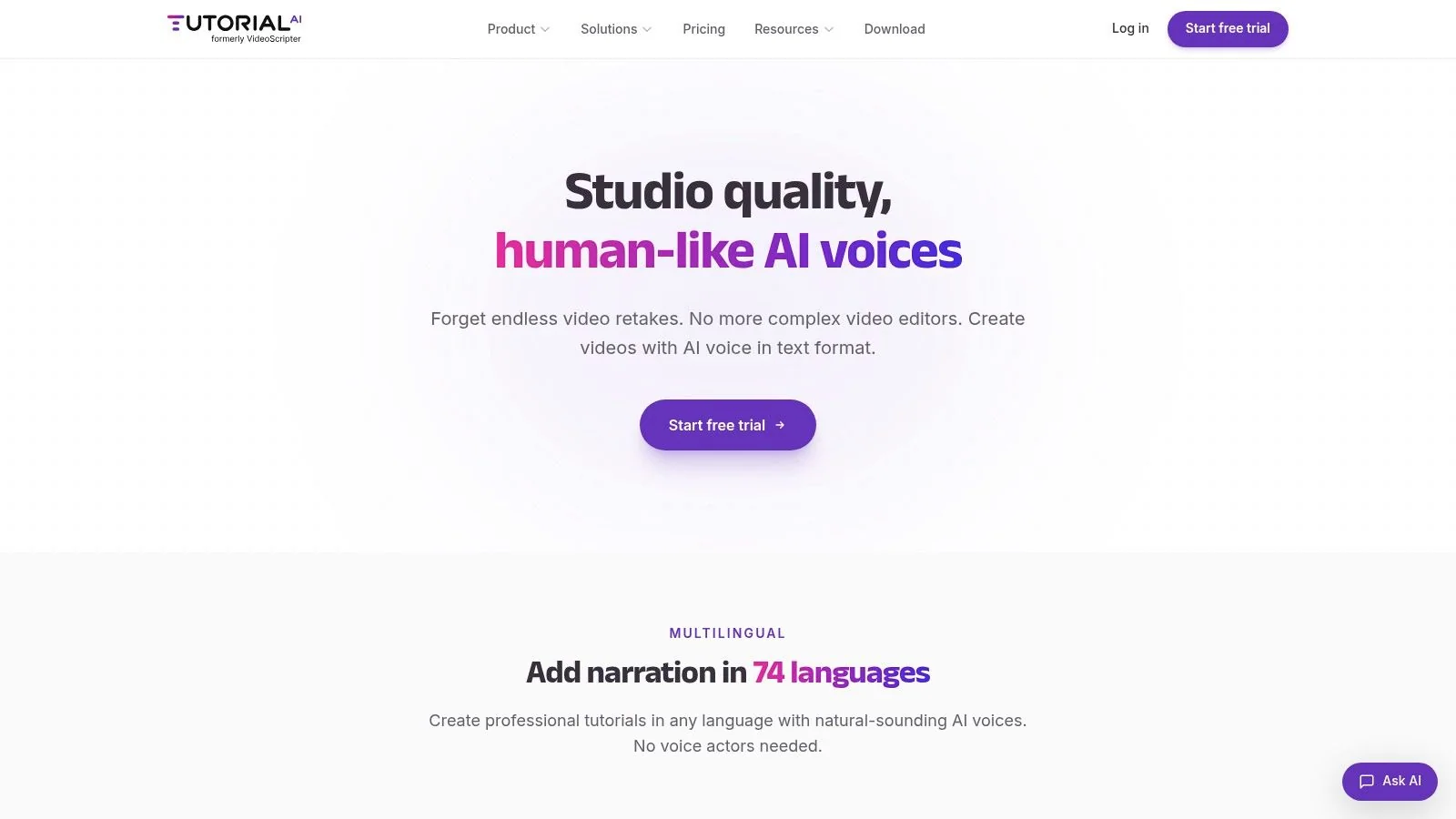
If your end goal is a finished tutorial, not just a detached audio file, AI Voices from Tutorial AI is the most workflow-aware option in this list. It’s built for screen recordings, product demos, help-center videos, internal SOPs, and onboarding content where the script keeps evolving after you record.
The practical advantage is tight coupling between script, voiceover, captions, and scene timing. In most tools, changing one sentence means re-exporting audio and then nudging everything back into place in Adobe Premiere Pro or Camtasia. In Tutorial AI, you revise the script and the platform regenerates the narration and timing together, which is a much better fit for documentation teams than manually rebuilding a timeline.
Best fit for production tutorials
Unlike generic text to speech free Spanish tools, its voice layer isn’t an isolated utility. It sits inside a system that records the screen, polishes the script, syncs captions, and publishes the result in a player built for training and support content.
For teams localizing tutorials, the multilingual workflow matters as much as the voice quality. Tutorial AI supports narration in many languages across the broader platform, and its AutoRetime behavior is especially useful when Spanish lines run longer or shorter than the source language. That solves a common problem in product demos where callouts, cursor moves, and scene cuts stop matching the narration after translation.
Practical rule: If you’re creating Spanish narration for software walkthroughs, choose a tool that updates timing after script edits, not just one that exports clean audio.
A closer look at Spanish workflow options helps in this Spanish voiceover guide.
What works and what doesn’t
What works well:
- Script-first editing: Rewrite the narration and update the voiceover, captions, and pacing without timeline cleanup.
- Built for real UI content: Better fit for feature releases, support videos, and knowledge-base content than avatar-led video tools.
- Multilingual publishing: Useful when one recording needs English plus Spanish versions in the same delivery workflow.
What doesn’t:
- Not the lightest option for quick tests: If you only need a one-line MP3, a paste-and-download web app is faster.
- Highly dramatic reads still need judgment: For branded campaign voice direction, a human actor may still outperform synthetic narration.
There’s also a useful adjacent workflow if you’re pairing generated narration with transcript or agent pipelines. This guide to speech to text AI is worth reviewing.
2. NaturalReader Online
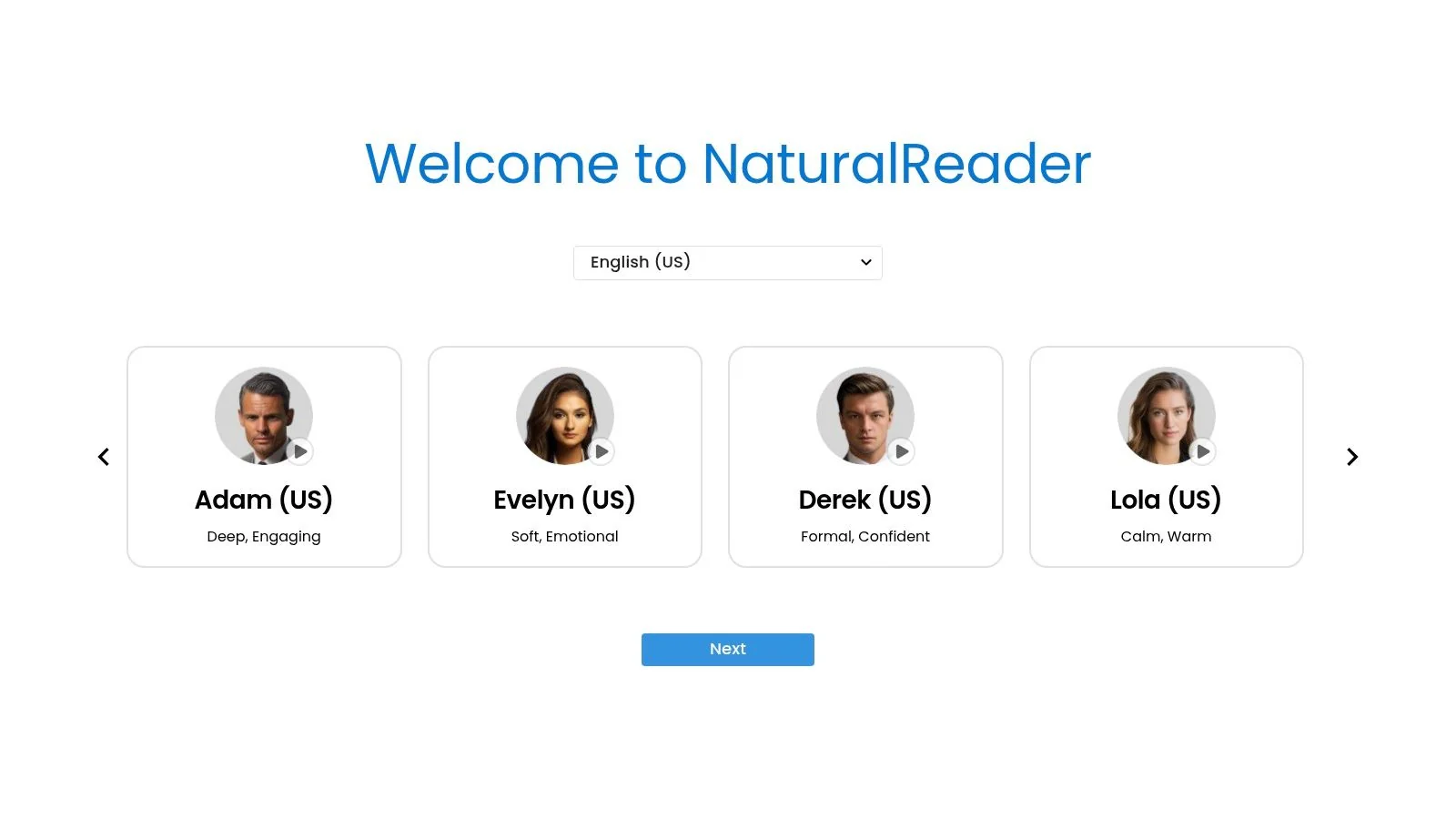
NaturalReader Online is one of the easiest tools to hand to a non-technical teammate. Open the browser, paste text, pick a Spanish voice, and start listening. That low-friction start matters when the person creating the narration is a product marketer, support lead, or trainer, not an audio editor.
It’s a strong option for quick script checks and light voiceover drafts. It also handles document-style inputs well, which is useful when your source material starts as a PDF, article, or internal training doc rather than a clean narration script.
Where it fits best
NaturalReader works best in the middle ground between accessibility reader and lightweight voiceover tool. It’s more polished than a browser’s built-in read-aloud feature, but it’s less production-oriented than a platform built around full tutorial creation.
A few use cases where it makes sense:
- Help article review: Listen to translated Spanish copy before turning it into a final video.
- Internal training drafts: Share a rough narrated version with stakeholders before committing to production.
- Accessibility playback: Let teams hear content quickly without standing up an API workflow.
The trade-off is familiar. Free access is useful for evaluation, but serious recurring output usually pushes you toward paid limits or commercial terms. That’s common across the category, and it’s part of why “free” often works best as a testing layer rather than a final production system.
When a tool is easy enough for anyone to use, it often becomes the fastest way to catch awkward translated phrasing before it reaches customers.
3. Microsoft Azure AI Speech
A common Azure use case looks like this: the content team has approved Spanish scripts for a help center, training module, or product tour, and they need audio generated the same way every time. Azure fits that workflow well because it is built for repeatable output, API access, and policy-driven control across teams.
Microsoft Azure AI Speech works best when Spanish text to speech is part of a system, not a one-off export. Teams can use APIs, SDKs, SSML, and pronunciation controls to standardize how terminology is spoken across recurring content. That matters when product names, technical terms, and regional Spanish variants need review before publication.
Best for controlled content pipelines
Azure is a strong fit for use cases where audio creation needs to plug into an existing publishing process:
- Knowledge base narration: Turn approved Spanish article text into audio that can be reused across support surfaces.
- Tutorial workflows: Generate narration, then drop the files into Adobe Premiere Pro or an AI tutorial builder such as video translation and tutorial production workflows.
- Training updates: Re-render changed sections without rebuilding the whole voice workflow from scratch.
The trade-off is clear. Azure gives teams more control than simple browser tools, but it also asks for setup discipline. Voice selection, SSML templates, naming conventions, and cost monitoring should be defined early if multiple writers, localization managers, or product teams will generate audio.
Free usage is enough to test voices, validate pronunciation, and prove the workflow before rollout. For expert teams, that is the primary advantage here. Azure lets you evaluate Spanish narration in a production-style pipeline first, then keep the same system if the pilot succeeds.
4. Amazon Polly
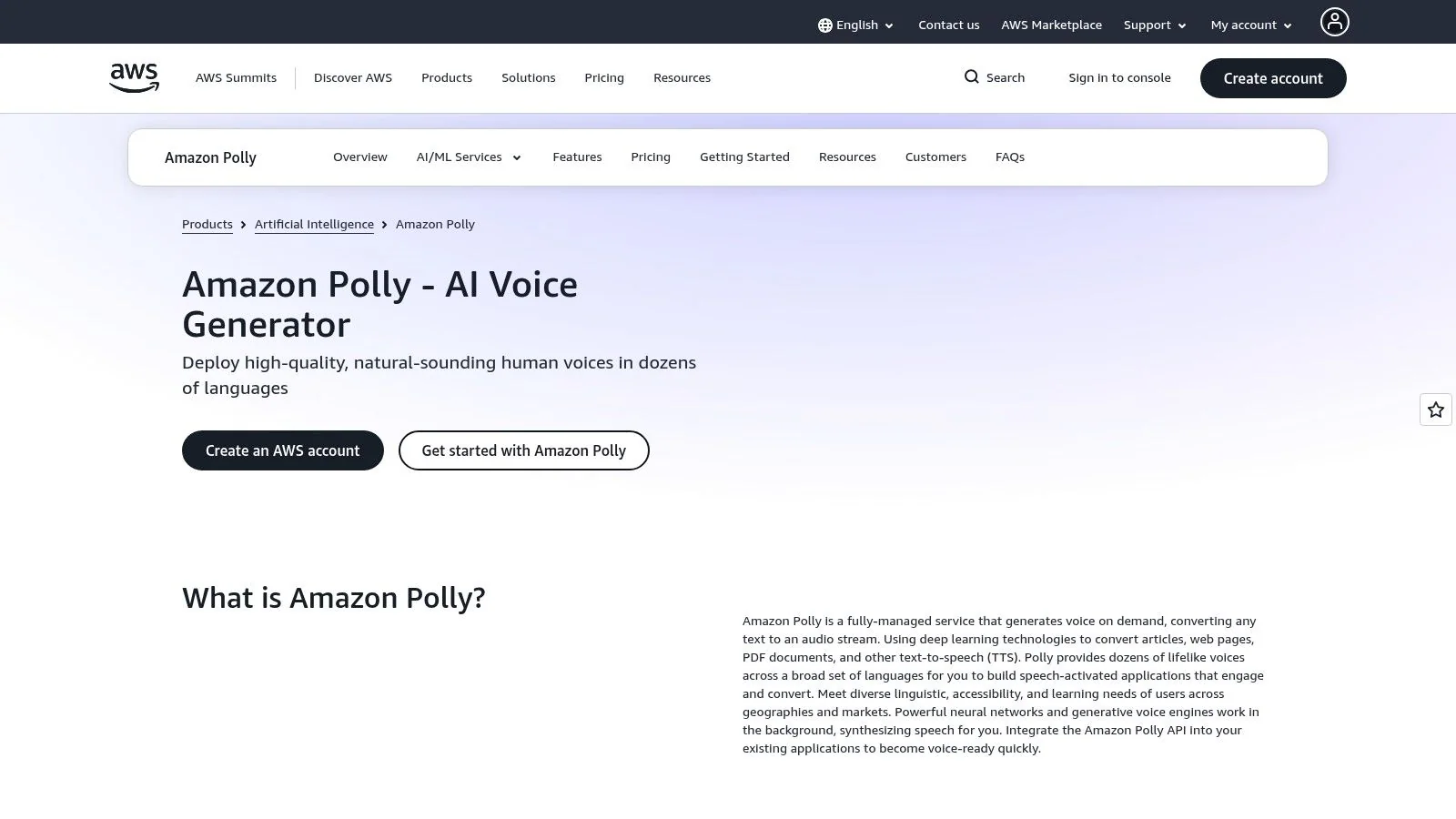
A common scenario is a content team that already publishes through AWS, needs Spanish narration on a schedule, and does not want another standalone tool to manage. Amazon Polly fits that setup well because it behaves like infrastructure first. You generate audio, store it, version it, and pass it into the rest of the publishing stack.
That makes Polly a practical choice for teams building repeatable workflows, not just one-off voice tests. Spanish output can be shaped with SSML, exported in standard formats, and paired with speech marks when timing matters. If you need narration to line up with product steps, screen states, or chapter markers, that timing support is often more useful than a prettier browser interface.
Best for AWS-based publishing workflows
Polly works well in a few specific content operations:
- Recurring help content: Rebuild Spanish audio when docs change, without changing tools.
- App and web accessibility layers: Serve spoken content from the same cloud environment that hosts the product.
- Tutorial assembly: Generate narration files, then place them into Adobe Premiere Pro or an AI voice generator workflow for video tutorials.
The trade-off is straightforward. Polly is easier to justify when engineering or platform teams already support AWS. For editorial teams that want to paste text into a browser and export audio with minimal setup, it can feel heavier than it needs to be.
The free tier is time-limited, so treat it as an evaluation window rather than a permanent free process. That is usually enough to test Spanish voices, confirm pronunciation rules, and see whether Polly belongs in a production content system.
5. ElevenLabs
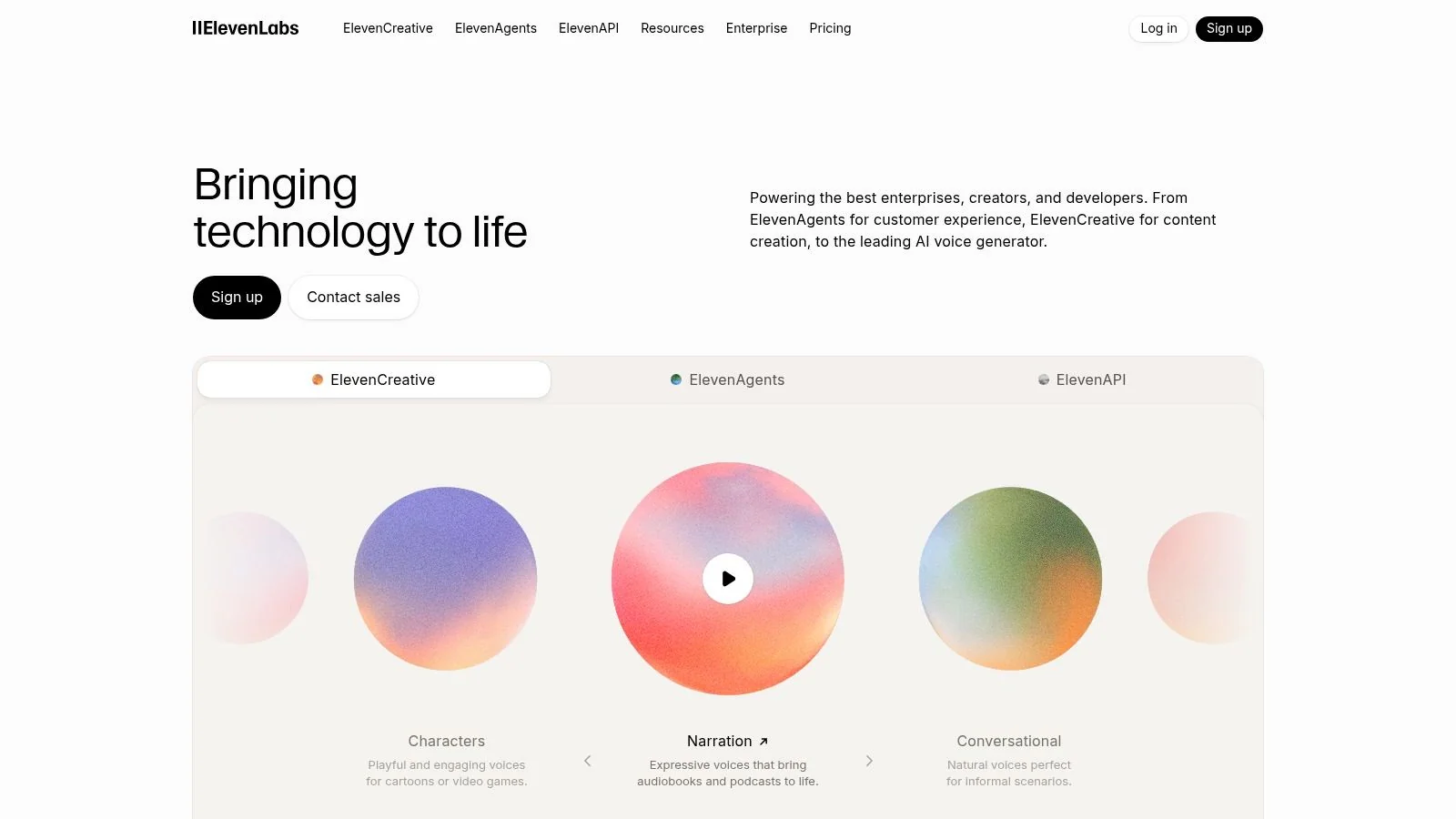
If your top priority is natural-sounding delivery, ElevenLabs is usually one of the first tools people test. Its Spanish offering is explicitly positioned to convert text into lifelike speech, and the company frames the output around the expressiveness associated with Latin American film and music on its Spanish text to speech page.
That positioning matches the product’s appeal. ElevenLabs is strongest when you need Spanish narration that feels less mechanical and more performative, especially for short explainers, intros, or polished product clips.
Best for expressive short-form narration
ElevenLabs typically shines:
- Product teaser segments: Short, polished narration with a more human tone.
- Customer-facing explainers: Better when bland robotic delivery would weaken the message.
- Voice experimentation: Easy to compare styles quickly before choosing a direction.
The main workflow limitation is that free usage is primarily for testing. That makes it a strong audition tool, but not always the cleanest final system for a team producing recurring support or training content at scale.
A voice can sound impressive in isolation and still be wrong for documentation. For support content, consistency often matters more than flair.
If you want more of a video-ready path than a standalone TTS studio, this related look at an AI voice generator for videos is a useful comparison.
6. IBM Watson Text to Speech
IBM Watson Text to Speech sits in the enterprise camp. It’s not the first tool I’d give a documentation manager who just wants an MP3 today. It is the kind of system security-conscious teams evaluate when deployment models, customization, and integration options matter as much as the voices themselves.
Its Spanish coverage and phonetics tooling are useful if you have recurring terminology problems. Product names, industry jargon, and company-specific pronunciation can break immersion fast in Spanish narration, especially when English brand terms appear inside translated scripts.
Where IBM makes sense
IBM fits best when a team needs more than quick generation:
- Controlled terminology: Better for organizations with dense product vocabulary.
- Enterprise architecture fit: Relevant when cloud, hybrid, or on-prem considerations shape buying decisions.
- Developer-facing access: Good for teams comfortable with APIs and technical setup.
The downside is simple. It’s not as frictionless as browser-first tools, and the onboarding feels heavier. If you’re evaluating text to speech free spanish tools for immediate content creation, IBM can feel like too much platform for too little output unless you already know why you need it.
7. TTSMP3.com
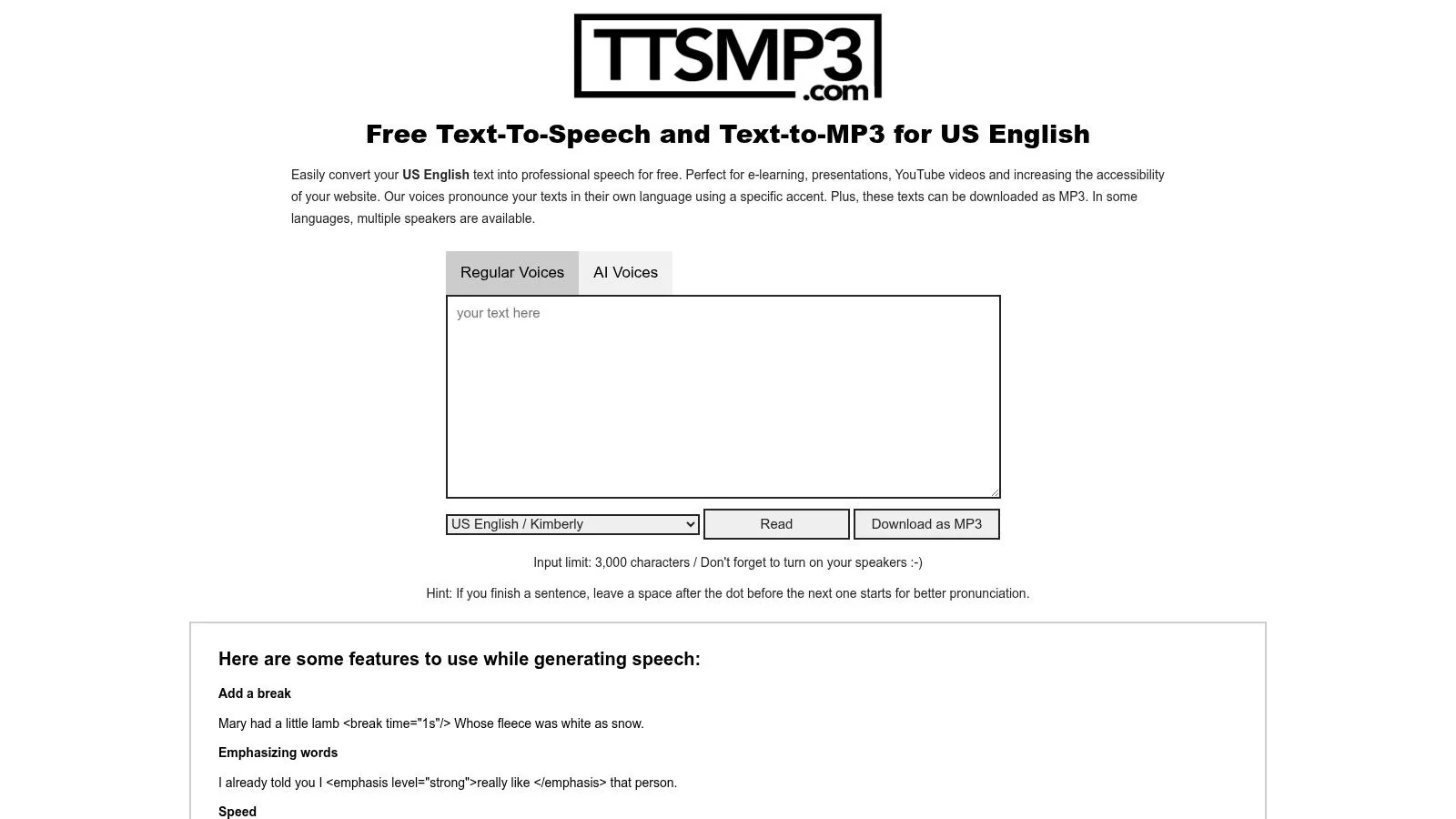
TTSMP3.com is the speed-first option. Paste text, choose a Spanish voice, download an MP3, move on. For mockups, internal review clips, or a rough narration bed you’ll replace later, that simplicity is exactly the point.
It’s one of the better examples of a tool that respects the “I just need audio now” use case. No heavy workspace model, no production suite, no complex setup.
Best for quick mockups
This tool works well when you need to:
- Draft a support snippet fast
- Test whether a Spanish script reads naturally
- Create a temporary narration track for editor review
Its limitations are also obvious. There’s little in the way of project management, collaboration, or broader production flow. You’re generating files, not building a repeatable content system.
That distinction matters because many teams start with a utility like this and later discover they need version control, multilingual variants, caption sync, and branded publishing. TTSMP3 is good at the first step. It doesn’t pretend to solve the rest.
8. TTSReader
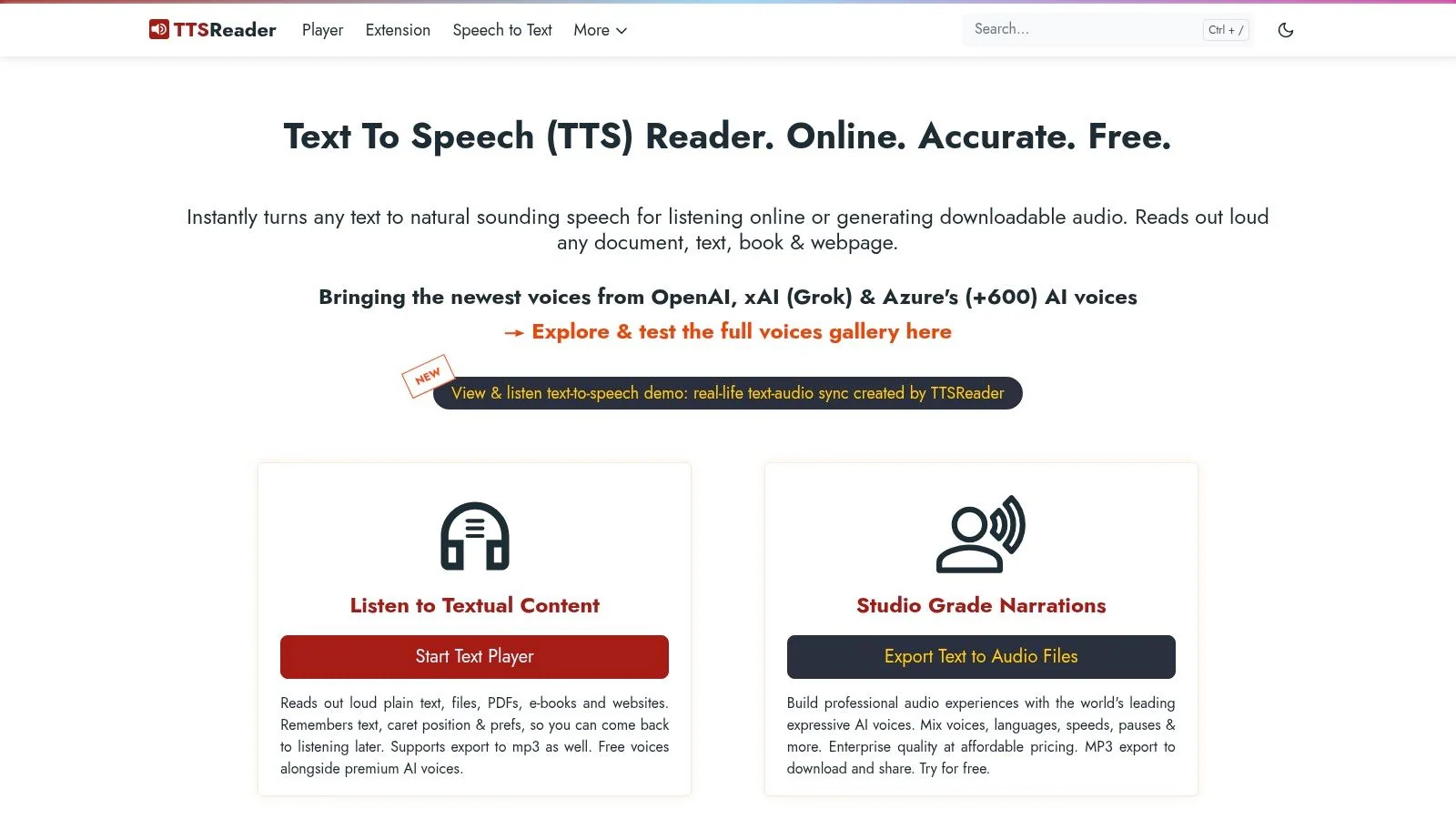
TTSReader sits closer to the accessibility and reading side of the market than the production-narration side. That doesn’t make it less useful. It just changes the job it does well.
For Spanish documentation work, I’d treat TTSReader as a QA and listening tool first. It’s useful for hearing how article copy, scripts, or PDFs sound out loud without forcing you into a full media workflow. If your team writes first and produces video second, that can be very practical.
Good for article-first teams
TTSReader is a sensible choice when the source material begins as text-heavy documentation:
- Reviewing translated help articles
- Listening to SOPs before publishing
- Checking readability of long-form Spanish support content
The weakness is professional control. You won’t get the same level of voice direction, branding, or collaboration you’d expect from a dedicated TTS studio or tutorial platform. Still, for fast comprehension checks and basic exports, it earns its spot.
A broader market pattern supports why tools like this have become common. Free Spanish TTS products increasingly compete on limits, customization, and multilingual breadth rather than simple text-to-audio conversion alone, as summarized by Crikk’s Spanish text to speech overview.
9. ResponsiveVoice
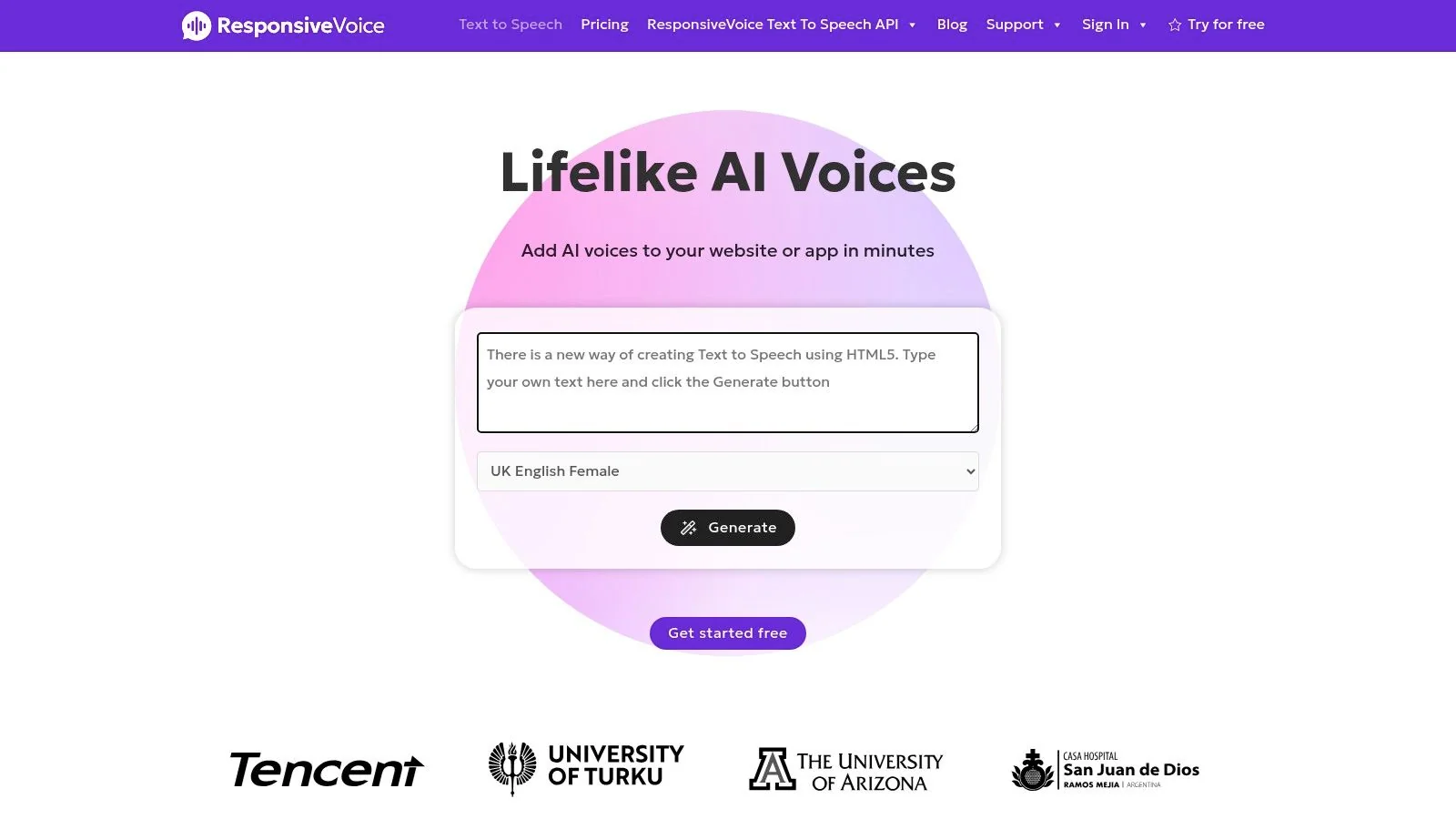
ResponsiveVoice isn’t really a narration studio. It’s a practical way to add Spanish read-aloud behavior to a website or web app. If your goal is accessibility, article playback, or an embedded “listen in Spanish” button, that changes the selection criteria completely.
This is one of the clearest examples of a use-case split in text to speech free spanish. A content team may need downloadable voiceovers for tutorial videos and on-page playback for help-center articles. Those are related needs, but not the same purchase decision.
Best for web accessibility and embedded playback
ResponsiveVoice makes sense when you need:
- On-page listening: Let users hear article content without downloading media.
- Fast web implementation: Add playback through JavaScript rather than a media production tool.
- Simple multilingual site support: Useful for product documentation or education portals.
The warning is commercial use. The free path is non-commercial and requires attribution, so many business teams will outgrow it quickly. Still, for prototyping a read-aloud experience, it’s hard to ignore.
An unanswered issue in Spanish TTS more broadly is regional fit. Many tools expose “Spanish” without enough guidance on country-level alignment, even though Spanish has about 500 million native speakers globally. If your site serves Mexico, Spain, and the Southern Cone differently, test dialect choice deliberately.
10. Microsoft Edge Read Aloud
Microsoft Edge Read Aloud is the no-procurement option. If someone on your team needs to hear Spanish copy right now, there’s a good chance the tool is already installed.
I wouldn’t use it as a final narration production system. I would absolutely use it to QA translated scripts, listen for awkward sentence rhythm, and catch terminology issues before sending a script into a more polished TTS workflow.
Best zero-cost QA tool
Edge is especially useful for three jobs:
- Script review: Hear whether the Spanish copy flows.
- Article validation: Check support pages and PDFs in context.
- Pronunciation sanity checks: Catch obvious phrasing problems before export.
This kind of lightweight review matters because the gap between free trial use and business-scale use is real. Across the category, providers expose very different free limits, including examples such as five free attempts, 10 minutes on a free plan, or 2,500 characters at a time, as discussed in this overview of free Spanish TTS limits. A built-in browser reader won’t replace production tooling, but it’s a fast checkpoint before you spend time inside a gated workflow.
Top 10 Free Spanish Text-to-Speech Comparison
A content team updating Spanish help articles usually needs one of three things. A fast voice draft for script review, a production voice that can survive repeated revisions, or audio that plays inside a website or app. That use-case split matters more than small differences in star ratings, so the table below groups each option by where it fits in a real workflow.
| Product | Best-fit use case | Core features | Quality ★ | Pricing 💰 | Best for 👥 | Key trade-off |
|---|---|---|---|---|---|---|
| 🏆 AI Voices, Tutorial AI | Production tutorials and repeatable content ops | Integrated TTS in Tutorial AI; script edits update voice, timing, and captions; AutoRetime™; multi-device recording; multilingual output | ★★★★★ Natural, production-ready | 💰 Free to enterprise | 👥 Knowledge bases, training, customer education teams | Strongest when audio belongs inside the tutorial workflow, less relevant if you only need standalone MP3 files |
| NaturalReader Online | Quick drafts and document narration | Browser editor; multiple Spanish variants; doc and web reading; audio export | ★★★☆ Good mainstream voices | 💰 Free tier, paid for more usage and commercial rights | 👥 Individuals, educators, accessibility users | Easy to start, but less configurable than API-first platforms |
| Microsoft Azure AI Speech | App integration and enterprise voice generation | Neural and HD Spanish voices; SDKs and APIs; SSML; custom lexicons | ★★★★ Production-grade | 💰 Pay as you go, with free testing limits | 👥 Developers and enterprises | Excellent control, but setup and billing are heavier than browser tools |
| Amazon Polly | Backend audio generation with timing metadata | Spanish voices; neural options; SSML; Speech Marks; multiple output formats | ★★★★ Reliable and flexible | 💰 Per-character pricing, with limited free usage | 👥 AWS teams, production backends | Best if your stack already lives in AWS |
| ElevenLabs (Free Plan) | High-quality samples and expressive narration tests | Spanish TTS; web studio and API; voice cloning and style controls on paid plans | ★★★★★ Very natural and expressive | 💰 Free plan with limited characters, paid for broader use | 👥 Content teams testing premium voice quality | Output quality is strong, but the free plan is narrow for sustained production |
| IBM Watson TTS | Regulated or customized enterprise deployments | Neural Spanish dialects; SSML; pronunciation dictionaries; REST and WebSocket; deployment options | ★★★★ Enterprise-grade | 💰 Lite tier plus enterprise plans | 👥 Enterprises needing customization or controlled environments | Valuable for specific technical requirements, less attractive for quick publishing teams |
| TTSMP3.com | Fast mockups and one-off exports | Paste text and export MP3; simple web UI; uses familiar cloud voices | ★★★ Fast and usable | 💰 Free with usage limits | 👥 Rapid mockups, non-technical users | Great for rough cuts, weak for managed team workflows |
| TTSReader | Reading and accessibility checks | Browser reader; PDFs and EPUBs; Chrome extension; MP3 export | ★★★ Practical | 💰 Free basic usage | 👥 Readers, accessibility users | Better for listening and review than polished narration output |
| ResponsiveVoice (Web/JS API) | Website read-aloud | Drop-in JavaScript player; hosted and client options; Spanish voices | ★★★ Good for in-page playback | 💰 Free non-commercial with attribution, paid licenses | 👥 Web developers adding read-aloud | Focused on playback inside pages, not production voice assets |
| Microsoft Edge “Read Aloud” | Immediate QA and copy review | Built-in Spanish voices; reads pages and PDFs; speed control | ★★★ Zero-cost QA | 💰 Free in Edge | 👥 Teams reviewing translated copy | Useful for review, not a content library or scalable audio pipeline |
Use the table as a decision shortcut.
If the job is a quick mockup, start with TTSMP3.com or NaturalReader. If the job is production content that will be revised often, Tutorial AI, Azure, Polly, ElevenLabs, and IBM Watson are the realistic candidates. If the job is web accessibility or in-page playback, ResponsiveVoice and TTSReader fit better than studio-style tools.
The practical difference shows up after the first revision. Export-only tools create extra manual work once scripts change, because someone has to regenerate audio, reimport files, and realign timing in Adobe Premiere Pro, Camtasia, or another editor. Integrated systems reduce that overhead. API platforms help when narration is part of a product or publishing pipeline. Browser tools still earn their place, but mainly for testing, approval rounds, and lightweight publishing.
How to Choose and Integrate Your Spanish TTS Audio
The right tool depends less on voice quality alone and more on where the audio sits in your content process. If you need a fast draft for review, use a simple browser tool like TTSMP3.com. If you need embedded playback on a help site, ResponsiveVoice is closer to the specific task. If you need repeatable generation inside an app or content pipeline, Azure or Polly makes more sense.
For finished customer education and documentation, the primary dividing line is whether narration is separate from the rest of production. If your team exports MP3s, drops them into Adobe Premiere Pro or Camtasia, and manually aligns scenes every time the script changes, the friction compounds quickly. That workflow is workable for occasional one-offs. It’s clumsy for support libraries, onboarding series, and feature-release videos that get revised often.
A tool like Tutorial AI fits that second category better because the Spanish voiceover lives inside the tutorial production workflow. You record once, adjust the script, regenerate the narration, and keep captions and timing aligned without rebuilding a timeline by hand. That matters most for product demos, knowledge-base videos, onboarding walkthroughs, internal SOPs, and sales enablement content where the screen recording is the source of truth.
There’s also a bigger market signal behind this. The global TTS market is projected to keep growing through the early 2030s, with one estimate placing it at USD 4.0 billion in 2024 and USD 7.6 billion by 2029 at 13.7% CAGR. For practitioners, the takeaway isn’t hype. It’s that Spanish-capable voice inventories, APIs, and deployment options are likely to keep expanding, and free access will often serve as the entry point into paid production workflows.
One more practical point. If you’re creating audio for interactive products, support bots, or real-time guided experiences, prioritize low-latency systems and language-switching flexibility. One vendor promoting Spanish voice-agent infrastructure highlights low-latency streaming, pricing starting at about USD 0.12 per hour, with support for more than 60 other languages without switching models or restarting the stream. That matters because timing problems are often more damaging than voice quality problems in live experiences.
The shortest path is usually best. Export MP3 or WAV if you’re editing manually. Use a browser reader for QA. Move to API tools when you need system-level control. Use a tutorial-native platform when the narration, visuals, captions, and article need to ship together. That’s often the difference between “we can make Spanish versions” and “we can keep them updated.”
This is also relevant for organizations serving multilingual education programs, including teams evaluating tools like Tutorbase for language schools.
If you’re producing demos, onboarding, help-center videos, or training content and need Spanish narration that stays in sync with the screen recording, Tutorial AI is worth testing first. It handles recording, script editing, voice regeneration, captions, multilingual versions, and matching written documentation in one workflow, which is a much better fit for fast-moving content teams than stitching separate tools together.