A standard operating procedure sample pdf usually shows up when a team already feels the pain. Someone owns the process in their head. Someone else covers for them and misses a step. A customer waits. A handoff slips. A compliance detail gets buried in chat. Then everybody decides it’s time to “document the process,” but nobody agrees on where to start.
That’s why PDF samples still matter. They give you structure fast. You can borrow a layout, standardize sections, and stop arguing about whether an SOP should begin with scope, approvals, or step-by-step instructions. For many teams, that alone is enough to get momentum.
But PDFs also create a trap. They’re easy to approve and hard to keep useful. Static SOPs often look finished long before they’re usable in the field. The broader SOP management market reflects how much organizations want something better. It reached USD 124.8 billion in 2023 and is projected to reach USD 914.9 billion by 2032, with a projected CAGR of 24.8% from 2024 to 2032, according to the Standard Operating Procedure Management Market report. That growth tells you the same thing operators learn the hard way. Documentation isn’t the goal. Repeatable execution is.
If you need a strong starting point, the resources below will help you find the right standard operating procedure sample pdf for your situation, from general business workflows to lab safety and audit-heavy environments. If your work includes risk controls, it’s also worth reviewing this practical safe operating procedure sample alongside the templates below.
A Practical SOP Template Structure
Before choosing a polished layout, make sure the document contains the information someone needs to perform and maintain the process. Use this ten-part structure as a working checklist:
- Procedure title and owner: Give the process a clear name and identify the person responsible for keeping it accurate.
- Purpose and expected outcome: Explain why the procedure exists and what a successful result looks like.
- Scope: State where the SOP applies, when it should be used, and what falls outside it.
- Roles and responsibilities: Name who performs, approves, reviews, or receives each part of the work.
- Tools, access, and prerequisites: List the software, permissions, equipment, source files, or training required before starting.
- Step-by-step procedure: Write numbered, observable actions in the order they happen.
- Exceptions and troubleshooting: Cover common failure points, alternate paths, and escalation contacts.
- Safety or risk notes: Add warnings and controls wherever an error could affect people, data, equipment, customers, or compliance.
- Version, approver, and last review date: Make it easy to tell whether the SOP is current and who signed off on it.
- Related procedures and visual walkthroughs: Link the SOP to supporting policies, checklists, and demonstrations instead of duplicating them.
This is a flexible core, not a reason to make every document long. A routine office process may fit on two pages. A regulated or safety-sensitive procedure may need evidence fields, formal approvals, training records, and stricter change control. If you are building a repeatable system rather than a single file, see our guide to SOP documentation.
Which SOP Format Should You Choose?
| If you need… | Start with… | Why |
|---|---|---|
| A quick business template | A simple SOP PDF template | It gives a small team enough structure to document a stable, low-risk process quickly. |
| Audit and version control | A controlled document template | Owner, approval, revision, and record fields make reviews easier to trace. |
| Software clicks or screen workflows | A written SOP paired with a video walkthrough | The document supports search and scanning while the video shows the exact screen state and timing. |
| A growing SOP library | Consistent naming, ownership, and review rules | Governance prevents a useful library from turning into a folder of outdated files. |
Once you know which outcome matters most, compare the ten resources below for the level of structure your process needs.
1. Smartsheet
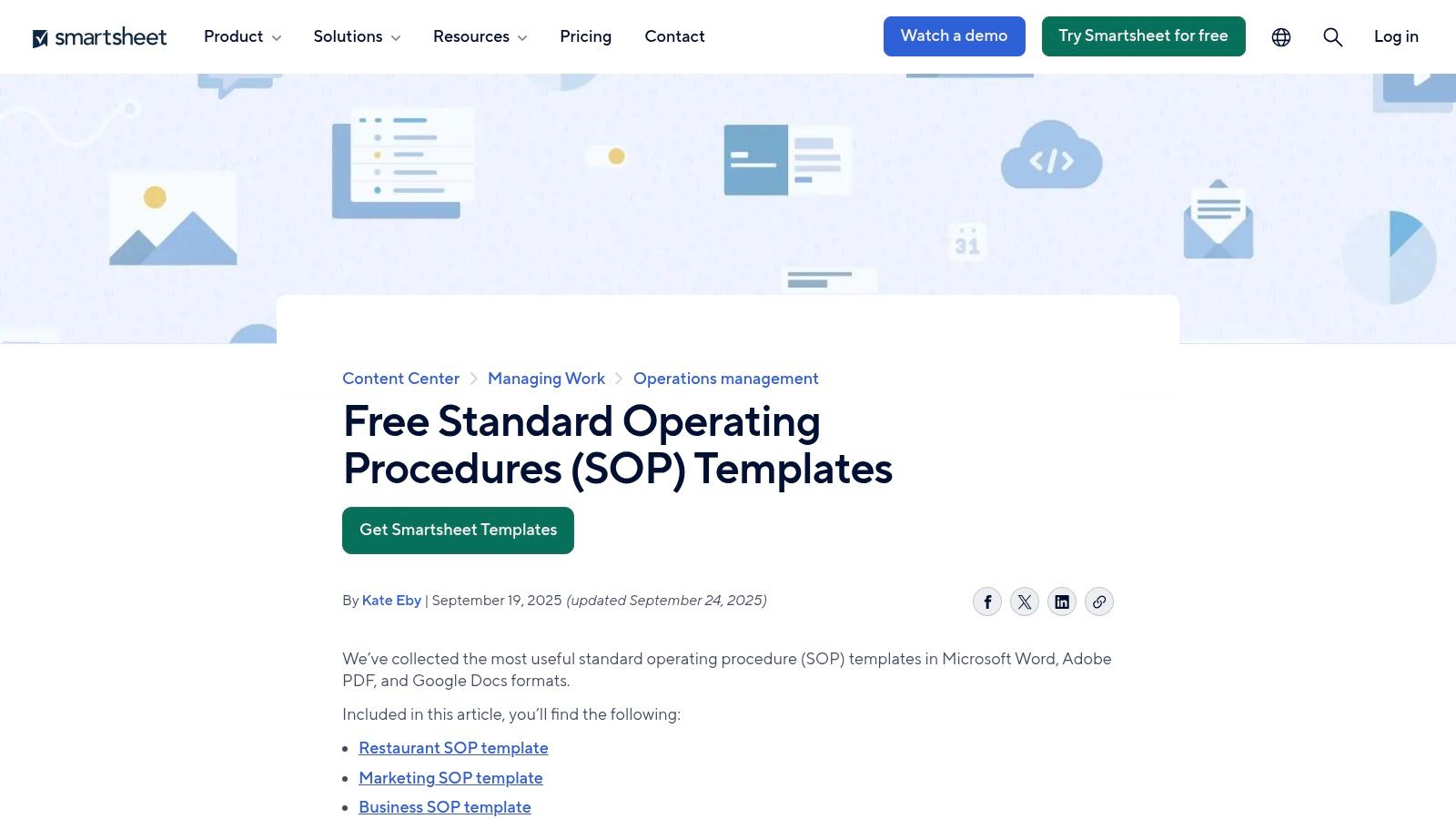
Smartsheet is one of the better first stops when you need breadth more than specialization. If your company needs an SOP for customer service this week, marketing next week, and warehouse operations after that, this library saves time.
The main advantage is range. You’re not locked into one department’s idea of what an SOP should look like. Most templates follow a practical business structure, with sections like purpose, scope, roles, procedural steps, and sign-off fields. That consistency matters when you’re trying to build a documentation habit across teams instead of producing one-off files.
Where it works best
Smartsheet fits companies that need a clean, business-friendly standard operating procedure sample pdf without heavy regulatory language. I’d use it for internal operations, service workflows, onboarding routines, recurring reporting, and department handoffs.
It’s also helpful for teams that are still figuring out their SOP standards. You can compare formats quickly, then settle on one house style.
A useful next step after downloading a template is to define the writing standard before people start filling blanks. This guide on how to create standard operating procedures is a good companion if your problem isn’t finding a template, but getting staff to document steps clearly.
Trade-offs in practice
Smartsheet’s strength is also its weakness. Generic business templates are fast, but they can make teams think they’ve documented enough when they’ve only described the process at a high level.
Practical rule: If a new hire can’t perform the task from the SOP alone, you don’t have an SOP yet. You have a summary. A few points stand out:
- Best for broad coverage: Good choice when multiple departments need a starting format.
- Easy to hand off: Most non-technical teams can edit and use these without much coaching.
- Less useful for strict compliance: Regulated labs, clinical workflows, and equipment-heavy environments will usually need more controls, warnings, and review fields.
If you want one source for “good enough to start today,” Smartsheet is strong.
2. Jotform
Jotform is useful when your bigger problem isn’t writing one SOP. It’s producing many SOPs with the same structure, branding, and fields.
That distinction matters. Plenty of teams can draft a single SOP in Word. They struggle when they need ten more, all with the same review path, formatting, ownership fields, and sign-off logic. Jotform handles that repeatability well because it treats the SOP more like a structured document workflow than a blank page.
Why operations teams like it
The drag-and-drop editor is the draw here. You can build a form-driven template with standard fields for purpose, background, reviewers, process steps, responsibilities, and notes, then clone it for the next process.
That makes Jotform a good fit for franchise operations, multi-location teams, agency service delivery, and any environment where consistency matters more than custom design freedom.
If your process documentation has to be repeatable, this resource on how to document business processes pairs well with Jotform’s structure-first approach.
What it does better than static editing
A standard operating procedure sample pdf often becomes messy because every manager edits the template differently. Jotform reduces that drift. Teams fill in fields instead of redesigning the document.
That’s a practical gain, not a stylistic one.
- Fast branded output: Good when you want logo placement and a polished export without layout work.
- Strong for template reuse: Cloning beats rebuilding.
- Less flexible for edge cases: If your SOP needs unusual visual structure, a form-driven approach can feel rigid.
One broader reason this matters: organizations report better results when SOPs move beyond static documents. Enterprise users report 72% satisfaction for compliance and accuracy and 65% report faster onboarding with interactive alternatives, according to the TRACTIAN SOP guide. A Jotform PDF doesn’t solve that by itself, but it does improve consistency at the document layer.
Jotform is a practical pick for teams that want fewer formatting debates and more repeatable output.
3. BCS Chartered Institute for IT
The BCS SOP template PDF reads like it was built by people who expect audits, version questions, and responsibility gaps. That’s a compliment.
This isn’t the friendliest template on the list, but it’s one of the most disciplined. If your environment involves IT operations, quality management, service controls, or governance reviews, the structure feels immediately credible.
Why it holds up under scrutiny
BCS includes the sections operators usually wish they’d added later. Version control. Roles. Risks. Tools and resources. Troubleshooting. Record-keeping. Escalation. Those details matter when a process fails and someone asks, “Which version was current, who approved it, and what should the team have done when step five broke?”
That makes the template especially good for:
- IT support procedures: Ticket escalation, maintenance windows, access changes
- Quality-controlled workflows: Review, revision, and sign-off heavy environments
- Governance documentation: When ownership and references need to be explicit
The trade-off
The wording leans formal. That’s useful in controlled settings, but it can slow down teams that just need a lightweight operational SOP. A startup sales team or content team may find it heavier than necessary.
The best audit-friendly SOPs don’t just say what happens. They say who owns exceptions, where records live, and what to do when the normal path fails. One caution from experience: don’t hand a template like this to process owners without editing guidance. They’ll often overfill every section. The result becomes technically complete and practically unreadable.
Use BCS when you need an SOP that can survive scrutiny, not just sit in a shared folder.
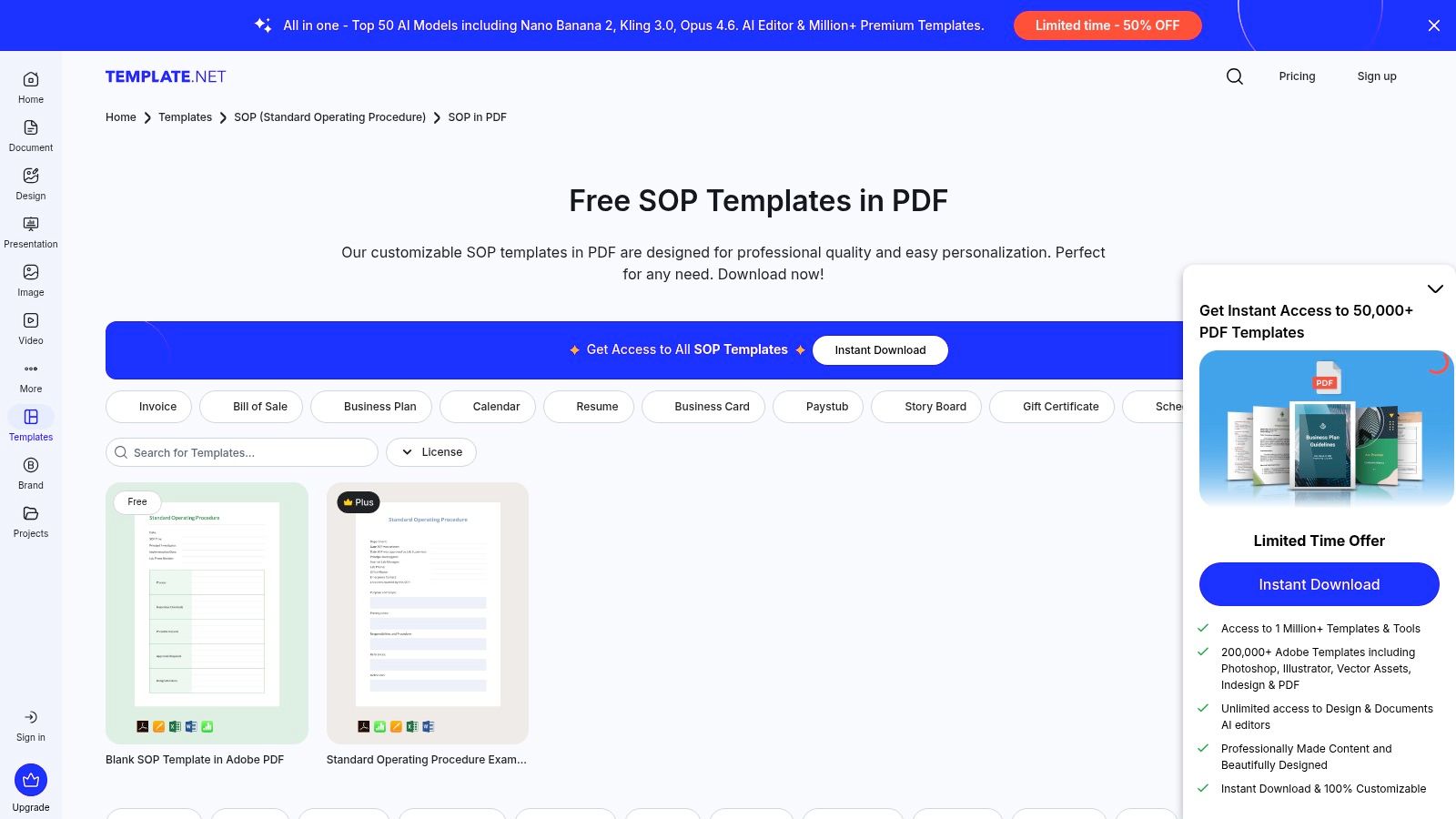
4. Template.net
Template.net is the fast-answer option. When someone says, “I need a standard operating procedure sample pdf today,” this is the kind of library they usually want.
You get variety. Different departments, different layouts, different visual styles. That’s useful when the immediate need is speed and internal alignment, not methodological purity.
Where it earns its place
Template.net is good for drafting multiple SOPs quickly, especially if you’re building an early documentation library and want examples to react to. It works well for office administration, HR routines, customer service flows, basic operations, and department-level reference docs.
If your team is still settling on its preferred layout, the volume here helps. You can compare several styles, then standardize.
For teams trying to move from “we should document this” to an actual format standard, this guide to SOP documentation format helps prevent random template choices from becoming permanent process debt.
What to watch for
The trade-off is uneven depth. Some templates are useful. Others are mostly formatting shells. You still need an operator’s eye when choosing one.
Here’s how I’d treat Template.net in real use:
- Good for draft velocity: Helpful when you need momentum more than precision.
- Check before adopting widely: Review scope, role clarity, and whether the steps are specific enough.
- Expect internal cleanup: Standardize naming, approvals, and revision control yourself.
This is also where static PDF limitations become obvious. Existing SOP sample PDFs often focus heavily on formatting rules and static text structure while missing multimedia support, according to the Brown University SOP template context. That gap matters if your process depends on showing software actions, equipment handling, or nuanced visual steps.
Template.net is worth using if you treat it as a draft source, not a finished operating system.
5. Old Dominion University EH&S
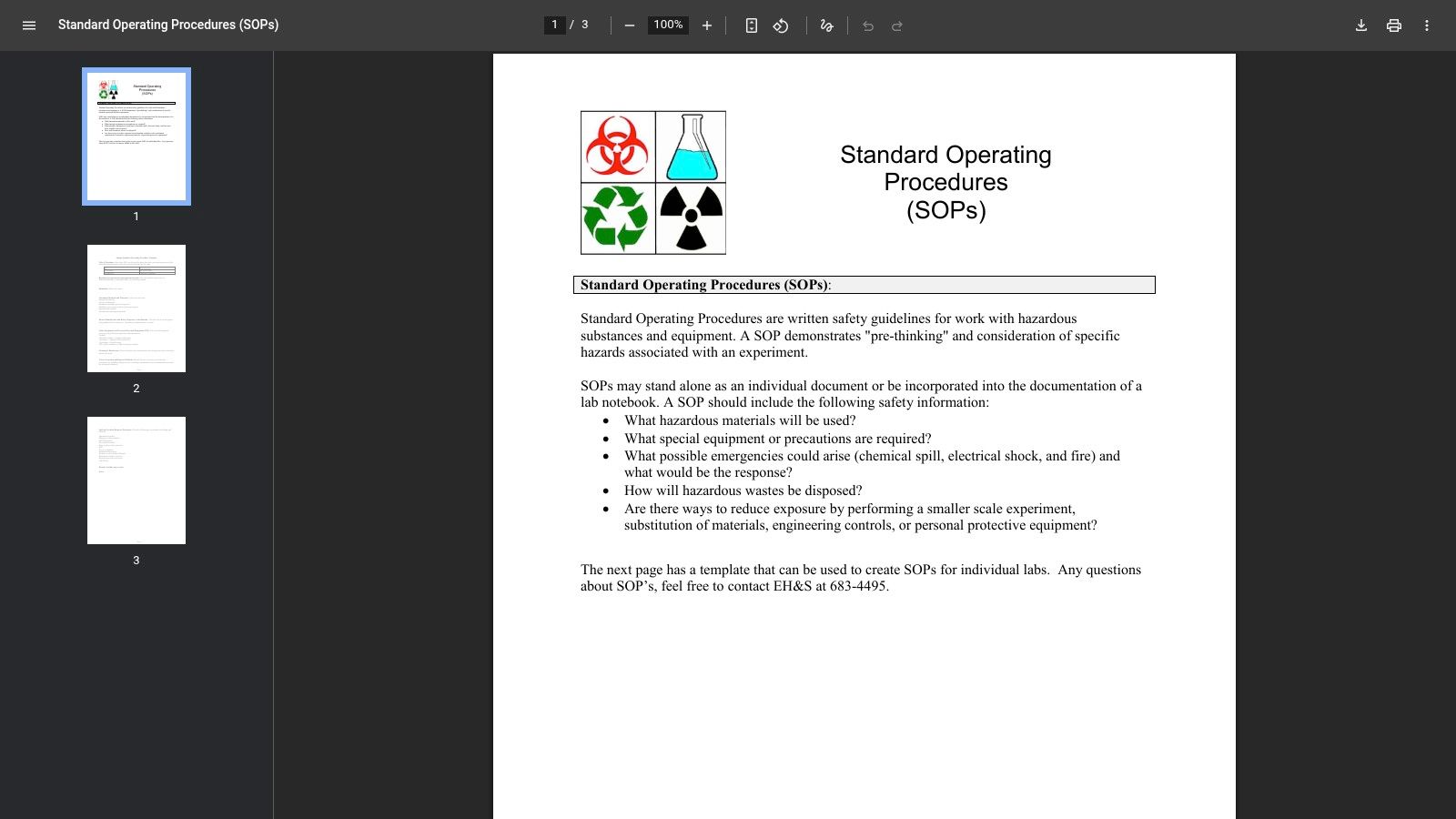
Old Dominion University EH&S takes the opposite approach from the broad business libraries. It’s narrow, safety-first, and intentionally focused on hazards.
That’s why it’s useful.
When a team handles chemicals, biological materials, lab processes, or anything with meaningful safety exposure, a generic SOP template can be dangerous because it looks complete while omitting the parts that protect people. This template keeps attention on hazards, PPE, emergency response, disinfection, and waste disposal.
Best fit
Use this template if your process has physical risk. University labs, biotech teams, R&D groups, pilot facilities, and internal testing environments are the obvious fit.
It’s also a strong model for any operation where the wrong step creates cleanup, injury risk, contamination, or reporting obligations.
Why the one-page format helps
A one-page safety-oriented SOP forces discipline. Teams can’t hide weak thinking inside long paragraphs. They have to state the hazard, required controls, and emergency response clearly.
That brevity is a strength in the field.
- Strong for frontline use: Easier to post, review, and reference during work.
- Weak for broader admin workflows: Not suited to sales, HR, or service processes.
- Good adaptation model: Even outside labs, the hazard-control framing is worth copying for field operations and facilities work.
One common mistake is mixing operational instructions and safety controls into one messy sequence. This template helps separate them. People need to know both how to do the task and how to do it safely. Those aren’t the same thing.
If your SOP has real-world safety consequences, this is a stronger starting point than any generic office template.
6. Argonne National Laboratory Advanced Photon Source
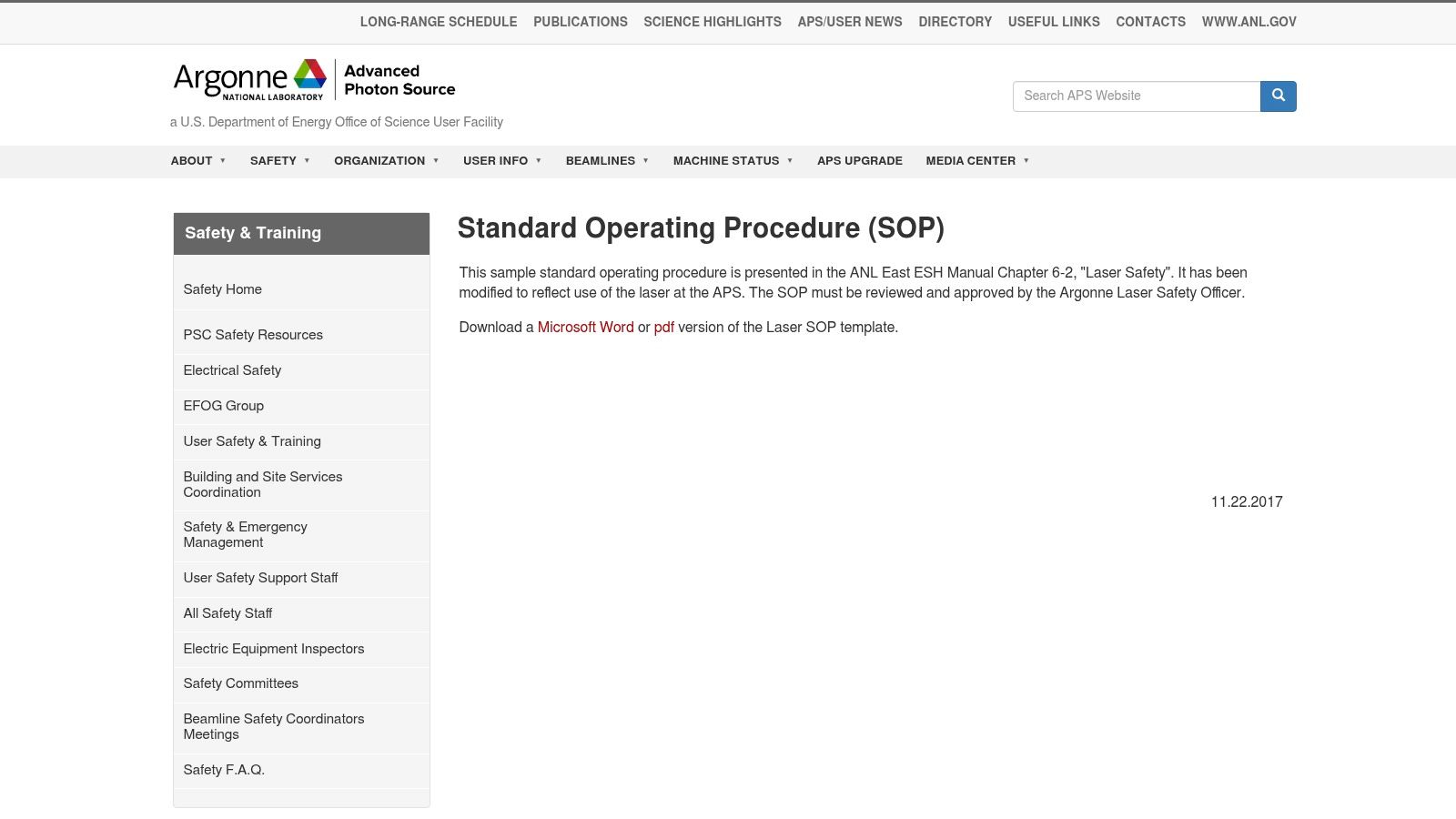
The Argonne National Laboratory Advanced Photon Source SOP page is laser-focused, but the structure is useful far beyond laser safety.
What makes it valuable is the approval logic. Equipment-based SOPs often fail because the procedural steps exist, but the approval routing, responsibilities, and hazard controls live somewhere else. This source brings those pieces closer together.
A strong model for technical operations
If your team works with machinery, specialized tools, restricted facilities, test rigs, or sensitive equipment, Argonne gives you a better pattern than a generic business form.
It works especially well as a model for:
- Equipment startup and shutdown procedures
- Controlled facility access workflows
- Technical maintenance and experiment operations
- High-accountability procedures with formal approvals
What operators can borrow
You probably won’t copy the language directly unless you work in a similar environment. You should copy the discipline.
Approvals before use. Named responsibilities. Explicit hazard treatment. Clear procedural sequencing.
Borrow the structure, not the domain language. That’s how you turn a specialized government template into a practical SOP for engineering, facilities, or technical support. The downside is obvious. This isn’t a plug-and-play standard operating procedure sample pdf for general business use. If your process is invoice approval or lead routing, this is overbuilt. But if your process involves equipment, restricted actions, or consequences from misuse, this kind of rigor is what keeps an SOP from becoming decorative.
I’d rather trim a strict technical template than retrofit risk controls into a casual office document later.
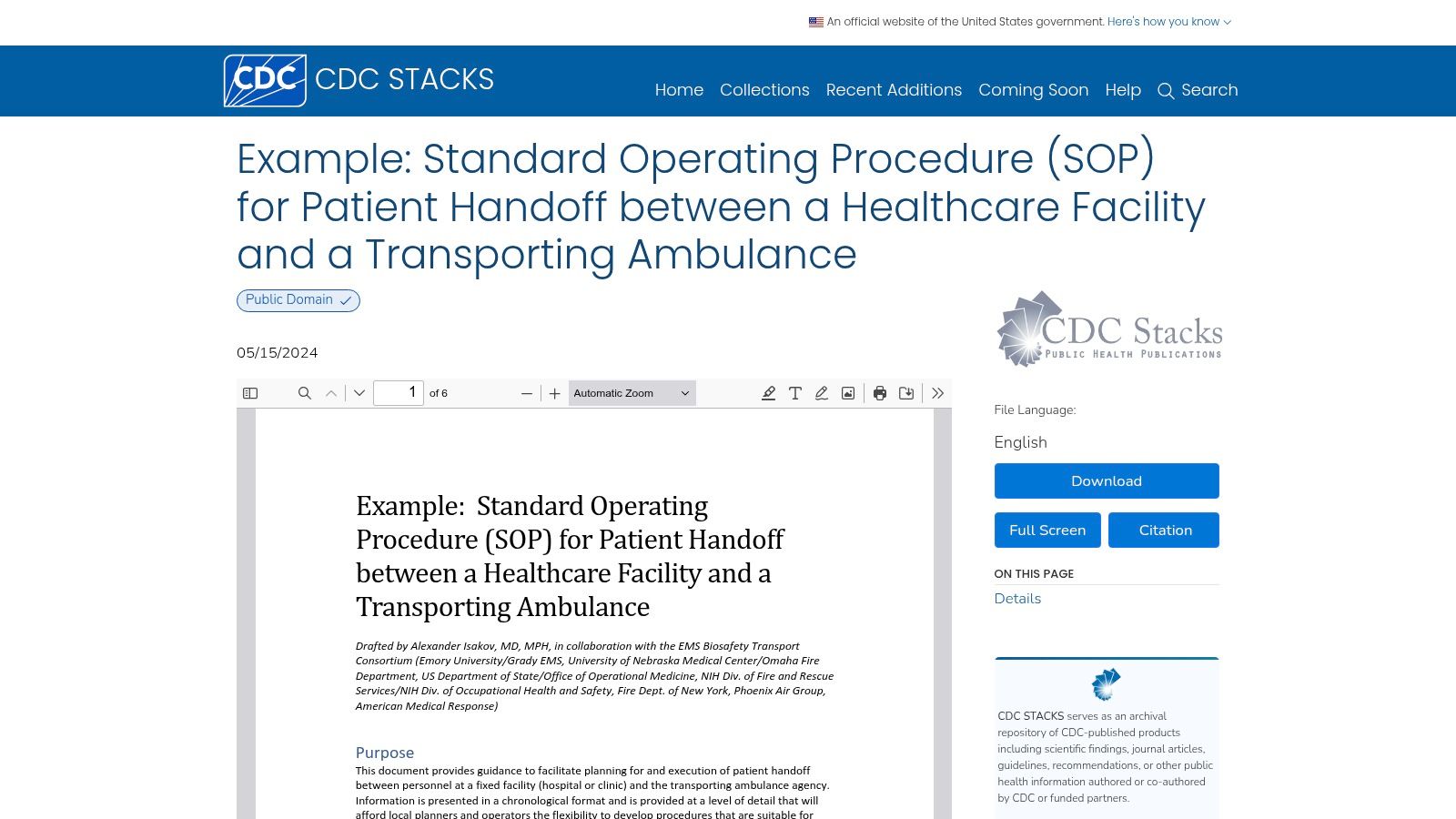
7. CDC Stacks
The CDC Stacks patient handoff SOP is one of the best real-world examples on this list because it isn’t just a template. It’s an operating document for a high-risk handoff.
That makes a difference. Sample templates show possible structure. Real SOPs show where precision matters.
Why this one stands out
Handoffs are where many businesses break down. Support transfers, account ownership changes, shift transitions, implementation-to-success transfers, and vendor escalations all carry the same risk. One team thinks they’ve passed the baton. The other team assumes context exists somewhere else.
The CDC example is useful because it treats handoff as a controlled procedure, not a casual communication event.
Look at the pattern:
- Roles are explicit
- Sequence matters
- Documentation is part of the process
- Versioning and dates are visible
That framework translates well to non-medical contexts.
When to use it as a model
This is the template I’d study if I were documenting any cross-team transfer process. Customer onboarding handoff. Incident escalation. Warehouse-to-delivery transfer. Project closeout to support.
It won’t give you a polished business layout. It will give you procedural discipline.
One of the most useful lessons here is that handoff SOPs need proof points, not just instructions. Who confirms receipt? What information must be transferred? When is the transfer complete? Those questions should be answered in the SOP itself.
If your operation depends on one team passing work safely and consistently to another, this is one of the strongest examples available.
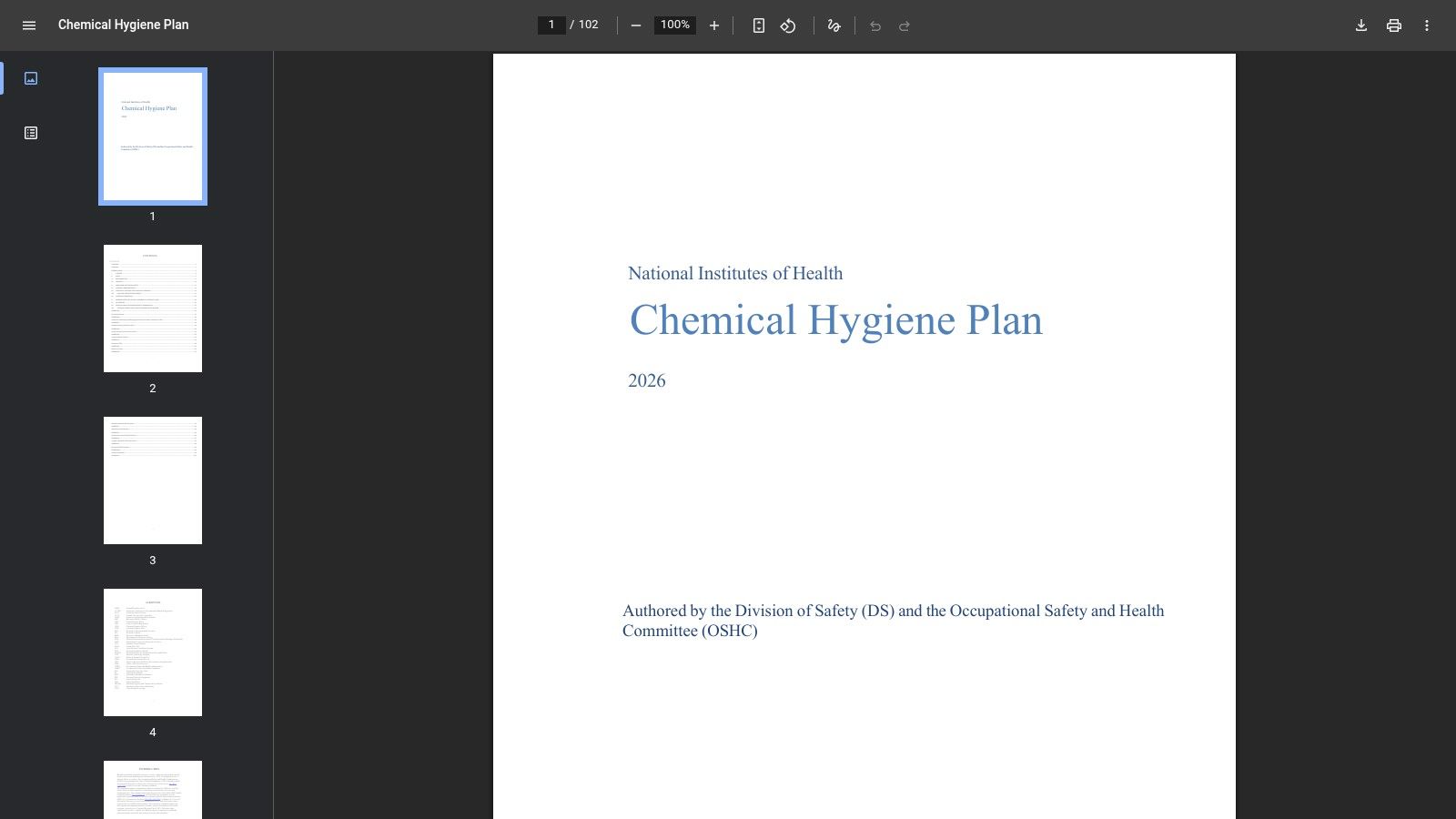
8. NIH Chemical Hygiene Plan Appendix L
The NIH Chemical Hygiene Plan PDF is not quick reading. It’s detailed, formal, and built for environments where hazards, controls, and approvals aren’t optional.
That’s exactly why some teams need it.
Best for compliance-heavy environments
Appendix L is the part worth studying. It includes a chemical SOP template with purpose, hazards, PPE, storage guidance, procedural steps, and approval expectations. If your organization needs documentation that can stand up in training, safety review, and audit contexts, this is a serious template.
It’s especially useful for:
- Lab operations
- Chemical handling
- Safety training environments
- Organizations building audit-ready documentation systems
The main trade-off
This source asks more from the reader. Pulling the right structure from a large document takes time, and the template assumes a level of safety maturity that many business teams won’t need.
Still, there’s a lot to borrow even outside chemical settings. The control logic is excellent. Before people perform a task, the SOP identifies hazards, required protections, storage concerns, and operational sequence. That order is smart in any risk-sensitive environment.
One lesson many office teams could borrow from NIH is this: approvals shouldn’t be an afterthought at the bottom of the page. They’re part of the control system.
If your SOP must satisfy trainers, managers, and compliance reviewers at once, NIH gives you a much sturdier backbone than most free templates.
9. WHO TDR Quality Practices Handbook
The WHO TDR Quality Practices Handbook PDF is useful because it does two jobs at once. It gives you an SOP template, and it teaches people how to think about SOP quality.
That combination matters more than is often realized. A weak author can ruin a strong template. A good handbook reduces that risk.
Why this one is different
WHO’s material leans into document control, training, consistency, and improvement. That makes it a better fit for teams building an SOP program, not just downloading one standard operating procedure sample pdf for a single process.
If I were training department leads to write SOPs in a quality-oriented environment, I’d rather give them this than a pile of blank templates with no context.
Practical fit
This is a strong choice for organizations that want process discipline across multiple functions. Not only labs. Also nonprofits, public programs, operations teams with quality requirements, and any business trying to mature documentation habits.
The trade-off is that it isn’t localized to one country’s terminology, and some examples may need adaptation. That’s usually manageable.
A useful operational point: SOP quality improves when writers understand revision, training, and control requirements before they start drafting. This handbook supports that much better than template marketplaces do.
Use it when your goal is consistent SOP writing, not just fast file creation.
10. GoAudits
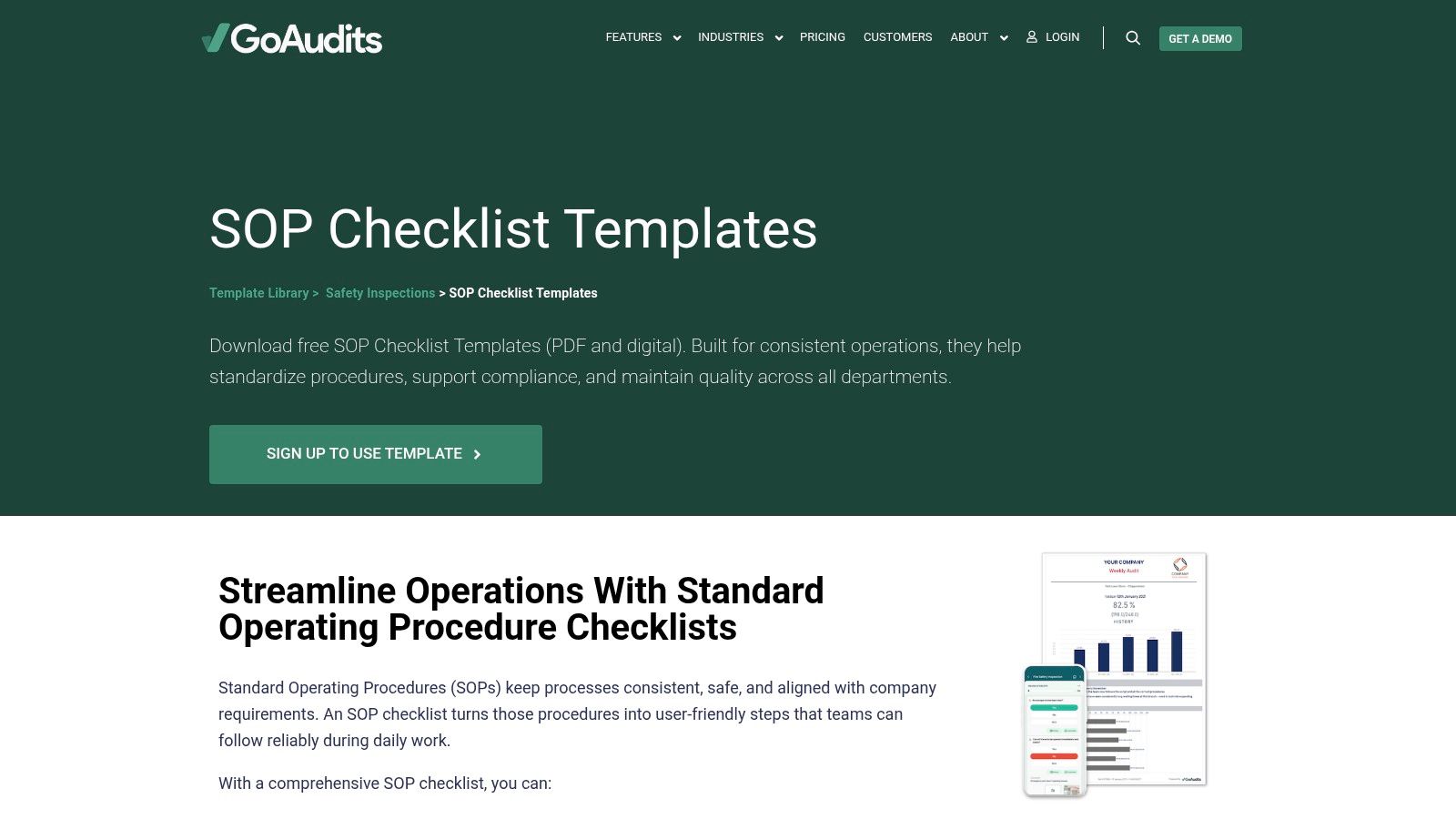
GoAudits sits at the boundary between SOPs and execution checks. That makes it different from almost every other resource on this list.
A narrative SOP explains what should happen. A checklist helps confirm that it did happen. Frontline teams often need both.
Where it works best
GoAudits is strongest in safety, quality, inspections, facilities, and operational verification. If staff are moving through a site, inspecting conditions, completing recurring tasks, or documenting compliance on the ground, checklist-style SOP support is often more realistic than a long PDF.
That’s the key trade-off. You lose some narrative depth. You gain usability during real work.
Why checklists matter
Many SOP failures aren’t writing failures. They’re execution failures. The procedure exists, but nobody uses it in the moment because it’s too long, too formal, or buried in a folder.
GoAudits addresses that problem by making the procedure more action-oriented.
- Good for frontline adoption: Easier to use while doing the task.
- Less complete as a standalone SOP: Usually needs a fuller narrative source behind it.
- Useful bridge to digital operations: Especially when audits, records, and recurring verification matter, as static SOPs don’t always hold attention. In dynamic workflows, formal PDF documents can become barriers rather than aids, and abandonment has been documented in those settings in the earlier cited industry material. A checklist can be the practical layer that keeps a process alive.
If your team says, “Nobody reads the SOP,” GoAudits is worth considering because it changes the format from reference document to operational tool.
10-Resource SOP Sample PDF Comparison
| Template | Core features | Target audience | Quality & UX | Unique selling point | Price / Value |
|---|---|---|---|---|---|
| Smartsheet | Multiple SOP layouts; Word/Google/PDF downloads; consistent sections | 👥 General business & IT teams | ★★★★ Clear, business‑friendly | ✨ Broad cross‑department templates & ready PDFs | 💰 Free PDF downloads; paid plans for platform |
| Jotform | Drag‑drop editor; tables; one‑click PDF export; template cloning | 👥 Teams needing branded, repeatable SOPs | ★★★★ Fast customization & export | ✨ Form‑driven PDF builder & branding | 💰 Freemium (advanced features paid) |
| BCS (Chartered Institute for IT) | 9‑page IT/quality SOP with versioning, escalation, records | 👥 IT, governance & audit teams | ★★★★ Professional, audit‑friendly | 🏆 Credible IT/governance source | 💰 Free PDF (UK‑based) |
| Template.net | Large library of SOP PDFs & editable source formats | 👥 Admins & content creators needing variety | ★★★ Quality varies by template | ✨ Wide selection for rapid drafting | 💰 Mixed: free items + subscription options |
| Old Dominion Univ. EH&S | One‑page lab safety SOP: hazards, PPE, emergency steps | 👥 Labs, R&D, biotech & EH&S teams | ★★★★ Concise and compliance‑focused | ✨ Safety‑centric prompts for labs | 💰 Free PDF |
| Argonne National Lab (APS) | Word/PDF laser‑safety SOP with approvals & controls | 👥 Technical labs & equipment operators | ★★★★ Detailed procedural & approval workflow | 🏆 Federal lab template for equipment SOPs | 💰 Free download |
| CDC Stacks | Full, dated patient‑handoff SOP example with versioning | 👥 Healthcare & high‑risk handoff teams | ★★★★★ Real‑world, disciplined template | 🏆 Government‑standard handoff model | 💰 Free public‑domain PDF |
| NIH (Chemical Hygiene Plan - Appendix L) | Chemical SOP template: hazards, PPE, storage, approvals | 👥 Labs handling chemicals & compliance teams | ★★★★★ Highly detailed & audit‑ready | 🏆 Rigorous federal compliance scaffold | 💰 Free (embedded in larger doc) |
| WHO/TDR Quality Practices Handbook | SOP template + how‑to guidance; doc control & training | 👥 Global health, QA teams & labs | ★★★★ Standards‑aligned & educational | ✨ Combined guidance + reusable template | 💰 Free download |
| GoAudits | SOP checklists (PDF/digital) for inspections & record‑keeping | 👥 Frontline inspectors & safety teams | ★★★★ Practical, inspection‑friendly | ✨ Bridges SOPs with digital audit checklists | 💰 Free checklists; paid digital features |
Create an SOP from a Screen Recording
For software and screen-based processes, a static PDF can miss the visual context people need to perform the task correctly. A line such as “update the customer record” does not show which field to open, what a valid value looks like, or what should happen next.
Record the workflow once in Tutorial AI and turn it into two connected assets: a narrated video SOP and a written step-by-step guide with screenshots. Use the written version for search, scanning, approvals, and quick reference. Use the video to show the exact clicks, timing, and screen state. Keep both tied to the same process owner and review cycle so one format does not quietly become outdated.
This video SOP workflow is particularly useful when an experienced employee can demonstrate a process more easily than they can write it from scratch. It also supports knowledge capture before important know-how leaves with one person. For repeatable product instruction, pair the SOP library with a broader software training plan.
Build Your Single Source of Truth
A strong SOP does two jobs. It tells people what good execution looks like, and it makes that execution repeatable when the usual owner isn’t around. Often, teams only solve the first part. They create a document. Then they assume the process is documented. It isn’t, not in any useful sense, until someone else can follow it under normal pressure.
That’s why choosing the right standard operating procedure sample pdf matters. The template shapes behavior. A general business template helps you move fast. A governance-focused template gives you version control and audit discipline. A safety template forces teams to confront hazards and protective steps. A checklist-based format improves adoption on the ground. There isn’t one perfect SOP resource. There’s only the right level of structure for the process you’re trying to stabilize.
The bigger lesson is that static PDFs are only a starting point. They’re useful for approvals, distribution, and basic standardization. They’re weak when a process depends on motion, judgment, screens, software clicks, equipment handling, or visual nuance. That’s where teams usually struggle. The SOP exists, but practical know-how still lives inside experienced employees.
For modern operations, the best answer is often a layered system. Start with the PDF so the process has a controlled written source. Then add a visual version that shows exactly how the task is performed. That might be a screen-based walkthrough for software onboarding, a narrated support flow, a feature release explainer, a knowledge base video, or a short internal demo for handoffs and recurring tasks.
This is especially relevant for SaaS and knowledge-heavy teams. Many subject matter experts can explain a process clearly if you let them talk through it naturally. They can’t always produce polished training videos with traditional editing tools. A simple recording made in Loom is often far longer than it needs to be. It captures the right knowledge, but not in a format people want to watch. On the other end, tools like Camtasia and Adobe Premiere Pro can absolutely produce polished results, but they require editing skill, timeline work, and more time than most operators can spare.
That’s the gap Tutorial AI is designed to close. It lets a subject matter expert record a process, speak freely without rehearsal, and turn that raw screen capture into a clear tutorial without forcing the creator to become a video editor. You can update the script like a document, regenerate voiceover, keep branding consistent, and maintain training material without rebuilding the whole thing.
In practice, the strongest SOP system I’ve seen is simple. One written SOP. One visual walkthrough. One owner. One review cycle. One obvious place for the team to find it. That becomes the single source of truth.
Start with the template that fits your risk and complexity. Then turn that document into something people can use.
SOP Sample PDF FAQ
What should an SOP template include?
At minimum, include the purpose, scope, owner, prerequisites, numbered steps, exceptions, review and version information, and links to related material. Add approval, safety, risk, or record-keeping fields when the process requires them.
Is a PDF enough for a software SOP?
Sometimes, but screen-based processes are often easier to follow when the written procedure is paired with a visual walkthrough. The PDF remains useful for review and quick reference, while the video shows details that are awkward to describe in text.
Can I create an SOP from a screen recording?
Yes. Tutorial AI can turn a recorded software workflow into a narrated tutorial video and a written step-by-step guide with screenshots. Review both outputs with the process owner before publishing them as the approved procedure.
Should I use the same SOP template for every team?
Use one consistent core structure, then add the controls required by the process. Safety, regulated, or highly technical workflows may need more review, risk, and record-keeping fields than a simple office process.
Turn the SOP into Something People Can Follow
For a screen-based process, record the workflow once and create both a narrated video SOP and a written step-by-step guide with screenshots in Tutorial AI. Keep the two formats under one owner and one review schedule so the instructions stay aligned as the process changes.