You know the process inside and out. You hit record, narrate a walkthrough of your software, and the result is rough. There are pauses, filler words, a wrong click, then a restart because the modal opened in the wrong place. What should’ve been a useful tutorial now looks like raw working notes.
That’s the core value of an example process recording. It captures expertise before polish. In older fields such as social work, process recording has long meant a rigorous, chronological replay of a significant interaction, often including verbatim detail, nonverbal context, and self-analysis, using structured templates from institutions such as California State University, Los Angeles. The idea still matters even when your “interaction” is a product interface instead of a client conversation.
For software teams, the challenge isn’t whether to record the process. It’s how to turn one imperfect take into assets people can use. Tutorial AI fits that workflow well. It turns a single screen recording and spoken narration into a polished tutorial video, then generates a matching written article from the same recording, so you publish video and documentation together.
The examples below focus on what works in practice. Not theory. Not studio production advice. Just concrete ways product, support, training, and presales teams can use an example process recording to turn raw knowledge into polished, multilingual assets fast.
1. Product Demos for Sales Enablement
Sales teams rarely need a cinematic launch video. They need a clear demo that answers the prospect’s question right now. The strongest example process recording here is a narrated walkthrough tied to a real buying scenario, such as setting up reporting for a new stakeholder or showing how a workflow replaces a manual step.
Microsoft and Bosch are useful reference points because both operate in environments where teams need consistent product storytelling across regions and roles. A presales engineer can record one solid walkthrough, then use Tutorial AI to tighten the pacing, apply brand styling, and publish a version that account executives can send without apologizing for rough edges.
What works in a demo recording
A raw sales walkthrough often runs long because the presenter thinks while clicking. That’s normal. Tutorial AI’s AutoRetime is relevant here because screen recordings are commonly 50 to 100% longer than needed due to rambling, pauses, and retakes, so automatic tightening maps directly to a real editing problem.
Use this structure when recording:
- Start with the buyer’s problem: Open with the operational issue or revenue blocker, then show the product solving it.
- Keep the first take natural: Script key points, but don’t try to sound like a voice actor. Prospects trust clarity more than polish.
- Design for reuse: Add Brand Kits so SDRs, solutions consultants, and regional teams all send the same branded asset.
- Localize at playback: If your sales motion is global, use narration in multiple languages and the Multilingual Player so prospects can choose what they hear.
Practical rule: Record the longer explanation first. Tightening a good take is easier than trying to perform a perfect one.
A polished demo also helps with discoverability beyond email. Teams thinking about broader market presence often pair demos with content shaped for search and assistant-driven discovery, which is why work on reverse-engineering LLM visibility is increasingly relevant to sales enablement content.
2. Customer Onboarding Workflows
Onboarding is where process recording becomes operational, not just instructional. A new customer doesn’t care how much product knowledge your team has. They care whether they can get from account creation to first success without opening three support tickets.
That’s why this format works so well. One recording can become a polished video and a matching article, which gives new users both options from the same source material.
To ground the workflow, start with a clean sequence such as account setup, profile configuration, and first sync.
UNICEF is a good example of the kind of organization that benefits from this approach. Distributed teams, varied language needs, and practical onboarding steps all favor a workflow where one narrated recording can be reused across regions.
How to record onboarding so the article is usable too
The article output is only as good as the narration. If you say, “Then go over here and click this,” the written version will need cleanup. If you say, “Click Settings, then select Billing Preferences,” both the video and article become clearer.
For onboarding recordings, these habits pay off:
- Name each step aloud: Speak in sequence so the generated article inherits useful headings.
- Narrate the exact UI text: Use button labels and menu names as they appear on screen.
- Default to accessibility: Captions help both non-native speakers and people who scan before they watch.
- Match the product experience: Brand Kits matter more here than many teams think because onboarding should feel like a continuation of the app, not a separate media project.
If you’re building a repeatable onboarding program, this guide on customer onboarding videos is a practical next step.
Later in the workflow, the video version becomes useful for customer success handoffs and team training too.
3. Help-Center and Knowledge-Base Videos
Support teams live in repetition. The same reset flow, the same billing question, the same integration issue. A strong example process recording in this setting isn’t flashy. It’s precise, searchable, and easy to update when the UI changes.
The old process-recording discipline remains useful. In practicum-based social work education, students are trained to capture verbatim exchanges, nonverbal detail, and self-reflection in a structured framework so they can evaluate response quality and intervention effectiveness, as shown in Wayne State’s process recording example. For support content, the equivalent is recording the exact path, exact labels, and exact confusion points instead of summarizing from memory.
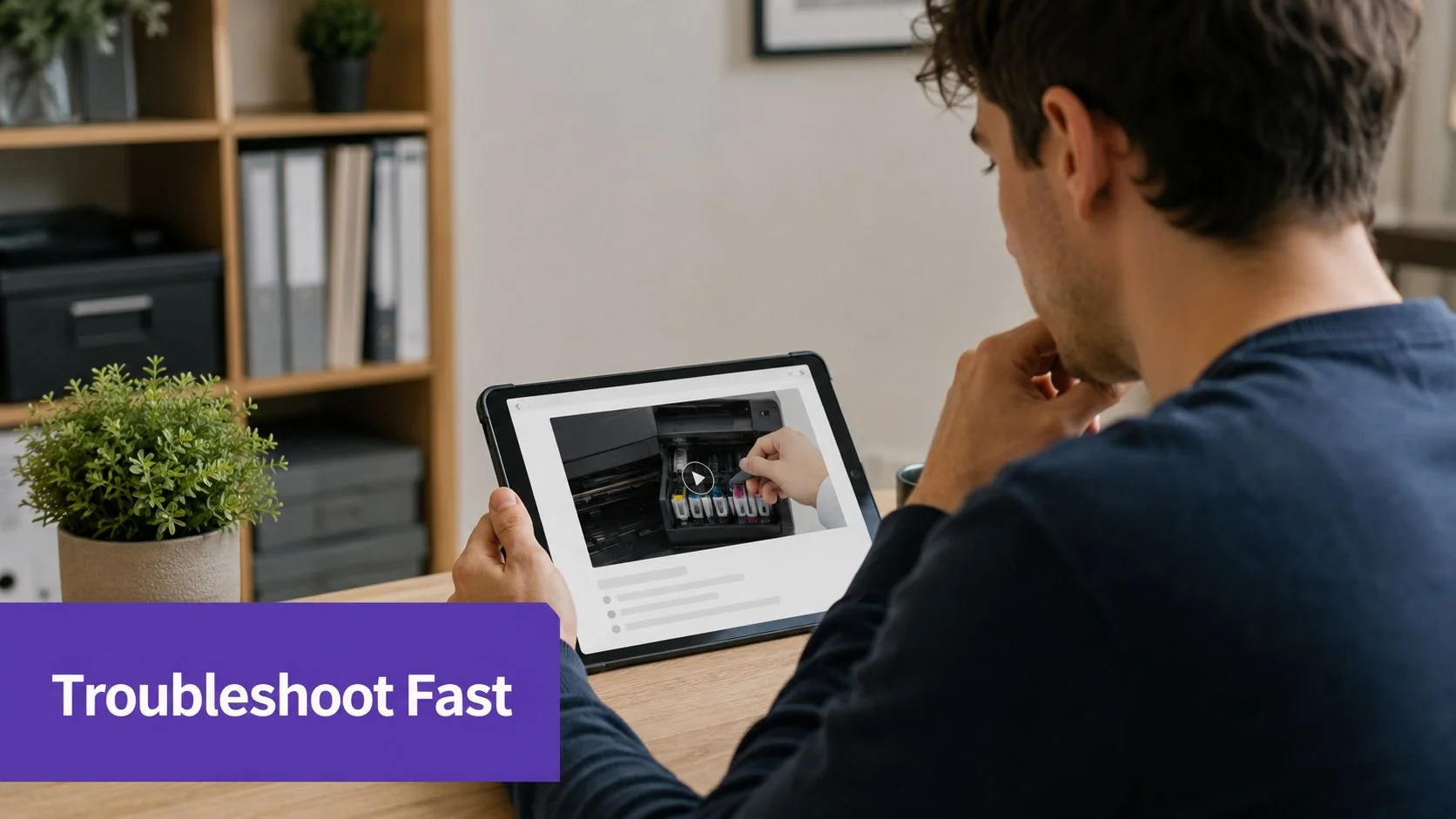
Deutsche Bahn is a useful real-world example here because multilingual troubleshooting content has to be consistent. A help-center article that diverges from the video creates more support work, not less.
Make support recordings searchable
The biggest mistake is recording a fix like a live call. That creates dead space and side comments. A better pattern is an outline with a beginning state, the exact fix, and the expected result on screen.
Use a short optimization pass before publishing:
- Label the issue clearly: “Reset two-factor authentication” beats “Login problem.”
- Show the failure state first: Users need confirmation they’re in the right article.
- Use cursor emphasis carefully: Highlight the field or button users usually miss.
- Republish after product changes: Support content decays fast when navigation shifts.
For teams building a searchable support library, this walkthrough on how to build a knowledge base is directly relevant.
Good help content doesn’t just solve the issue. It confirms the user is following the right path before they invest more time.
4. Internal Training and Standard Operating Procedures
Internal SOPs fail when they depend on tribal knowledge. Someone in IT knows the laptop provisioning flow. Someone in Finance knows the invoice approval edge cases. Then they go on leave, switch teams, or leave the company, and the process quality drops.
A practical example process recording for internal training captures the work exactly as the operator performs it, then turns that recording into both a watchable module and written procedure. That dual output matters because some employees need the walkthrough once, while others need the written steps every month.
Where teams usually get SOP recording wrong
They rush through the recording because they assume editing will fix it later. That’s backwards. Record slowly and clearly. Let the automation remove pauses and tighten pacing afterward.
In social work training, formal process recordings often require a multi-page chronological replay with diagnostic summary, treatment plan, and a “Use of Professional Self” reflection, with handbook guidance from institutions such as Columbia emphasizing structured analysis and repeated practice in process recording handbooks. For SOP work, that same rigor translates into sequence, rationale, and review points.
Use these controls when the process touches sensitive systems:
- Redact before publishing: Blur employee IDs, account numbers, and internal case references.
- Version every procedure: Tag updates so teams know which flow is current.
- Embed where work happens: Confluence, Notion, and internal wikis are better than a buried video folder.
- Standardize the look: Brand Kits help employees recognize official training material.
If you’re documenting repeatable internal workflows, this resource on how to create standard operating procedures maps closely to that use case.
5. Feature Release and Product Update Videos
Feature launches often break down at the handoff between product and marketing. The product manager knows the details. Marketing needs a polished asset. The release date doesn’t move.
That’s why a feature update is one of the best uses of an example process recording. Record the PM walking through the actual interface, then tighten the pace, add captions, and generate the matching article or release notes from the same source. You keep accuracy because the product expert narrates the actual UI. You gain polish because the workflow handles the cleanup.
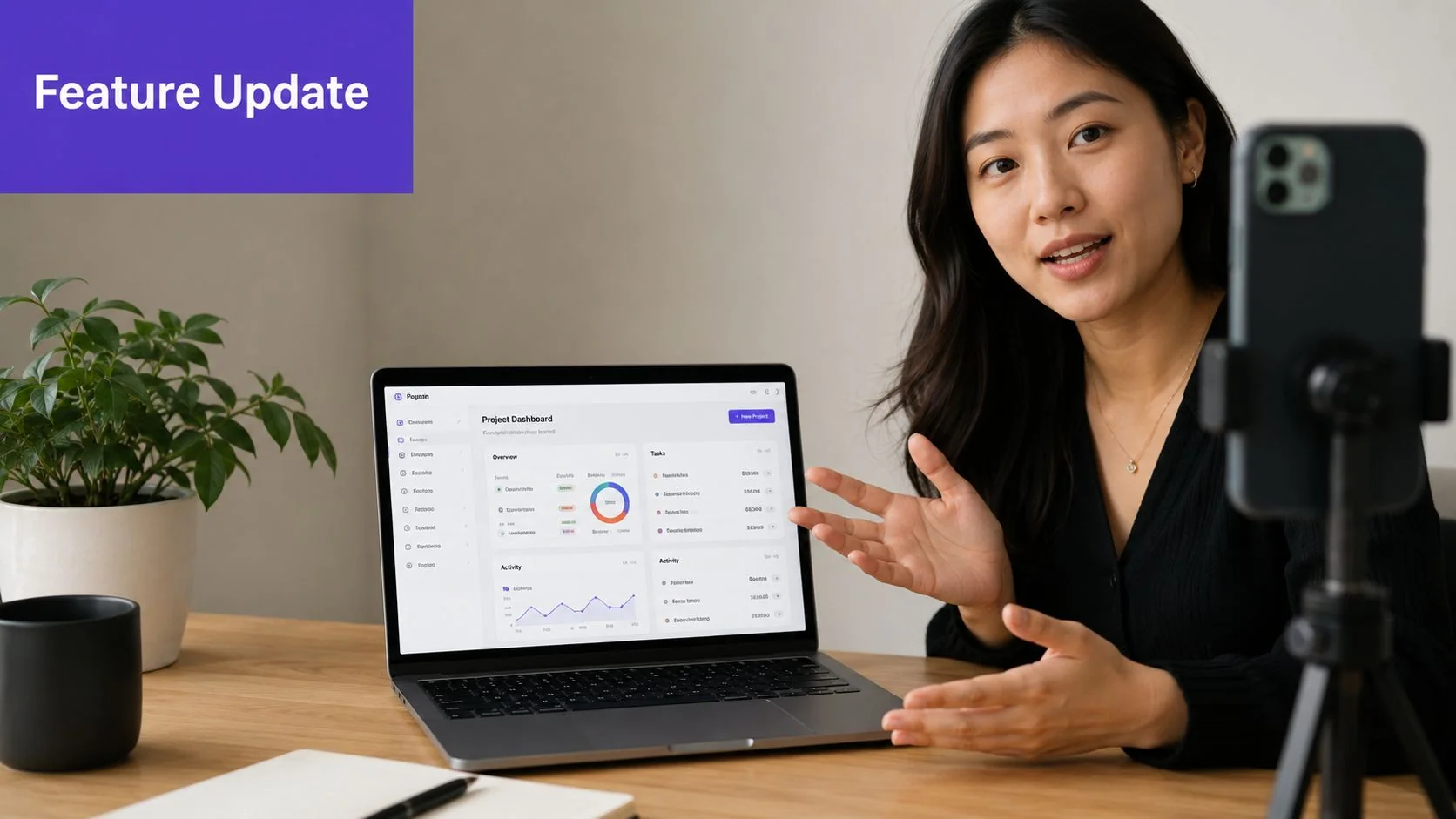
A release video should answer one question first
Why should the user care?
Start with the benefit, then show the clicks. If the release introduces collaborative workspaces, explain what gets faster or easier before opening the product. That sequence keeps the video from becoming a changelog read aloud.
A workable launch pattern looks like this:
- Lead with the user outcome: Anchor the release in a problem solved.
- Preview before demoing: A short branded intro slide helps orient the viewer.
- Narrate for the actual user: Don’t default to internal product language.
- Publish the article and video together: The pairing keeps messaging aligned across channels.
Product marketing teams often compare this workflow with Camtasia, Adobe Premiere Pro, or Final Cut. Those tools are powerful, but they assume someone on the team can edit well. Tutorial AI is useful when the product expert needs comparable polish without becoming the editor.
6. Sales Collateral and Case Study Walkthroughs
A written case study often flattens the reality of how a customer uses the product. A walkthrough fixes that. Instead of abstract claims, the viewer sees the workflow, the reporting view, the configuration, or the daily task that changed.
Bosch is a strong example because manufacturing and enterprise environments usually need proof in context. A sales engineer or customer success manager can record a live walkthrough of an implementation pattern, then turn it into a polished customer-facing video plus a supporting article.
Keep the walkthrough concrete and safe
This format gets stronger when the narrator follows a simple structure: challenge, workflow, outcome. It gets weaker when the recording drifts into generic praise or turns into a full product tour.
Use guardrails like these:
- Protect the account details: Blur names, figures, and identifiable records when needed.
- Narrate the workflow, not the relationship: “Here’s how the team handles exceptions” is stronger than “They love the product.”
- Use the actual environment when possible: Authentic screen context beats a staged mockup.
- Write the article from the same recording: That keeps sales pages and enablement assets aligned.
One caution matters here. If you don’t have verified customer metrics, don’t insert them just because the case study format seems to demand them. Qualitative proof is still useful if the workflow is concrete and the screen evidence is clear.
The most credible case-study video often feels smaller, not bigger. One real workflow shown clearly beats broad claims with no visible proof.
7. API Documentation and Developer Onboarding
Developer content has a different failure mode. The recording may be accurate, but it’s unusable because the pace is wrong. The narrator flies through code, skips the setup assumptions, and never shows the response body long enough for anyone to read it.
A good example process recording for API documentation is slower than most engineers expect. It shows authentication, requests, responses, errors, and the exact environment in use. If you’re demonstrating OAuth or webhooks, separate the success path from the failure path. Don’t pack both into one breathless take.
How to make the recording useful to developers
There’s a common gap between traditional process-recording templates and technical demonstrations. Existing guidance often assumes a human client, with fields like client name or emotional reactions, which doesn’t map cleanly to a screen, dataset, or synthetic narration. A Simmons-related sample highlighted that mismatch and noted projected 2025 to 2026 reporting around documentation teams struggling with the self-reflection component in video-based process recording, while also pointing out that UI confusion analysis is rarely built into older templates in this discussion of process-recording limitations for technical demos.
For developer walkthroughs, replace “feelings” with observable friction:
- Show docs beside execution: Keep the reference and the request visible at the same time.
- Read the code and the result: Narrate what changed, then show the output.
- Split edge cases into separate assets: Error handling deserves its own recording.
- Keep the written guide synced to the demo: If the recording generates the article, drift is much less likely.
This is also where Tutorial AI’s video-to-article workflow is especially practical. Developer teams rarely have time to maintain a separate tutorial transcript, screenshot set, and article draft by hand.
8. Compliance and Security Training
Compliance training has to be clear, controlled, and access-managed. It also has to be watchable enough that employees don’t mentally check out in the first minute. A solid example process recording in this context usually combines policy explanation with real procedural steps, such as handling a data request, reporting a security incident, or following a password reset policy.
Intesa Sanpaolo and enterprise teams like it operate under governance requirements where training content can’t be handled casually. That makes the publishing and access layer as important as the recording itself.
Security requirements shape the workflow
Tutorial AI’s enterprise relevance here is less about style and more about safeguards. It supports SSO and SAML for controlled access, and security-related evaluation criteria such as SOC 2 and GDPR compliance, along with PII scanning and prompt injection detection matter when teams are recording screens that may expose sensitive information.
A few practical rules help compliance teams avoid rework:
- Use calm narration: Policy training lands better when the speaker sounds precise, not dramatic.
- Highlight definitions on screen: Lower-third text helps with terms employees need to remember exactly.
- Use scenarios: “If a customer requests their data, follow this path” is easier to retain than policy language alone.
- Maintain version history: Audits often depend on proving what training existed at a specific time.
For leaders exploring adjacent AI workflows in operational teams, Iwo Szapar’s guide to Claude AI offers a broader perspective on structured knowledge work.
8-Point Process Recording Comparison
| Use case | Implementation complexity 🔄 | Resource requirements ⚡ | Expected outcomes 📊⭐ | Ideal use cases & tips 💡 |
|---|---|---|---|---|
| Product Demos for Sales Enablement | 🔄🔄, Requires screen recording + light editing (multi‑language setup) | ⚡⚡, Sales reps record; Brand Kits, translation engine | 📊⭐⭐⭐⭐, Faster demo production; consistent multilingual outreach and higher prospect engagement | 💡 Sales discovery, global outreach; keep recordings 10–15 min, script key points |
| Customer Onboarding Workflows | 🔄🔄, Stepwise recordings to ensure clean doc generation | ⚡⚡, Record + doc export, captions, embedding | 📊⭐⭐⭐⭐, Reduced support tickets; faster time‑to‑value; dual video+article delivery | 💡 New user activation; structure recording in clear steps and enable captions |
| Help‑Center & Knowledge‑Base Videos | 🔄🔄, Trim/condense frequently; clear step narration needed | ⚡, Low; support agents can produce searchable content quickly | 📊⭐⭐⭐⭐, Lower ticket volume; improved SEO and accessibility | 💡 Self‑service troubleshooting; prepare script outline and add keywords/captions |
| Internal Training & SOPs | 🔄🔄🔄, Requires secure handling, versioning and clear narration | ⚡⚡, Secure storage (SSO), compliance features, Brand Kits | 📊⭐⭐⭐⭐, Consistent processes; faster onboarding; audit trails via versioning | 💡 Operational onboarding & SOP libraries; record clearly and use redaction where needed |
| Feature Release & Product Update Videos | 🔄🔄, Short, focused walkthroughs; may include animated slides | ⚡⚡, Product manager recording; Brand Kits and captioning | 📊⭐⭐⭐⭐, Unified launch messaging; faster production of video + release copy | 💡 Product launches; open with benefit statement and publish video+article together |
| Sales Collateral & Case Study Walkthroughs | 🔄🔄🔄, Customer consent and anonymization increase complexity | ⚡⚡, On‑site or screen‑share recordings; script for metrics | 📊⭐⭐⭐⭐, Faster, authentic case studies that boost credibility | 💡 Sales enablement & social proof; script challenge→solution→results and redact sensitive data |
| API Documentation & Developer Onboarding | 🔄🔄🔄🔄, Technical narration and code accuracy essential | ⚡⚡⚡, Skilled narrator (developer/tech writer); embed code snippets | 📊⭐⭐⭐⭐, Faster developer ramp; clear, runnable examples and synced guides | 💡 Developer portals & SDKs; narrate code line‑by‑line and show console output |
| Compliance & Security Training | 🔄🔄🔄🔄, High due to data sensitivity, access control, and audit needs | ⚡⚡, Secure SSO/SAML, encryption, versioning | 📊⭐⭐⭐⭐, Improved completion rates and audit readiness; concise modules | 💡 Mandatory training; use authoritative tone, embed tracking, and redact real names |
Your Process Recording Checklist & AI Workflow
Creating a useful process recording doesn’t require studio skill. It requires a workflow that respects how experts work. You already know the product, the support path, the setup flow, or the compliance procedure. The bottleneck is turning that raw knowledge into assets other people can use.
The pattern is straightforward. Outline the key steps before you record, but don’t over-script every sentence. Record slowly, narrate clearly, and say the actual labels that appear in the interface. That gives you a cleaner source for both the video and the written article.
In practice, the biggest shift is this. Edit the script, not the timeline. When the transcript is the control layer, you can remove tangents, fix phrasing, and clarify terminology without treating every tutorial like a full video-production project. That’s especially useful for subject-matter experts who need consistent output but don’t have time to learn Camtasia or Adobe Premiere Pro.
A simple operating checklist looks like this:
- Outline key steps: Decide the flow before you hit record.
- Record slowly and clearly: Let automation tighten pacing later.
- Speak the UI exactly: Menu names and button labels improve both video and article quality.
- Refine the generated script: Correct errors, remove detours, and sharpen language.
- Publish in both formats: Pair the polished video with the step-by-step article wherever users already work.
This workflow also solves a problem older process-recording models didn’t anticipate. Traditional templates were built for human interactions with observable feelings, dialogue, and client context. Modern software education often centers on interfaces, datasets, AI narration, and multilingual delivery. The recording still matters, but the analysis changes. Instead of emotional cues, you’re watching for hesitation points, confusing labels, unclear transitions, and unnecessary steps.
That’s why an example process recording is still such a useful concept. The value isn’t the rough recording itself. The value is the structured capture of expertise before it gets polished, translated, and reused.
Teams looking to tighten review and publishing loops often pair tutorial production with tools for streamlining client feedback with PinDrop. Tutorial AI is one practical option in that workflow because it can turn a single screen recording into a polished tutorial video and a matching article, while also supporting multilingual narration, brand consistency, and enterprise controls.
If you want to turn raw walkthroughs into polished tutorials and written documentation from the same recording, Tutorial AI is built for that workflow. Record your screen, clean up the script, publish the video and article together, and give viewers a multilingual player when they need the content in their own language.