What does “unfiltered” buy you in a chatbot, and when does it just shift the risk from moderation to model quality, privacy, and control? That’s the question behind the best unfiltered AI chatbot debate, because the market is already large enough to make the choice consequential, not niche. Independent market summaries put the global chatbot market at about $7.8 billion in 2024 and forecast $15.57 billion in 2025, with growth to $46.6 billion by 2029 at roughly 24.5% CAGR (Rev.com’s chatbot statistics roundup). A separate synthesis says 987 million people worldwide use AI chatbots, and another reports ChatGPT at 46.59 billion annual web visits and 48.36% of all web visits across 10,500+ AI tools (Rev.com’s chatbot statistics roundup). If the baseline is that huge, “best” can’t mean “least filtered” alone.
The useful way to evaluate this category is by function. Some tools are local runtimes, where you control the model and most of the filtering behavior yourself. Others are frontends, which let you shape prompts, memory, and character systems on top of a backend. A third group are API aggregators, which give you model choice and routing, but still inherit upstream policy from the model provider. That split matters more than marketing labels like “uncensored” or “without limits.”
If you’re also comparing how AI gets used in production workflows, the same privacy and control questions show up in other tools too. The way Parrot AI voice cloning works is a good reminder that output quality depends on the pipeline, not just the prompt.
1. OpenRouter
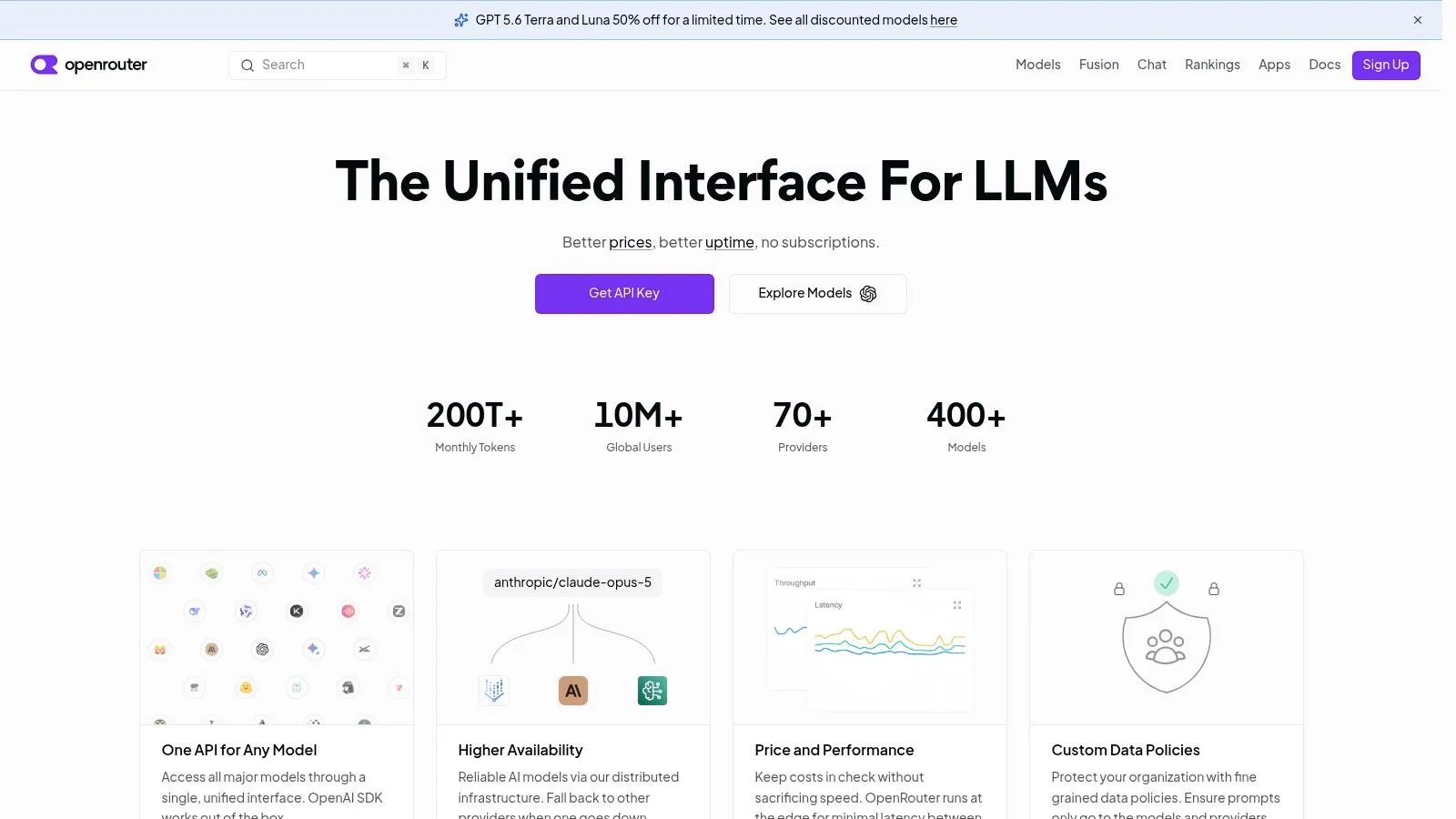
OpenRouter is the clearest choice if you want model choice first and filtering second. It works as a universal API layer, so you can route requests across many third-party LLMs, including open and proprietary models, from one place. That makes it useful for teams who want to reduce guardrails by selecting a more permissive open-weight model, while still keeping everything behind a single integration.
Why it fits the unfiltered category
OpenRouter gives you org-level controls, including allowlists and privacy toggles, plus transparent pay-as-you-go pricing shown per model. That structure matters because the platform itself isn’t the filter. The upstream provider is. If you choose a stricter hosted model, you’ll still hit its policy boundaries. If you choose a more permissive model, you get more latitude, but you also take on the model’s quality and safety profile.
Practical rule: If you want fewer refusals without committing to a single model stack, start here. OpenRouter is strongest when the buyer wants routing control, not just a chat window.
Best use case
This is a good fit for API development, prompt experiments, internal model benchmarking, and teams that need to compare open and frontier models under one account. It’s less ideal if your goal is complete local privacy, because the experience still depends on the model and provider you select. The upside is breadth. The downside is that auto-routing can choose pricier models unless you constrain it.
The website is OpenRouter.
2. LM Studio
LM Studio is the most approachable desktop option here if your priority is local execution with a polished UI. It runs open models on macOS and Windows, with optional cloud connectivity, and its local-first design is exactly why people use it for less filtered chats. When the model lives on your machine, the filtering posture becomes something you can control.
The Tutorial AI video workflow guide is useful context if you care about turning a raw recording into something publishable, because the same principle applies here, control the pipeline and you control the output.
Local by default, with private voice
LM Studio lets you download and run open LLMs inside the app using MLX and llama.cpp runtimes. It also includes real-time voice transcription with private, local processing, which makes it more than a text chat shell. For sensitive prompts, that local-first approach is the main reason to consider it among the best unfiltered AI chatbot options.
The trade-off is hardware dependence. If your machine struggles, the experience will too. Some agent features are still in initial preview, so this is not the tool you pick if you want fully mature automation on day one.
Where it stands out
- Privacy: In local mode, no data leaves your device.
- Ease of use: The UX is simpler than building a local stack by hand.
- Control: You decide which open model to run and how much filtering it inherits.
- Limitations: Performance depends on your hardware, not a hosted server.
The website is LM Studio.
3. Ollama
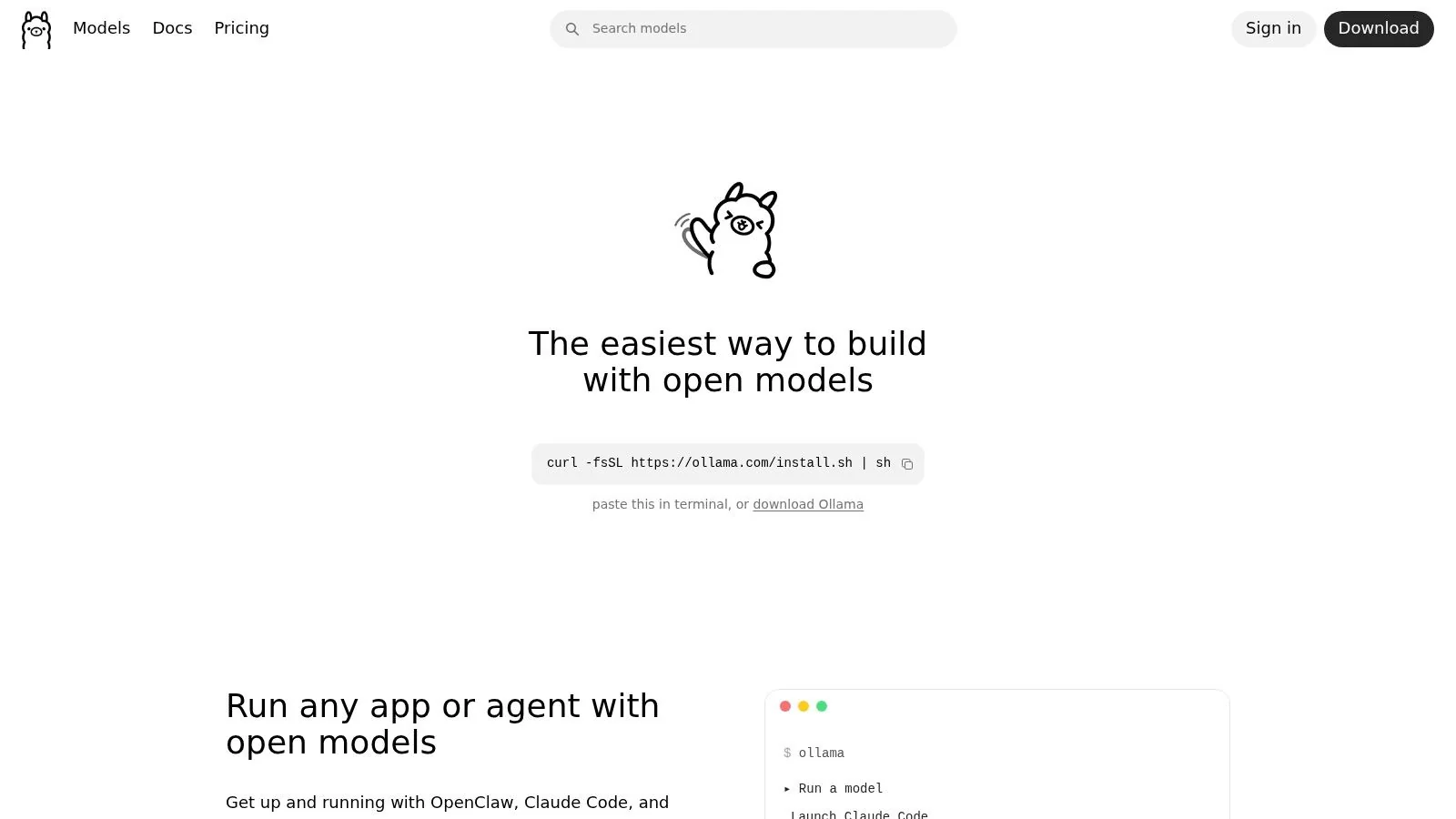
What does it take to move from filtered, hosted chat to a model you can control locally? Ollama is often the first stop, because it gets open models running on your machine with a simple command and exposes them through a CLI or HTTP API. For users comparing the best unfiltered AI chatbot options, that matters because the filtering posture shifts from a vendor decision to a setup choice you make yourself.
Why local matters here
Running the model on your own machine changes the control model. You can work offline, avoid sending prompts to a remote chat service, and decide whether any moderation layer exists at all. That is the core reason Ollama belongs in this guide, and it also explains why the Ollama integration guide is useful if you want to see how it fits into a broader stack.
Ollama also supports optional cloud bursting in US, EU, and SG, which gives you a middle ground when local compute is not enough. The trade-off is straightforward. Once you choose the model, you also choose its behavior, including how strict or permissive it feels in practice.
That freedom cuts both ways. Model quality depends on the checkpoint you load, so one model may answer with far fewer guardrails, while also sounding less polished or consistent. For that reason, Ollama is best treated as a runtime for experimentation, not as a guarantee of high-quality output.
Best fit and limits
Ollama targets offline experimentation, private drafting, and local model testing, especially when the goal is to understand how a permissive model behaves under your own control. It fits users who want a fast way to run open models without building the environment by hand.
- Best fit: Offline experimentation, private drafting, local model testing.
- Strong point: Very fast setup and broad cross-platform support.
- Weak point: You own the model selection work.
- Watchout: Cloud features are newer than pure-local usage.
If you want a practical setup reference, the Ollama integration guide shows how people connect it to other tools in real workflows. For a closer look at knowledge-heavy workflows, this knowledge base build guide is relevant once you start pairing local chat with your own documents.
The website is Ollama.
4. Open WebUI
Open WebUI is what happens when a local model runner gets a clean, browser-friendly front end. It’s open-source, self-hosted, and built to connect with Ollama, OpenAI-style APIs, and other backends. That makes it a strong pick when the model and the interface need to be separate decisions.
This knowledge base build guide is relevant if you’re pairing unfiltered chat with retrieval, because once you start adding your own documents, the UI matters as much as the model.
Control belongs to the host
Open WebUI gives you the ability to control policies and prompts yourself, which is the main reason it belongs on this list. If you pair it with a permissive local model, you get one of the most direct routes to an unfiltered environment without handing control to a hosted consumer app. The feature set also expands through retrieval-augmented generation and tool integrations.
The cost of that control is operational overhead. You manage backups, updates, and whatever backend you connect. That makes it better for teams and technical users than for casual consumers who just want a chat box.
Where it makes sense
Open WebUI is the right layer when you want local models to feel like a product, not a terminal session.
It’s especially strong for users who want multi-model management without sacrificing the ability to self-host. If your priority is low-filter workflows with a tidy interface, this is one of the better balances in the category. If your priority is convenience with zero maintenance, it will feel heavier than hosted options.
The website is Open WebUI.
5. SillyTavern
What makes a chatbot feel less filtered, the model alone, or the layer that sits in front of it? In SillyTavern’s case, the answer is the front end. It is built for roleplay, companion chat, and highly customized prompt behavior, but it does not supply the model itself. That separation matters because the backend, whether local, OpenRouter, or another provider, carries most of the guardrails. If you want more control over tone, memory, and character behavior, SillyTavern gives you the tools to shape those settings without pretending the interface is the filter.
What the interface actually controls
SillyTavern is strongest where prompt control and continuity matter. WorldInfo, lorebooks, character definitions, and extension support let you steer context in ways mainstream assistants usually do not. That is why it keeps appearing in unfiltered-chatbot discussions, not as a raw model host, but as a control layer that helps users maintain long-form narrative, memory, and persona consistency.
The trade-off is setup work. If you want a stable character or a specific interaction style, you have to spend time configuring it, testing it, and revising it as needed. That effort buys you a clearer division of labor, the app handles presentation and context management, while the model handles generation. For users who care about how much the system remembers, how much it improvises, and how strictly it stays in character, that separation is the point.
Where it fits
SillyTavern fits best in workflows where user control matters more than instant convenience. It is a practical choice for roleplay and companion chat, character design and lore management, and backend experimentation across local and hosted models. It also suits people who want to compare model behavior without being locked into a single vendor’s product decisions.
That makes it useful for users who want the model, not the app provider, to define the limits. If your goal is a controlled, highly customizable chat surface, SillyTavern is one of the clearest options in the category.
The website is SillyTavern.
6. Text Generation WebUI
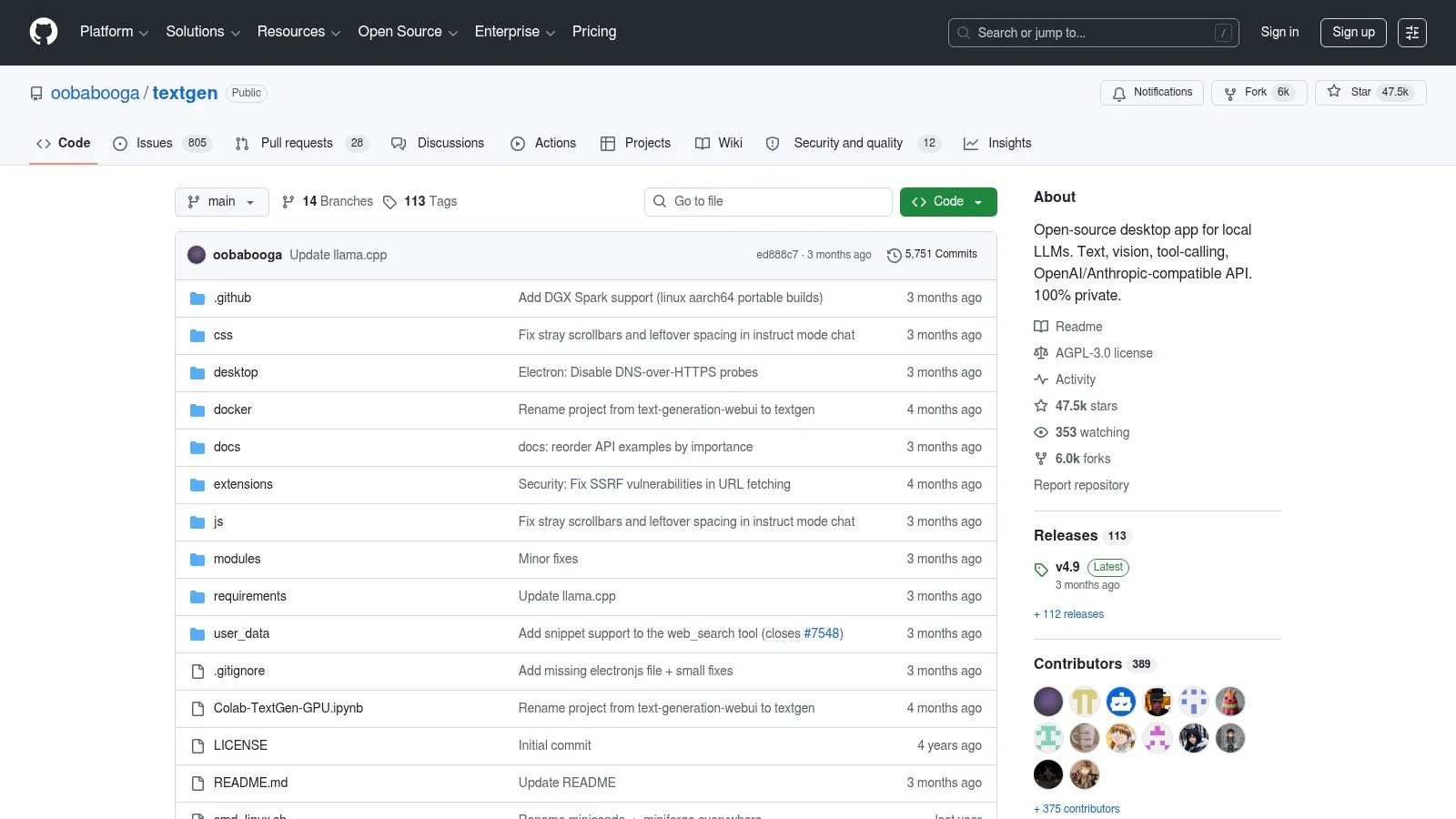
Text Generation WebUI, often called oobabooga, is the tinkerer’s sandbox. It’s a flexible local web UI for running and experimenting with many LLMs, and it has a strong plugin ecosystem for multimodal add-ons. The result is a tool that gives you control over the model, the backends, and the extensions, which is the core requirement for a less filtered setup.
The technical trade-off
This is one of the most configurable options on the list, but it asks for more technical patience than LM Studio or GPT4All. Drivers, quantization choices, model format compatibility, and backend selection all matter. That extra friction is the price of flexibility.
The upside is that it works well with consumer PCs when you choose the right quantized model. It also supports extensions for web search, image generation, and multimodal inputs, so it can grow beyond a basic chat interface. If your goal is to explore how permissive a local model can be, this is one of the most direct ways to do it.
What it’s best for
Use oobabooga when you care more about experimentation than convenience.
It’s a strong fit for local-LLM enthusiasts, researchers prototyping prompts, and users who want to compare backend behavior without being locked into one product opinion. The cost is that you manage your own resources and model library. That’s manageable for experienced users, but tedious for people who just want an easy answer.
The website is Text Generation WebUI.
7. KoboldAI
KoboldAI is built for long-form narrative and creative chat, especially when you want softer guardrails and tighter control over story state. It does not try to be a general-purpose assistant. It is aimed at fictional continuity, character work, and roleplay, so the “unfiltered” part is less about raw freedom and more about letting the user steer the conversation without the product repeatedly resetting the scene.
KoboldAI is useful because it separates the front end from the model. That matters if your goal is to test different backends, keep narrative state persistent, and reduce friction around roleplay-oriented workflows without giving up control over where inference runs.
Narrative control is the point
The strongest part of KoboldAI is the set of story tools around the model, not the model itself. Softprompts, lore management, and session continuity give users a way to shape output before the prompt even reaches the backend. KoboldAI supports local or remote backends, and its Lite edition gives you a no-install web UI for KoboldCPP, AI Horde, and similar systems. That makes it easier to use open models in a roleplay setup without assembling the entire interface stack on your own.
The trade-off is clear. The experience feels more technical than polished, and quality still depends heavily on the model you attach. That pattern holds across most less filtered tools in this category, because the interface can reduce friction, but it cannot make a weak model behave like a strong one. KoboldAI stands out by making the roleplay use case explicit, which is useful if you care more about persistence and story logic than productivity features.
Best fit
- Long-form fiction
- Character-driven roleplay
- Users who need file persistence and flexible run modes
- People comfortable trading polish for control
For users who want a clearer view of the privacy side of local and semi-local setups, this guide to protecting sensitive information covers the same basic risk model, since the main question becomes what leaves the device and what stays in the workflow.
The website is KoboldAI.
8. GPT4All
GPT4All is the packaged local option for teams that want privacy without building their own stack. It runs open LLMs on macOS, Windows, and Linux, and it’s aimed at private, cloud-free usage. The local-docs feature adds on-device retrieval-augmented generation, which makes it more useful than a bare chat shell.
This guide to protecting sensitive information fits the same risk model, because once prompts stay on-device, the bigger issue becomes what else is exposed in the workflow.
What makes it practical
GPT4All supports thousands of open models and includes developer SDKs plus documented quickstart flows. That combination makes it easier to adopt than many DIY local setups. If you want a privacy-first runtime with a familiar desktop experience, this is one of the cleanest choices.
It does have limits. Local hardware still caps performance, and GPT4All has fewer agentic extras than newer apps. That isn’t a weakness if your goal is to run less filtered models privately. It becomes a weakness only if you want elaborate automation or multi-step agent behavior.
Who should use it
GPT4All works best for users who want a straightforward local install, on-device retrieval, and a documented path from download to use. It’s less exciting than some of the newer, flashier platforms, but it’s easier to trust when privacy is the deciding factor. If “unfiltered” for you means “not cloud-mediated,” this is a serious candidate.
The website is GPT4All.
9. Janitor AI
Janitor AI fits the hosted character-chat category, where the main value is creative latitude rather than broad technical control. It is known for comparatively lighter filtering than mainstream assistants, community-built characters, and a token-based message economy. That makes it easy to start, but less predictable than a local stack.

Hosted freedom with caveats
Convenience is the main draw. You do not have to manage models, local hardware, or backend plumbing. The platform gives you a hosted interface with a large character library and a proprietary LLM plus other options, so you can begin quickly and try a wide range of personalities.
That convenience comes with dependency. Availability and latency can shift with traffic, and output quality varies by the bot you choose. The token accounting also means you need to track tiers and usage instead of treating the experience as fully freeform.
Best use case
Janitor AI targets fictional continuity, character work, and roleplay, while leaving general-purpose assistance to other tools. It is also a practical bridge for API power users who want a character-focused interface before moving to something more configurable. The platform is less compelling for business workflows, where privacy, reliability, and predictable moderation matter more than character variety.
The website is Janitor AI.
10. CrushOn.AI
CrushOn.AI targets a different use case entirely, fictional continuity, character work, and roleplay. Its lighter filtering appeals to users who want more conversational freedom than mainstream assistants usually allow, while the built-in character creator, cross-device sync, optional voices, and long-form memory on higher tiers make it feel more polished than many hosted alternatives.

Story continuity is the hook
The strongest appeal here is continuity. Multi-character scenes, memory features, and voice packs are aimed at ongoing narrative rather than one-off prompts, so conversations can retain context in a way that matters for roleplay-heavy use.
The trade-off is scope. Model quality and features vary by tier, and the product stays centered on companions and fictional interaction instead of general-purpose business tasks. If your version of “best unfiltered AI chatbot” includes work drafting, policy-sensitive research, or document handling, this is not the tool that should sit at the center of your workflow.
Who it suits
- Users who want a hosted start without building infrastructure
- People who care about story continuity
- Teams or individuals testing character-based AI before moving deeper
- Anyone who prefers a companion-oriented interface over a blank chat box
The website is CrushOn.AI.
Top 10 Unfiltered AI Chatbots Comparison
| Product | Core features | UX / Quality (★) | Value / Pricing (💰) | Target audience (👥) | Unique selling point (✨ / 🏆) |
|---|---|---|---|---|---|
| OpenRouter | Multi-model API, routing rules, privacy toggles | ★★★★ | 💰 Pay-as-you-go; per-model pricing | 👥 Devs & teams needing model choice | ✨ One API for dozens of models; 🏆 routing + model diversity |
| LM Studio (Bionic) | Desktop local LLMs, voice transcription, agents | ★★★★ | 💰 Free desktop; optional cloud add-ons | 👥 Privacy-first users & researchers | ✨ Local-first private processing; 🏆 polished desktop UX |
| Ollama | One-line installs, local runtime, cloud bursting | ★★★★ | 💰 Free local; paid cloud burst | 👥 Fast-start devs & offline users | ✨ CLI + model library; 🏆 easy offline control |
| Open WebUI | Self-hosted chat UI, multi-backend, Docker | ★★★★ | 💰 Open-source; self-host cost | 👥 Teams wanting customizable UI | ✨ Extensible multi-backend UI; 🏆 community-driven |
| SillyTavern | Power-user RP frontend, character/lore tools | ★★★ | 💰 Free/open; needs models | 👥 Roleplay enthusiasts & tinkerers | ✨ Granular character controls; 🏆 deep customization |
| Text Generation WebUI (oobabooga) | Local web UI, plugins, multimodal add-ons | ★★★★ | 💰 Open-source; self-host costs | 👥 Local-LLM experimenters & hobbyists | ✨ Huge plugin ecosystem; 🏆 multimodal support |
| KoboldAI | Story/roleplay tools, multiple run modes, Lite UI | ★★★ | 💰 Free/open | 👥 Writers & long-form roleplayers | ✨ Story/lore management; 🏆 narrative-focused features |
| GPT4All (Nomic) | Desktop app, LocalDocs RAG, model downloads | ★★★★ | 💰 Free desktop; community models | 👥 Teams wanting packaged local RAG | ✨ On-device RAG + SDKs; 🏆 privacy-first packaged UX |
| Janitor AI | Hosted character chat, mobile apps, token economy | ★★★ | 💰 Freemium + token paywalls | 👥 Casual users seeking ready characters | ✨ Large character library; 🏆 fast hosted onboarding |
| CrushOn.AI | Companion RP, long-memory tiers, voices | ★★★★ | 💰 Free tier; paid memory/voices | 👥 RP users focused on continuity | ✨ Long-form memory & cross-device sync; 🏆 story continuity |
Choosing Your Tool and Using It Responsibly
An unfiltered AI chatbot is not one product, and it’s not one feature. It’s a spectrum that runs from fully local runtimes, where you control the model and most of the data path, to hosted services that relax moderation relative to mainstream assistants. That’s why the smartest way to judge the best unfiltered AI chatbot is to start with the question, “What do I need less filtering for?”
If your work is technical, API-first, or experimentation-heavy, OpenRouter gives you routing control across many models. If you want privacy and local control, LM Studio, Ollama, Open WebUI, Text Generation WebUI, KoboldAI, and GPT4All let you shape the filtering boundary by choosing the model and where it runs. If you want a hosted character platform with fewer guardrails, Janitor AI and CrushOn.AI are easier to start with, but they trade away some control and predictability. If you want granular behavior, lore management, and long-form continuity, SillyTavern is the most flexible front end in this list.
The issue isn’t just censorship. It’s what happens when moderation is removed from one layer and pushed into another layer you can’t see. Hosted tools can still store data, inherit upstream policy, or change behavior by tier. Local tools can give you more freedom, but they also shift responsibility onto you for model choice, safety checks, and output review.
That responsibility matters. Relaxed moderation can improve creative work, roleplay, and open-ended brainstorming, but it can also increase hallucinations, unsafe suggestions, or misuse if you treat every response as trustworthy. If you’re using any less filtered tool for research, support drafts, education, or internal workflows, review outputs carefully and keep a human in the loop.
The best decision is the one that matches your technical comfort level and your risk tolerance. Start with the tool that gives you enough freedom without pushing you into a setup you won’t maintain. The category rewards users who understand trade-offs, not users who chase the loosest filter label.
For a broader context on where the AI chatbot market sits, see MyMentions’ GPT-3.5 timeline analysis.
Tutorial AI helps teams turn a single screen recording and narration into a polished tutorial video plus a matching written article, so you can ship help content faster without editing in a timeline. If your team wants that same level of control over product demos, onboarding, knowledge-base videos, and internal training, visit Tutorial AI and see how it turns one recording into multiple assets.