You already know the pain. Customers sign up, watch a few onboarding clips, skim one help article, then open a support ticket for something your team explained last week. The right LMS can change that pattern, but only if it supports external learners, branded academies, multilingual delivery, and the video-plus-documentation workflow your team uses. That’s why the best LMS for customer training isn’t just the one with the longest feature list, it’s the one that helps you ship tutorials, keep content current, and tie learning back to adoption, retention, and support deflection. Customer education has measurable commercial impact, with Intellum reporting that 96% of organizations recouped their investment and 86% saw a positive return, while average programs increased product adoption by 38% and customer satisfaction by 26%. A 2024 Forrester report commissioned by Intellum also found a 16% reduction in support requests and a 7% drop in support costs for companies investing in customer education, which is why LMS selection has to be outcome-led, not feature-led, (Intellum customer education statistics).
1. Skilljar
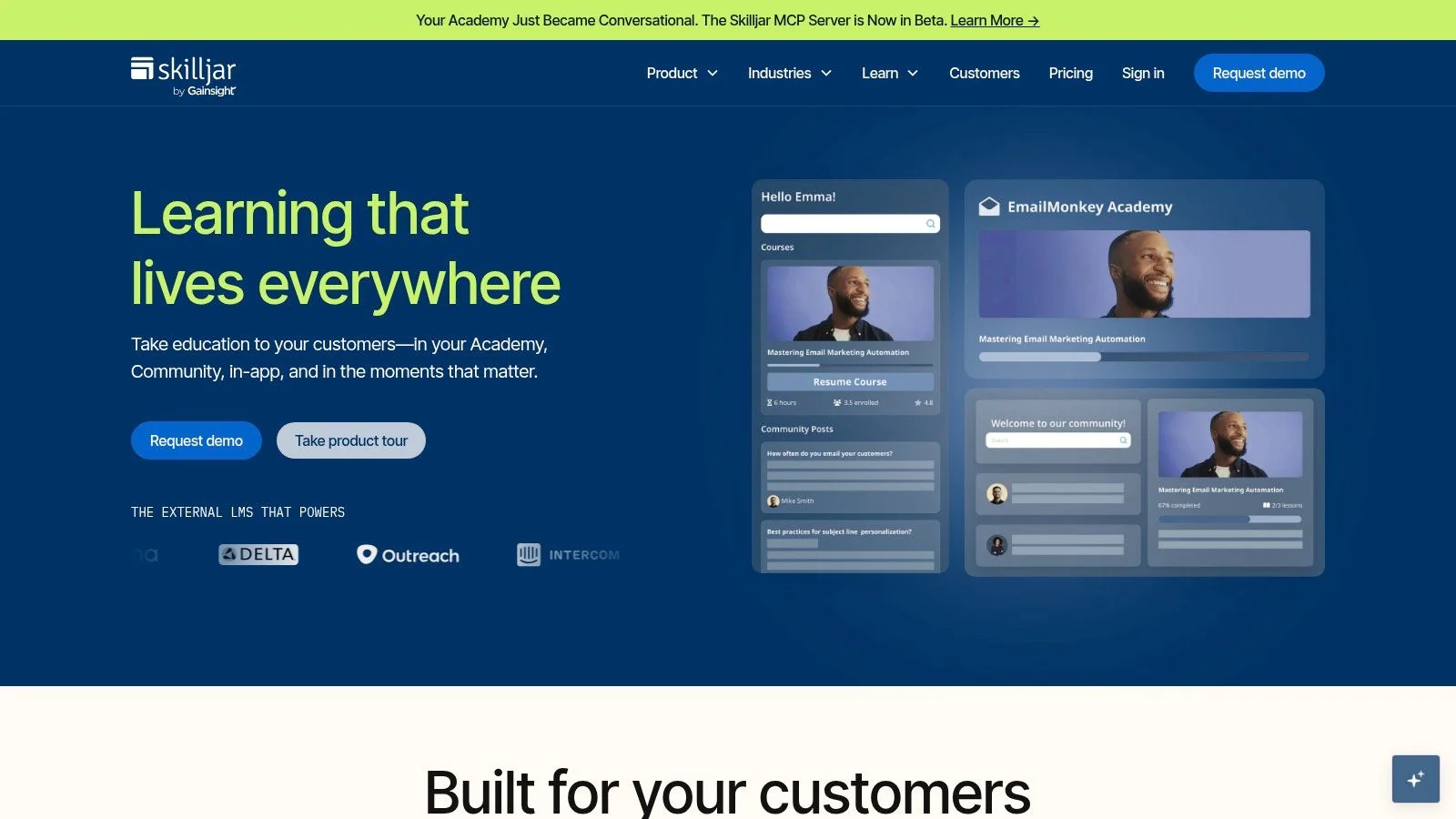
Skilljar is one of the clearest picks when the audience is external customers, not employees. Its branded customer academies, extended enterprise setup, and monetization features make sense when training has to live alongside onboarding, certification, and paid learning paths.
Where Skilljar fits best
The biggest reason teams choose Skilljar is that it’s built around external education from the start. Native e-commerce, subscriptions, credits, and course monetization give you a real commercial model, not just a training portal with a payment add-on. That matters if your customer academy is part onboarding hub, part paid certification engine, part product adoption channel.
Skilljar is also suitable for teams that need to connect learning activity to broader customer success workflows. Its deeper Salesforce and Gainsight ecosystem align with how SaaS companies operate, where a learner’s progress can feed downstream conversations about adoption and renewal readiness. The trade-off is implementation effort, because this kind of breadth usually needs careful planning before launch.
Practical rule: If your academy needs to support customers, partners, and revenue-bearing certification in one place, Skilljar is a strong fit. If you only need a lightweight help center with a few courses, it can be more platform than you need.
The trade-offs that matter
The strongest argument against Skilljar is cost and setup complexity. Quote-based pricing usually means it’s aimed at larger programs, and that can push it out of reach for teams that are still proving ROI. It’s also not the fastest path if you want a simple video library.
For teams building video-driven tutorials, Skilljar works best when the content production workflow is already disciplined. That’s where a tool like Tutorial AI can help by turning a screen recording into a polished tutorial video and a matching article, so the academy gets both formats without separate production runs. If your customer training strategy depends on repeatable product demos, feature release videos, and help-center walkthroughs, that pairing is hard to beat.
2. Docebo
Docebo is the enterprise-heavy option on this list, and that’s exactly why many large customer education teams shortlist it. It handles multiple audiences, role-based access, and external learner workflows without pretending customer training is just another employee LMS use case.
Docebo is also one of the few platforms in this group with a dedicated Customer Education solution and enough depth to support regulated or public-sector environments. The internal integration path is worth a look if your team is already thinking about how LMS data should flow into the rest of the stack, especially the Tutorial AI LMS integration guide.
Why teams choose it
Docebo’s social and collaborative learning features help when customer education needs to feel active rather than static. That can matter for onboarding communities, certification cohorts, and account-based academies where learners benefit from peer discussion. Its flexible user models also fit usage patterns that don’t look like steady employee headcount.
The platform’s main strength is breadth. It gives large organizations room to build multiple portals and learning experiences without forcing every audience through the same funnel. That’s useful if product, support, and customer success all own a slice of the learning experience.
Where it can slow you down
The downside is weight. Docebo can feel like a lot if your only need is a customer-only academy with straightforward content. The pricing isn’t public, which usually signals enterprise-level buying motions and longer procurement cycles.
It’s also a platform where implementation quality matters a lot. Teams that want measurable training outcomes need to plan the connection between learning, CRM, support, and product data early. If that doesn’t happen, you’ll end up with a polished portal that still sits too far from business metrics.
3. LearnUpon
LearnUpon sits in a practical middle ground. It is built for customer education without creating an admin burden that turns launch day into a separate project.
A good fit for fast setup
The strongest signal with LearnUpon is usability. Multi-portal support lets you separate customer groups cleanly, and built-in e-commerce means you can sell access or memberships without adding a separate commerce layer. That is useful for software firms, associations, and services teams that need a clear launch path.
LearnUpon also fits teams that want an enterprise answer without a lot of operational drag. Its admin tooling is aimed at quick setup at scale, which often matters more than features that look impressive but go unused after rollout. For customer education, that speed matters because product launches and onboarding work do not wait for a long implementation cycle.
Practical rule: If your customer academy needs to go live before your next product release, LearnUpon’s simpler operating model is a real advantage.
Teams that plan to move content between systems should also check whether their course assets can be reused cleanly. Standards like SCORM affect how portable packaged training remains, and this guide to what a SCORM file is is a useful reference if you expect to mix authored modules with video lessons and written docs.
Limits to watch
The platform is less attractive for very small customer populations. If you are training fewer than 100 external users, the setup and commercial model may feel heavier than necessary. LearnUpon also does not offer an on-premises option, and its docs do not support HIPAA, so it is not a fit for every regulated environment.
For tutorial-heavy programs, LearnUpon works best when your video library and help articles are already organized. A tool that can create both a screen-capture walkthrough and a written article from the same recording, like Tutorial AI, can reduce the content bottleneck that slows academy launches. That matters when you are supporting product demos, customer onboarding, and support article videos at the same time.
4. Intellum
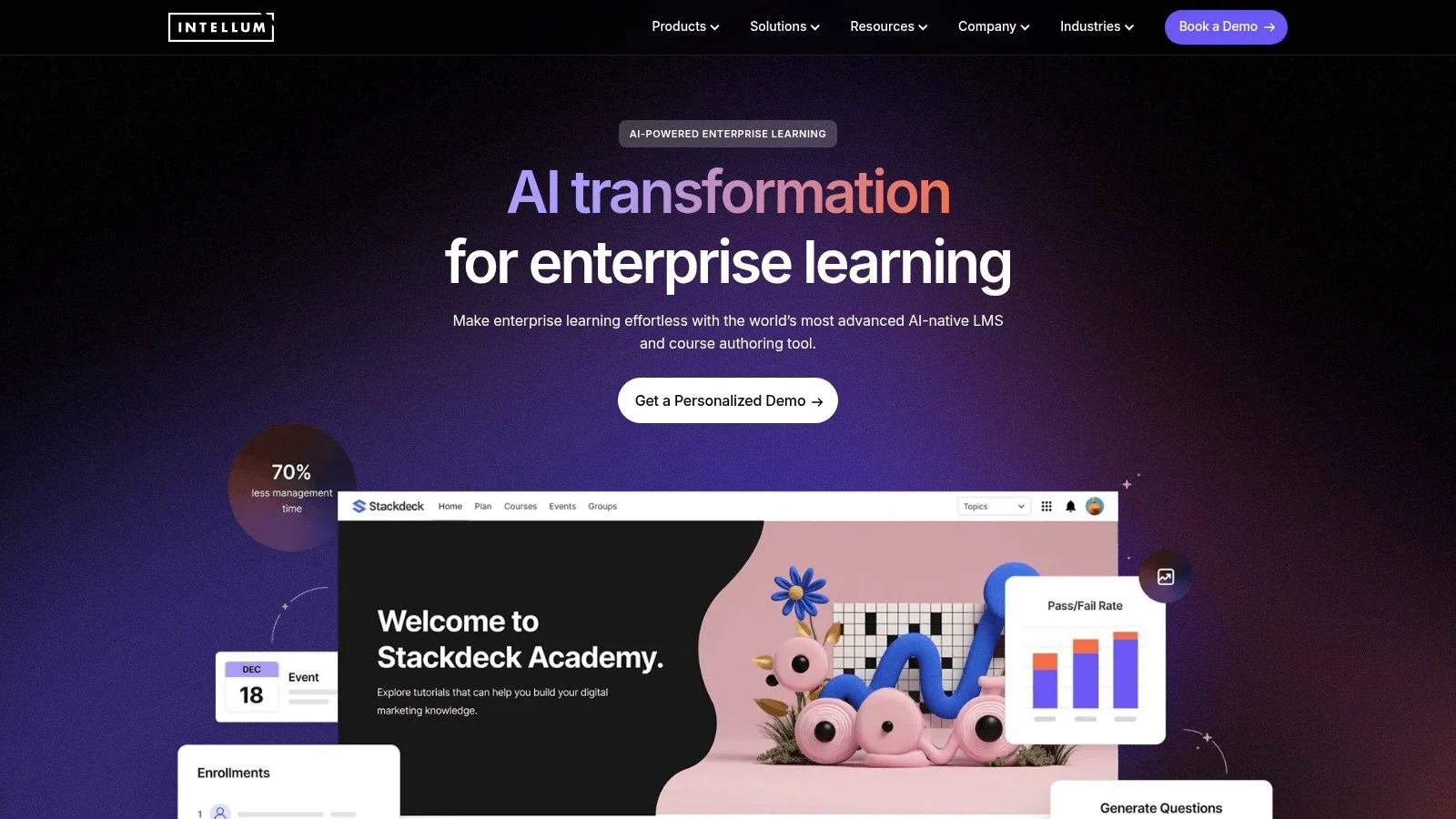
Intellum stands out for teams that don’t want to separate learning production from learning delivery. It combines customer training, built-in authoring, certification, analytics, and AI-assisted workflows in one platform.
Why it works for large programs
Intellum is especially relevant when customer education spans multiple regions, languages, and audiences. Its branded orgs and e-commerce support give it the structure you need for external learners, while AI agents for creators, managers, and learners can speed up routine work across the program. The appeal here is not just delivery, it’s the ability to move content from draft to published without bouncing between too many tools.
That integrated approach matters for teams creating product release videos, SOPs, and customer onboarding assets on a steady cadence. If your content team is already recording demos and writing documentation, a workflow that generates video and article output from one source recording can fit naturally into Intellum’s production model.
The main compromise
Intellum is enterprise-oriented, and that means custom pricing and more structure than some teams want. If you’re an SMB, the breadth may feel like overkill before you’ve fully defined your operating model. It’s a platform that rewards teams with clear governance and repeatable processes.
That said, the category signal is strong here. Intellum is one of the vendors tied to the commercial proof that customer education affects adoption, satisfaction, and support load, which makes it easy to justify in a buying conversation. If your priority is measurable customer success, not just content hosting, this is one of the more serious choices on the market.
5. Thought Industries
Thought Industries is a strong option when customer training has to support commerce, branded portals, and multilingual education at the same time. It’s built for external learning experiences that feel more like a customer academy than a generic LMS instance.
Best for monetized, multi-brand learning
The platform’s strength is the full external learning stack. Custom learning portals, site designs, content syndication, and analytics create room for organizations that need to sell courses, train customers, and manage multiple brands or audience segments. That makes it attractive for software companies, associations, and training businesses with more complex models.
It also fits teams that think in terms of learning products, not just courses. If your academy includes paid certification, multi-language delivery, and segmented customer journeys, Thought Industries has the structure to support that. The trade-off is implementation scope, which can get substantial once portals and audience rules multiply.
Where it can be too much
The biggest risk with Thought Industries is scope creep. Because the platform can do so much, teams sometimes overbuild the first version and delay launch. Custom pricing and tiered features can also make procurement less straightforward than people expect.
For tutorial-led training, this is a platform that benefits from disciplined content production. It works best when product demos, help-center videos, and support walkthroughs are already being created in a repeatable format. If your team wants to publish both a polished screen recording and a step-by-step article from the same source, Tutorial AI can reduce the editorial overhead before that content ever reaches the LMS.
6. Gainsight Customer Education
Gainsight Customer Education makes the most sense when customer learning is already part of a broader customer success motion. If your team lives in Gainsight, the argument for this platform becomes much simpler.
Customer education strategy guidance is most useful when learning data has to influence health scores, renewals, and lifecycle actions, and that’s where this platform’s alignment is strongest.
Why it stands out
The main advantage is native connection to Gainsight CS and Salesforce. Training data can sit closer to customer health, which makes it easier to connect education with retention work and follow-up workflows. For SaaS teams, that alignment can turn training from a standalone program into part of the success operating system.
It also offers customer academy experiences built for SaaS buyers, which matters if your team wants training to feel product-native and account-aware. The platform is less about content novelty and more about operational fit, especially for organizations that already standardize on Gainsight.
Practical rule: Choose this when customer success owns the business case. Skip it if training is being run as a standalone marketing or documentation project.
What to watch before buying
The value drops if you aren’t already in the Gainsight ecosystem. In that case, the platform can feel harder to justify because part of its appeal is the surrounding customer success stack. Pricing isn’t public either, so it follows the enterprise pattern seen across the category.
For content teams, the biggest question is whether you can feed the academy fast enough. Product tutorials, onboarding videos, and support articles need to move quickly, and a workflow that turns a single screen recording into both video and documentation can keep the academy stocked without creating a separate production bottleneck.
7. Absorb LMS
Absorb LMS is a practical enterprise choice for teams that want a modern UX, external training workflows, and built-in commerce in one package. It’s especially attractive when customer usage fluctuates and you want licensing that can handle changing demand.
Good for varied external audiences
Absorb’s e-commerce features, including coupons, catalogs, and checkout, make it a credible option for monetizing training or segmenting access by audience. The platform also supports multi-audience use cases, so customer, partner, and internal training can live in the same ecosystem if needed.
The user experience is a big part of the appeal. For customer training, a clean learner experience matters as much as administrator convenience, because customers won’t tolerate confusing navigation just to find a walkthrough or certification path. Absorb generally leans into that simplicity without stripping out enterprise controls.
Trade-offs to keep in mind
The pricing is quote-based, and the platform can be more than small teams need. If your use case is only a customer academy with a modest content library, the feature set may feel broad. Implementation can also look enterprise-heavy if you need help structuring the first rollout.
Absorb fits best when customer onboarding, revenue training, and partner enablement are all in scope. If your content workflow includes product demos, feature release videos, and support articles, it pairs well with a system that can generate both video and written documentation from the same source recording, because the platform itself is strongest when fed with consistent learning assets.
8. SAP Litmos
SAP Litmos is one of the more deployment-friendly options on this list. It’s a cloud LMS with explicit customer education support, so teams that want speed and packaged services often start here.
Where it makes sense
Litmos is attractive when you need separate customer portals and don’t want to mix external learning into an employee-first system. Its e-commerce and reporting dashboards make it usable for monetized or segmented training programs, and packaged services can shorten the path from purchase to launch.
The platform also shows up often in comparison pages because it covers a lot of ground without forcing a highly custom build. That breadth is useful if your customer education program is still evolving and you need room to adjust over time. For teams with limited admin capacity, that can be enough to justify it.
The main limitation
The advanced AI features sit in higher tiers, and pricing isn’t public. That means the version you evaluate may not be the version you end up buying. If your team is expecting content authoring assistance or assistant features, you’ll want to verify the exact tier early.
Litmos is strongest when speed matters more than specialization. If you’re creating tutorial videos, knowledge-base articles, and internal SOPs on the side, a content workflow that automates both polish and documentation can help you keep up with release cadence while the LMS handles delivery.
9. Adobe Learning Manager
Adobe Learning Manager is a strong enterprise option when licensing flexibility and transactional buying matter. It supports different external audience models, which gives customer training teams more commercial room than many general-purpose LMSs.
Flexible licensing is the point
The platform’s support for registered users versus monthly active users is useful when external learner counts fluctuate. That matters in customer education because some audiences log in constantly while others only show up during onboarding or release cycles. The ability to match pricing to usage pattern can make the business case easier.
It also includes admin billing tools and US credit-card purchasing up to defined limits, which is handy for smaller transactions or self-serve buying flows. For teams that want to sell training without forcing every purchase through a long enterprise process, that’s a meaningful operational advantage.
Where it can feel broad
Adobe Learning Manager has enterprise credibility, but it’s not only a customer-education platform. That breadth can be a strength if you also train employees, but it can feel less focused if all you want is an external academy with strong content workflows. Marketplace content can also add cost, which is worth checking early in procurement.
For video-led customer education, the key question is speed of content production. If your team is making product demos, customer onboarding clips, and support articles, a tool that creates both a polished video and a matching article from one recording can keep the academy populated without adding more editing overhead.
10. WorkRamp
WorkRamp is a practical fit for GTM teams that want customer learning inside the same system as employee training and revenue enablement. Its customer learning packages are clearly separated, which helps procurement and implementation stay clear when several teams are involved.
Why teams shortlist it
Packaging is the main reason teams look at WorkRamp. Customer Learning Cloud is positioned for branded academies, and that clarity helps when product, sales, and customer success all weigh in on the decision. The interface feels modern, the admin experience is straightforward, and AI features are growing in the higher tiers.
WorkRamp also suits teams that want one learning system for internal and external audiences without making customer education feel secondary. That can reduce governance friction when enablement and education need shared standards, shared reporting, and a common admin model.
For teams building video tutorials alongside written documentation, that mix matters. A tool like Tutorial AI can fit there by converting a screen recording into a polished tutorial video and a written article, which helps GTM teams keep the LMS stocked with both formats without creating two separate production tracks.
The trade-off
WorkRamp does not have the same long external-LMS track record as some pure-play customer education vendors. That is not a deal-breaker, but it matters if your team wants a platform built around customer education first. Pricing is also by request, and some functionality sits behind higher-tier packaging.
The practical question is content throughput. If your customer training program depends on product demos, onboarding clips, and support articles, WorkRamp works better when you have a repeatable production workflow outside the LMS. That keeps content moving at a steady pace and avoids bottlenecks when the team needs to publish both video and written guidance.
Top 10 Customer Training LMS Comparison
| Product | Core features ✨ | UX/Quality ★ | Price/Value 💰 | Target audience 👥 | Unique strength 🏆 |
|---|---|---|---|---|---|
| Skilljar | ✨ Branded academies, e‑comm, Salesforce & community | ★★★★ Solid customer‑facing UX | 💰 Quote / Enterprise | 👥 SaaS customer academies | 🏆 Best for monetization & Salesforce tie‑ins |
| Docebo | ✨ Branded subdomains, social learning, flexible user models | ★★★★ Enterprise‑grade, feature‑rich | 💰 Quote / Enterprise | 👥 Large programs & regulated orgs | 🏆 Scales for complex/multi‑audience deployments |
| LearnUpon | ✨ Multi‑portal, e‑comm, admin tooling for fast setup | ★★★★ Admin‑friendly; quick launch | 💰 Quote (mid→enterprise) | 👥 Mid‑market & enterprise customer training | 🏆 Balanced external focus + usability |
| Intellum | ✨ LMS + authoring, certifications, AI agents | ★★★★ AI‑driven content production | 💰 Quote / Enterprise | 👥 Global enterprise customer programs | 🏆 AI‑native for fast content & scale |
| Thought Industries | ✨ AI content, custom portals, syndication & analytics | ★★★★ Commerce‑focused UX | 💰 Quote / Tiered enterprise | 👥 Software, associations, training businesses | 🏆 Full learning commerce stack |
| Gainsight Customer Education | ✨ Native Gainsight/SFDC integrations, CE data objects | ★★★★ Tight CS workflow integration | 💰 Quote (best if on Gainsight) | 👥 Gainsight customers / CS teams | 🏆 Connects training to customer health & renewals |
| Absorb LMS | ✨ E‑comm, external workflows, active‑user models | ★★★★ Modern learner & admin UX | 💰 Quote / Enterprise | 👥 Customer onboarding → revenue training | 🏆 Flexible user models for fluctuating usage |
| SAP Litmos | ✨ Customer portals, AI authoring (higher tiers), e‑comm | ★★★ Fast‑to‑launch; packaged services | 💰 Tiered / Quote; AI in higher tiers | 👥 Organizations needing quick deployment | 🏆 Rapid launch + consulting services |
| Adobe Learning Manager | ✨ Licensing choices (registered vs MAU), marketplace, billing | ★★★★ Enterprise platform with flexible billing | 💰 Flexible licensing / Quote | 👥 Enterprises with variable learners | 🏆 Flexible purchasing & licensing models |
| WorkRamp (Learning Cloud) | ✨ Branded academies, built‑in creation, AI add‑ons | ★★★★ Modern UI; GTM‑aligned | 💰 Quote (Pro→Enterprise) | 👥 GTM teams; combined employee & customer learning | 🏆 Clear packaging for customer & partner learning |
Next Steps From Evaluation to Implementation
The best customer training LMS is the one that matches your operating reality. If you need branded academies, monetization, and mature CRM hooks, start with the enterprise external-learning platforms. If your team wants fast launch and simpler administration, favor the platforms with clearer rollout paths and less implementation friction. If customer education has to connect directly to retention or support deflection, prioritize the systems that can pass learning data into the rest of your stack instead of treating training as a standalone island.
The market has clearly settled around a smaller group of mature vendors, which is useful because it narrows the decision to implementation depth rather than basic course hosting. Independent and vendor-neutral roundups consistently point to the same core platforms, and they also emphasize the same differentiators, multi-tenancy, localization, SCORM/xAPI compliance, and enterprise integrations, as technical filters for external learning. That lines up with the commercial reality: customer education programs are judged by adoption, satisfaction, and service impact, not by whether people merely completed a module.
The practical buying move is to shortlist three platforms, run the same customer-training scenario through each one, and test the content workflow that matters most to your team. That should include how fast you can publish a new product demo, turn it into a help article, localize it, and connect learner activity to CRM or support data. If your content team can’t keep pace, the LMS won’t save the program, no matter how good the portal looks.
Tutorial AI is relevant here because it helps teams create the tutorial assets that feed a customer academy in the first place. It turns a screen recording and narration into a polished video, and it also generates a matching article from the same source, which is a practical fit for product demos, onboarding walkthroughs, and support documentation. Use that combination to pressure-test your content pipeline before you commit to a platform, then choose the LMS that makes the rest of the workflow easier.
If you’re building customer training around product videos, onboarding guides, and support articles, Tutorial AI can help you produce those assets faster from one recording. Visit Tutorial AI to see how it fits into a customer education workflow and decide whether it belongs in your content stack.