Tango made a name for itself by turning screen clicks into clear, step-by-step guides. However, as team needs change, the demand for more dynamic, video-first, or interactive content has grown. If your goal is to create polished video tutorials, interactive software simulations, or enterprise-grade digital adoption walkthroughs, the market is full of powerful apps like Tango, each with distinct advantages.
This guide cuts through the noise to compare the top 12 alternatives, helping you find the perfect tool for your knowledge sharing, employee onboarding, and customer support workflows. We’ll analyze each app’s core features, ideal use cases, and limitations to help you make a well-informed choice. When considering your options for workflow tools, it’s essential to not only understand what’s available but also to explore other top alternatives that might suit your specific needs, much like how one might evaluate various support services.
We will provide a detailed look at each platform, including direct links and screenshots, so you can see them in action. This list includes tools that generate static documents from screen captures, but it also dives deep into options that produce video. For instance, Tutorial AI allows subject matter experts to create professional-grade demos and onboarding videos from a single screen recording. It lets you record freely without a script; its tools then automatically edit the footage to create a polished, on-brand video that looks as if it were produced in Adobe Premiere Pro. This approach helps teams create high-quality video content far more efficiently than with traditional video editing software. From simple screenshot tools to advanced video generators, you’ll find the right Tango replacement for your team here.
1. Tutorial AI
Tutorial AI stands out as a powerful, AI-first alternative for anyone generating video tutorials based on screen recordings, such as demos, onboarding videos, explainer videos, feature release videos, knowledge base videos, and support article videos. Where many “apps like Tango” focus on generating static, step-by-step guides, Tutorial AI is purpose-built for video, transforming raw screen captures into studio-quality content without requiring professional editing skills. Easy-to-use recording tools like Loom often produce videos that are 50-100% longer than necessary. In contrast, professional video editing software like Camtasia or Adobe Premiere Pro requires expert video editing knowledge. Tutorial AI’s tools bridge this gap: you can speak freely without any practice, and your video will still look professional, as if it was edited in Adobe Premiere Pro. It allows the subject matter expert to create on-brand videos extremely efficiently.
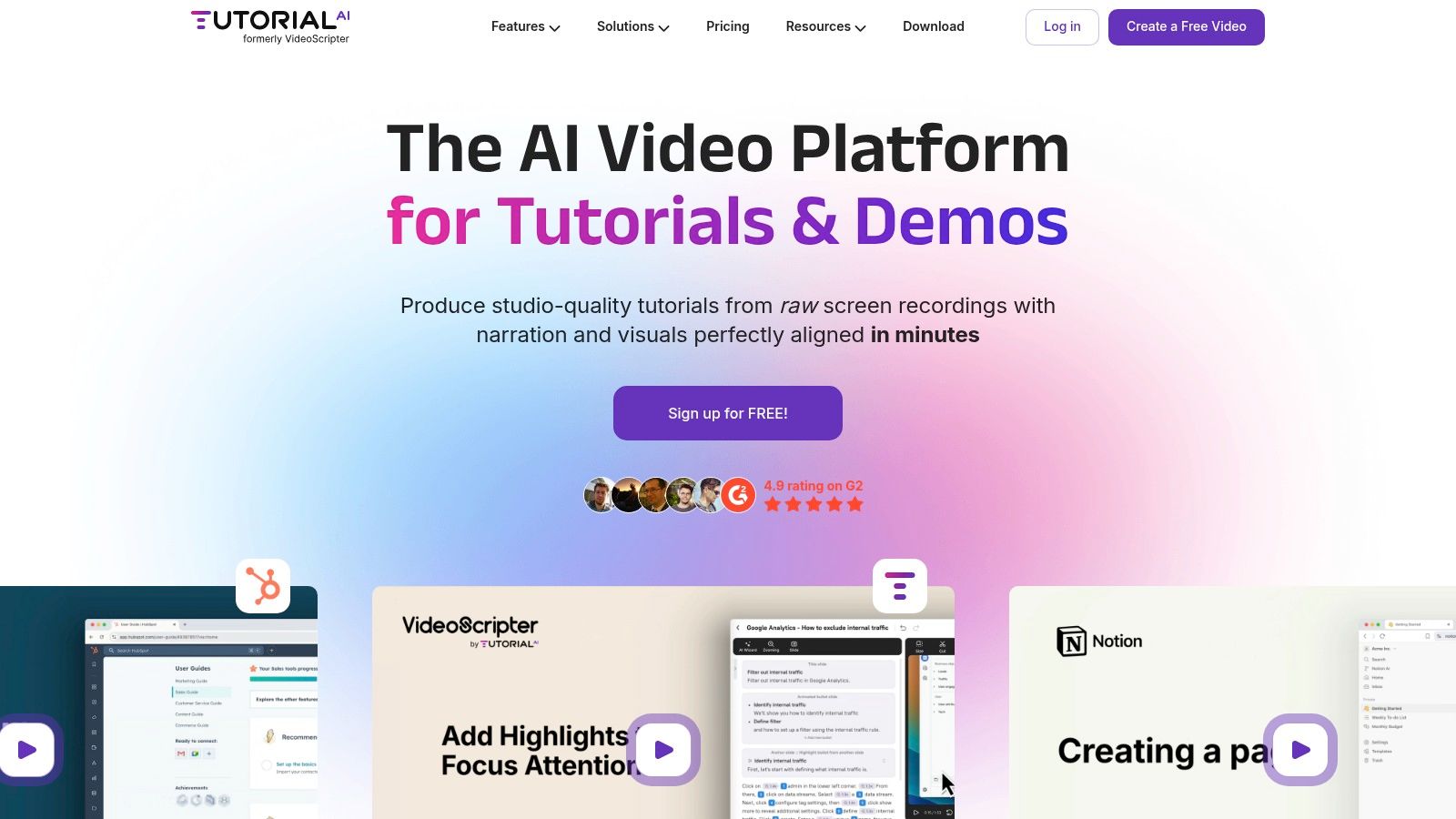
The platform’s core strength lies in its “edit like a doc” workflow. You can record your screen while narrating freely or even record silently, and the software automatically generates a transcript. From there, you edit the text, and the AI voiceover, video cuts, and timing instantly resynchronize. This process feels less like video editing and more like correcting a document, eliminating the tedious task of timeline manipulation. Many cutting-edge tools are emerging in the space of AI-powered documentation, with some like Tutorial AI leveraging capabilities from leading generative AI platforms.
Its unique approach to recording cursor data separately from screen pixels is another significant advantage. This allows you to add smart zooms, smooth out erratic mouse movements, and apply highlights post-recording, ensuring the final video is clean and focused. For teams creating multilingual content, the AutoRetime™ feature is a game-changer, automatically adjusting scene timing for translated voiceovers in over 30 languages without manual re-edits.
Core Features
- AI-Powered Editing: Record on Mac, Windows, Chrome, or iOS, get an AI-polished script, and edit the text to automatically update the video and voiceover.
- Lifelike AI Voices: Generate natural-sounding voiceovers in over 30 languages, with options for custom voice cloning on enterprise plans.
- Post-Recording Effects: Add dynamic zooms, blur sensitive information, and apply cursor highlights and smoothing after capture.
- AutoRetime™ Localization: Automatically resyncs video cuts, captions, and callouts when translating content into different languages.
- Team Collaboration & Branding: Features include shared workspaces, Brand Kits, custom fonts, comments, versioning, and embeddable players.
Best Use Cases
Tutorial AI is ideal for producing high-quality, scalable video content for various business functions.
- Knowledge Base & Support: Creating concise video answers and how-to articles for help centers.
- Sales Enablement: Building effective product demos and personalized video outreach for sales teams.
- Employee Onboarding: Developing consistent and clear internal training and software walkthroughs.
- Product Marketing: Announcing new features and creating explainer videos for marketing campaigns.
Key Takeaway: Tutorial AI’s unique workflow lets you record freely, knowing the AI tools will help you polish the final output to a professional standard. This allows the person with the knowledge, not just the video editor, to produce top-tier content efficiently. For a deeper dive, you can explore how to create training videos with AI on their blog.
Platform Availability & Pricing
- Platforms: macOS, Windows, Chrome Extension, iPhone/iPad (on higher plans).
- Free: A limited free-forever plan to test core features.
- Solo: ~$10/month, 10 minutes of generated video per month.
- Growth: ~$30/month, 30 minutes of generated video per month, team features, and advanced voices.
- Enterprise: Custom pricing for advanced needs like voice cloning and priority support.
Pros & Cons
| Pros | Cons |
|---|---|
| Effortless Re-takes: The "edit like a doc" workflow and AI voice regeneration remove the need to re-record for simple mistakes. | Generated-Video Minutes: Each plan has a monthly cap on generated video minutes, which could be restrictive for users producing high volumes of video. |
| Post-Production Power: Unique cursor tracking and smart zooms let you create clean, focused tutorials without re-recording. | Cost for Full Features: Advanced capabilities like iOS recording and custom voice cloning are gated behind higher-tier Growth or Enterprise plans. |
| Fast Localization: AutoRetime™ and 30+ AI voices make creating multilingual video content exceptionally fast. | |
| Team-Ready: Brand Kits, shared workspaces, and embeddable players make it practical for enterprise-wide adoption. |
Website: https://www.tutorial.ai
2. Scribe
Scribe is a documentation tool that automatically generates step-by-step guides from your screen activity. Instead of manually taking screenshots and writing instructions, Scribe’s browser extension or desktop app tracks your clicks and keystrokes, instantly compiling them into a polished visual guide. This makes it one of the most efficient apps like Tango for creating standard operating procedures (SOPs), training materials, and client-facing documentation.
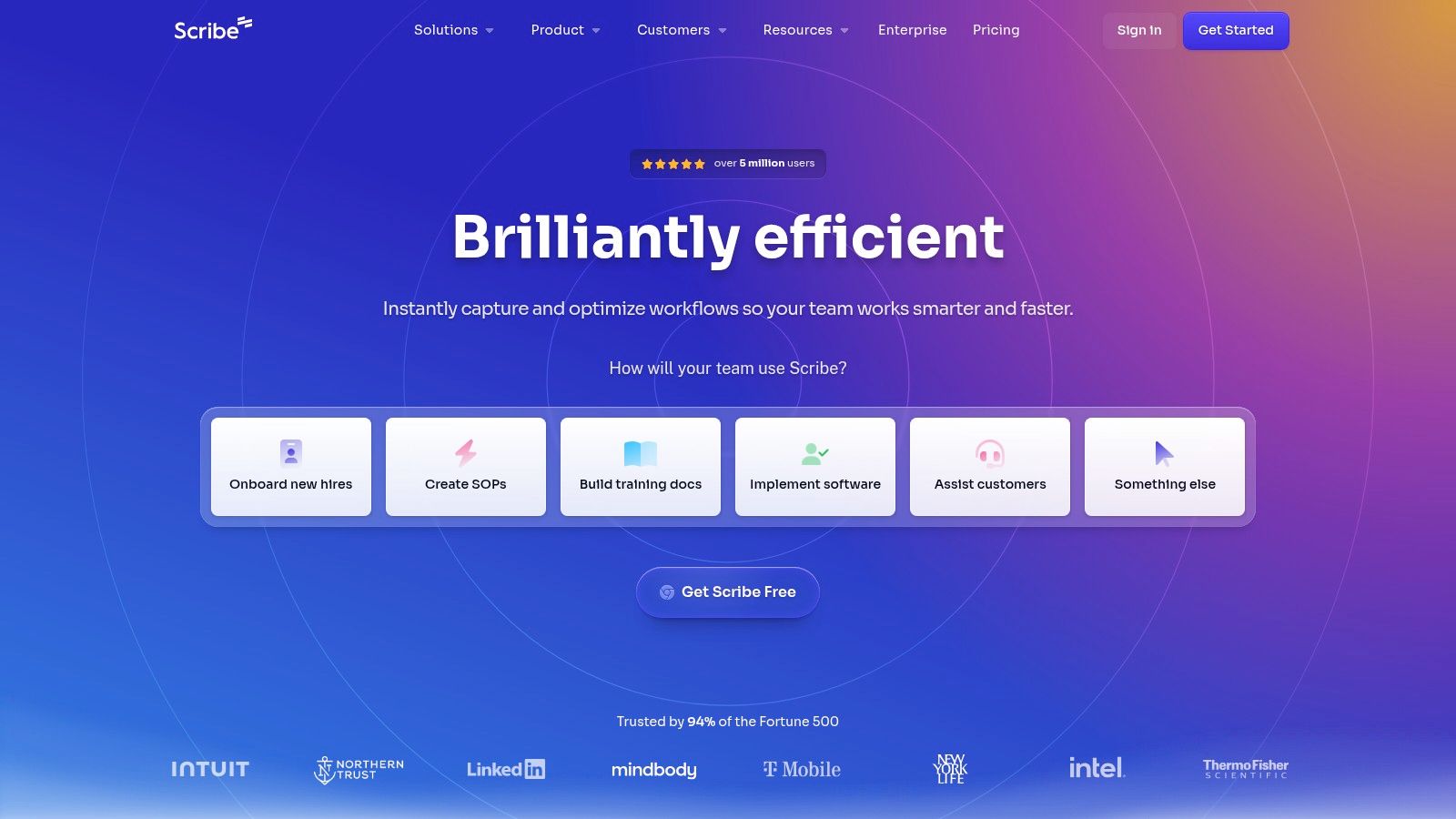
The platform’s main strength is its speed. You can document a complex process in minutes, and the resulting guide is immediately ready to share via a link or embed directly into a knowledge base.
Key Details & Features
- Best For: Teams that need to create and maintain a high volume of written process guides and SOPs quickly. It’s excellent for internal training, customer support, and client onboarding.
- Platforms: Web (Chrome/Edge extension), macOS, Windows.
- Pricing: A free Basic plan is available for individuals. The Pro plan adds desktop capture and branding for teams. The Enterprise plan includes advanced features like SSO, PII redaction, and governance controls.
- Core Features: Automatic workflow capture, screenshot annotation, one-click sharing, and multiple export formats (PDF, HTML, Markdown).
How Scribe Compares to Tutorial AI
While Scribe excels at producing static, image-based guides, it’s not built for creating video tutorials. This is where Tutorial AI provides a distinct advantage. With Tutorial AI, you can record your screen while speaking freely and its tools will automatically edit the raw recording into a professional video. It removes awkward pauses, retakes, and filler words, producing a concise, on-brand video as if it were edited by an expert. This is ideal for when you need to create software tutorials that are engaging and easy to follow, such as for product demos, onboarding flows, or knowledge base videos, without needing any video editing skills.
Pros & Cons
| Pros | Cons |
|---|---|
| Extremely fast guide creation | Limited video creation capabilities |
| Clean, professional output | Advanced governance requires expensive Enterprise plan |
| Granular export and embed options | Can feel less personal than a video walkthrough |
| Mature enterprise controls and admin tools | Capture may miss context between clicks |
Learn more at: scribe.com
3. iorad
iorad is an interactive tutorial builder that captures your on-screen actions to create clickable, step-through guides. What makes iorad a unique entry among apps like Tango is its emphasis on active learning; it generates tutorials with a built-in “practice mode,” allowing users to physically click through a simulated process. This is particularly effective for instructional designers and customer education teams who need to build hands-on training for complex software.
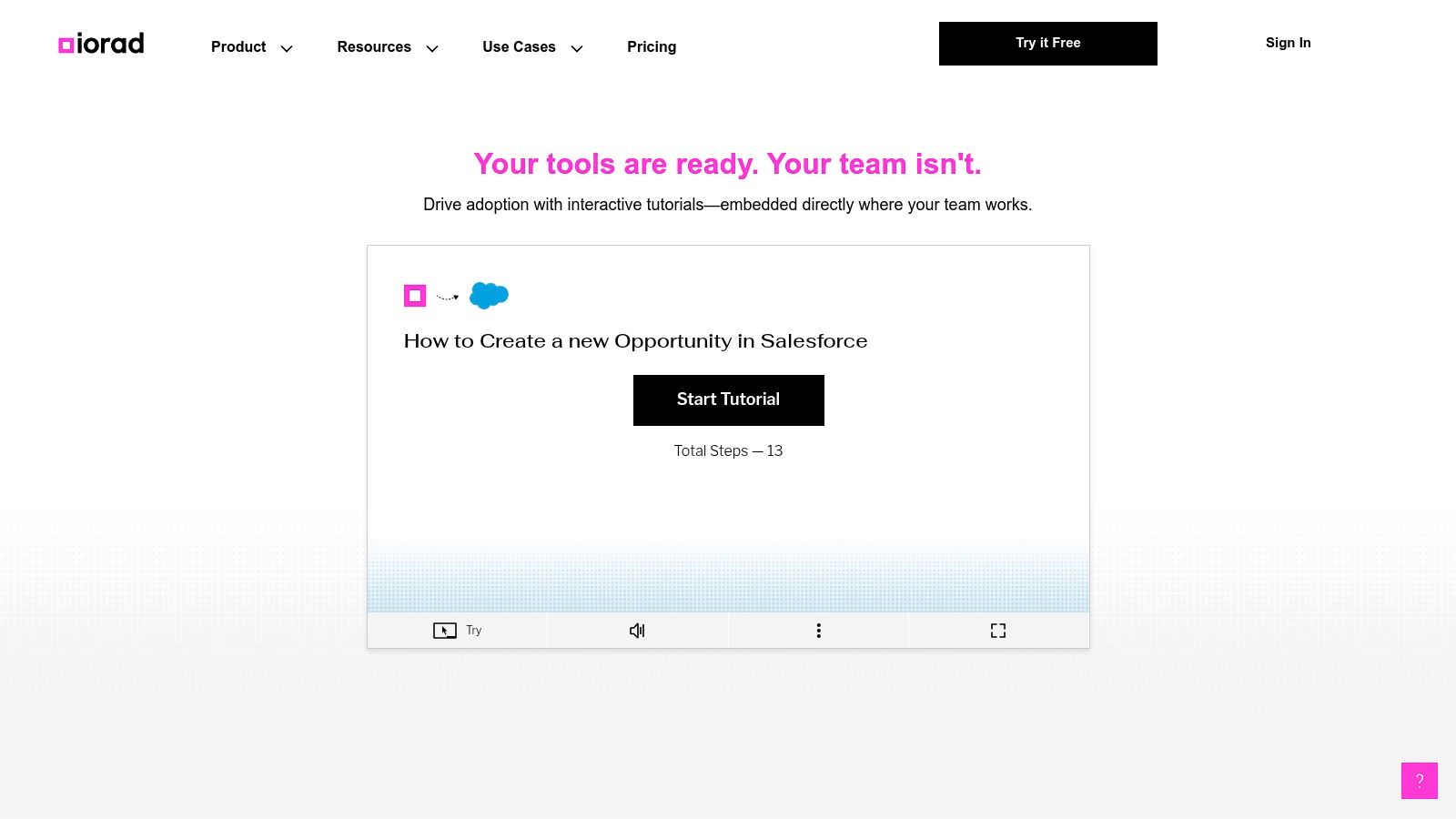
The platform automatically captures every click and keystroke, then presents the steps in a live, interactive format. Users can follow along, try the steps themselves, and receive instant feedback, making it an excellent tool for reinforcing knowledge and building user confidence within an application.
Key Details & Features
- Best For: Customer education, employee onboarding, and support teams that need to provide hands-on, simulated software training.
- Platforms: Web (Browser Extension), Desktop (Windows/macOS).
- Pricing: Offers a free plan with limited private tutorials. Paid plans (For Business, Enterprise) add unlimited private tutorials, collaboration, branding, and advanced integrations.
- Core Features: Automatic step capture, interactive practice mode, voice-over narration, deep integrations with knowledge bases (like Zendesk, Salesforce), and multiple export options (video, PDF, embed).
How iorad Compares to Tutorial AI
While iorad excels at creating interactive, click-based simulations, it doesn’t focus on producing polished video tutorials. This is where Tutorial AI offers a different solution. Many teams record quick demos with tools like Loom, but these often run 50-100% longer than needed due to mistakes and rambling. Tutorial AI bridges the gap between these raw recordings and professional editing software like Adobe Premiere Pro. It lets a subject matter expert record their screen while speaking freely, and its tools automatically edit the footage. The final output is a concise, on-brand video with awkward pauses and retakes removed, as if edited by a professional, making it ideal for creating high-quality software demos and knowledge base videos efficiently.
Pros & Cons
| Pros | Cons |
|---|---|
| Strong practice-mode interactivity for hands-on learning | Pricing is comparatively high for smaller teams |
| Robust enterprise integrations (e.g., Zendesk, Salesforce) | Key features like private tutorials are limited on the free plan |
| Creates a more engaging experience than static guides | User interface can feel less modern than some alternatives |
| Supports voice-overs and multiple output formats | The interactive layer can be complex for very simple tasks |
Learn more at: iorad.com
4. Guidde
Guidde is a video documentation platform that uses AI to convert screen recordings into polished, narrated how-to videos and step-by-step guides simultaneously. Its strength lies in its ability to quickly produce both visual formats from a single capture, making it a powerful app like Tango for teams focused on creating customer-facing help content, sales enablement materials, and internal training videos with minimal effort.
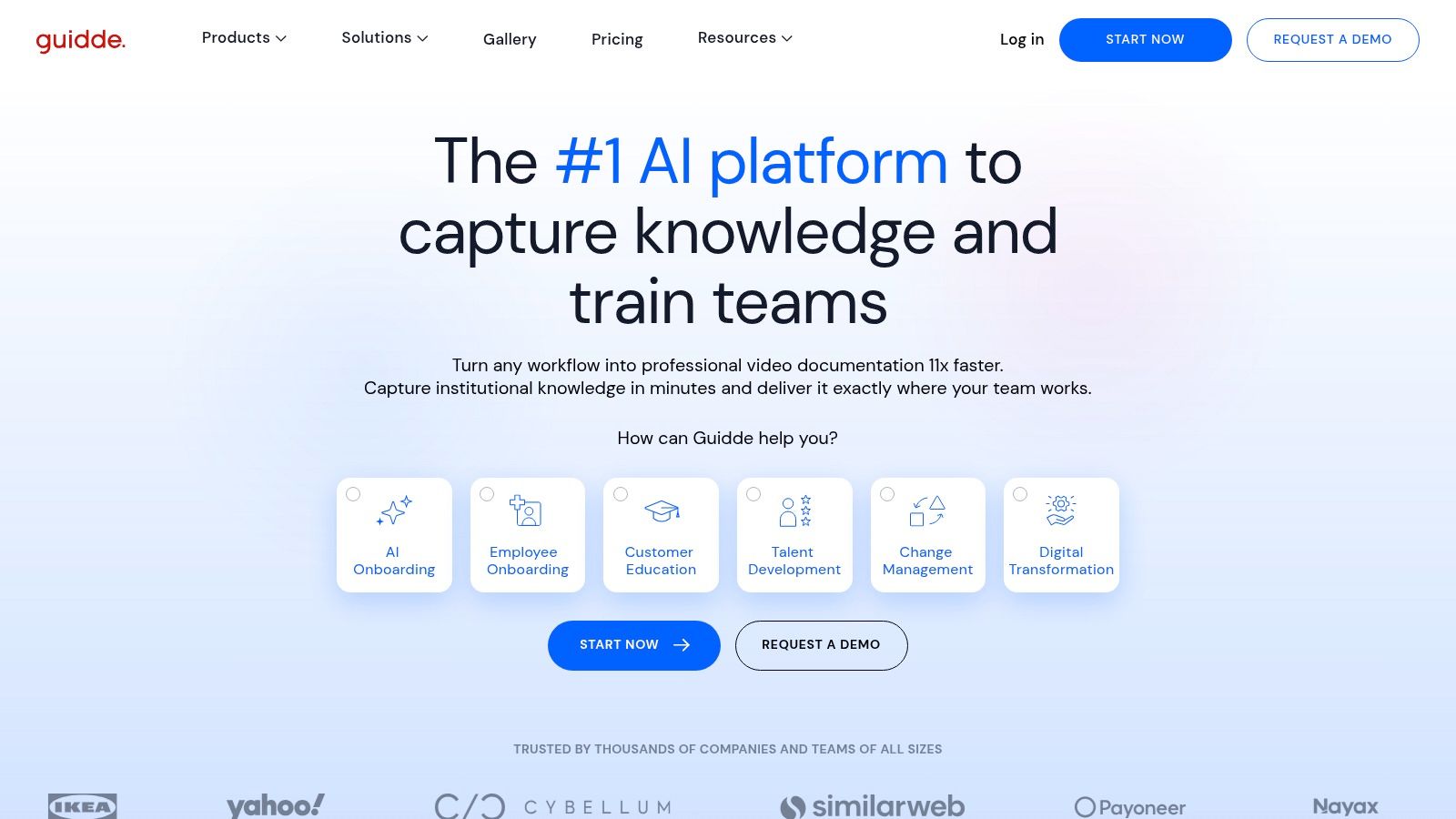
The platform stands out with its AI-powered text-to-voice feature, which automatically generates a narration for your video from the captured steps. This allows you to produce professional-sounding video guides without recording your own voice, saving significant time on audio editing and retakes.
Key Details & Features
- Best For: Customer support and success teams building video-first help centers, as well as sales teams creating personalized video demos.
- Platforms: Web (Chrome extension), Windows, macOS.
- Pricing: A Free plan is available for individuals. The Pro plan adds features like brand kits and unlimited videos for a per-creator fee. The Business plan adds more customization and analytics, while the Enterprise plan includes advanced security like SSO.
- Core Features: Magic Capture for video and document generation, AI text-to-voice with over 200 voices, custom branding, analytics, and multiple export formats (Video, PDF, PPT).
How Guidde Compares to Tutorial AI
Guidde excels at generating narrated videos automatically using its text-to-speech engine. However, for use cases requiring a human touch and authentic voiceover, Tutorial AI offers a better solution. While a tool like Loom is easy for recording, the raw footage is often 50-100% longer than needed. Tutorial AI bridges the gap between simple recording and complex editing software like Adobe Premiere Pro. It lets you record your screen while speaking freely, and its AI tools automatically edit out filler words, awkward silences, and mistakes. This process transforms a casual recording into a professional, on-brand video, empowering subject matter experts to produce polished software tutorials, onboarding videos, and feature release announcements with extreme efficiency.
Pros & Cons
| Pros | Cons |
|---|---|
| Fast path from recording to polished, narrated video | Advanced security features are gated in the Enterprise plan |
| AI narration streamlines content creation | Creator seats are charged per user on paid plans |
| Unlimited video views keeps viewer costs predictable | AI voice can lack the nuance of a human presenter |
| Generates both video and step-by-step guides at once | Customization is more limited than dedicated video editors |
Learn more at: guidde.com
5. Supademo
Supademo specializes in creating interactive, clickable demos and product walkthroughs. While many apps like Tango focus on static guides, Supademo allows users to build dynamic experiences with branching paths, letting viewers choose their own journey through a process. This makes it ideal for personalized sales demos, complex user onboarding, and interactive training modules.
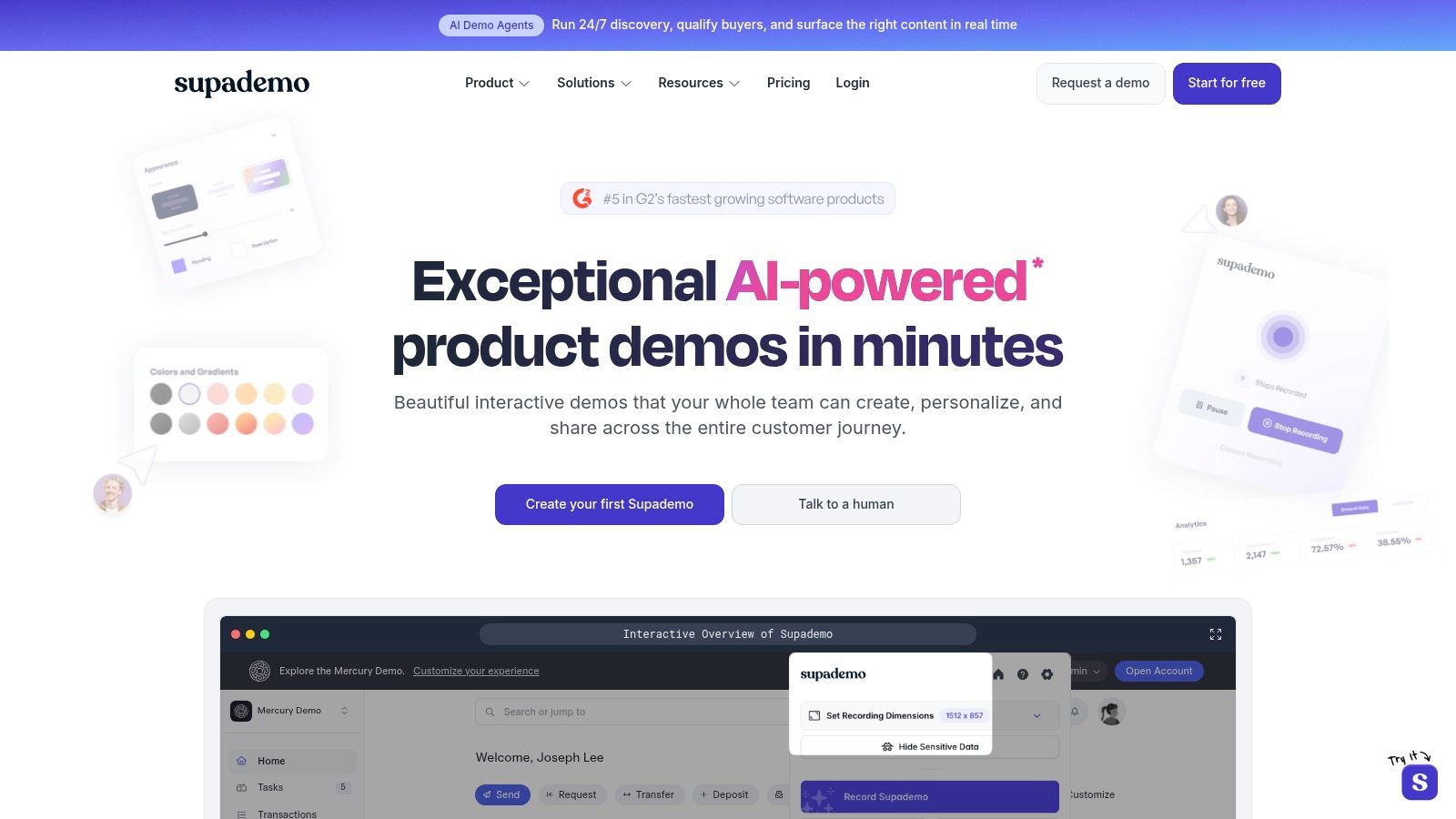
The platform’s strength lies in its modern user experience and focus on engagement. With features like AI-assisted step generation and robust analytics, it helps teams create polished, effective demos quickly and measure their impact.
Key Details & Features
- Best For: Sales enablement teams creating tailored product demos and product marketing teams building interactive feature showcases.
- Platforms: Web (Chrome extension).
- Pricing: Offers a generous free plan for individuals. Paid plans are priced per creator and unlock features like custom branding, advanced analytics, and unlimited demos.
- Core Features: Interactive branching logic, AI-powered step generation, user-level analytics, and multiple sharing options (link, embed, video, PDF).
How Supademo Compares to Tutorial AI
Supademo is excellent for building self-guided, clickable demos that users can explore at their own pace. However, for guided video tutorials where a narrator explains the context, Tutorial AI is a more direct solution. Recording a quick video on a tool like Loom often results in a final product that is 50-100% longer than necessary due to pauses and mistakes. Professional editing software like Adobe Premiere Pro can fix this but requires expert skills.
Tutorial AI bridges this gap. You can record your screen and speak freely, without practice, and its AI tools automatically edit the recording into a professional video. It cuts out filler words, awkward silences, and retakes, allowing a subject matter expert to produce a polished, on-brand video with minimal effort. This is perfect for creating engaging knowledge base videos, product demos, or feature release announcements.
Pros & Cons
| Pros | Cons |
|---|---|
| Generous free tier and simple pricing | Limited advanced assessment or LMS features |
| Fast editing workflow with a modern UI | Primarily focused on web apps, not complex desktop apps |
| Excellent for interactive sales and marketing demos | Analytics are less detailed than dedicated BI tools |
| AI features speed up content creation | Fewer integrations than some larger platforms |
Learn more at: supademo.com
6. Glitter AI
Glitter AI is a screen and voice recorder that transforms your recordings into polished, step-by-step guides with text and screenshots. It uses AI to convert your spoken instructions and on-screen actions into standardized documentation, making it an efficient choice among apps like Tango for creating SOPs and instructional content with minimal manual effort.
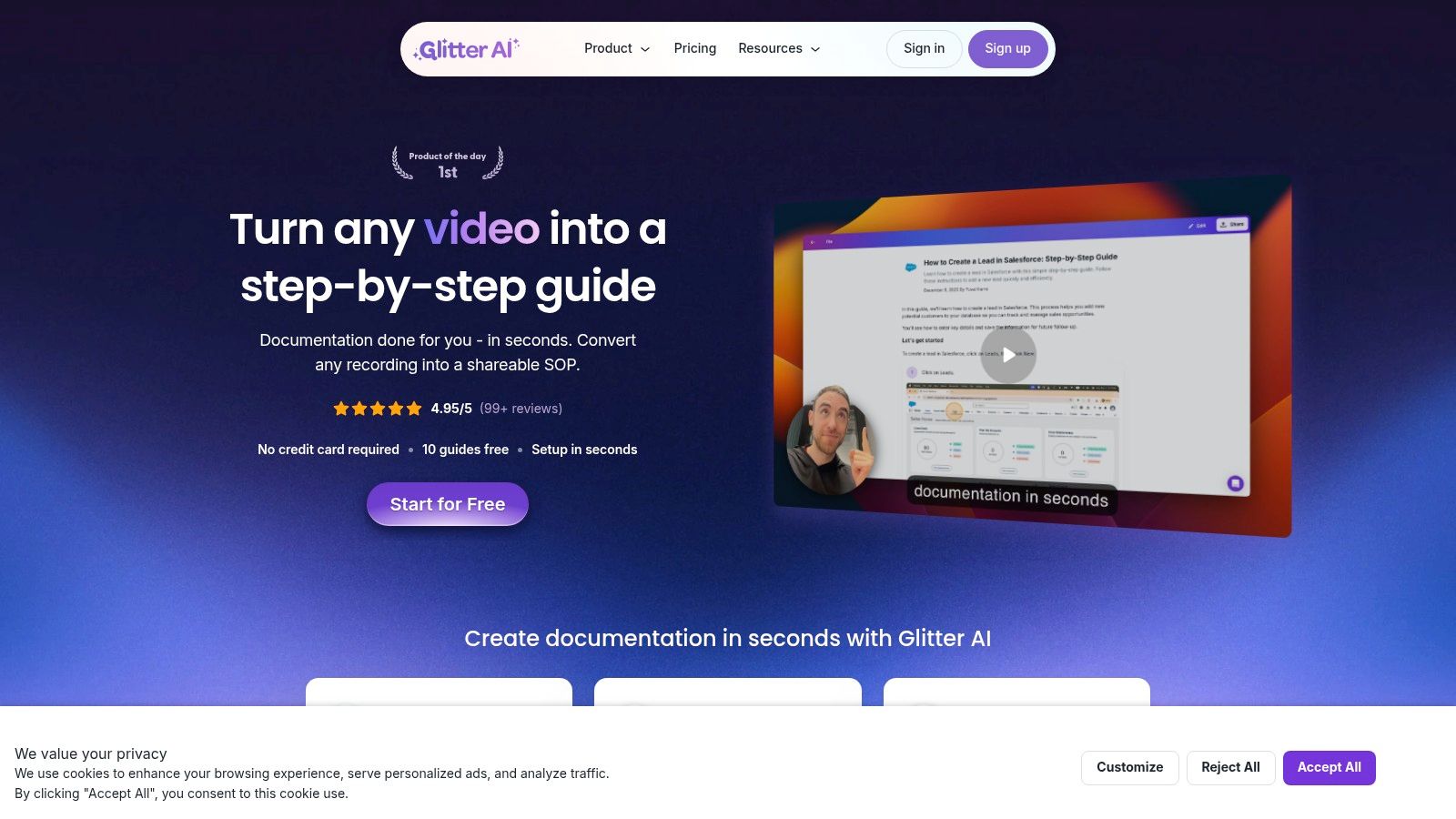
The platform’s standout feature is its “Magic Article” function, which automatically generates a complete guide from a single recording. This low-lift approach is ideal for teams that need to produce documentation quickly without sacrificing clarity.
Key Details & Features
- Best For: Teams needing to create standardized, multi-language documentation from video or voice-narrated screen recordings. It’s great for internal training and customer support.
- Platforms: Web, Desktop (macOS, Windows).
- Pricing: A free plan is available. The Creator plan is priced per user, while watchers are free. The Team plan adds version history and advanced exports.
- Core Features: Desktop and web capture, AI speech-to-text for guide creation, video-to-guide conversion, credit-based translation, and unlimited sharing.
How Glitter AI Compares to Tutorial AI
Glitter AI is excellent for turning a screen recording into a static, text-and-image guide. However, it does not produce a finished video tutorial. This is where Tutorial AI offers a critical advantage. You can record your screen and speak freely, similar to using Loom, but the resulting videos are often 50-100% longer than they need to be. Tutorial AI’s tools automatically edit your raw recording, cutting out awkward pauses, filler words, and retakes. The result is a concise, on-brand video that appears professionally edited, as if done in Adobe Premiere Pro, but without any expert editing skills required. This allows a subject matter expert to efficiently create polished software demos, onboarding flows, and support videos.
Pros & Cons
| Pros | Cons |
|---|---|
| Very low lift to transform recordings into finished SOPs | AI translation and video conversion actions use credits |
| Predictable creator pricing; watchers are free | Newer brand; governance may be less mature than legacy vendors |
| Supports translation to many languages | Does not produce an edited video output |
| Simple interface for capturing and generating articles | Less focused on advanced screenshot annotation compared to others |
Learn more at: glitter.io
7. Folge
Folge is a privacy-first desktop application designed for creating detailed step-by-step guides. Unlike cloud-based apps like Tango, Folge operates entirely offline on your Mac or Windows machine. This focus on local storage makes it a strong choice for organizations in regulated industries or those handling sensitive data who cannot risk cloud exposure. It captures your on-screen actions and automatically generates guides with powerful annotation tools.
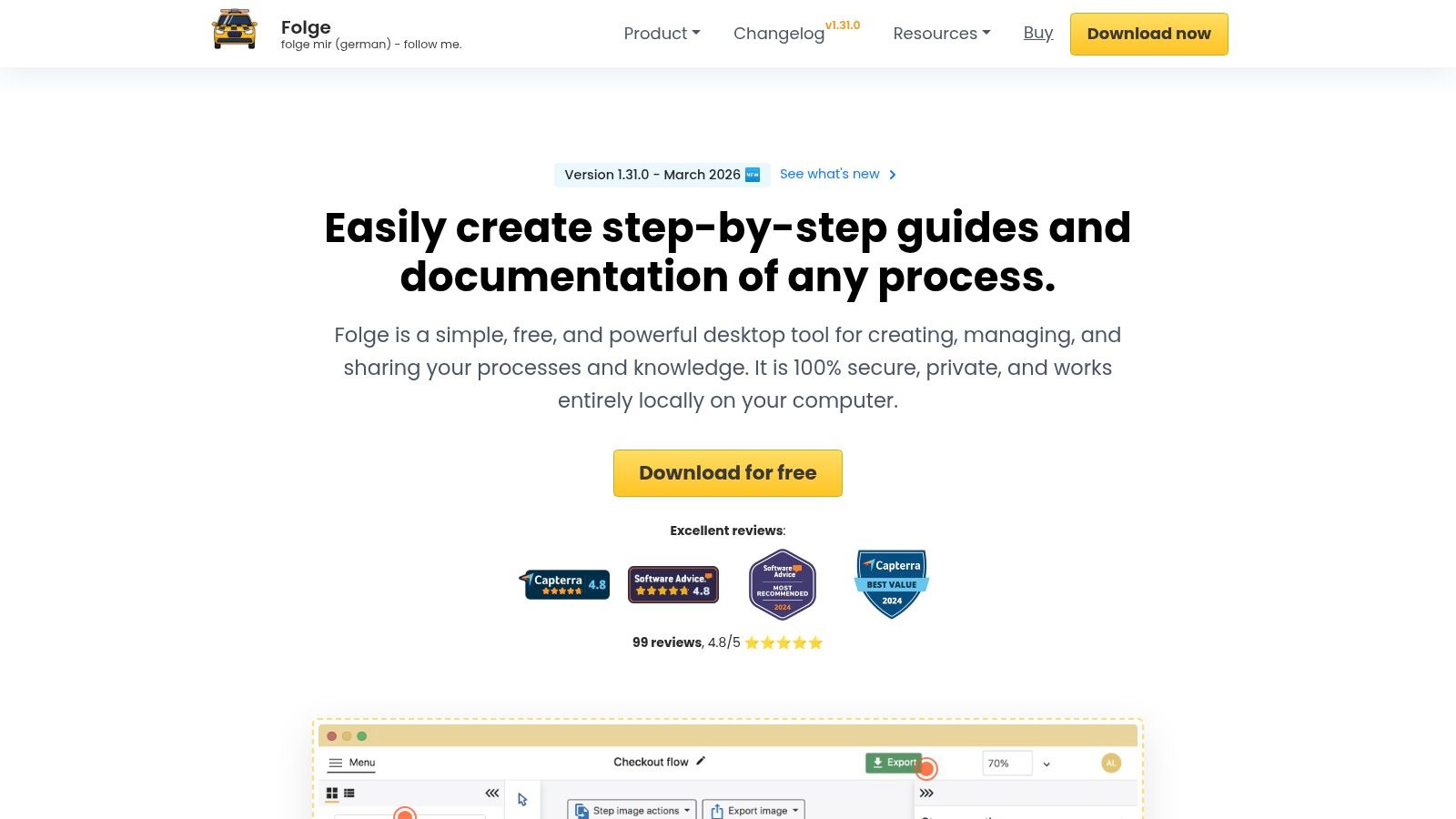
The platform’s standout feature is its one-time purchase model, which offers excellent long-term value by eliminating recurring subscription fees. You get robust functionality for a single payment, including versatile export options that integrate directly with platforms like Notion, Confluence, and WordPress.
Key Details & Features
- Best For: Teams that prioritize data privacy and prefer a one-time payment over a subscription. It’s ideal for creating internal documentation, compliance guides, and training materials with sensitive information.
- Platforms: macOS, Windows.
- Pricing: A one-time license fee is required for the full version. A free version with limited features is also available.
- Core Features: Automatic screen capture with blur and highlight effects, powerful image annotation, multiple export formats (PDF, HTML, Word, PowerPoint, JSON), and offline functionality.
How Folge Compares to Tutorial AI
Folge excels at creating static, local documentation, but it lacks video capabilities. This is where Tutorial AI shines. If you need to create standard operating procedures in video format, Tutorial AI offers a significant advantage. You can record your screen and speak naturally, and its AI tools will automatically edit the raw footage. The system removes awkward pauses and retakes, transforming a long, unpracticed recording into a concise, professional-looking video demo without requiring any video editing expertise. This allows subject matter experts to efficiently produce on-brand videos for knowledge bases or support articles.
Pros & Cons
| Pros | Cons |
|---|---|
| One-time license offers great long-term value | Desktop-only workflow limits real-time cloud collaboration |
| 100% local storage is ideal for sensitive data | Hosted or embedded guide sharing is limited |
| Powerful annotation and flexible export options | No browser extension for quick, on-the-fly captures |
| Works completely offline, ensuring data privacy | Interface can feel less modern than SaaS competitors |
Learn more at: folge.me
8. Stonly
Stonly is a no-code platform focused on creating interactive guides and knowledge bases designed to provide on-demand, contextual help. Instead of static documents, Stonly allows you to build step-by-step troubleshooting flows and product tours that can be embedded directly within your app or on your website. This makes it a powerful app like Tango for customer support and success teams aiming to reduce support tickets by empowering users with self-service tools.
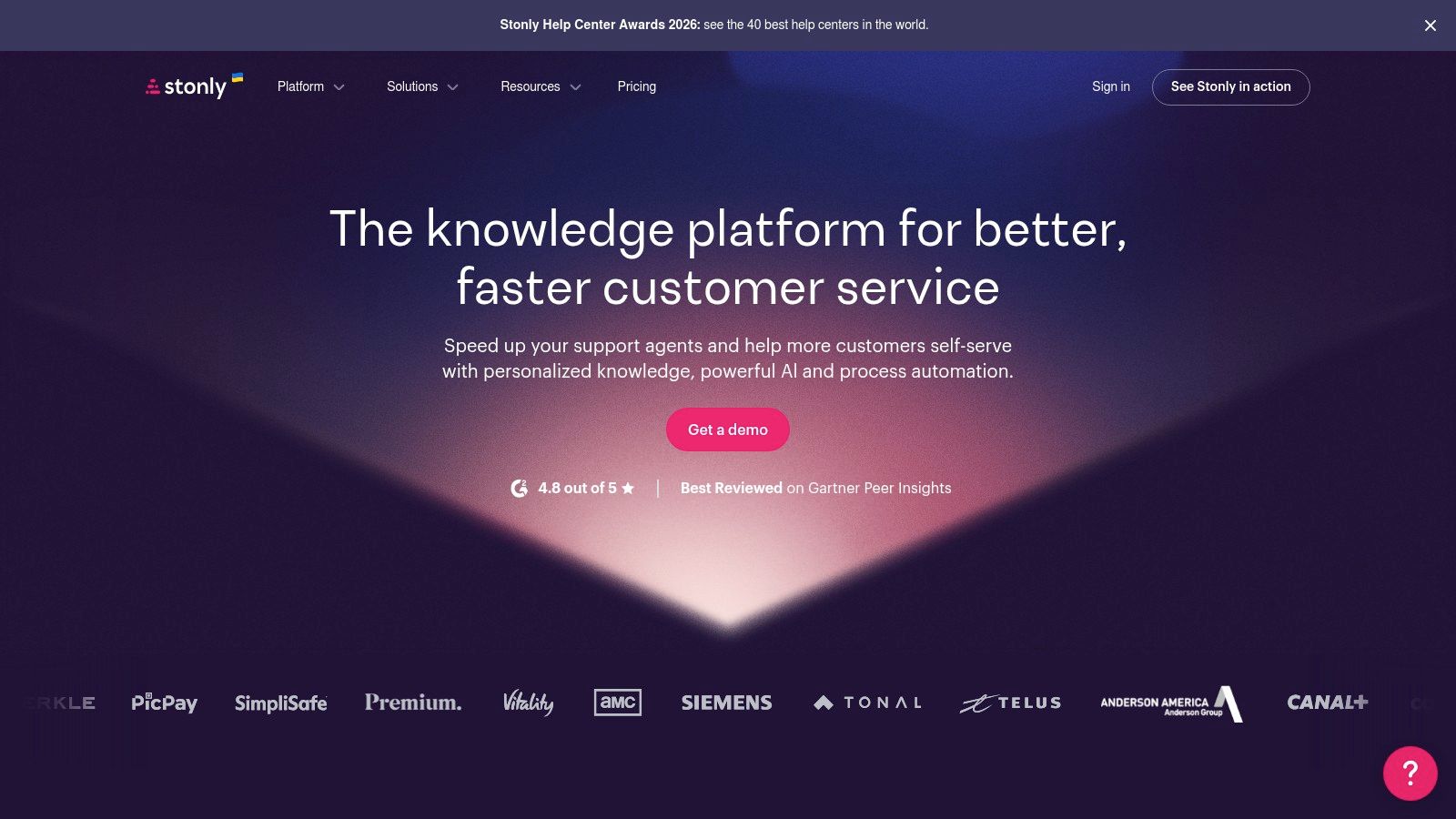
The platform’s strength lies in its ability to deliver guided, interactive experiences. You can create branching paths that adapt to user input, ensuring customers get the specific answer they need without searching through long articles.
Key Details & Features
- Best For: Customer support teams focused on ticket deflection and scaling self-service support. It’s also effective for product teams creating interactive onboarding tours.
- Platforms: Web-based builder; guides can be deployed in-app (web), on websites, and in help centers.
- Pricing: Pricing is not public and is based on guide views and feature sets. Enterprise plans include advanced features like SSO and AI Answers.
- Core Features: No-code interactive guide builder, advanced user targeting, performance analytics, multi-language support, and integrations with help desks like Zendesk and Intercom.
How Stonly Compares to Tutorial AI
Stonly is built for interactive, text-and-image-based self-service, while Tutorial AI is designed for creating polished video tutorials with zero editing effort. Screen recordings made with simple tools are often 50-100% longer than they need to be, full of pauses and mistakes. Professional software like Adobe Premiere Pro can fix this but requires expert editing skills. Tutorial AI bridges this gap. It lets subject matter experts record their screen while speaking freely, and its AI tools automatically edit the footage, removing filler words, retakes, and awkward silences. The result is a concise, on-brand video perfect for product demos or knowledge base videos, created with maximum efficiency.
Pros & Cons
| Pros | Cons |
|---|---|
| Designed to reduce support tickets via self-service | Pricing is not transparent and may be gated by usage |
| Flexible deployment across apps, sites, and helpdesks | Heavier setup compared to simple screen recorder tools |
| Strong analytics to measure guide effectiveness | Focuses on interactive guides, not automatic documentation |
| Guides can be highly interactive and personalized | Building complex branching guides can be time-consuming |
Learn more at: stonly.com
9. Whatfix
Whatfix is an enterprise-grade digital adoption platform (DAP) that goes beyond simple guide creation to provide contextual, in-app assistance. Unlike tools that only generate static documents, Whatfix overlays interactive guidance directly onto your software, helping users learn by doing. This makes it one of the most powerful apps like Tango for large organizations looking to improve software proficiency and reduce support tickets at scale.
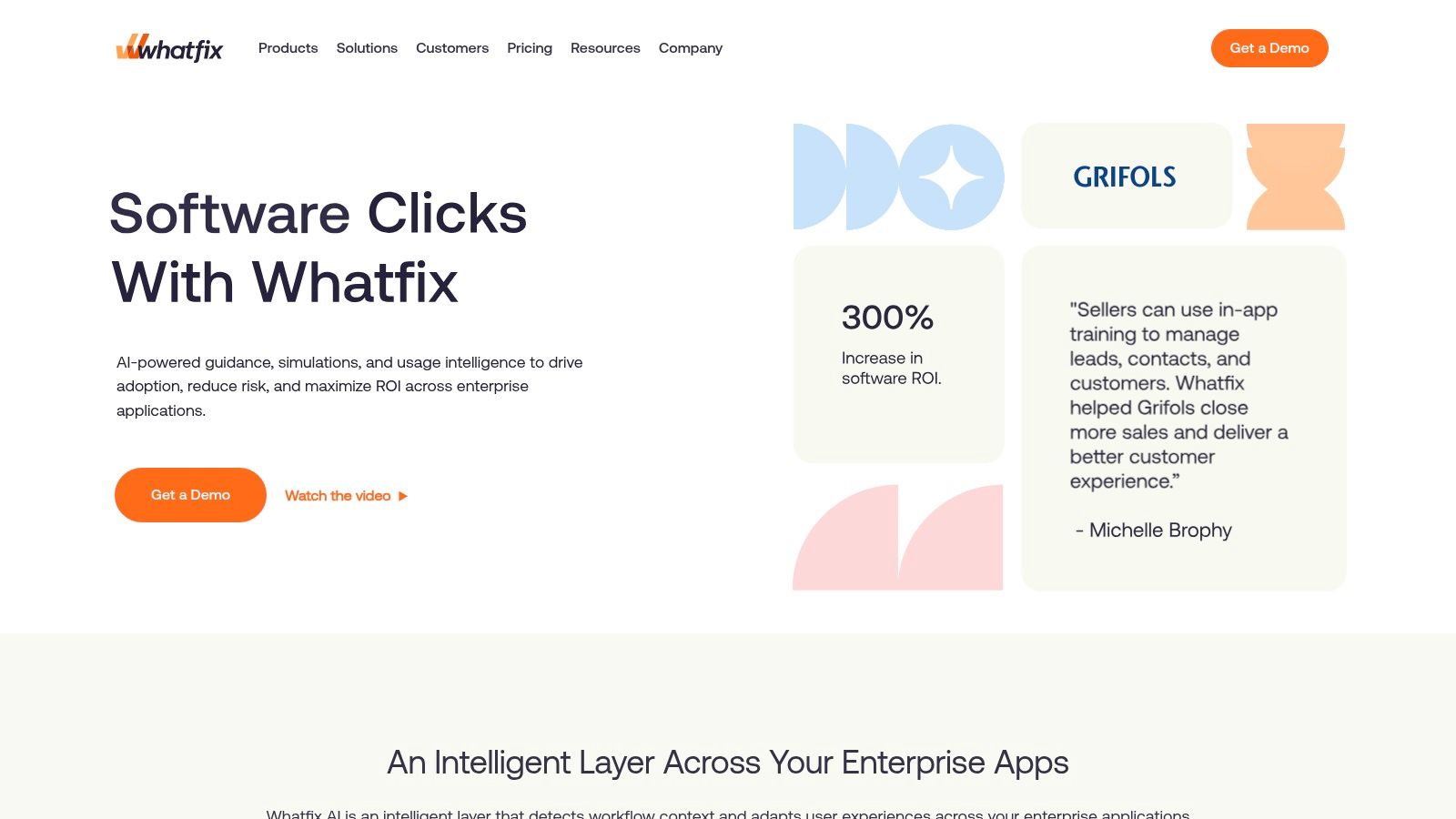
The platform is designed for complex enterprise environments, delivering personalized tooltips, walkthroughs, and task lists that appear when and where users need them most. Its deep analytics also help teams understand user behavior and measure the impact of training initiatives.
Key Details & Features
- Best For: Large enterprises that need to onboard, train, and support thousands of employees or customers on critical business applications like Salesforce, SAP, or Workday.
- Platforms: Web-based, integrates with most enterprise web applications.
- Pricing: Custom quote-based pricing. The total cost is higher than lightweight tools but is structured for large-scale deployments and ROI.
- Core Features: In-app tooltips and interactive walkthroughs, behavior-triggered guidance, product analytics, extensive third-party integrations, and professional services for implementation.
How Whatfix Compares to Tutorial AI
Whatfix focuses on providing live, interactive guidance inside an application, which is different from creating standalone tutorials. For producing engaging training videos like demos, onboarding flows, or feature releases, Tutorial AI offers a better solution. While a casual recording with a tool like Loom can be 50-100% longer than needed, Tutorial AI lets you record your screen while speaking freely and its editing tools automatically remove pauses and mistakes. It turns a raw recording into a polished, on-brand video that looks as if it were edited by a professional in Adobe Premiere Pro, making it highly efficient for subject matter experts.
Pros & Cons
| Pros | Cons |
|---|---|
| Proven at enterprise scale with strong governance | Quote-based pricing and higher total cost of ownership |
| Multiple pricing models for internal vs. external | Best ROI when deployed on high-traffic or critical apps |
| Comprehensive analytics to measure adoption | Can be overkill for smaller teams or simpler applications |
| Delivers interactive, in-app support | Steeper learning curve compared to simple capture tools |
Learn more at: whatfix.com
10. WalkMe
WalkMe is an enterprise-grade digital adoption platform (DAP) designed to guide users through complex software with on-screen, interactive walkthroughs. Unlike tools that generate static documents, WalkMe creates a live, contextual layer on top of your application, making it a powerful app like Tango for large-scale employee onboarding, customer training, and driving feature adoption directly within the product.
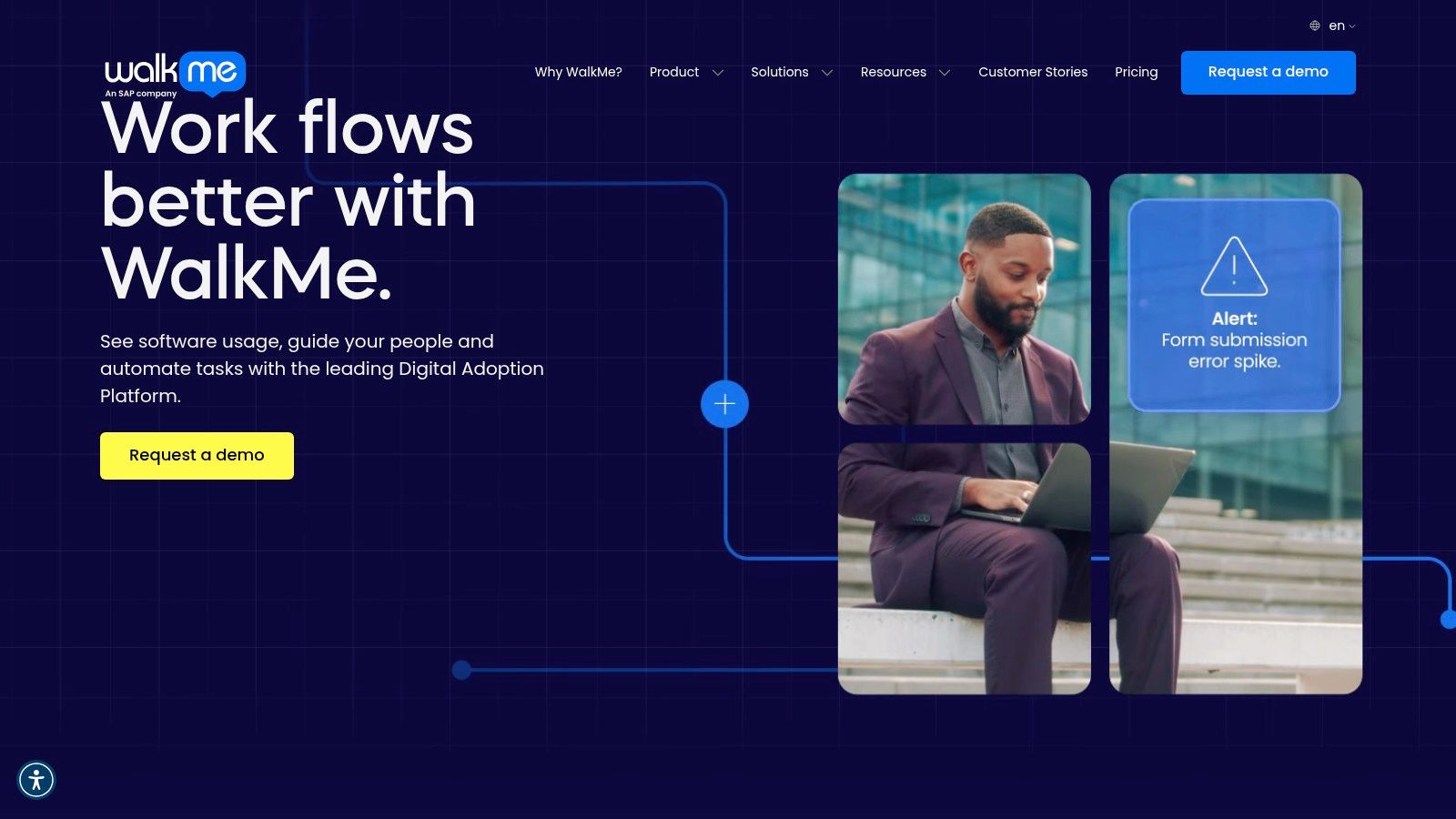
Its core strength lies in its ability to provide real-time guidance, automate tasks, and analyze user behavior to identify friction points. This makes it a strategic tool for enterprises focused on maximizing the ROI of their software investments by ensuring users adopt and correctly use critical platforms.
Key Details & Features
- Best For: Large organizations needing to manage software adoption at scale, particularly for complex internal systems (like ERPs or CRMs) or for sophisticated customer-facing applications.
- Platforms: Web-based; integrates with virtually any web application.
- Pricing: Quote-based only. Pricing is customized based on the number of applications, users, and feature sets. Requires a significant investment in both licensing and implementation.
- Core Features: In-app interactive walkthroughs, user segmentation and personalization, contextual help tips, automation of repetitive tasks, and deep analytics on user engagement and process completion.
How WalkMe Compares to Tutorial AI
WalkMe focuses on live, in-app guidance, whereas Tutorial AI is built for creating polished, on-demand video tutorials. While WalkMe helps users complete tasks in real time, it doesn’t produce standalone video assets for knowledge bases or asynchronous learning. This is where Tutorial AI shines. You can record your screen while speaking freely, and its AI tools will automatically edit the raw footage into a professional video. It removes awkward pauses and retakes, resulting in a concise, on-brand tutorial without any expert video editing skills. This is ideal for creating software demos, onboarding flows, or support videos that users can watch anytime.
Pros & Cons
| Pros | Cons |
|---|---|
| Deep feature set with advanced analytics and automation | Quote-only pricing requires significant budget |
| Proven for enterprise-scale deployment and security | Overkill for small teams needing simple documentation |
| Provides live, interactive guidance directly within an app | Demands considerable implementation and admin resources |
| Strong ecosystem for training and professional services | Not designed for creating static or video-based guides |
Learn more at: walkme.com
11. Loom
Loom is a video messaging tool designed for extremely fast screen and camera recording. It allows users to quickly create and share async updates, explainer videos, and walkthroughs, making it a popular choice for support, sales, and internal communication. While it doesn’t generate static step-by-step guides like Tango, it offers a video-first approach to documentation that many teams find more personal and engaging, positioning it as one of the key video-based apps like Tango.
0
The platform’s core value is its speed. You can record your screen, add a camera bubble, and share the video with a link in seconds. Recent AI additions further speed up consumption by automatically generating titles, summaries, and chapters.
Key Details & Features
- Best For: Teams that prefer video for async communication, bug reporting, sales outreach, and quick training updates. It’s excellent for adding a human touch to digital interactions.
- Platforms: Web (Chrome extension), macOS, Windows, iOS, Android.
- Pricing: A free Starter plan is available with limitations on video length and count. The Business plan adds more features like unlimited videos, AI tools, and custom branding. An Enterprise plan offers advanced security and admin controls.
- Core Features: Screen and camera recording, automatic transcripts, AI-powered summaries and titles, content libraries with privacy controls, viewing analytics, and extensive integrations.
How Loom Compares to Tutorial AI
Loom is built for quick, informal recording and sharing. However, these raw recordings are often 50-100% longer than they need to be. For creating polished, on-brand materials like product demos or knowledge base videos, you need editing. This is where Tutorial AI comes in. It lets you record freely, just as you would with Loom, but its tools automatically edit the video for you. It removes filler words, awkward silences, and retakes, transforming a rough recording into a professional tutorial as if an expert edited it in Adobe Premiere Pro. This allows any subject matter expert to create high-quality, concise videos efficiently.
Pros & Cons
| Pros | Cons |
|---|---|
| Extremely fast guide creation | Limited video creation capabilities |
| Clean, professional output | Advanced governance requires expensive Enterprise plan |
| Granular export and embed options | Can feel less personal than a video walkthrough |
| Mature enterprise controls and admin tools | Capture may miss context between clicks |
Learn more at: https://www.loom.com
12. Vidyard
Vidyard is a sales-focused video platform designed to help revenue teams create, share, and track personalized videos. While it functions differently from process documentation tools, it serves as one of the key apps like Tango for teams that need to create video-based training, customer education, and sales enablement content. Its core strength lies in its deep CRM integrations and detailed viewer analytics.
1
The platform provides robust recording and hosting capabilities, allowing users to embed videos on branded sharing pages with calls-to-action. Recently, it has added AI features, such as a Video Agent, for creating personalized videos at scale, making it a powerful tool for go-to-market teams.
Key Details & Features
- Best For: Sales, marketing, and customer success teams who use video to engage prospects and customers. It’s ideal for personalized outreach, product demos, and support responses.
- Platforms: Web (Chrome extension), iOS, Android, macOS, Windows.
- Pricing: A free plan is available for individuals. Paid plans (Pro, Business) add features like CTAs, detailed analytics, and remove Vidyard branding. Enterprise plans offer advanced security and integrations.
- Core Features: Screen and webcam recording, branded video sharing pages, detailed viewer analytics, robust CRM integrations (Salesforce, HubSpot), and AI-powered video personalization.
How Vidyard Compares to Tutorial AI
Vidyard is built for hosting and tracking video engagement, especially within a sales context. Tutorial AI, on the other hand, focuses on the post-production process of turning raw screen recordings into professional tutorials. A typical screen recording can be 50-100% longer than it needs to be, filled with pauses and mistakes. While professional software like Adobe Premiere Pro can fix this, it demands expert editing skills.
Tutorial AI solves this by automatically editing your recording. You can speak freely while capturing your screen, and its tools will remove awkward pauses and retakes, resulting in a polished, on-brand video as if an expert edited it. This allows subject matter experts to create high-quality feature demos, onboarding flows, and knowledge base videos with extreme efficiency.
Pros & Cons
| Pros | Cons |
|---|---|
| Extremely fast guide creation | Limited video creation capabilities |
| Clean, professional output | Advanced governance requires expensive Enterprise plan |
| Granular export and embed options | Can feel less personal than a video walkthrough |
| Mature enterprise controls and admin tools | Capture may miss context between clicks |
Learn more at: vidyard.com
Tango Alternatives: 12-Tool Comparison
| Pros | Cons |
|---|---|
| Extremely fast guide creation | Limited video creation capabilities |
| Clean, professional output | Advanced governance requires expensive Enterprise plan |
| Granular export and embed options | Can feel less personal than a video walkthrough |
| Mature enterprise controls and admin tools | Capture may miss context between clicks |
Choosing Your Perfect Workflow: Static Guides vs. AI-Powered Video
You’ve explored a dozen powerful apps like Tango, each designed to solve the universal challenge of showing someone how to do something on a computer. From the instant, shareable guides of Scribe to the enterprise-grade, in-app support of WalkMe, the right tool for your organization is on this list. The choice you make will shape not only your content but also the efficiency of your team and the experience of your end-users.
The central decision often comes down to a fundamental question: Do you need static, image-based instructions, or do you need dynamic, engaging video?
When to Choose Static Step-by-Step Guides
Static, screenshot-based guides are masters of speed and clarity for straightforward tasks. For teams that need to document dozens of simple processes quickly, tools like Scribe, Folge, and iorad are exceptional.
Key Takeaway: If your primary goal is to create a high volume of easy-to-follow, printable, and embeddable knowledge base articles for tasks that don’t require deep context, a static guide generator is your most efficient option. Consider these factors when choosing a static tool:
- Volume vs. Complexity: Are you documenting 100 simple “how-to” clicks or 10 complex multi-application workflows?
- Audience Needs: Does your audience prefer to scan and read, or do they need to see the process in motion?
- Implementation: How critical is interactivity? Do you need simple guides or deep, in-app product tours like those from Whatfix or Stonly?
These tools excel at replacing cumbersome manual screenshotting and Word document creation. They are the modern equivalent of a well-written instruction manual, perfect for quick reference and support tickets.
The Shift to AI-Powered Video for Deeper Engagement
While static guides have their place, video remains the gold standard for conveying nuance, context, and a human touch. This is where a new class of apps like Tango comes into play, specifically AI-powered video generators like Tutorial AI. The problem has never been a lack of desire for video; it has been the massive friction involved in producing it professionally.
Many subject matter experts (SMEs) are stuck between two undesirable options. Recording a quick screen share with a tool like Loom often results in a video that is 50-100% longer than it needs to be, filled with pauses, mistakes, and rambling explanations. On the other end of the spectrum, professional software like Camtasia or Adobe Premiere Pro requires expert editing skills and a significant time commitment that SMEs simply don’t have.
This is the gap Tutorial AI was built to fill. It empowers your experts to hit record, speak freely without a script, and capture their process naturally. The AI then steps in to do the heavy lifting:
- It transcribes the audio and helps polish the script.
- It regenerates the voice into a clean, professional narration.
- It intelligently syncs the new audio with the on-screen actions, cutting out dead air and mistakes.
The result is a polished, on-brand video that looks like it was meticulously edited by a professional, created in a fraction of the time. This workflow is ideal for creating impactful demos, onboarding videos, feature announcements, and rich knowledge base content that truly educates and engages your audience. By removing the bottleneck of video editing, you allow the people who know your product best to become your most effective content creators.
Ultimately, your final decision rests on identifying your team’s biggest pain point. Is it the slow, manual process of taking screenshots? Is it the challenge of providing scalable, in-app guidance? Or is it the frustrating gap between wanting to produce great video tutorials and lacking the time and skill to do so? By pinpointing that core bottleneck, you can confidently select the right tool to elevate your documentation and training from a simple necessity to a strategic advantage.
Ready to see how AI can transform your video creation process? If you’re looking for a solution that moves beyond static screenshots and makes professional-quality video tutorials accessible to everyone, Tutorial AI is the answer. Create your first AI-powered video for free and experience the future of software documentation.