You’ve already felt the pain if you’ve ever tried to turn an English product walkthrough into a tutorial in Spanish. The script gets translated. The translated voiceover runs longer. The cursor moves too early. The zoom lands on the wrong field. Someone opens Adobe Premiere Pro or Camtasia to rebuild timing by hand, and what should’ve been a fast localization job turns into a production project.
That workflow breaks because video localization isn’t only a language problem. It’s a pacing problem. Spanish often changes narration length, sentence rhythm, and caption density, so even a clean translation can fall apart once it hits the timeline.
The practical fix is to design the recording and editing workflow for multilingual output from the start. That means recording once, tightening the base script, generating the localized narration from that script, and re-timing the scenes to the new voiceover instead of re-editing every cut manually. That’s the difference between publishing one English-only asset and building a repeatable system for demos, onboarding videos, SOPs, support explainers, and internal training.
Why Localizing Tutorials Into Spanish Is a Strategic Move
A product team ships an English tutorial on Friday. By Monday, support tickets from Spanish-speaking users are still coming in because the video exists, but the instruction does not land in the language they use at work. That gap is expensive. It slows onboarding, weakens self-serve support, and forces customer-facing teams to answer the same questions manually.
Spanish gives teams unusually broad reach from one localization effort. The language spans Spain, much of Latin America, and a large US audience. According to the Instituto Cervantes report on Spanish in the world, Spanish has hundreds of millions of native speakers globally and remains one of the most widely used languages internationally. For companies producing training, product education, and support content, that scale changes the economics. One well-built tutorial in Spanish can serve multiple regions before a team needs country-specific adaptation.
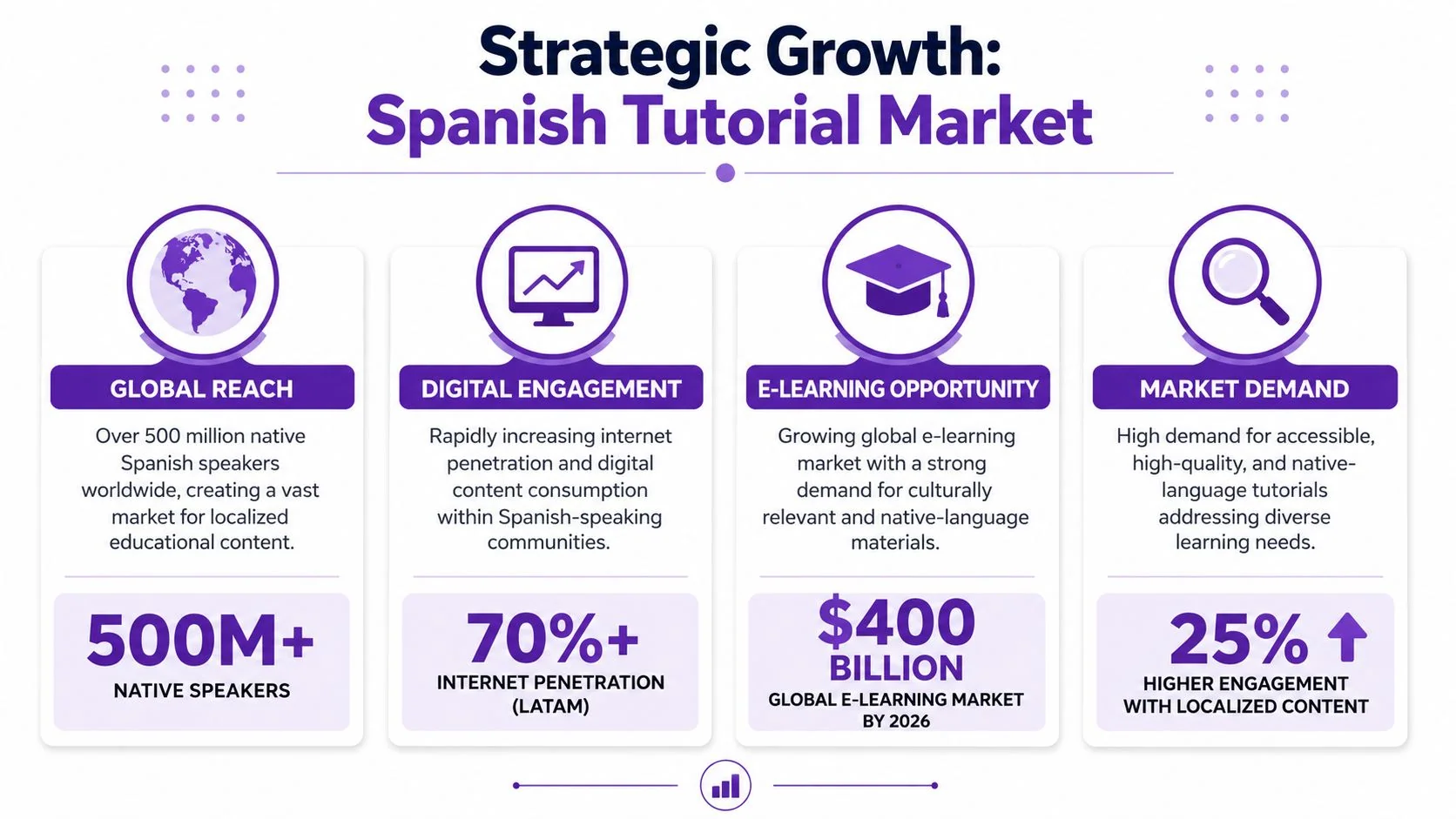
The opportunity is clear, but the operational problem is usually hidden. Translation is not the hard part. Keeping a localized tutorial accurate after the narration changes length is where teams lose time. Spanish voiceover often runs longer than English. Captions wrap differently. On-screen pacing that felt precise in the source version starts to drift. A button click can happen before the line that explains it. That is why localized tutorials fail even when the translation itself is good.
The primary bottleneck is rework.
Teams usually follow a familiar sequence:
- Record in English
- Edit the English version until it feels final
- Send the script or captions for translation
- Get back Spanish narration that no longer matches scene timing
- Re-edit cuts, pauses, zooms, and captions by hand
- Rebuild the written article separately
That workflow breaks unit economics for high-volume tutorial production. Support teams need fast updates. Product marketers need launch videos tied to release dates. L&D owners need repeatable training assets, not one-off editing projects. If every Spanish version requires manual timeline surgery, localization stays stuck in backlog.
A better system starts earlier. Record and script for reuse, then localize against structured source content instead of treating the English export as the final asset. That is the logic behind Spanish translation video workflows in Tutorial AI. The practical advantage is not only translation speed. It is the ability to generate a Spanish voiceover and re-time scenes to that narration without rebuilding the video from scratch.
Subtitles alone do not solve this for instructional content. Learners have to track the interface, cursor movement, labels, and spoken explanation at the same time. If pacing slips, comprehension drops.
Spanish localization pays off because it expands reach and improves clarity. It pays off faster when the workflow is designed around timing changes from the start.
Recording Your Screen for a Bilingual Future
A multilingual tutorial starts before editing. It starts with a recording that gives you enough room to localize cleanly. That doesn’t mean speaking like a robot or leaving giant pauses. It means recording in a way that preserves options.
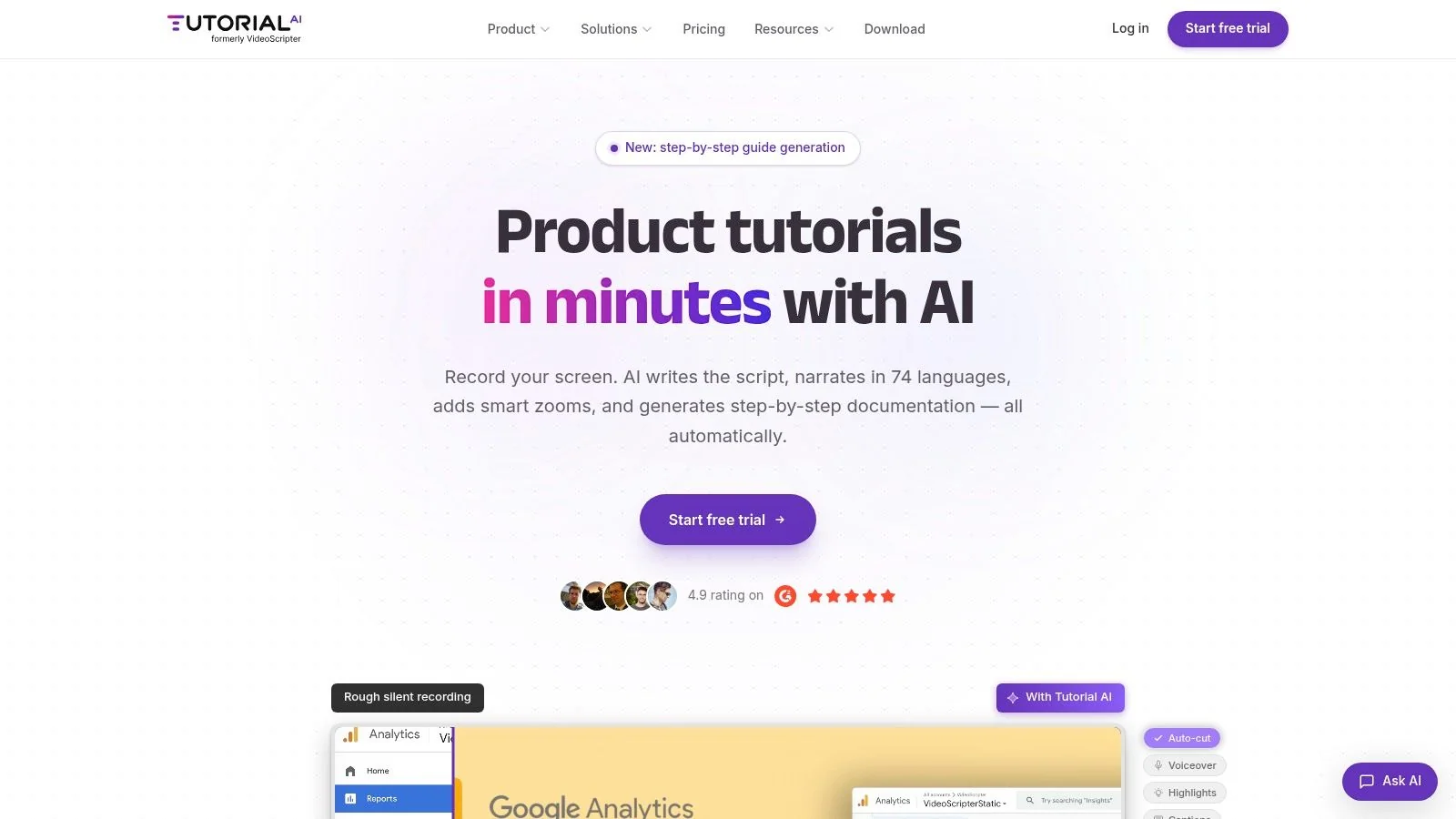
If you record on Mac, Windows, iPhone, iPad, or directly in Chrome, the main decision is simple. Will you narrate live, or record video-only and add voice later? For product demos and support explainers, live narration is usually faster because the subject-matter expert can explain intent while moving through the UI. For highly regulated flows, internal SOPs, or anything that needs exact wording, video-only capture plus scripted voiceover often produces cleaner localization.
What to capture on the first pass
Use a recording plan that favors clarity over speed:
- Keep the UI stable: Don’t race between clicks. A localizer can rewrite words, but they can’t fix a screen that changed before the learner had time to process it.
- Use deliberate cursor movement: Cursor path matters more in localized tutorials because the eye often relies on motion when phrasing varies.
- Record complete flows: Don’t stop after every small mistake. Natural retakes are easier to tighten later than fragmented micro-clips.
- Leave breathing room around transitions: A new panel, menu, or modal should appear with enough visual hold time to support another language version.
That last point matters because visual guidance does real work in Spanish tutorials. Studies show that cursor tracking and smart zooms reduce comprehension errors by 29% in Spanish-language software tutorials, especially when audio alone could create ambiguity around terminology or phrasing, according to this guide to tutorial video production.
Record for editing, not for perfection
Casual screen recorders encourage a bad habit. You hit record, talk your way through the feature, ramble, pause, restart a sentence, and then live with a bloated take. That’s fine for a quick internal message. It’s not fine for onboarding, help-center content, or a customer-facing tutorial in Spanish.
With a script-editing workflow, you can record naturally and fix the verbal mess later. That changes how subject-matter experts should behave on camera. They don’t need presenter polish. They need accurate product knowledge and reasonably clean screen movement.
Don’t optimize for a flawless first take. Optimize for a usable source take.
A good source recording captures the right actions in the right order. The words can be tightened after transcription.
A simple capture standard
Here’s a standard I’d use for product demos, release videos, and support walkthroughs:
| Recording choice | Use it when | Watch out for |
|---|---|---|
| Live narration | You need speed and context | Mid-sentence restarts, filler words |
| Silent capture | You need exact phrasing later | Robotic pacing if the screen movement is too fast |
| One full take | The workflow is short and linear | Repeated mistakes if the demo environment is unstable |
| Sectioned takes | The tutorial has distinct chapters | Choppy continuity between sections |
If your team needs a more repeatable capture process, a dedicated guide to screen recording for tutorials is worth using as a production checklist.
From Raw Narration to a Polished Script
The fastest way to improve a tutorial isn’t usually in the timeline. It’s in the transcript. Once the spoken narration becomes editable text, you can fix clarity, pacing, and structure without cutting video by hand.
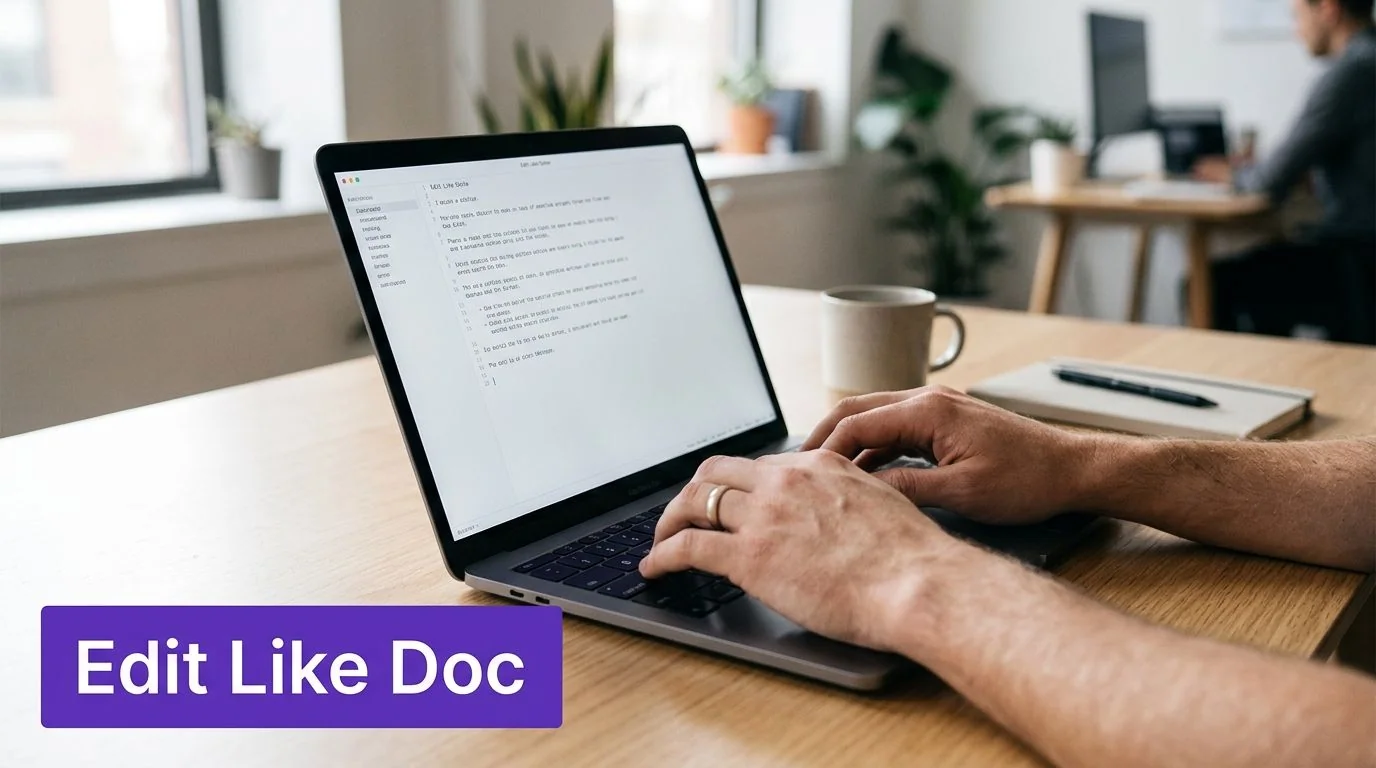
That’s where a document-style workflow changes the economics of production. Instead of opening Adobe Premiere Pro for every hesitation and every “uh, let me show you one more thing,” you edit the words. The software updates the voiceover timing, captions, and pacing from the revised script.
What to fix first
Start with the transcript, not the visuals. In practice, I’d clean it in this order:
- Delete filler and self-corrections
Remove “um,” “so,” and repeated sentence starts. This is low-risk cleanup with immediate payoff. - Rewrite vague instructions
“Go here” becomes “Open Settings, then select Billing.” Clear action language localizes better. - Split long explanations
Dense narration may make sense to the expert who recorded it. Learners need shorter units tied to visible actions. - Standardize product terms
If you call it “workspace” in one sentence and “project area” in another, the translator has to guess which term should survive.
Industry guides report that using AI to remove filler words and shorten word gaps, often reduced to 0.3 to 0.5 seconds, can cut total video editing time by up to 90%, which matches why transcript-first editing works so well for tutorial production, as described in this editing workflow article.
Why the script matters more in Spanish localization
Spanish punishes lazy source scripts. If the English original is full of hedging, incomplete thoughts, or narration that depends on timing luck, the translated version gets harder to sync and harder to caption cleanly.
This is also where language technology choices matter. If your team wants background on how systems parse, rewrite, and regenerate human language, this primer on AI consulting on NLP is a useful reference for understanding why structured scripts outperform improvised speech in automated workflows.
Editorial takeaway: The better the source script, the less localization becomes a video-editing problem.
What automatic cleanup should handle
A strong workflow should catch dead space without forcing someone to trim every pause manually. That includes pauses between clicks, loading moments, and sections where the mouse sits still without adding value.
One useful example is Tutorial AI, which can turn a single screen recording and spoken narration into a polished tutorial video and a matching written article from the same recording. Its Auto-Cut feature automatically detects and removes idle moments such as pauses between clicks, loading screens, and sections where the mouse isn’t moving, which is exactly the kind of cleanup that keeps demos, onboarding videos, and SOPs from dragging.
What not to trust blindly
Automatic trimming can also create new problems. Some editors cut too aggressively at the end of a sentence. If the final word keeps getting clipped, the issue may be the recording tail rather than the script.
A documented pattern in AI video editors is that they can cut off the last 0.8 seconds of spoken sentences, and one fix is to append 1.3 seconds of pure silence after recording, as explained in this discussion of voice activity detection cutoffs. For punchier lines, another recommendation is to hold the final mouth position and breathe for 1.2 seconds, preserving enough signal to avoid truncation, according to this related explanation.
Those details matter because localization amplifies small timing flaws. A clipped English line is annoying. A clipped Spanish line can break captions, regenerate poorly, and force a re-export.
Generating Lifelike Spanish Voiceovers with AutoRetime
Once the base script is clean, voice generation becomes practical. This is the point where many teams hit the historic wall. The translated narration sounds fine, but the video no longer fits it.
That’s why the source script has to be intentional before voice generation starts. A documented failure point in Spanish tutorial production is skipping explicit script rewriting before AI voice regeneration. Tutorials that skip pre-scripted rewriting show a 42% drop in caption accuracy for Spanish due to the language’s higher syllabic density, which is why re-timing is necessary instead of optional, according to this video source on Spanish tutorial production.
Why Spanish breaks ordinary timelines
English and Spanish rarely occupy the same amount of time on screen. Even when the meaning matches closely, the spoken rhythm changes. If the original scene cuts were tuned to the English voiceover, the Spanish version can run ahead or behind at almost every key interaction.
That creates three familiar problems:
- Cursor arrives before the line lands
- Zooms trigger before the noun being described
- Captions feel cramped because the spoken line resolves later
Traditional editing tools can solve this, but they solve it manually. Someone has to stretch holds, shift cuts, and check every cue by eye. That’s expensive work, especially when the video is a product demo with lots of interface changes.
What automatic re-timing should actually do
For localization to scale, the software has to adjust more than narration. It has to re-time scenes, captions, and visual pacing to the new language version. If the system only swaps the audio track, you still have a synchronization problem.
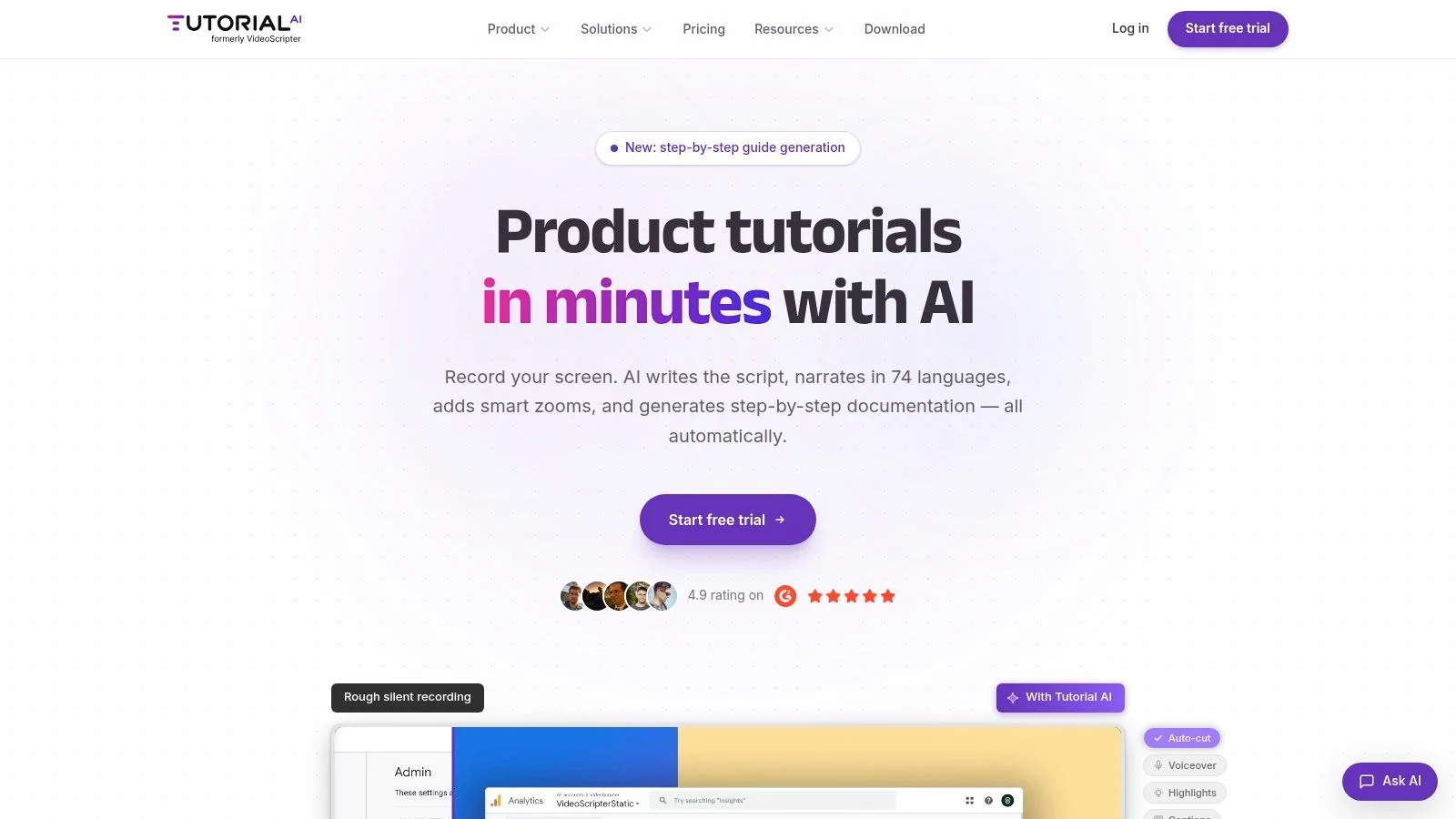
That’s the practical value of Spanish voiceover workflows. The important feature isn’t just that the platform supports narration in 74 languages. It’s that AutoRetime can adapt cuts, pacing, and timing to match the generated Spanish voiceover so the screen action stays aligned without manual timeline rework.
The translation isn’t the hard part. The hard part is making the translated narration feel like the video was originally produced in that language.
Here’s the difference in plain terms:
| Workflow | What happens after translation |
|---|---|
| Standard editor workflow | Someone manually re-syncs scenes to the new voice track |
| Audio-only replacement | The narration changes, but the visual timing stays wrong |
| AutoRetime workflow | The narration changes, and the scene timing follows it |
A short product clip can survive light mismatch. A procedural tutorial can’t. If the learner hears “select permissions” while the cursor is already in the save dialog, trust drops fast.
A product walkthrough makes this easier to see in motion:
The better production model
The strongest workflow for a tutorial in Spanish looks like this:
- Record the screen once
- Tighten the source script
- Generate the Spanish narration from the cleaned script
- Let the system re-time scenes to the new voice
- Review terminology and captions for regional fit
That’s what turns localization from a specialist post-production task into a repeatable publishing step. It also changes who can own the work. The subject-matter expert no longer needs an expert editor sitting next to them for every language version.
Adding Final Polish and Optimizing for Spanish SEO
A localized tutorial often passes review on accuracy and still fails on usability. The usual reason is small finishing errors that signal the video was adapted after the fact. Captions use the wrong product term. On-screen text stays in English. The title reflects an internal feature name instead of the task a Spanish-speaking user would search.
That final pass matters even more when you use Tutorial AI to retime scenes around a new Spanish voiceover. If the pacing now feels native but the metadata, captions, and visual cues do not, the production gain is only partial.
Finish the viewing experience
Polish starts with consistency. Every visible and spoken reference to the product should match the terms your support team, docs team, and customers already use. If the UI says “Permisos,” the caption should not switch to a synonym halfway through the video.
A practical review pass should cover these points:
- Check captions against product terminology: Fix inconsistent feature names before publishing.
- Review regional wording: Choose terms that fit the audience you serve, whether that is Latin America, Spain, or a mixed audience.
- Limit visual effects to moments of confusion risk: Use zooms, highlights, and cursor emphasis only where they help the viewer follow a step.
- Create the article version: Some users need screenshots, skimmable steps, or copy-paste instructions more than narration.
This is also the stage to trim friction. Remove pauses that no longer serve the Spanish version. Make sure chapter labels match the spoken workflow. Confirm that subtitles break cleanly on mobile and do not cover the interface elements the learner needs to see.
Write for Spanish search intent
Spanish SEO for tutorials works best when it mirrors support behavior. Users rarely search for your internal release language. They search for the job they are trying to finish.
Spanish is one of the most widely spoken languages in the world, so even a modest tutorial library can pick up meaningful search demand when titles and descriptions match real tasks, as noted earlier.
Use task-based phrasing:
- “Cómo configurar permisos de usuario”
- “Cómo exportar un informe mensual”
- “Cómo conectar Salesforce con tu espacio de trabajo”
That naming choice improves more than discovery. It also helps support, onboarding, and education teams keep one clear vocabulary across video, article, and help center search.
If distribution includes social clips, align those titles too. A short tutorial excerpt with a clear task-based headline can support discovery outside the help center. Teams that want to build your X audience with SupaBird can reuse the same Spanish phrasing that already proved useful in support content.
Match metadata to the actual asset
A Spanish voice track needs Spanish packaging. That includes the title, description, chapters, subtitle file, thumbnail text, and any embedded transcript. Mixed-language metadata creates confusion for users and weakens search relevance.
For support libraries and academies, the strongest setup is a multilingual video paired with a written article generated from the same source recording. The video shows the process. The article captures screenshots, steps, and terms users can scan quickly. That combination usually reduces duplicate documentation work and gives Spanish-speaking users two ways to learn the same procedure.
Distribution Publishing and Embedding Your Tutorial
Publishing is where multilingual tutorial work either compounds or disappears into a file folder. The right move is to distribute the video where the learner already is. That usually means your help center, knowledge base, LMS, product docs, or onboarding flow.
A practical publishing stack includes three outputs. First, export the video for platforms like YouTube when public discovery matters. Second, publish a share link for quick internal review or customer follow-up. Third, embed the tutorial directly where support or training happens, using a multilingual player so viewers can switch languages without opening another asset.
The written version matters just as much. If your workflow can generate a step-by-step article with screenshots from the same recording, you don’t have to create separate documentation from scratch. That’s especially useful for support article videos, internal training, and SOPs where some users prefer reading over watching.
For larger teams, enterprise controls matter too. Shared workspaces, SSO/SAML, and compliance features such as SOC 2 and GDPR support are what make this workable inside larger organizations, including teams at companies such as Bosch, Deutsche Bahn, Intesa Sanpaolo, Microsoft, and UNICEF.
If distribution includes social channels, it’s also worth thinking beyond the help center. A Spanish tutorial clip can feed awareness and education at the same time. Teams building community around instructional content may find this guide on how to build your X audience with SupaBird useful for turning tutorial snippets into a repeatable audience-building format.
If you want to turn one screen recording into a polished video plus a matching article, with multilingual voiceovers and automatic re-timing for Spanish, Tutorial AI is built for that workflow. It’s a practical fit for product demos, onboarding, help-center videos, support content, internal training, and sales enablement when the bottleneck is editing and localization rather than recording.