You’re the expert, not the editor. You hit record in Loom, walk through a feature, explain the workflow clearly, and by the time you stop, the video is far longer than it should be. Most raw walkthroughs end up 50-100% longer than necessary because people think while they speak, repeat themselves, backtrack, and leave in pauses that feel fine live but drag on playback.
The usual fix is painful. You either re-record until you sound polished, or you open Adobe Premiere Pro or Camtasia and start cutting timelines by hand. That works if video editing is part of your job. For most support leads, product marketers, presales teams, and trainers, it isn’t.
Documentary scripting provides assistance.
A good script documentary example isn’t just something for filmmakers making historical films. The same structures work for demos, onboarding videos, feature release explainers, support article videos, and internal training. Documentary creators learned a long time ago that structure keeps people watching. Corporate video teams can borrow that discipline without borrowing the production pain.
The practical shift is simple. Record naturally, shape the story after the fact, and use a tool like Tutorial AI to turn that rough capture into something tight, branded, and professional. You can speak freely without rehearsal, then polish the script, update the narration, and let the platform handle visual cleanup, timing, cursor emphasis, and multilingual versions.
Here are seven script documentary example formats worth stealing for modern business video.
1. The Talking Head Interview Format
Some formats survive because they work. A person looks into camera, says something useful, and the audience believes them.
That’s the core of the talking head format. It’s one of the most practical versions of a script documentary example because it’s easy to record and hard to fake. It works especially well for customer stories, internal training, founder explainers, product philosophy videos, and support content where trust matters as much as clarity.

Why it works in corporate video
People forgive modest production quality if the speaker is clear, credible, and direct. They don’t forgive rambling.
That’s why I rarely script every sentence for this format. I script beats. The opening point, the proof, the example, the close. Then I let the speaker talk like a person.
Interview-driven documentaries formalized this approach by building sequences around broad questions that narrow into specifics, often using 3-10 experts or witnesses per segment in longer productions, according to this breakdown of the interview-based documentary script format. Corporate teams don’t need a panel of experts, but the principle carries over cleanly. Start broad, then narrow.
Practical rule: Write prompts, not paragraphs, if the person on camera already knows the subject. A support lead explaining a new workflow should sound like a support lead, not like legal copy pasted into a teleprompter.
What to keep and what to cut
Use this format when the speaker is the asset. Don’t use it when the product itself needs to carry the explanation. If the audience needs to see menus, clicks, or before-and-after behavior, cut away to screen capture fast.
A few production habits make a huge difference:
- Keep eye line natural: Put the camera at eye level and keep it close enough that the speaker feels conversational.
- Script transitions: Most weak talking head videos don’t fail in the middle. They fail at the handoff from one idea to the next.
- Layer supporting visuals: Add product shots, interface clips, or slides when the topic turns technical.
- Polish after recording: Tutorial AI is especially strong here because the subject matter expert can speak freely, then clean the script and regenerate the narration instead of doing endless retakes.
When people ask for a simple script documentary example, this is usually the most forgiving place to start.
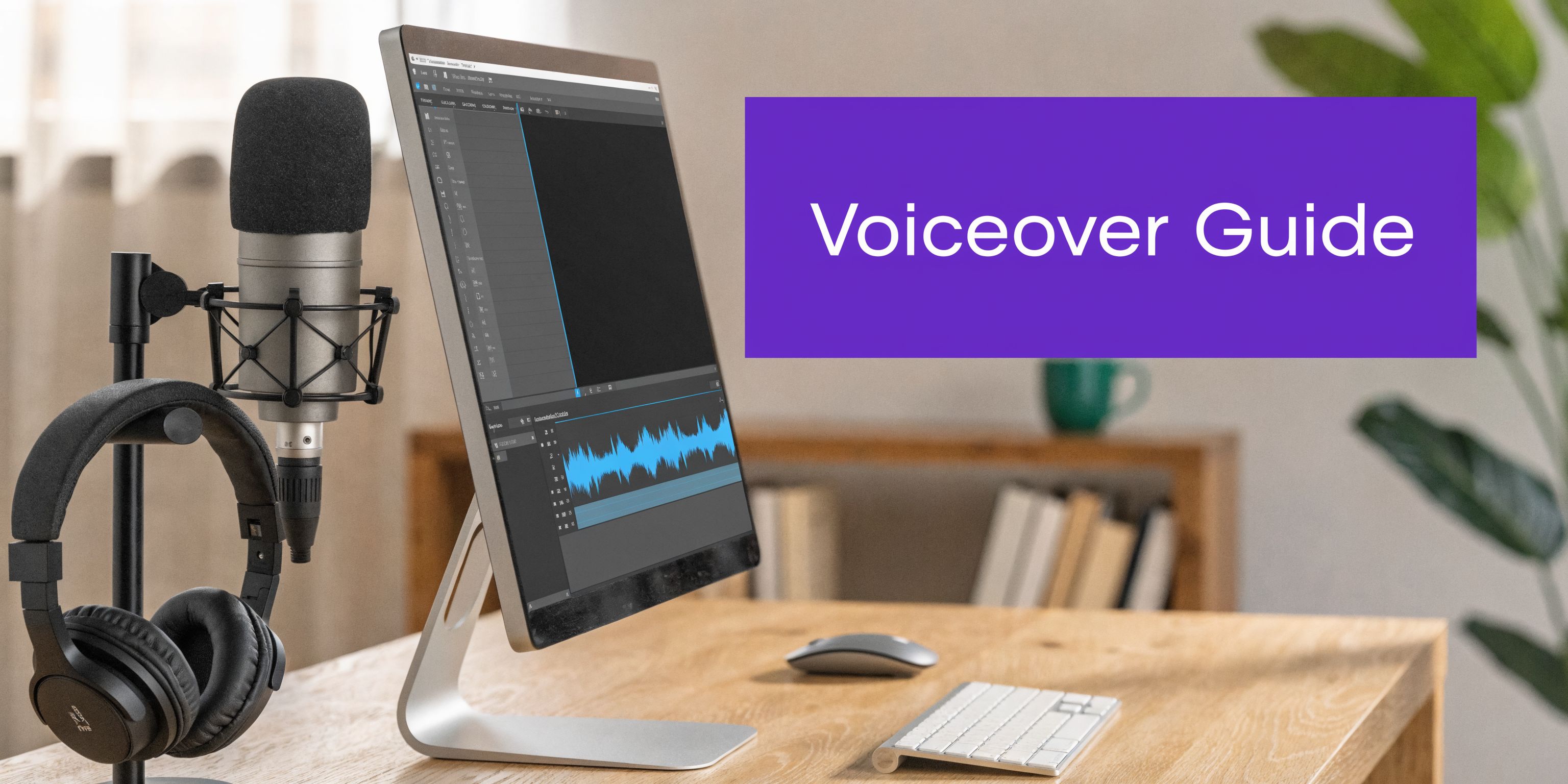
2. The Voice-Over with B-Roll and Screen Recording
This is the default format for software companies because it solves an obvious problem. Your product is the visual. Your narration is the guide.
That combination is stronger than a face-to-camera explanation for most demos, onboarding flows, and feature walkthroughs. The viewer doesn’t need to watch you think. They need to see the interface at the exact moment you explain it.
Narration should control timing
The big mistake is recording the screen first and hoping the script works later. That usually creates dead space, rushed lines, or awkward cursor movement.
Traditional documentary education has long treated script structure as a timing tool. One teaching guide describes a standard documentary structure of seven major paragraphs for a strict 10-minute runtime, or roughly 5-7 double-spaced pages, in the Minnesota Historical Society documentary tips. For product videos, the exact paragraph model matters less than the discipline. Timing starts in the script.
If you need a practical primer on recording cleaner narration, Tutorial AI’s own guide on how to do a voice over is a good operational starting point. For an external perspective, this piece on how to do voiceover is useful for basic delivery habits.
Record the explanation like you’re teaching one person, not performing for a room. That alone fixes a lot of stiff voice-over work.
Where Tutorial AI fits better than classic editors
Loom is great for speed, but raw Loom-style captures often carry every pause, filler phrase, and detour. Premiere Pro can fix that, but only if you know how to edit audio, sync visuals, retime cuts, and rebuild pacing manually.
Tutorial AI gives you the middle path. Record the screen. Talk naturally. Then edit the text, regenerate the voiceover, and clean up the video with cursor highlights, smart zooms, and branded styling. That’s the practical reason this format works so well with AI tooling. It turns a rough walkthrough into something that feels intentionally produced.
Use it for feature demos, support walkthroughs, release notes, and knowledge base videos where visual clarity matters more than personality.
3. The Problem-Solution Narrative Arc
The fastest way to make a tutorial feel important is to start with friction.
Not drama. Friction.
The viewer had a job to do, something slowed them down, and the video resolves it. That’s the whole structure. It’s one of the strongest script documentary example formats for customer education, change management, adoption campaigns, and sales enablement because it gives the tutorial a reason to exist.
Open with the pain, not the product
Weak scripts start with a product tour. Strong scripts start with the stuck moment.
A support team can’t find the right article fast enough. A sales rep loses context between tools. A new admin doesn’t know what to configure first. When you write the script around that pain, every later step feels earned.
The easiest outline is:
- Problem: Show what’s broken or inefficient.
- Escalation: Show why the old way keeps failing.
- Turning point: Introduce the new workflow or tool.
- Resolution: Show the better outcome clearly.
If you want a clean planning template, Tutorial AI’s sample script outline fits this structure well.
Make the turning point obvious
This format depends on contrast. If the viewer can’t feel the moment when the situation improves, the story falls flat.
A good corporate example is a feature adoption video that starts with scattered manual steps, then shifts into a guided process inside the product. Show the old path briefly. Then move.
The trade-off is that this format can become too salesy if you overstate the pain or make the old approach look stupid. Don’t do that. Represent the previous workflow fairly. Most audiences have lived with it for a reason.
What works is specificity. Name the task. Show the obstacle. Show the fix.
What doesn’t work is broad messaging language like “modern teams need agility” or “today’s businesses demand efficiency.” Nobody remembers that. People remember, “I used to export this manually, and now I don’t.”
4. The Educational Step-by-Step Tutorial Format
Some videos don’t need narrative tension. They need clean sequencing.
That’s where the step-by-step format wins. It’s the most direct script documentary example for product onboarding, employee training, process walkthroughs, and technical education. If the audience needs to complete a task in order, this structure usually beats every more cinematic alternative.
Before the structure breaks down, it helps to see the style in action:
Clarity beats cleverness
I like this format because it punishes vague writing. You can’t hide behind tone or visuals. Either the user understands the sequence or they don’t.
The strongest scripts in this category follow a repeatable pattern:
- Name the step: Tell the viewer where they are.
- Show the action: Demonstrate it on screen.
- Explain the reason: Give the “why” in one sentence.
- Confirm the result: Show what success looks like.
Tutorial AI’s guide to a video tutorial script is useful when you need to impose that sequence before you record.
Why post-production scripting matters here
A lot of tutorial creators still treat scripting as a pre-production exercise only. That’s a mistake for software video, where real recordings often produce extra clicks, hesitations, and mismatch between narration and interface flow.
A practical observational workflow described by Arc Studio Pro shows how transcription-driven clustering can cut post-production editing time by 40-50%, with scripts finalizing in 2-4 hours instead of relying on a much slower manual process, in this piece on writing a documentary script in the edit. That lesson maps directly to tutorials. Record first if needed. Then script from what happened on screen.
The best tutorial scripts often get finished after the recording, not before it. That’s especially true when a subject matter expert knows the material but doesn’t speak in perfect publishable order on take one.
This format works best when you keep each step tight and visually distinct. It gets muddy fast when you combine multiple goals into one segment.
5. The Documentary Evidence Format
The review meeting starts with a hard question. Why should anyone believe this recommendation?
That is the job of the documentary evidence format. It builds credibility with proof on screen. Use it for research summaries, compliance explainers, internal business cases, product justification, policy rollouts, and executive updates where claims need support, not charisma.
Evidence needs a narrator
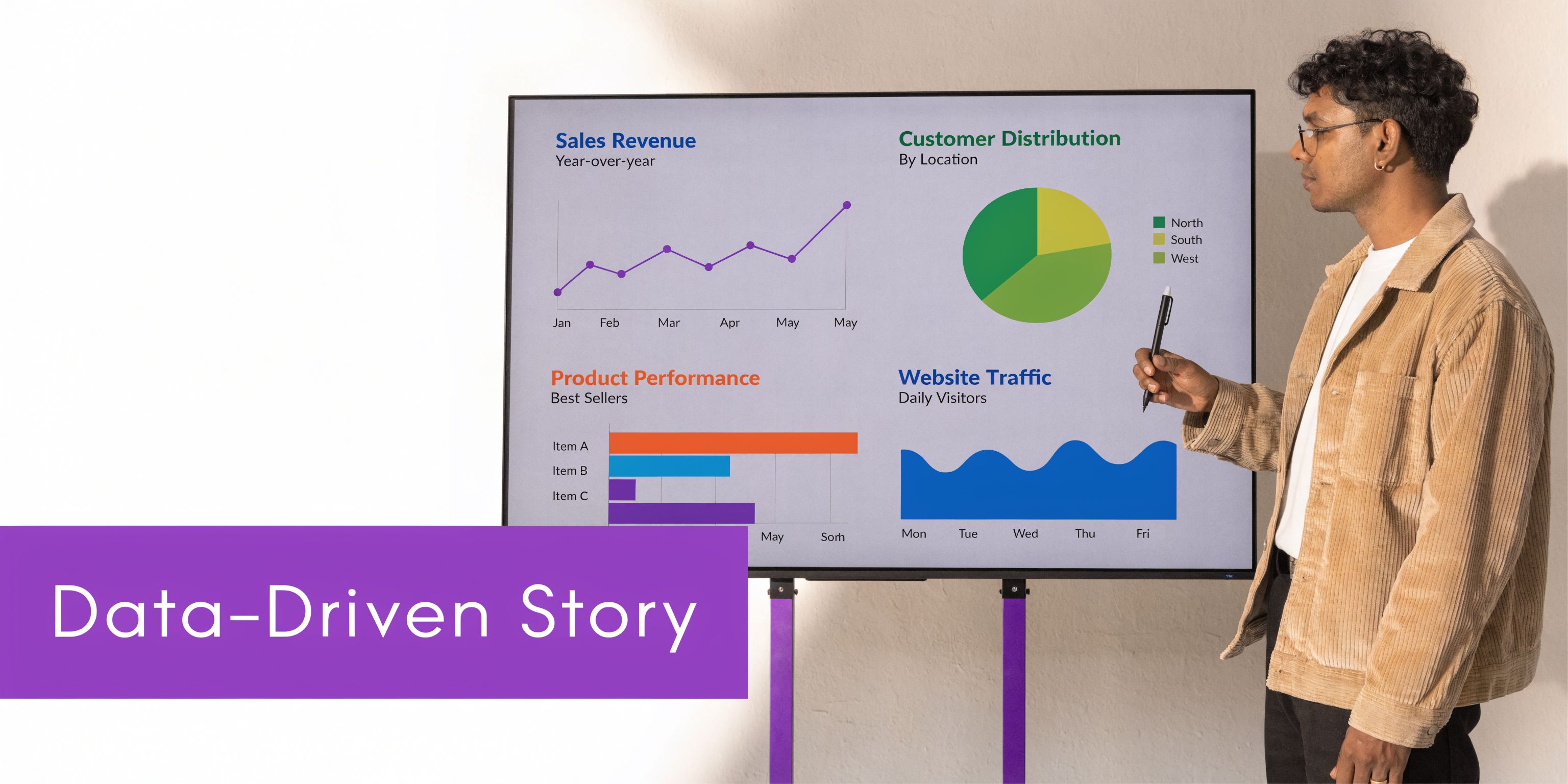
Raw evidence slows viewers down. A chart, screenshot, customer quote, audit log, or benchmark slide only works once the script tells the viewer what they are seeing and why it matters now.
I write these scripts in a tight sequence. Present the claim. Show the proof. Interpret it in plain language. State the decision or action that follows. That structure comes from classic documentary logic, but it fits modern corporate video surprisingly well, especially in demos, onboarding explainers, and training content built to answer skeptical questions fast.
The common production mistake is easy to spot. Teams pack the frame with supporting material, then expect the audience to do the sorting. Viewers will not do that work for long. The script has to guide attention. One visual. One takeaway. Then move to the next piece of evidence.
What to put on screen
Good evidence is specific and visible. Product analytics snapshots, workflow diagrams, side-by-side process changes, support ticket patterns, before-and-after screen captures, customer excerpts, policy text, or annotated documents all work.
Weak evidence is generic. Stock footage of people in meetings does not strengthen a claim about adoption, risk reduction, or time saved.
This format also benefits from restraint. If every sentence sounds like a sales pitch, the proof loses weight. A calm voice-over or a measured expert interview usually performs better than aggressive copy. In practice, that often means cutting adjectives and adding labels, highlights, and timestamps to the visual material instead.
Where it breaks
It breaks when the script treats evidence like a dump truck.
Executives, buyers, and learners need a conclusion they can follow. They do not need every supporting input in the order your team found it. If five charts appear before the first interpretation, the video starts to feel like a slide deck with music.
Use fewer visuals than you think you need. Give each one a clear job. For AI-assisted production, this is one of the safest formats to script after assembly. Pull the strongest proof points from transcripts, meeting recordings, reports, or captured demos, then write concise narration around what already holds up on screen. That approach is faster, and it usually produces a sharper argument.
6. The Journey Process Documentary with Montage
This is the format for change over time.
It works when you want viewers to feel movement, not just understand instructions. Think onboarding journeys, implementation stories, rollout recaps, training transformations, or customer adoption stories that unfold across moments instead of steps.
Build it from milestones
Montage-heavy videos fall apart when editors gather random footage and try to force meaning onto it later. The fix is simple. Define the milestones first.
For a corporate onboarding journey, that might be first login, initial setup, first success, team adoption, and routine use. For an implementation story, it might be discovery, migration, configuration, launch, and stabilization.
Then collect visuals that express each stage. Screen capture. team calls, Slack clips, dashboard changes, email approvals, support interactions. The montage has to show progression, not just activity.
A useful production model comes from large-scale technical case study workflows. Mooreshand.io described a process that reduced writing and publishing time from days to 3-4 hours per case study after a 45-60 minute recorded customer interview and transcript-based structuring, in this article on writing technical case studies. That method matters for video too. Journeys become easier to script when you pull the story from recorded material instead of inventing it from scratch.
Use montage for compression, not decoration
Montage earns its place when time passes or effort accumulates.
That’s the trade-off. It creates momentum, but it can also blur detail. Don’t use montage for critical instructions. Use it to bridge phases, show scale, or create emotional rhythm between more concrete beats.
A clean version of this in SaaS video is a rollout story: opening confusion, early setup clips, a few problem moments, then increasingly confident usage across teams. The narration should stay spare. Let the visuals do some of the work.
If every scene lasts too long, a journey video feels slow. If every scene is too short, it feels empty. Tutorial AI makes this format more practical because you can record loosely, then restructure around the script later. That’s a big advantage when the original footage was captured during real work rather than on a planned shoot.
7. The Comparison Contrast Demo Format
Comparison is one of the most persuasive structures in business video because it removes abstraction. The viewer doesn’t have to imagine the improvement. They can watch it.
This format works for before-and-after demos, wrong-way versus right-way training, manual versus automated workflows, legacy versus modern process explanations, and even internal policy training.
Show both sides fairly
The trick is fairness. If you make the old method absurdly bad, the whole video loses credibility.
A strong comparison script gives each side the same task, similar framing, and similar amount of time. Then it isolates the difference that matters. Fewer steps. Cleaner handoff. Better visibility. Easier approval path. Faster understanding.
For digital product teams, this structure is especially useful because documentary-style scripting still underserves software demos. Traditional film-centric guidance rarely addresses cursor tracking, smart zooms, and post-recording cleanup that SaaS teams need. Voice123’s overview of documentary scripts reflects that film-first bias, which is exactly why modern demo teams need a more adapted approach to documentary script conventions.
Why this format works so well with screen recordings
Screen capture is naturally comparable. Two workflows can be shown side by side or sequentially with matching framing.
That makes the script easier to write too. Each section can mirror the other:
- Set the task: What are we trying to do?
- Run method one: Show the conventional path.
- Run method two: Show the improved path.
- Interpret the difference: Explain what changed and why it matters.
Tutorial AI is unusually practical for explaining changes. A subject matter expert can record both versions without obsessing over perfect delivery. Then the team can tighten the script, regenerate narration, and add cursor effects, highlights, zooms, and brand styling so the final comparison feels deliberate rather than improvised.
For presales, onboarding, and support teams, this is often the fastest route from “rough recording” to “convincing asset.”
Comparison of 7 Documentary Script Formats
| Format | 🔄 Implementation complexity | ⚡ Resource requirements | ⭐ Expected outcomes | 📊 Ideal use cases | 💡 Key advantages / Tips |
|---|---|---|---|---|---|
| The Talking Head Interview Format | Low, simple setup, requires on-camera skill and takes | Minimal: basic camera, mic, lighting; light editing | Builds trust and authority; clear knowledge transfer | Testimonials, onboarding, explainers, sales enablement | Builds personal connection; script key points, use soft lighting and occasional B‑roll |
| The Voice-Over with B-Roll/Screen Recording | Moderate, needs tight scripting and audio/video sync | Moderate: screen capture tools, quality mic, editing software | Professional, scalable tutorials; clear procedural guidance | Software tutorials, technical docs, product walkthroughs, multilingual content | Script first; use cursor tracking, callouts, and AI voice regen for localization |
| The Problem-Solution Narrative Arc | High, detailed scripting and emotional pacing required | Moderate: interviews, footage, time for scripting and edits | Highly engaging and memorable; drives adoption and persuasion | Change management, customer success stories, product adoption | Invest in problem setup, use authentic quotes, show measurable outcomes at resolution |
| Educational / Step-by-Step Tutorial Format | Moderate, requires thorough planning and structure | Moderate: recording or screen capture per step, clear visuals | Maximizes retention and self‑sufficiency; easy updates | Knowledge base, how‑tos, training modules, FAQs | Outline numbered steps, show each step twice, add chapters and on‑screen text |
| Documentary Evidence (Expert + Data Viz) | High, sync expert commentary with precise visuals | High: credible data, designers, animation tools, scripting | Very credible and persuasive; strong thought leadership impact | Research reveals, product launches, market analysis, sales enablement | Source and cite data, time visuals to narration, use consistent design and gradual layering |
| Journey / Process Documentary with Montage | High, large footage volume and montage pacing skill | High: multi-location footage, music, advanced editing | Emotionally engaging; shows transformation over time | Onboarding journeys, implementation stories, culture/transformation videos | Write narration first, maintain consistent color grading, use music and audio leveling for cohesion |
| Comparison / Contrast Demo Format | Moderate–High, requires balanced parallel demos and metrics | Moderate: two scenarios, careful editing, measurement data | Effective for differentiation; guides viewers to preferred solution | Product demos, competitive positioning, best practice training | Choose clear metrics, show equal framing, quantify improvements, avoid strawman portrayals |
Turn Your Script into a Masterpiece with AI
These seven formats are useful because they solve different communication problems. The talking head format builds trust. Voice-over with screen recording explains action. Problem-solution gives the video a reason to exist. Step-by-step teaching improves comprehension. Evidence-led scripting builds credibility. Journey structure creates momentum. Comparison sharpens persuasion.
The blueprint matters. But in practice, teams typically don’t fail at ideas. They fail at execution.
They record something useful, then get stuck in the gap between raw footage and publishable video. That gap is where hours disappear. It’s also where most subject matter experts give up and settle for a decent-enough Loom.
Tutorial AI closes that gap in a way traditional editors don’t. It lets you record screen-based content for demos, onboarding videos, explainer videos, feature release videos, knowledge base videos, and support article videos without having to deliver a perfect take. You can speak naturally, capture the workflow, then edit the script instead of wrestling with a timeline. Once the script is tighter, the voiceover can be regenerated, the pacing can be cleaned up, and the visuals can be polished with cursor tracking, smart zooms, highlights, backgrounds, and brand controls.
That matters because most experts aren’t trying to become editors. They’re trying to ship useful videos fast.
This is also why documentary techniques fit so well here. Documentary scripting has always been about shaping reality into clarity. That’s exactly what software tutorial teams need. Not cinematic flourishes. Structure, rhythm, proof, and clean explanation.
A strong script documentary example is no longer just a filmmaker’s reference point. It’s a working model for modern business video. If you treat your demo or training video like a small documentary, the final result gets better fast. The message is tighter. The viewer stays oriented. The product looks more professional. The expert sounds more confident.
And if you combine that scripting discipline with AI editing, the workflow changes completely. You don’t need to sound polished on take one. You don’t need Adobe Premiere Pro skills. You don’t need to trim every pause by hand. You need a clear structure, a useful recording, and a tool that can turn raw expertise into a finished asset.
For teams evaluating their stack, this broader category of AI tools for content creators is worth watching closely. The biggest gains come from removing production friction, not adding more features to the timeline.
Tutorial AI is the practical choice if you want documentary-level structure without documentary-level production overhead. Record your screen, talk through the workflow naturally, then turn that raw capture into an on-brand tutorial, demo, or onboarding video in minutes. It’s built for subject matter experts who know the product but don’t want to become editors.