You’ve probably had this happen already. A product marketer records a feature walkthrough for launch week, sends it to sales for early use, and within hours the link has traveled further than intended. Or an L&D manager uploads onboarding videos for a small internal rollout, only to realize the same password now sits in a Slack thread, an email forward, and someone’s browser autofill.
That’s the core issue with password protected videos. The problem usually isn’t the first share. It’s the second, third, and fourth one that nobody planned for.
Teams now create more demos, onboarding videos, support article videos, knowledge base videos, and internal explainers than ever. The workflow can’t stop at recording and publishing. You need to decide what’s worth protecting, how much friction viewers will tolerate, and where a simple password is enough versus where you need stronger controls.
Why Securing Your Video Content Matters More Than Ever
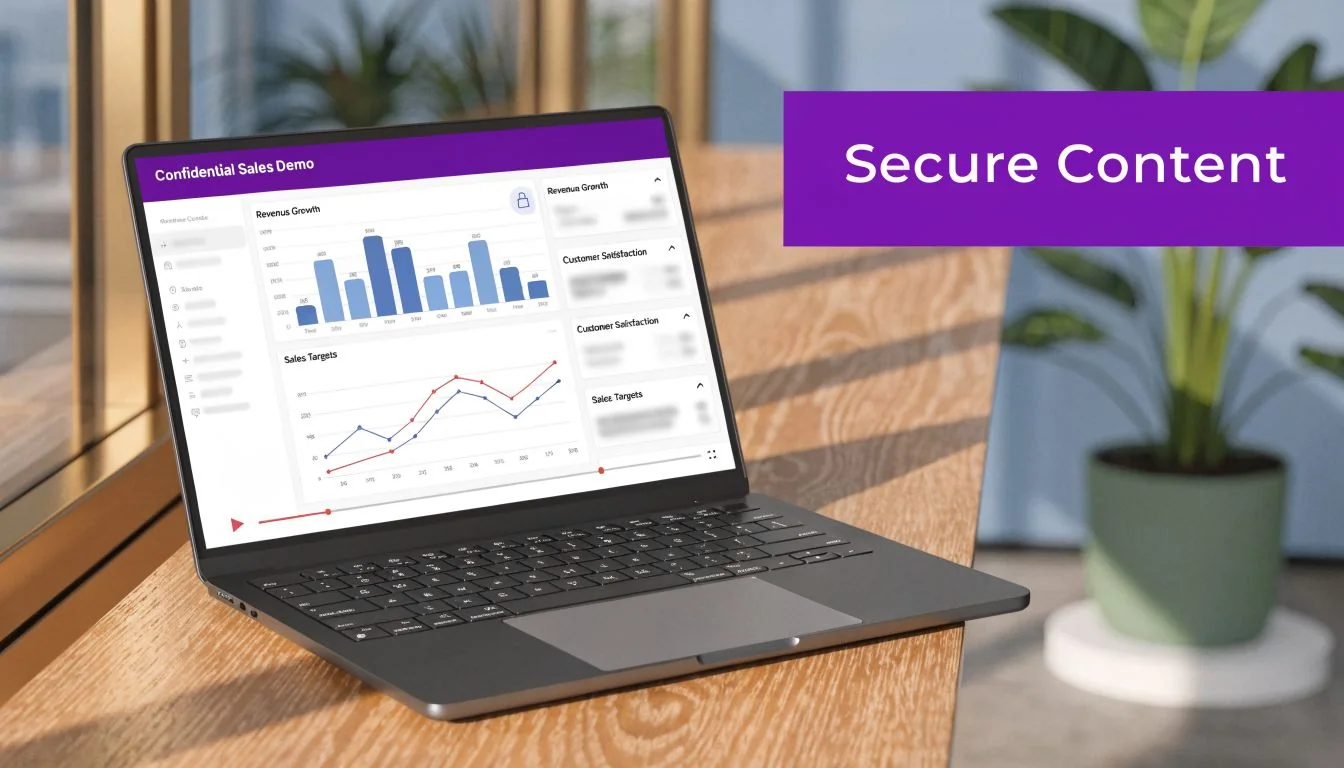
A confidential sales demo looks harmless when it’s sitting in draft form. Then it includes pricing logic, roadmap hints, admin settings, or customer data in a sidebar. A pre-release feature video can reveal positioning before launch. An onboarding tutorial can expose internal process details you never meant to publish beyond your company.
That’s why secure sharing isn’t just a media-company problem anymore. SaaS teams, support teams, enablement leads, and trainers all publish videos with real business value. If those videos spread outside the intended audience, the cost isn’t only reputational. It can affect revenue, competitive positioning, and trust.
Password sharing is normal now
Consumers have normalized credential sharing, and that behavior matters because business viewers bring the same habits to work. Statista reports that 13% of consumers admit to sharing streaming credentials, contributing to an estimated $2.3 billion in lost potential revenue for VOD providers according to Statista’s credential sharing research.
Business video isn’t the same as subscription streaming, but the lesson carries over. If a video is protected only by a shared secret, the content is only as secure as the most casual person who received it.
Practical rule: Treat every shared password as eventually forwardable.
The risk depends on the video’s job
Not every video needs the same protection. A webinar replay for a trusted prospect is different from a partner training module, and both are different from a board-facing product demo. The right question isn’t “Should we password protect this?” It’s “What happens if the wrong person watches this?”
Use that question to sort your library:
- Low-risk videos might include simple update videos, broad marketing explainers, or internal messages where accidental forwarding is inconvenient but not damaging.
- Medium-risk videos often include onboarding, support training, sales plays, and product walkthroughs that reveal process, positioning, or internal terminology.
- High-risk videos include pre-release features, customer-specific demos, paid training, regulated content, and anything that could create legal or revenue problems if copied.
The more specific and valuable the video becomes, the less reliable a single shared password looks.
Choosing Your Video Security Method
Many organizations do not require the most stringent security measures for every document. Instead, they need a level of control appropriate for the specific situation. The error lies in assuming that all password protected videos address the same security requirements.
Basic password protection is useful. It’s also easy to overuse.
What each method actually does
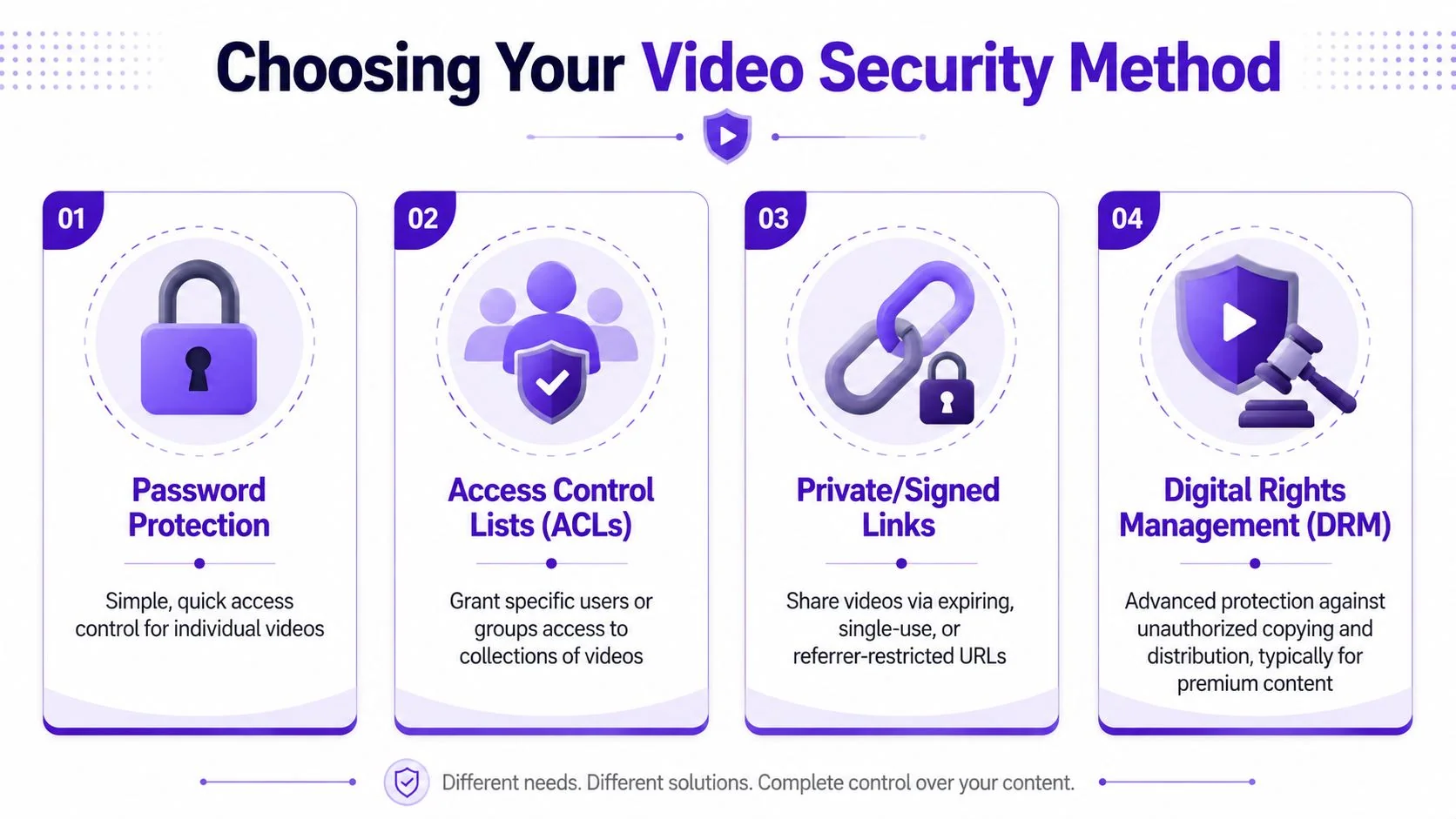
A password gate controls access with a shared credential. It’s fast and familiar. If you’re sending one video to a small trusted group, that may be enough.
Expiring links reduce the blast radius. They work well for review cycles, short-lived approvals, and situations where access should end automatically without manual cleanup.
User-level authentication is the stronger option. For high-stakes content, identity-based controls like login protection or SSO are the recommended step up from basic password protection, as explained in SproutVideo’s guide to secure business video sharing.
If you need to know exactly who watched, revoke one person’s access, or tie views to an account, a shared password isn’t the right tool.
Video Security Methods Compared
| Method | Security Level | User Experience | Best For |
|---|---|---|---|
| Password protection | Basic | Simple. One link plus one password | Small trusted groups, low-risk internal updates, client review videos |
| Expiring links | Moderate | Easy for viewers, slightly more admin work | Time-limited access, approvals, one-off shares |
| User login | High | More friction than a password, but clearer control | Training portals, partner education, paid content, customer-specific libraries |
| SSO | Highest for managed organizations | Smooth for employees already signed in | Internal training, enterprise enablement, regulated environments |
How to choose without overcomplicating it
A practical selection process usually comes down to three filters:
-
How sensitive is the content — If the video contains roadmap details, customer information, proprietary workflows, or revenue-related material, don’t rely on a shared password alone.
-
How many people need access — The audience size matters. Shared credentials become weaker as the viewer group expands, especially once the video leaves the original team.
-
Do you need accountability — If someone asks who watched the onboarding module, who finished the compliance training, or who leaked the demo, password-only sharing won’t answer that.
For teams that also struggle with sending large files before they even get to access control, this guide on sharing large video files via email is useful because file delivery problems often get mixed up with video security problems.
A common trade-off teams miss
The easiest method for the sender is often the weakest one for the business. Passwords win on speed. Login-based systems win on control. Expiring links sit in the middle.
That trade-off isn’t theoretical. It shows up in daily work. Sales wants less friction. Legal wants more. L&D wants proof of completion. Support wants a link they can drop into a help center quickly. Good video workflows account for all four.
How to Create Professional Videos Worth Protecting
A lot of security advice starts after the video exists. In practice, the creation workflow determines whether the video is valuable, watchable, and safe to distribute in the first place.
Many organizations still choose between two extremes. They use a quick recorder like Loom, which is easy but often produces rambling takes, awkward pacing, and long pauses. In many teams, that style of recording ends up far longer than necessary, often somewhere in the range of 50-100% longer than a tighter edited version. Or they move to tools like Camtasia or Adobe Premiere Pro, which can produce polished results but usually require real editing skill and extra production time.
Why raw screen recordings often fail
Quick recordings are attractive because the subject matter expert can hit record and talk through the product. That’s useful for speed, but the output often includes false starts, repeated phrases, cursor wandering, and unnecessary detours.
The result is familiar:
- The demo is too long and buyers stop paying attention before the key point.
- The onboarding video feels unstructured because the presenter is thinking while talking.
- The support video solves the issue but still looks improvised, which lowers trust.
- The feature release video sounds hesitant because the speaker is trying to narrate and edit mentally at the same time.
That’s a creation problem before it becomes a security problem.
The middle ground modern teams actually need
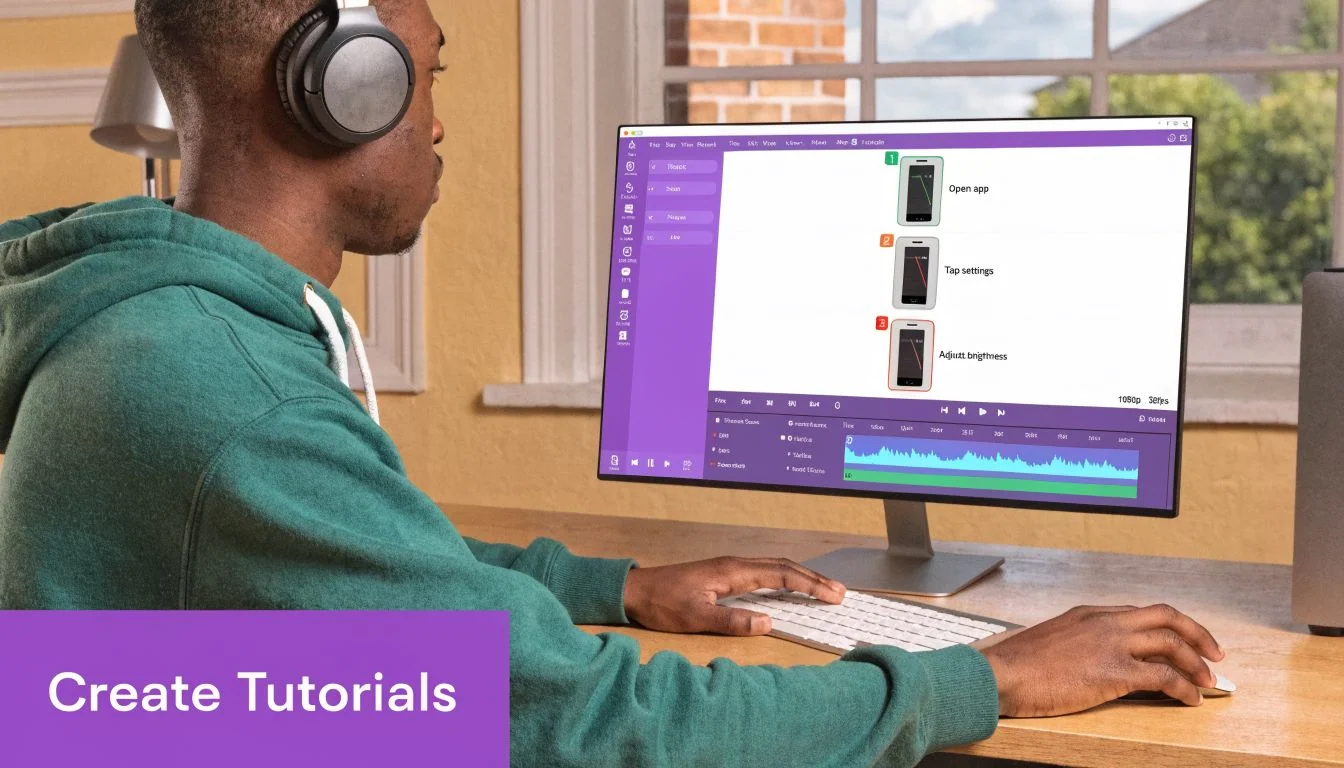
There’s a better workflow for teams producing demos, onboarding videos, explainer videos, feature release videos, knowledge base videos, and support article videos. The subject matter expert records the screen and speaks naturally without rehearsing for perfection. Then the system handles the cleanup that would usually require a timeline editor.
That model matters because most experts aren’t editors. Product marketers know positioning. Customer success knows the workflow. Support leads know the edge cases. Asking those people to perform like Adobe Premiere Pro users is what slows video production down.
Here’s an example of that polished tutorial style in practice:
What good production changes downstream
A cleaner source video is easier to secure, easier to update, and easier to reuse. That matters more than many groups expect.
A polished tutorial doesn’t just look better. It reduces the chance that viewers skip, misinterpret, or reshare the wrong clip because the original was unclear.
When the workflow supports script cleanup, narration refinement, branded visuals, cursor emphasis, smart zooms, and blur effects, the team can create something that looks professionally edited without turning every video into a production project.
That’s the standard worth protecting. Not just any screen recording, but a concise, on-brand asset that does its job.
A Step-by-Step Secure Video Sharing Workflow
A secure workflow starts before the share link exists. If sensitive information appears during recording, no password setting later will fix the fact that the content itself was careless.
The strongest teams treat password protected videos as the last mile of a process, not the whole process.
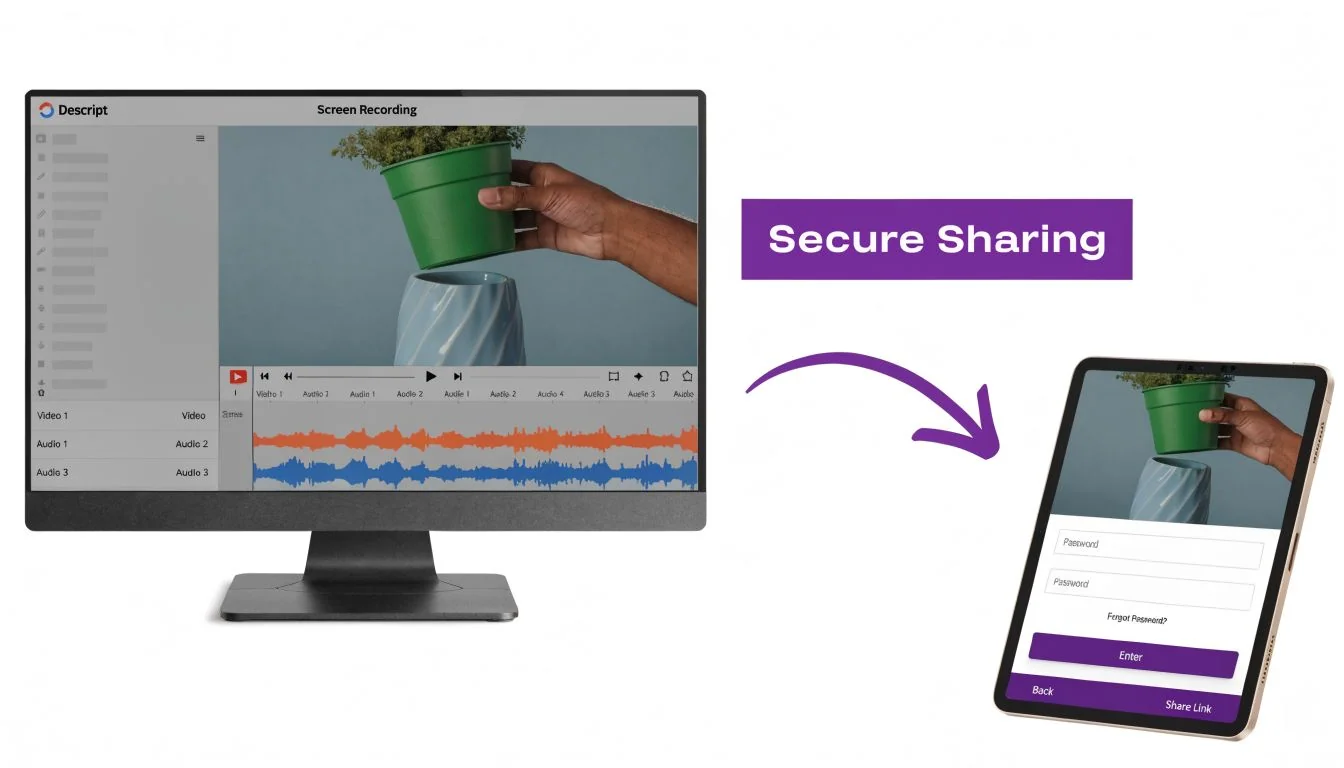
Step 1 record with distribution in mind
Before recording, decide where the video will live. A support article video embedded in a public help center needs a different treatment than an internal onboarding module or a presales demo.
Use a short checklist:
- Hide sensitive interfaces before capture. Close tabs, notifications, inboxes, and customer records you don’t need.
- Decide whether blur is required for names, account numbers, sidebars, or admin settings.
- Record one clear task per video when possible. Smaller videos are easier to secure and easier to update.
This is also where governance helps. If your team is building access policies for digital resources more broadly, the AuditReady digital hub login guide is a useful reference for thinking through role-based access and user flows before you publish anything.
Step 2 choose the lightest control that still fits the risk
Don’t start with maximum friction. Start with the consequence of a leak.
A simple internal update may only need a password. A time-limited review cycle may call for an expiring private link. A training library, customer academy, or sales enablement portal often needs viewer-specific access.
Here’s a practical sequence:
- Use password protection when the audience is small and trusted.
- Use expiring or limited links when the share window should close on its own.
- Use login or SSO when access must map to a person, team, or account.
Step 3 lock down playback context
A lot of leakage doesn’t happen because someone guessed the password. It happens because the video gets embedded, forwarded, or opened in places you didn’t expect.
Restrict where playback can happen. That may include allowed domains, signed embeds, or environment-specific player rules. If the video belongs in an LMS, CRM, partner portal, or documentation hub, keep playback tied to that environment rather than letting the asset float freely.
If your source files are oversized before they even reach hosting, clean that up first. This walkthrough on compressing an MOV file is useful because bloated exports often lead teams to improvise with less secure sharing methods.
Step 4 publish with a revocation plan
Every secure share should answer one boring but important question. What do you do if access needs to end today?
Operator note: If you can’t revoke access quickly, you don’t really control distribution.
For password-based shares, that usually means replacing the password and redistributing the link. For identity-based systems, it means removing a viewer, a group, or a workspace permission.
Build that into your process from the start. It’s much easier than untangling a video that’s already spread across forwarded emails.
Security Best Practices Beyond a Simple Password
A common failure looks like this. A marketing team publishes a partner training video, protects it with one shared password, and assumes distribution is under control. Two weeks later, the link is sitting in an old email thread, a former contractor still has access, and nobody can tell who watched the latest version.
That gap usually starts earlier than teams expect. Security is not only about the player settings at the end. It begins with how the content is assembled, versioned, approved, and distributed. If your team is creating onboarding modules, sales enablement clips, or compliance walkthroughs from scattered source files, organizing those inputs first with a process for uploading multiple files for one project makes the later access controls easier to manage and audit.
Why passwords fail in practice
Passwords break down because teams treat them like identity. They are not identity. They are a shared secret, and shared secrets spread fast inside real organizations.
B2B marketing teams paste passwords into calendar invites. L&D teams reuse the same credential across a training series to reduce support tickets. Agencies send one password to a client team, then that team forwards it internally without any clear boundary. The result is predictable. Access expands, accountability disappears, and revoking one viewer often means disrupting everyone else.
Controls that improve real-world security
Use the control that matches the risk and the audience.
- Viewer-level authentication works best when you need a record of who watched, not just whether the link opened.
- Dynamic watermarking helps discourage screenshots and screen recordings, especially for partner demos, internal strategy briefings, and pre-release product content.
- Domain restrictions keep playback inside the LMS, help center, intranet, or portal where the video belongs.
- IP or region restrictions fit teams that only want access from company networks, approved offices, or specific client environments.
- Expiration policies and access reviews reduce the long tail of old shares that stay active long after the project ends.
These controls add friction. That is sometimes the right trade-off. A customer-facing tutorial may need easy access and light restrictions. A board update, pricing enablement video, or regulated training module usually needs identity, logging, and revocation built in from the start.
For teams reviewing the wider risks around hosted applications, affordable SaaS pentesting is a useful reference point because the same pattern shows up often. Companies harden the app and leave the content layer under-protected.
Compliance changes the workflow
Compliance does not just raise the bar on storage. It changes how video should move through the organization.
If a video includes personal data, internal process details, customer information, or regulated training content, teams need more than a password prompt. They need role-based access, audit logs, retention rules, and a clear way to remove access when someone changes jobs or leaves the company. They also need version control, because sending viewers to an outdated training video can become an operational problem, not just a content problem.
A practical standard
A solid setup usually looks like this. Create the video in a controlled workspace. Keep source files and edits organized. Publish the final asset to a platform that supports identity, logging, and playback restrictions. Review active access on a schedule.
That process is less convenient than sending one password to everyone. It is also how teams keep protected video protected.
Troubleshooting Common Video Access Problems
Even well-set-up password protected videos create friction. Most access issues fall into a few repeatable patterns, and they’re usually easy to diagnose if you separate viewer error from policy error.
The password isn’t working
This is often the simplest case. The viewer may be using an old password from an earlier version, copying a trailing space, or opening a cached page after the password changed.
Try this:
- Confirm the current credential in the platform before resending anything.
- Send the link and password separately so the viewer doesn’t grab the wrong version from a long thread.
- Ask the viewer to open a fresh browser session if an outdated password is being cached.
The video says access denied inside an embed
This usually points to an environment rule, not a bad password. If playback is restricted to approved domains or signed embeds, the player may reject the page where the video is being viewed.
Check whether the embed was moved to a different help center, LMS page, or internal portal than the one originally approved. If the video was meant to stay inside one environment, that block is doing its job.
The viewer can open the link at home but not at work
Corporate networks, security middleware, browser policies, and VPN routing can interfere with playback. This gets mistaken for a video-hosting problem all the time.
Ask the viewer for three things: the exact page URL, the browser they’re using, and whether they’re on VPN. If your team needs a broader response process for exposed credentials or account misuse, GoSafe’s MSP data breach action plan is a practical reference for handling the incident side, not just the player error.
The wrong people still got access
That’s not really a playback issue. It’s a control mismatch. If forwarding the password created unauthorized access, the fix isn’t a stronger memo telling people not to share it. The fix is moving the video to login-based access or reducing the share window with expiring links.
Password protection is best for convenience. Accountability comes from identity.
The strongest video workflow is simple to explain. Create a polished asset, remove sensitive clutter before publishing, choose the least permissive access method that still fits the use case, and add layers when the stakes rise. That’s how secure sharing stays workable for marketing, support, enablement, and L&D teams instead of becoming a constant cleanup job.
If your team needs a faster way to create polished demos, onboarding videos, explainer videos, feature release videos, knowledge base videos, and support article videos before securing them, Tutorial AI is built for that workflow. You can record naturally without practicing like a presenter or editing like a Premiere Pro specialist, then turn raw screen recordings into professional, on-brand tutorials that are ready for controlled sharing.