
You hit record for a software demo, planning to explain a feature in five minutes. Then the drift starts. You click around, talk in circles, miss one important setup step, go back, and keep narrating while you search for the right menu. By the end, you’ve got a long recording that contains the right information but not in a form anyone wants to watch.
That’s why free script templates matter. They don’t just help you write. They force decisions before you ramble on camera. What’s the hook. Which steps matter. Where should the cursor go. What should the viewer see while you talk. For tutorials, onboarding videos, support explainers, and short sales walkthroughs, that structure is the difference between “good enough” and something people finish.
A lot of teams try to solve this with raw screen recording alone. Tools like Loom make recording easy, but easy recording usually creates longer videos than necessary. In practice, those first-pass recordings often run far longer than the final video should. On the other side, Camtasia and Adobe Premiere Pro can absolutely produce polished results, but they expect editing skill, patience, and time most subject matter experts don't have.
That’s why I like starting with a script template, then moving fast into a tool that can clean up production. If you’re also working on outreach videos, this pairs nicely with thinking about creating effective video sales letters. And if your end goal is a polished tutorial, Tutorial AI is the kind of workflow bridge that makes sense. You can speak naturally, update the script after recording, regenerate narration, and get a result that looks edited without forcing a product manager, CSM, or sales engineer to become a video editor.
1. Boords
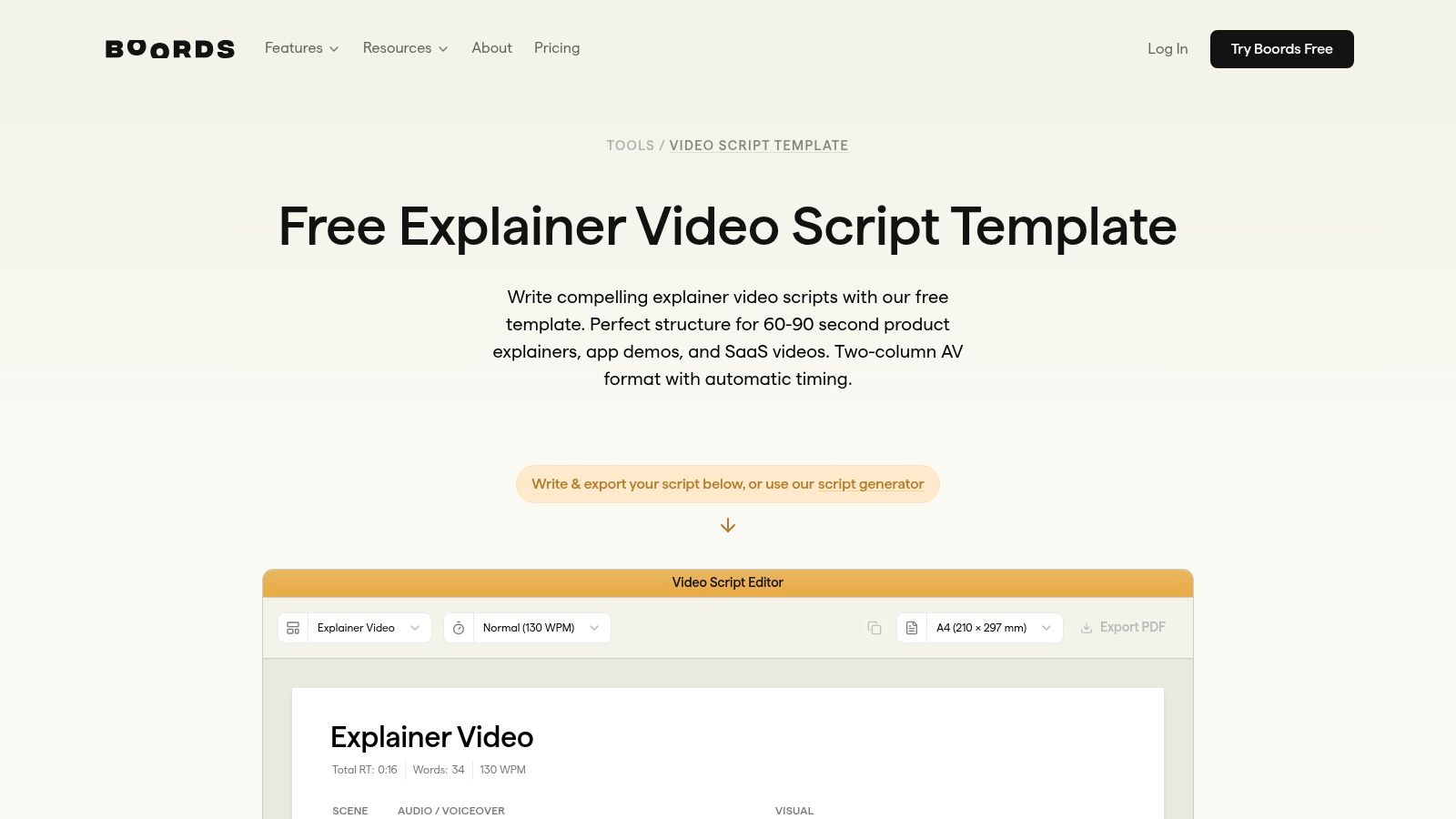
Boords is one of the better free script templates options if you think visually first. Its two-column A/V format keeps narration and visuals side by side, which is exactly what most software tutorials need. One column answers “what am I saying,” and the other answers “what should the viewer see right now.”
That sounds basic, but it fixes a common problem. Scripts are often written with voiceover only, with screen actions then improvised. That’s how you end up saying “click here” while your cursor is still crossing the page.
Where Boords works best
Boords gives you several formats you can adapt for explainers, training videos, YouTube content, and documentary-style structure through its video script templates. For SaaS tutorials, the explainer and corporate training styles are the most useful starting points.
I like it most for:
- Knowledge base videos: You can line up each support step with the exact screen state.
- Feature release walkthroughs: The visual column keeps launch messaging tight and avoids overshowing.
- Onboarding clips: It’s easy to break one workflow into short scenes instead of one long recording.
Practical rule: If the viewer needs to click, type, choose, or compare something on screen, use a two-column template, not a screenplay format.
Boords also connects naturally to storyboarding. That matters more than people think. Even for a simple software demo, adding rough frames forces you to decide what not to show.
Trade-offs
The upside is speed. The downside is that the smoothest workflow happens inside Boords itself, so you may end up adopting another tool. If you only want a simple doc template, you can still copy the format and work in Google Docs, but the integrated experience is better.
Advanced features also sit beyond the free layer, so I wouldn’t pick Boords if your only requirement is a forever-free production system. I’d pick it if you want free script templates that help organize visual thinking early, then hand the structure off into your recorder and editor.
2. StudioBinder
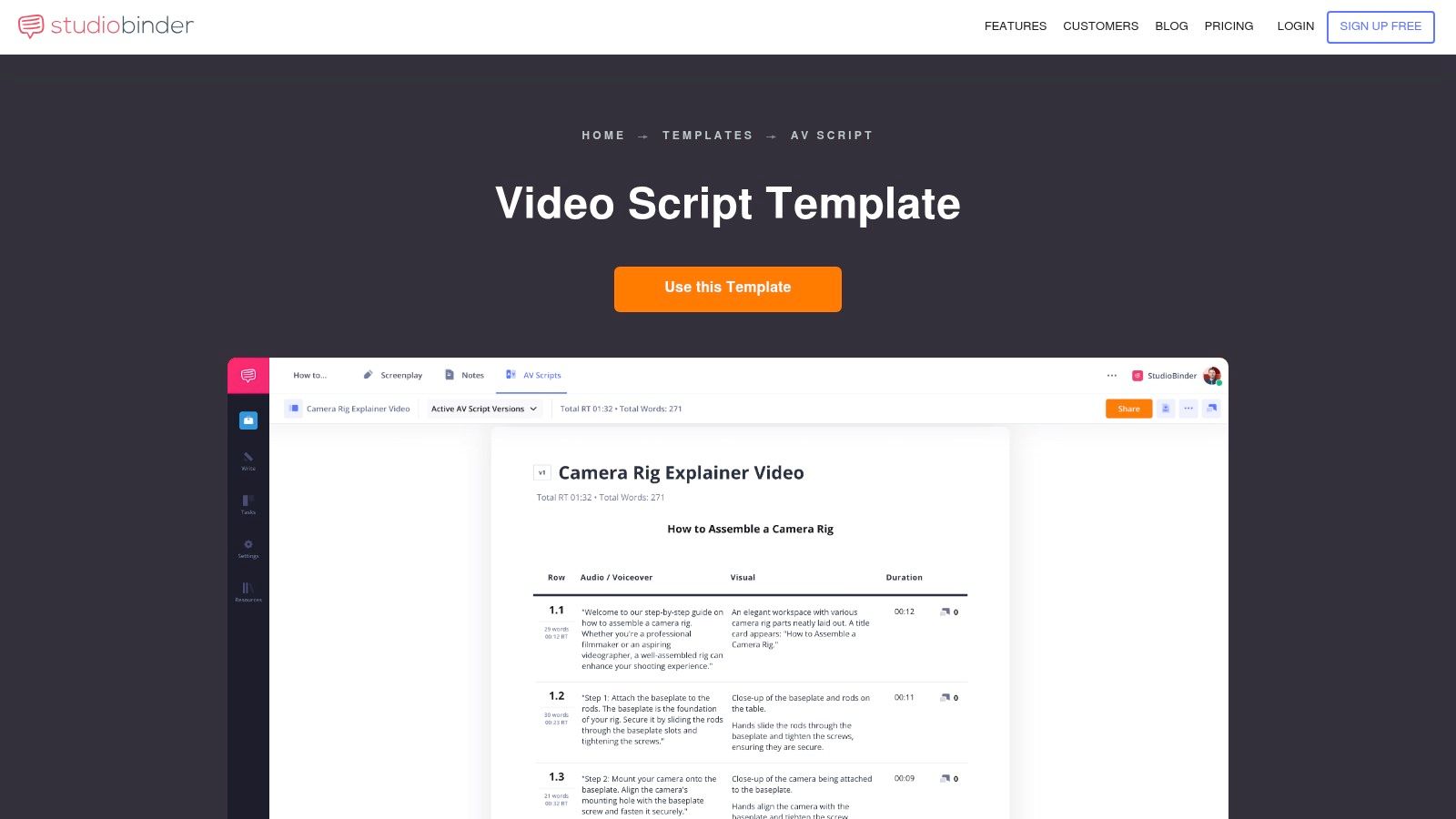
StudioBinder comes from film production, and you can feel that discipline in its templates. That’s useful. Script breakdown has long depended on dividing script pages into eighths for timing and planning, and StudioBinder’s breakdown workflow modernized that process with digital templates and online tooling, as described in its guide to a free script breakdown sheet.
For tutorial creators, the value isn’t film trivia. It’s production thinking. StudioBinder pushes you to define scenes, runtime, assets, and visual references before recording.
Why it’s strong for concise demos
Its A/V script template is built for timed, production-oriented video work. The runtime and word-count guidance is especially useful when you’re trying to keep a product demo from bloating. If your video must stay short, this helps you spot script excess before you ever open the recorder.
The direct product page is the StudioBinder A/V script template. Pair that structure with an AI video script generator when you want a fast first draft, then tighten the visuals manually.
A simple way to use it:
- Start with scenes: One scene per user intent, not per feature.
- Add visual notes: Call out zooms, cursor targets, and UI states.
- Check runtime early: If the script feels dense on paper, it’ll drag on video.
Trade-offs
StudioBinder is strongest when you want discipline and timing. It’s weaker if you want a lightweight template with zero setup. Some exports and workflow niceties are simpler than full screenwriting apps, and some features sit behind paid plans.
Don’t use StudioBinder’s structure if you plan to improvise anyway. It only helps if you actually commit to trimming before recording.
For product marketing teams, presales demos, and short explainers, it’s one of the best free script templates in this list because it keeps the script tied to production reality.
3. TechSmith
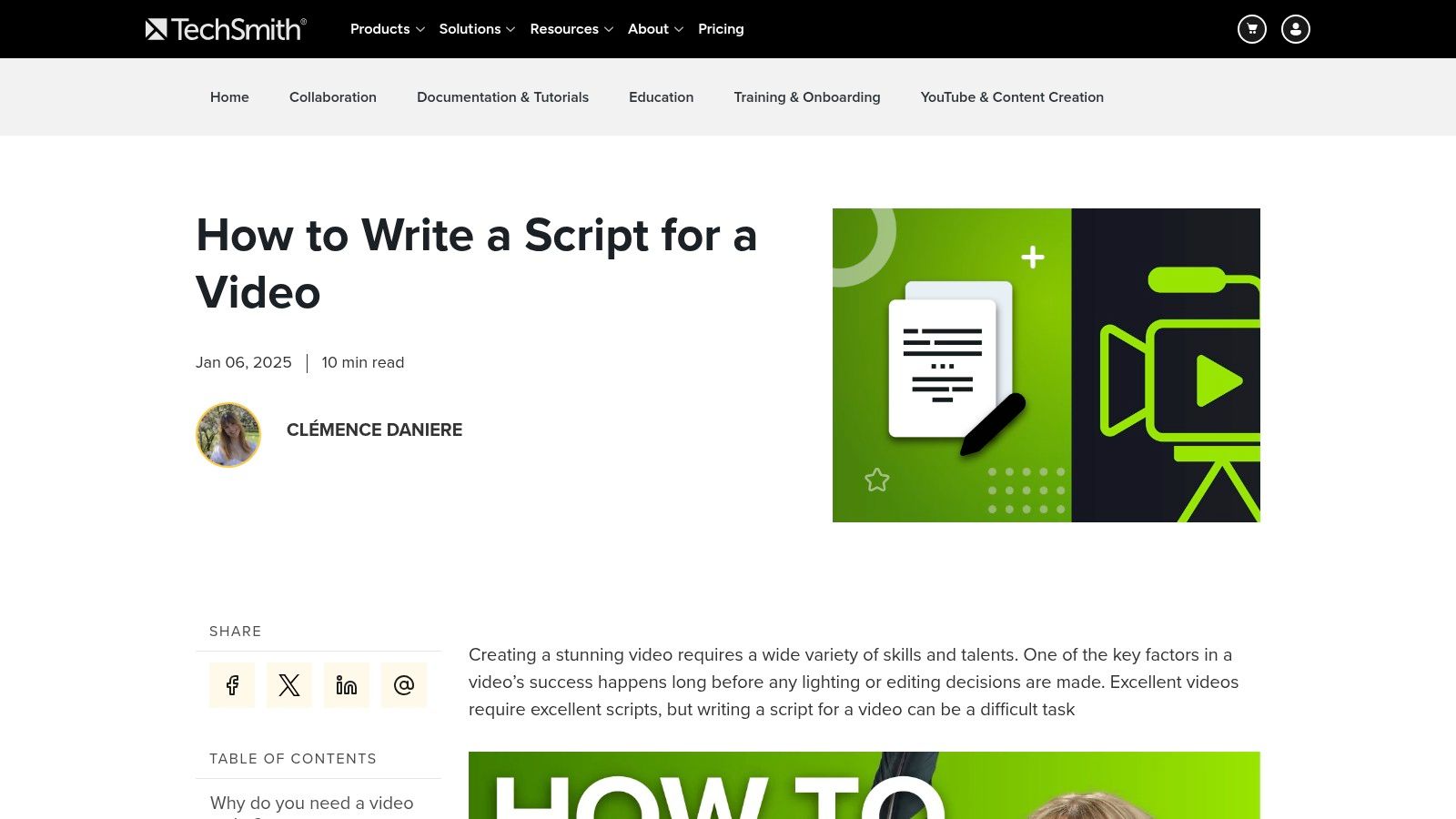
TechSmith is the practical pick. No cinematic ambitions. No extra planning theory. Just a usable format for screen recordings and narrated walkthroughs.
That’s why it works so well for internal training, product tutorials, and support content. TechSmith understands the actual job: write what the viewer sees, write what the narrator says, and keep both moving in sync.
Best use for training and walkthroughs
Its guide on how to write a script for video includes a fill-in-the-blanks structure that’s friendly to anyone making training material. If you’ve got a support lead, enablement manager, or product specialist writing their own scripts, this is one of the easiest entry points.
What I like most is how easy it is to adapt without changing tools. You can lift the structure into Word or Google Docs and start immediately.
A good way to apply it:
- Open with task outcome: Tell viewers what they’ll accomplish.
- Write one action per line: Keep each click or field entry isolated.
- Leave room for pauses: Especially before confirmation messages or UI changes.
That pacing matters. Most tutorial videos fail because the narrator keeps talking while the interface catches up.
Trade-offs
TechSmith gives you one practical template rather than a broad library. If you want multiple styles for sales videos, launch videos, and social explainers, you’ll outgrow it. But if your core work is instructional video, that limitation is also its strength. There’s less noise.
This is one of the free script templates I’d hand to a team that has to ship useful screen-based videos every week, not debate format all day.
4. Backlinko
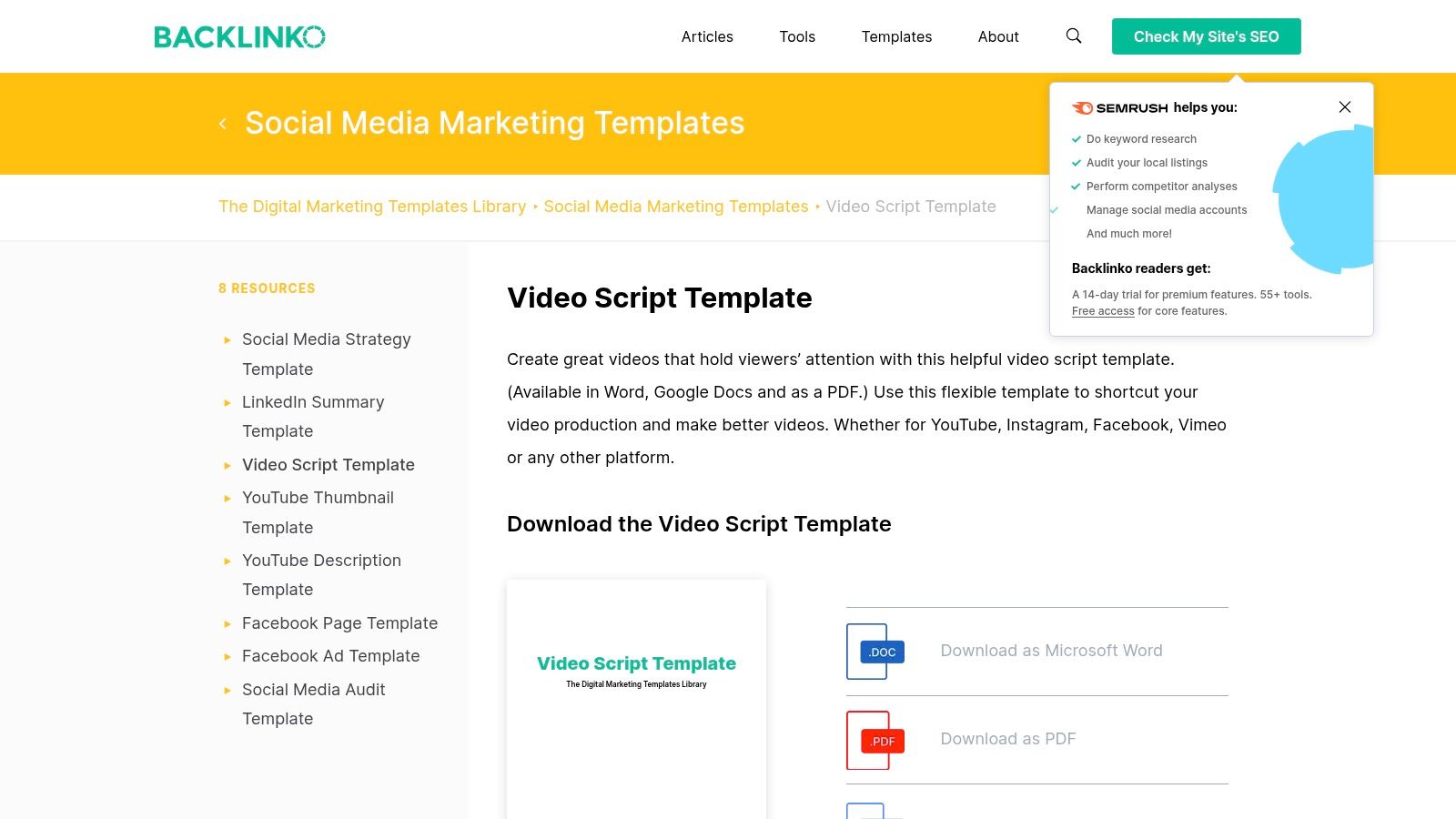
Backlinko approaches scripting from retention and marketing, not production operations. That changes how the template feels. It pushes you toward hook, payoff, and CTA instead of detailed shot planning.
For some videos, that’s exactly right. If you’re making a feature announcement, a short onboarding overview, or a high-level product explainer, viewer attention matters more than exhaustive step-by-step detail.
Where it helps most
The Backlinko video script template is strongest when the video has one job: get the audience to care, understand, and take the next step. That makes it a better fit for product marketing than for support troubleshooting.
Use it for:
- Launch videos: Lead with the pain or new capability.
- Top-of-funnel explainers: Keep the body focused on outcomes, not every click.
- Short onboarding intros: Set context before you send users to deeper tutorials.
A tutorial doesn’t always need a dramatic hook. But it does need a reason for the viewer to keep watching the next 30 seconds.
Trade-offs
Backlinko is less granular than a true A/V tutorial script. You’ll still need to add visual cues, screen actions, and timing if you’re recording a software walkthrough. I wouldn’t use it alone for a knowledge base article video or a support fix video.
I would use it as the front-end layer. Write the hook and value structure here, then move the draft into a two-column format for recording. That hybrid works well when your video needs both clarity and watchability.
Among free script templates, this one is useful because it solves a different problem than the production-focused options. It helps prevent boring openings.
5. Descript
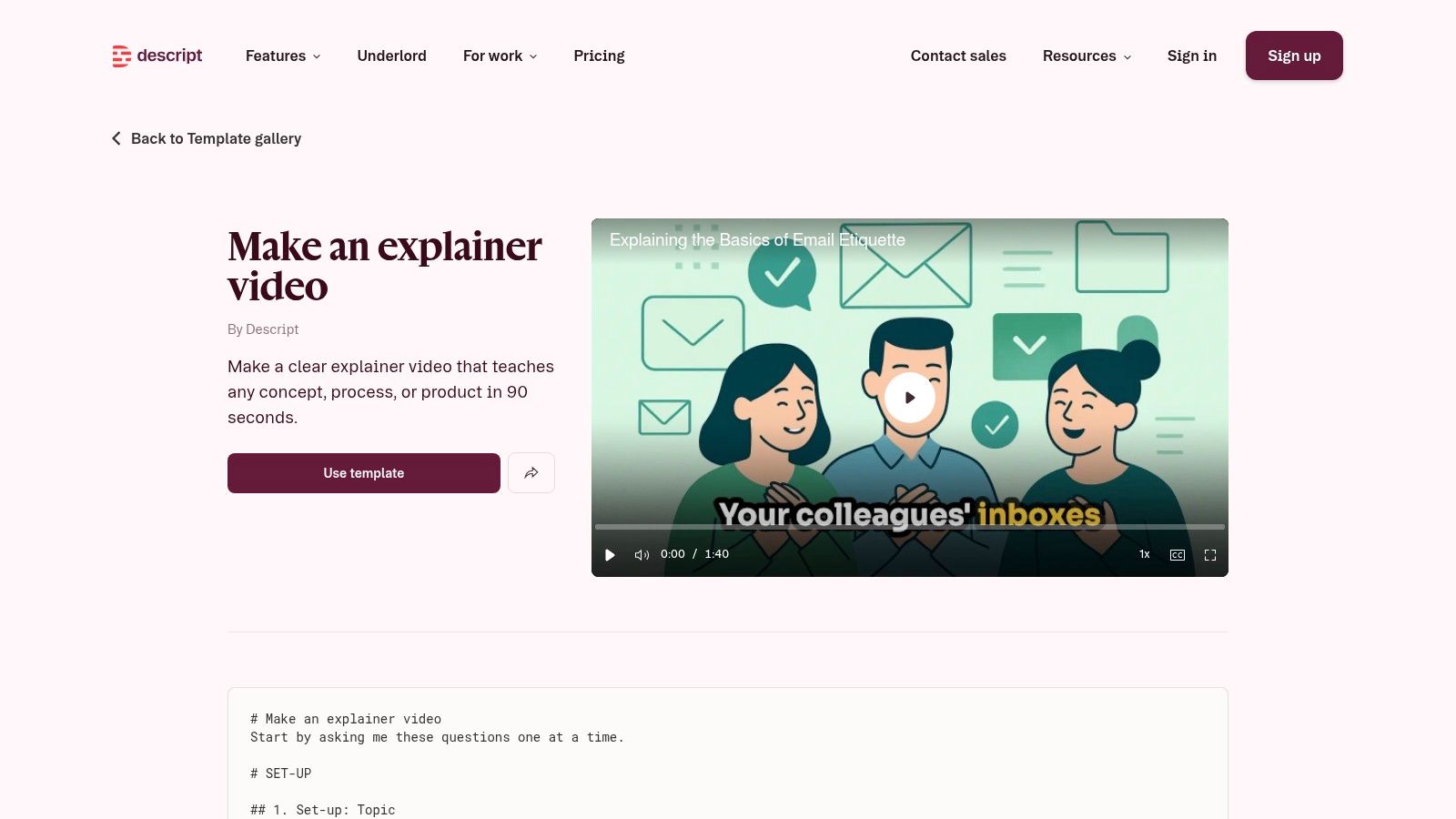
Descript is less about the template itself and more about what happens after the script exists. If your team likes editing text more than editing timelines, its explainer video template makes sense.
That workflow matters because most subject matter experts don’t struggle with explaining a product. They struggle with fixing the recording afterward. Descript reduces that friction by keeping script and edit closely connected.
Why script-led editing changes the process
Descript fits teams that think in revisions. You draft the explainer, record, trim by editing text, then reshape the sequence without dropping into a traditional editor. That’s a much better fit for product walkthroughs than a classic timeline-heavy workflow.
If you need a reusable starting point, a dedicated video script template helps before you move into production. Then Descript becomes the place where the rough script gets cleaned up.
This is especially useful for:
- Explainer videos: Rewrite lines after recording without rebuilding everything.
- Text-driven tutorials: Update narration quickly when the UI changes.
- Multi-channel edits: Reframe for different aspect ratios with less manual work.
Trade-offs
You need to buy into Descript’s way of working to get the value. If you just want a downloadable doc and nothing else, it’s more tool than template. There’s also a learning curve if you’re new to text-based video editing.
Still, this category matters. Existing free script templates often lean toward film, TV, and documentary formats, while instructional video templates for software tutorials remain scarce, a gap noted in Template.net’s overview of script templates. Descript doesn’t solve that scarcity by itself, but it does make script-first production more realistic for modern teams.
6. Vidyard
Vidyard is the sales and customer-facing option on this list. Its templates are built around prospecting, follow-ups, onboarding, and support-style communication rather than long-form tutorials.
That focus makes the product very usable for SDRs, AEs, CSMs, and support reps who need a script on screen while they record. If you’ve ever seen someone freeze halfway through a personalized video, the speaker-notes approach fixes a lot.
Best for business-facing video workflows
The Vidyard video marketing templates are useful because they map to actual business situations. You’re not adapting a film template to a sales problem. You’re starting from a prospecting or FAQ structure and recording against it.
Good fits include:
- Prospecting videos: Clear opener, relevance statement, and CTA.
- Support replies: Short scripts that answer one issue cleanly.
- Customer onboarding nudges: “Here’s the next step” videos that don’t require heavy production.
One practical advantage is keeping notes visible during recording. That makes delivery more natural without forcing full memorization.
Trade-offs
Vidyard leans heavily toward one-to-one and short business videos. It’s not my first choice for detailed screen-recorded training libraries. Some templates also reflect Vidyard’s own workflow assumptions, so you may need to adjust if your team publishes into a knowledge base or LMS.
Use Vidyard when the goal is fast, repeatable communication with a human face. Skip it if you need deep instructional structure with precise visual cueing.
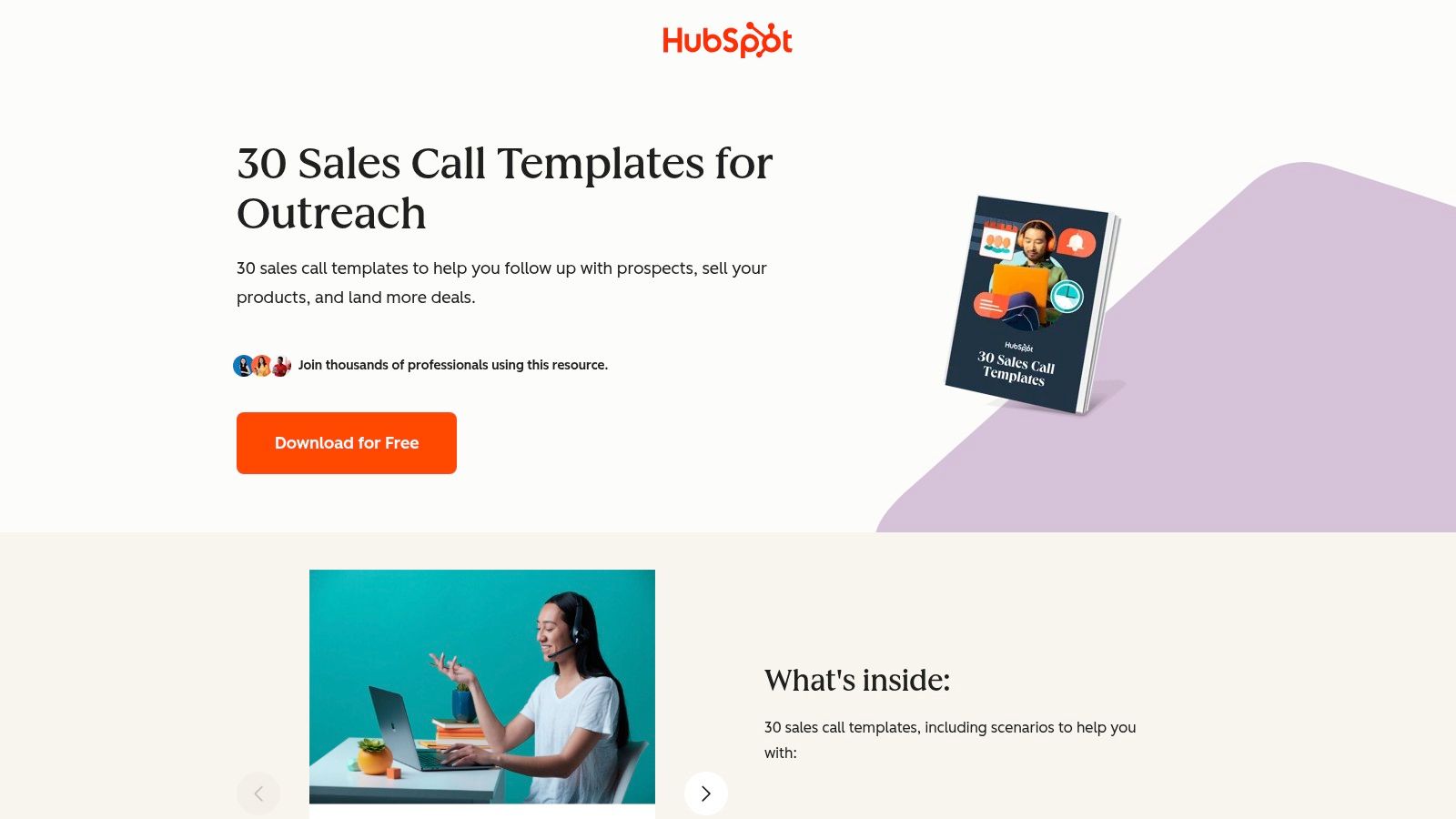
7. HubSpot 30 Sales Call Script Templates
Not every good video script starts as a video script. HubSpot’s 30 sales call scripts prove that point well.
These are phone and voicemail talk-tracks, not A/V templates. But for presales and outbound teams, they’re useful raw material because the messaging problems are the same. You still need an opener, a reason to continue, qualification logic, objection handling, and a close.
How to turn call scripts into video scripts
For a short sales demo video, take the spoken structure and add visual intent. A cold outreach opener becomes the first ten seconds of the video. The discovery angle becomes the context slide or quick screen setup. The CTA becomes the final frame and follow-up ask.
A workable adaptation method:
- Keep the opening sentence short: Video viewers judge faster than call listeners.
- Replace questions with assumptions: Calls can ask. Videos usually need to state.
- Add one visual proof point: Show the workflow, dashboard, or feature while you make the claim.
If a sales script sounds pushy when read aloud, it’ll sound worse on video. Tighten the language before you record.
Trade-offs
This is form-gated, and it’s not a true video template pack. You’ll still need to convert the content into a visual format. But for SDRs and AEs who already work from proven call structures, that’s not really a problem. It’s often easier to adapt familiar sales language than to start from a blank page.
I wouldn’t use this for onboarding or support. I would use it when a sales team wants personalized or semi-personalized video at scale without improvising every message.
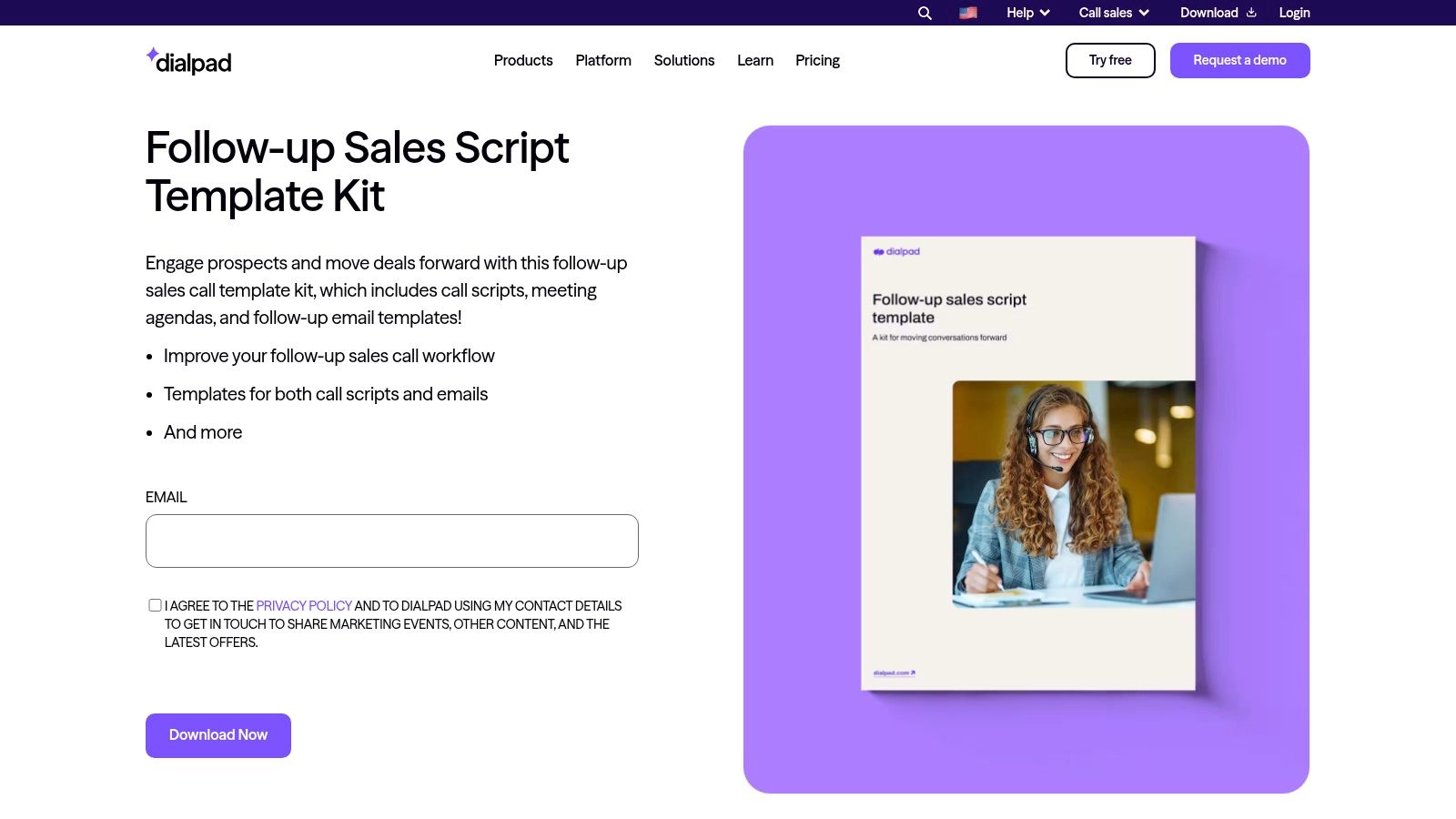
8. Dialpad
Dialpad is more specialized. Its follow-up sales script template is built for what happens after the meeting or demo, not before.
That narrow use case is why it’s worth including. Post-demo follow-up is where teams often ramble most. They try to summarize everything, restate the call, answer every possible objection, and accidentally create a vague message with no momentum.
Where Dialpad fits
Use Dialpad when the video’s purpose is continuation. Not introduction. Not full explanation. Continuation.
That usually means:
- Demo recap videos: Summarize agreed priorities and next steps.
- Deal progression updates: Re-anchor attention on one workflow or outcome.
- Stakeholder handoff clips: Give the champion something easy to forward internally.
Its matching meeting agendas and email language are useful because they keep follow-up consistent across channels. The video doesn’t need to do all the work. It just needs to reinforce the message.
Trade-offs
This isn’t a broad library, and it’s not a two-column tutorial script. If you need a detailed product walkthrough, use something else. If you need a disciplined way to say “here’s what matters next,” Dialpad is stronger than more generic templates.
I’ve seen teams improve follow-up quality by reducing scope. One message, one recap, one next action. Dialpad supports that kind of restraint.
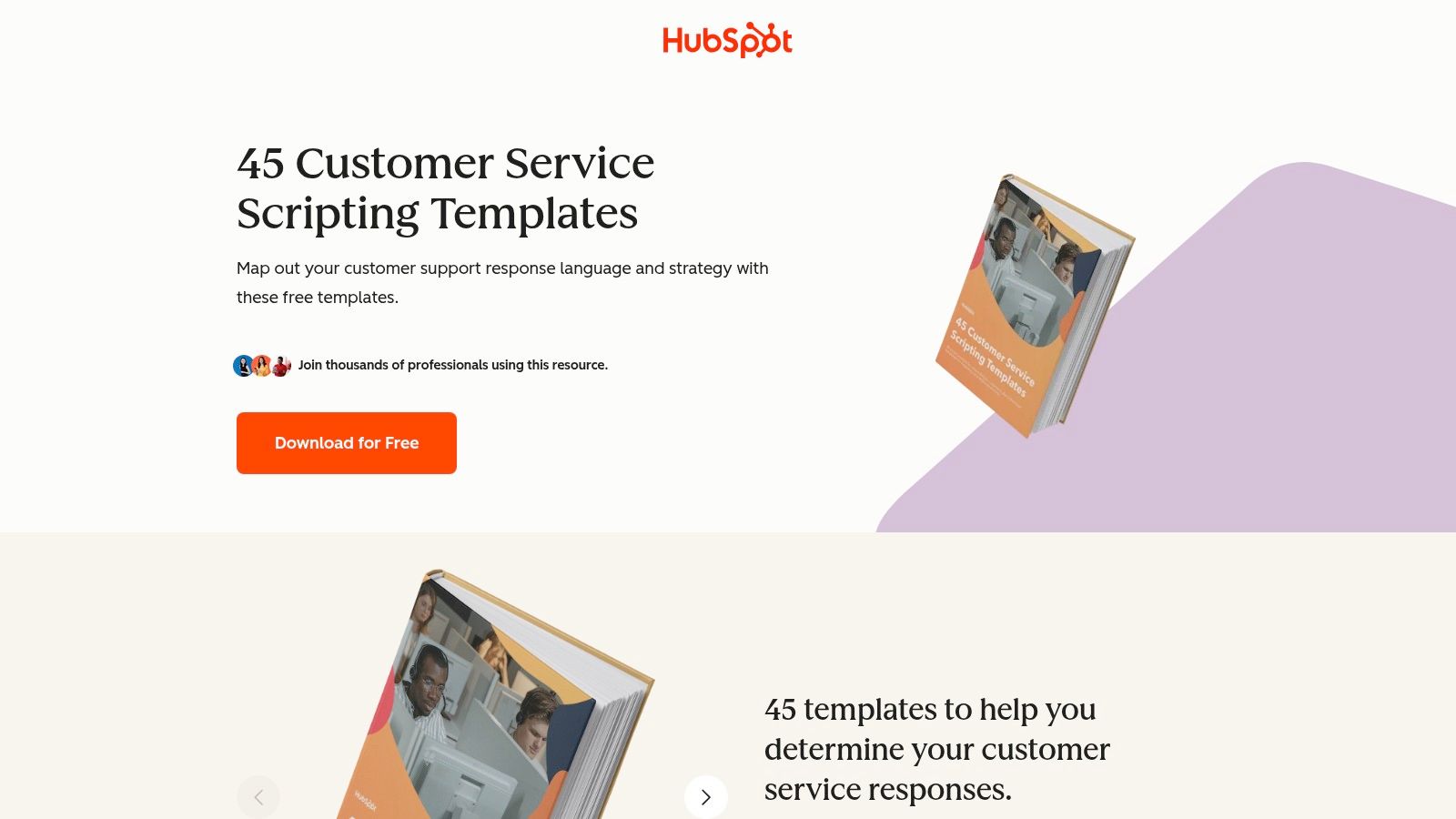
9. HubSpot Customer Service Scripting Templates
Support teams usually don’t need prettier scripts. They need scripts that reduce inconsistency. HubSpot’s customer service scripting templates are useful because they cover common support situations across voice, email, and chat, which makes them easy to convert into macros, article flows, and support video drafts.
That multi-scenario coverage is the core value. Greeting language, troubleshooting, escalation, refunds, and channel-specific phrasing all become easier to standardize.
Best use for support video systems
If you run a help center or internal support operation, don’t treat these as lines to read word for word. Treat them as approved response structures. Then adapt them into short videos, article companions, and process docs.
That’s where a standard operating procedure sample PDF can help. Support scripting gets much stronger when it connects to actual process documentation, not just canned phrasing. The same thinking also applies to internal management workflows like scripts for difficult employee conversations, where consistency matters but robotic delivery backfires.
A practical conversion path looks like this:
- Start with the support scenario: Password reset, access issue, billing clarification.
- Strip out overpolite filler: Keep language human and direct.
- Turn each branch into a clip: One issue, one answer, one outcome.
Trade-offs
The download is gated, and it’s not built as a visual script format. You’ll still need to add the screen actions and narration beats yourself. But for support leaders, this is one of the most reusable free script templates adjacent resources in the list because it helps create consistency before the video even starts.
10. Celtx
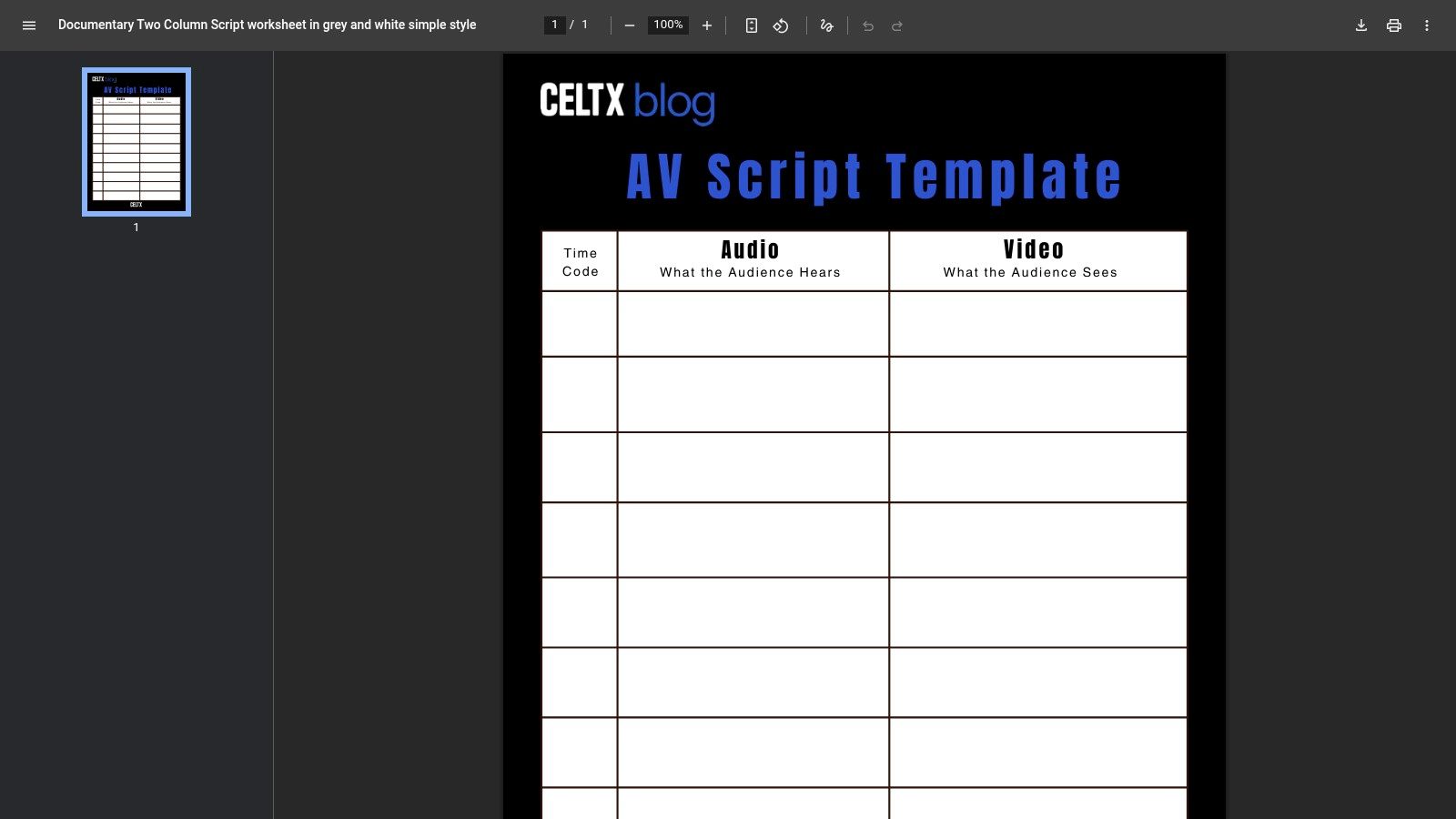
Celtx gives you the classic baseline. Its A/V script template PDF uses a straightforward timecode, audio, and video layout that’s easy to understand and easy to teach across a team.
That simplicity is its whole case. When teams don’t have a shared scripting standard, a plain format often beats a clever one.
Why the classic layout still works
For onboarding, tutorials, internal training, and product explainers, the Celtx format covers the essentials. What happens when. What the viewer sees. What the narrator says. That’s enough for a lot of production environments.
It’s especially useful when you want a house style for scripting:
- Training teams: Everyone follows the same layout.
- Freelancers and contractors: No app access required.
- Cross-functional teams: Product, marketing, and support can all read it quickly.
One reason this old-school format holds up is that A/V scripting still maps well to modern production. Structured script templates have grown across marketing and training workflows, and Synthesia says it offers 14 specialized video script templates for formats like explainers, product demos, and tutorials on its free video script templates page. That trend reinforces the value of a simple, repeatable A/V structure.
Trade-offs
The file is a PDF, which means manual copying before editing. There’s also less built-in guidance than blog-led templates from TechSmith or Backlinko. Beginners may need more prompting around hooks, pacing, or what to include in each row.
Still, if you want one of the most portable free script templates on this list, Celtx is hard to beat. It doesn’t assume your workflow. It just gives you a clean format and gets out of the way.
Top 10 Free Script Template Resources Comparison
| Tool | Core features | Unique selling points | Target audience | Price & quality |
|---|---|---|---|---|
| Boords | Two-column A/V templates, presets, storyboard export | ✨ Purpose-built explainer & training templates; Google Docs duplicate | 👥 Tutorial creators, KB & product demo teams | 💰 Free templates; advanced features paid · ★★★★ |
| StudioBinder | Two-column AV + runtime estimator, color-coding, generator | 🏆 Strong timing & formatting guidance for concise demos | 👥 YouTube creators, product/video teams | 💰 Free w/account; some paid features · ★★★★ |
| TechSmith | Fill-in-the-blanks two-column, examples & pacing tips | ✨ Simple, downloadable template tailored for screen recordings | 👥 Trainers, instructional video producers | 💰 Free download · ★★★ |
| Backlinko | Hook → body → CTA structure with pacing examples | 🏆 Engagement-focused format for retention & CTAs | 👥 Marketers, short-demo/onboarding videos | 💰 Free · ★★★★ |
| Descript | Script-first editor, editable template, captions & presets | ✨🏆 Edit-like-a-doc workflow that updates video from text | 👥 Rapid tutorial producers, editors | 💰 Free tier (tool required); paid tiers for advanced · ★★★★★ |
| Vidyard | Template Hub + in-recorder speaker-notes, AI script helper | ✨ In-recorder scripts and AI-assisted starts for outreach | 👥 Sales, CS, marketing teams | 💰 Templates free; advanced features paid · ★★★★ |
| HubSpot (Sales) | 30 scenario-based call & voicemail scripts | ✨ Tested SDR/AEs talk-tracks for qualification & CTAs | 👥 SDRs, AEs, presales teams | 💰 Free (form-gated) · ★★★★ |
| Dialpad | Follow-up call scripts, meeting agendas, email templates | ✨ CRM-friendly follow-up kit for post-demo progression | 👥 Sales ops, SDRs | 💰 Free kit · ★★★ |
| HubSpot (Support) | Multichannel support scripts, escalation & troubleshooting flows | 🏆 Broad scenario coverage; macros-ready phrasing | 👥 Support & CS teams | 💰 Free (form-gated) · ★★★★ |
| Celtx | Classic AV columns with timecode (PDF) | ✨ Industry-standard printable A/V template for teaching | 👥 Production teams, training creators | 💰 Free PDF · ★★★ |
Stop Scripting, Start Creating
A strong script saves time twice. First, before recording, because it removes hesitation. Second, after recording, because it reduces the amount of cleanup you need later. That’s why free script templates are so useful. They turn a vague idea into a sequence with a beginning, middle, end, and visible actions.
The bigger lesson from this list is that not all templates solve the same problem. Boords, StudioBinder, TechSmith, Descript, and Celtx are better when the visual sequence matters. Vidyard, HubSpot, and Dialpad are better when the business conversation matters. Backlinko is strongest when attention and retention matter. Support teams usually get the most value from scripting packs that standardize responses before they worry about polish.
There’s also a real gap in the market. Plenty of templates still come from film, screenplay, and general marketing traditions. Much fewer are purpose-built for software tutorials, onboarding videos, support article videos, and release walkthroughs. That’s why the best workflow usually isn’t just “pick one template.” It’s “pick a structure, then adapt it to screen recording.”
For most SaaS teams, the practical workflow looks like this:
- Draft with a template: Choose one based on use case, not brand popularity.
- Record the product flow once: Don’t over-rehearse every sentence.
- Fix the script after the capture: Tighten wording once you see the actual screen flow.
- Polish the delivery without rebuilding the whole edit: Modern tools are crucial.
That last part is where a lot of teams get stuck. Loom-style recording is fast, but the result is often much longer than necessary because the speaker improvises, backtracks, and keeps talking through mistakes. Traditional editors can solve that, but they push the work onto someone who knows timelines, cuts, zooms, cursor emphasis, audio cleanup, and export settings.
Tutorial AI sits in the middle of that gap in a way I find genuinely practical. It lets a subject matter expert record a screen demo, speak naturally, and then refine the output without wrestling with a full editing suite. You can edit like a doc, update the script, regenerate narration, and keep the final video aligned with the revised words. That’s a much better fit for demos, onboarding, explainers, feature releases, knowledge base videos, and support content than forcing every expert to become an Adobe Premiere Pro user.
This matters even more when teams need consistency. Product marketing wants on-brand visuals. Support wants repeatable answers. Enablement wants reusable demo assets. L&D wants clear narration and clean structure. A script template gets you to draft one. A production workflow like Tutorial AI gets you to a finished asset that still looks deliberate.
Use the template category that matches the job. Don’t use a sales call script for a help-center video. Don’t use a film A/V template without adding software-specific cues. Don’t mistake “free” for “complete.” The best free script templates remove the blank page problem. The best production tools remove the bottleneck after that.
Pick one template from this list and use it this week. Not someday. Write one short script, record one task, tighten the wording, and publish one cleaner video than usual. That’s the fastest way to improve both speed and quality.
If you want your team to turn rough screen recordings into polished tutorials without heavy editing work, try Tutorial AI. It’s built for demos, onboarding, explainers, feature release videos, knowledge base content, and support article videos. Subject matter experts can record naturally, clean up the script afterward, regenerate professional narration, and publish on-brand videos fast, without getting stuck in a traditional editor.



