In today’s fast-paced work environment, undocumented processes are a silent killer of productivity and scalability. Teams waste countless hours reinventing wheels, training new hires inefficiently, and making inconsistent decisions. The solution isn’t just to write things down; it’s to use the right tools that make creating, sharing, and maintaining process documentation seamless and engaging.
Choosing the right software for process documentation can transform tribal knowledge into a powerful, accessible asset, ensuring consistency, accelerating onboarding, and empowering your team to perform at its best. This guide cuts through the noise, categorizing and comparing the top 12 platforms. We’ll cover everything from AI-powered video creators and text-based knowledge bases to dedicated workflow automation tools.
Our goal is to help you find the perfect fit for your team’s specific needs, whether you’re in customer support, sales enablement, or IT operations. To understand the profound impact of effective process documentation, explore these transformative documenting processes examples for 2026.
This comprehensive listicle dives deep into each tool, providing practical use cases, honest pros and cons, detailed feature comparisons, and clear pricing information. You’ll find direct links and screenshots for each platform, allowing you to quickly evaluate the best options. We analyze how each solution addresses the core problem of turning complex procedures into easy-to-follow guides, so you can make an informed decision without sifting through marketing jargon.
1. Tutorial AI
Best For: Creating polished, video-based process documentation without video editing expertise.
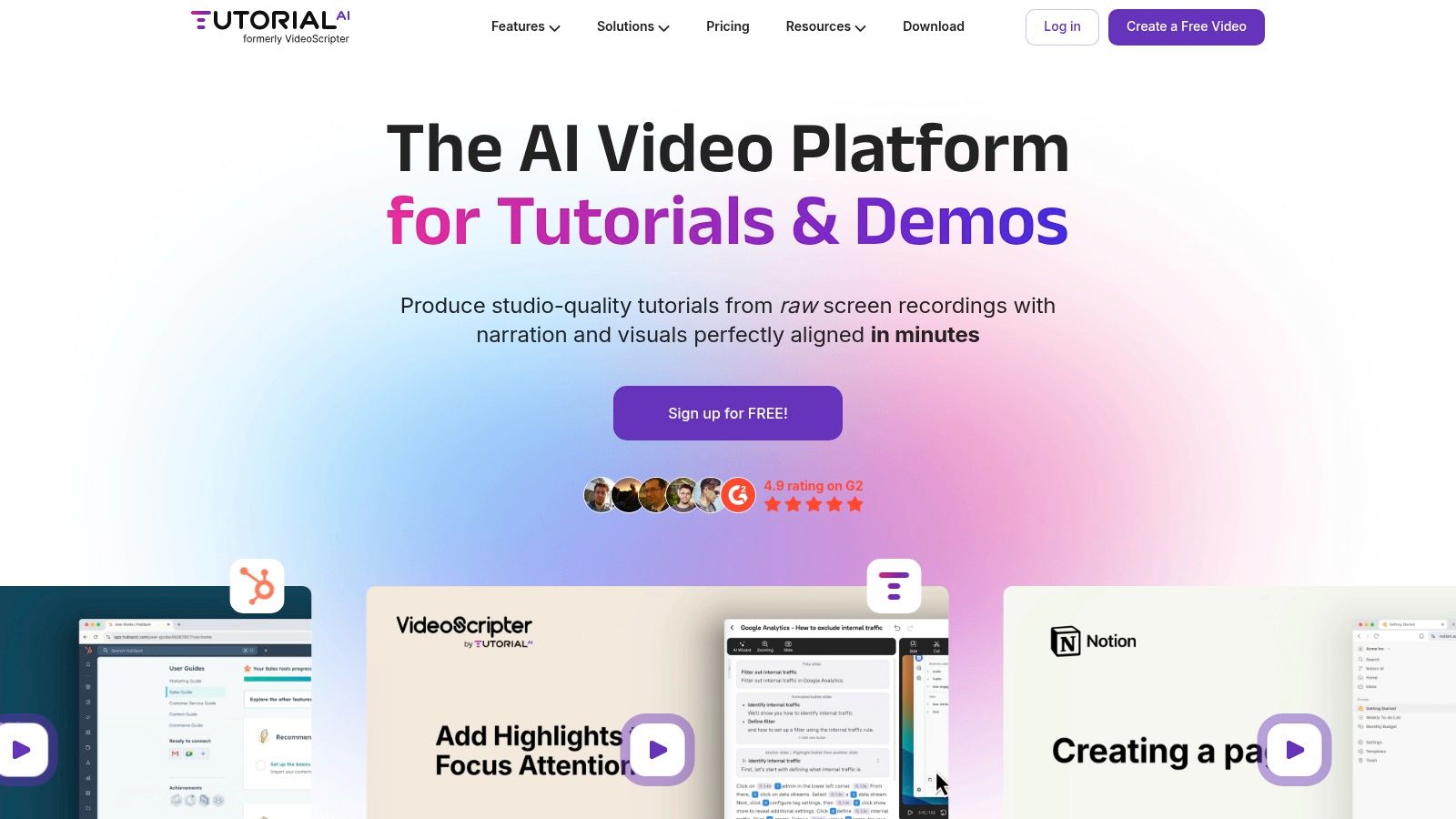
Tutorial AI stands out as a premier choice for software for process documentation, especially for teams that prioritize video. It masterfully bridges the gap between simple, unedited screen recorders and complex, professional editing software. Easy-to-use recording tools like Loom often produce videos that are 50-100% longer than necessary, while professional video editing software such as Camtasia or Adobe Premiere Pro requires expert video editing knowledge. Tutorial AI’s tools let you speak freely without any practice, and your video will still look professional, as if it was edited in Adobe Premiere Pro. It allows the subject matter expert to create on-brand videos extremely efficiently.
Key Features and Workflow
The platform’s core innovation is its “edit like a doc” workflow. After recording your screen on macOS or Windows, Tutorial AI auto-transcribes your narration. To edit the video, you simply edit the text transcript; the platform’s AI regenerates a lifelike voiceover and automatically adjusts the video timing to match, completely eliminating the need to manipulate a traditional timeline.
- AI Script & Voice Generation: Polish your existing script or generate a new one from scratch. Choose from over 30 languages and lifelike AI voices to create clear, consistent narration.
- Post-Recording Effects: Its unique cursor tracking allows you to add highlights, smoothing, and smart zooms after recording to focus viewer attention or blur sensitive information.
- Rapid Localization: The AutoRetime™ feature is a game-changer for global teams. When you translate a video, it automatically re-syncs all scenes, captions, callouts, and cuts across languages, reducing localization effort from hours to minutes.
- Team & Brand Alignment: Shared workspaces, Brand Kits with custom fonts and logos, and embeddable players ensure all content is consistent and easily distributed across your knowledge base, LMS, or CRM.
Practical Use Cases
Tutorial AI excels at generating video tutorials based on screen recordings. Use it to create:
- Demos and onboarding videos for new hires.
- Explainer videos and feature release videos for customers.
- Knowledge base videos and support article videos.
Pricing and Availability
- Free: A generous free-forever plan includes the core recorder, AI scripting, and 1080p exports for limited projects.
- Solo & Growth: Per-seat plans with monthly or discounted annual billing. These tiers add more features but include a monthly cap on generated video minutes (e.g., Solo ≈10 min/month, Growth ≈30 min/month). Annual plans offer larger, pooled minute allowances.
- Enterprise: Custom quotas, bespoke AI voices, unlimited workspaces, and priority support.
You can learn more and get started at tutorial.ai.
2. Scribe
Scribe is a browser extension and desktop application that excels at creating step-by-step guides with incredible speed. It automatically captures your clicks and keystrokes as you perform a task, instantly generating a visual guide complete with annotated screenshots and written instructions. This makes it an ideal piece of software for process documentation when speed and simplicity are the top priorities, eliminating the manual effort of taking screenshots and writing out each step.
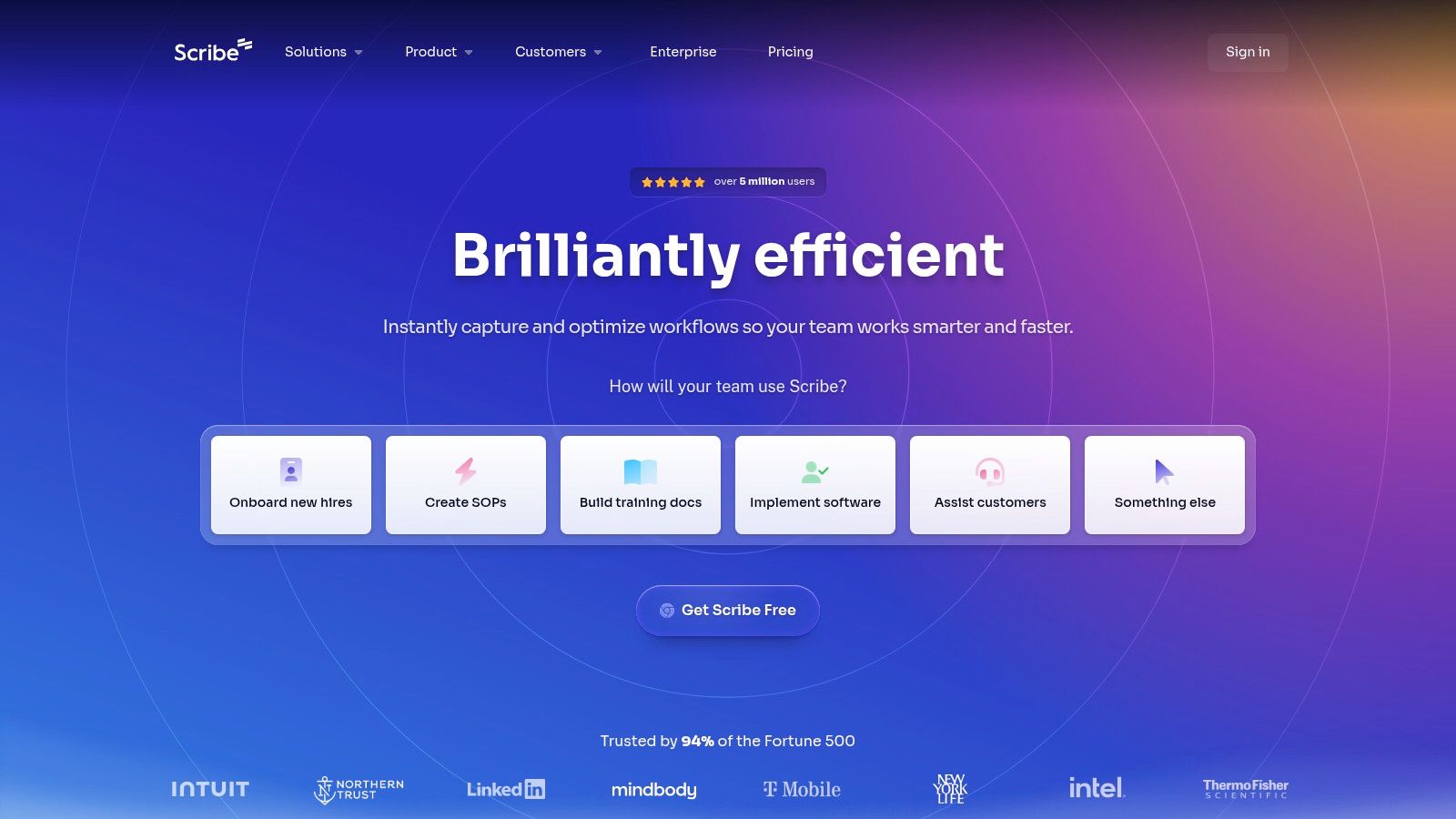
This tool is particularly effective for creating guides for onboarding new hires, documenting standard operating procedures (SOPs), and building internal knowledge bases. The guides, or “Scribes,” can be easily edited, branded with company logos, and combined into larger documents called “Pages.” You can then share them via a direct link or embed them into existing platforms like Confluence, SharePoint, or Notion. This focus on rapid, text-and-image guide creation is distinct from video-centric platforms. For instance, while you can use Scribe for visual guides, you would turn to a different tool if your goal was to create software tutorials in video format for more dynamic, engaging training content.
Key Features & Use Cases
- Best For: Teams needing to create a high volume of visual how-to guides quickly, especially for onboarding, customer support, and internal SOPs.
- Automatic Guide Generation: One-click recording captures your workflow and transforms it into an editable, shareable document.
- Easy Editing & Annotation: Add text, annotate screenshots, and redact sensitive information directly within the generated guide.
- Multiple Export Options: Share guides as PDFs, embeddable HTML, or export to Markdown for maximum flexibility.
- Pricing: Offers a free basic plan with limited features. Paid plans (Pro starts at $23/seat/month) unlock desktop capture, custom branding, and advanced security features.
- Website: https://scribehow.com
3. Tango
Tango is a dynamic process documentation tool that automates the creation of step-by-step guides through a browser extension and desktop application. It captures user actions, such as clicks and keyboard inputs, to instantly generate polished “Workflows” complete with screenshots and instructions. This makes it an excellent choice of software for process documentation for teams that need to produce clear, actionable guides for support, training, and onboarding with minimal manual effort.
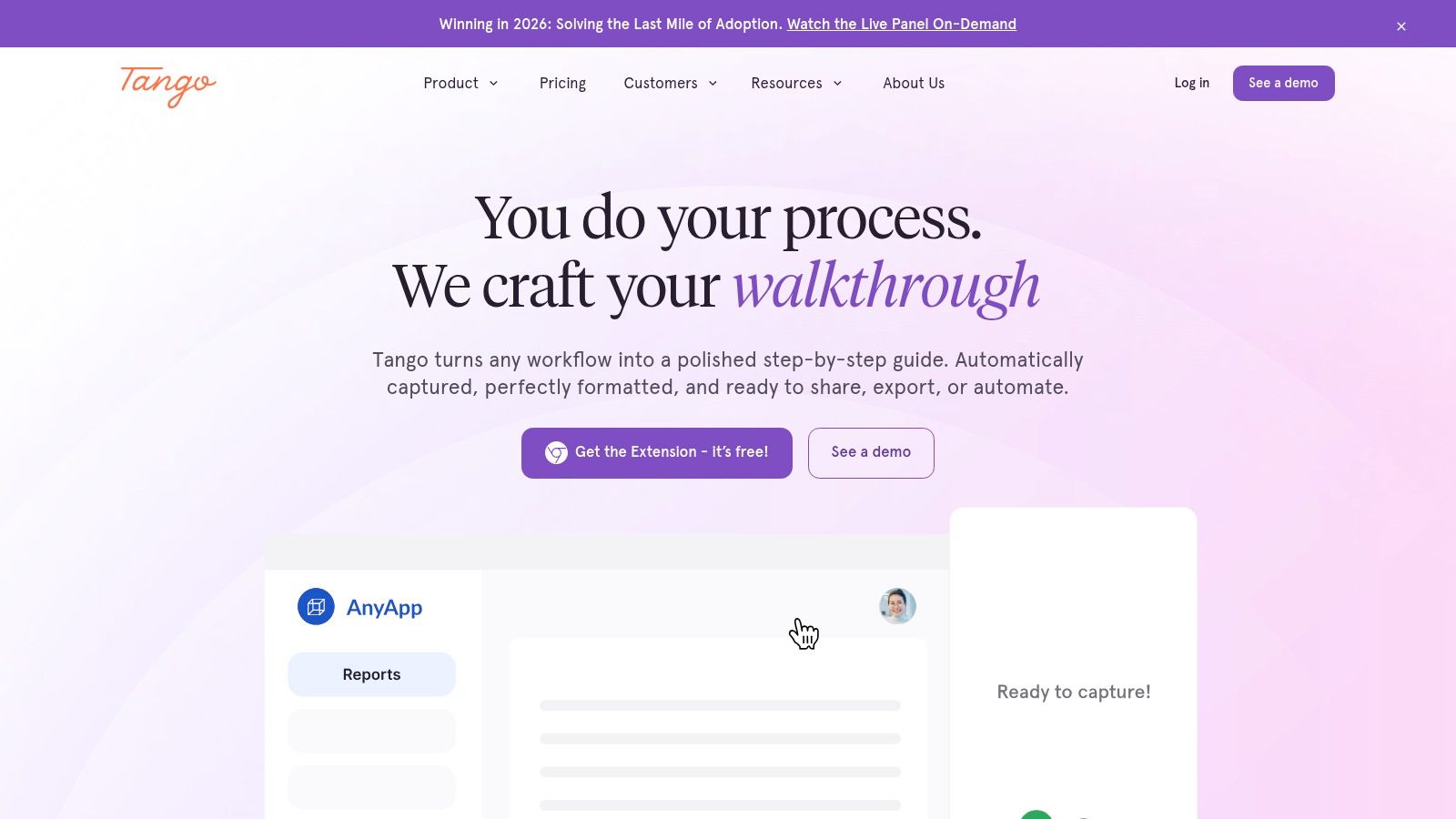
What sets Tango apart is its “Guidance” feature, which allows you to pin on-screen tooltips directly within applications, providing real-time, in-app support to users as they work. This proactive approach helps answer “how do I…?” questions on the spot, reducing the need for users to switch contexts and consult separate knowledge bases. While Tango excels at creating these interactive, screenshot-based guides, teams focused on producing high-quality video tutorials might consider a different solution. A tool like Tutorial AI, for example, is specifically designed to transform raw screen recordings into professional, on-brand videos without requiring expert editing skills, making it ideal for creating dynamic software demos and explainer videos.
Key Features & Use Cases
- Best For: Customer support, sales enablement, and operations teams that need to create both standard operating procedures and provide in-app, real-time guidance.
- Automated Workflow Capture: Records actions across browser and desktop applications to auto-generate visual, step-by-step documentation.
- In-App Guidance: “Guidance” feature allows you to place interactive tooltips and walkthroughs directly within your software for live user support.
- Secure Sharing & Analytics: Share workflows via links, export to PDF, or embed them while tracking viewership and completion rates.
- Pricing: A free plan is available with limits on workflows and workspace users. Paid plans (Pro starts at $16/user/month, billed annually) unlock unlimited features, desktop capture, and advanced branding.
- Website: https://www.tango.us
4. Process Street
Process Street is a powerful, checklist-driven platform designed to operationalize recurring tasks and workflows. Instead of simply storing documentation, it turns your standard operating procedures (SOPs) into interactive, actionable checklists that teams can run for every instance of a task, like employee onboarding or client intake. This approach makes it a unique piece of software for process documentation because it bridges the gap between knowing the process and actually executing it consistently.
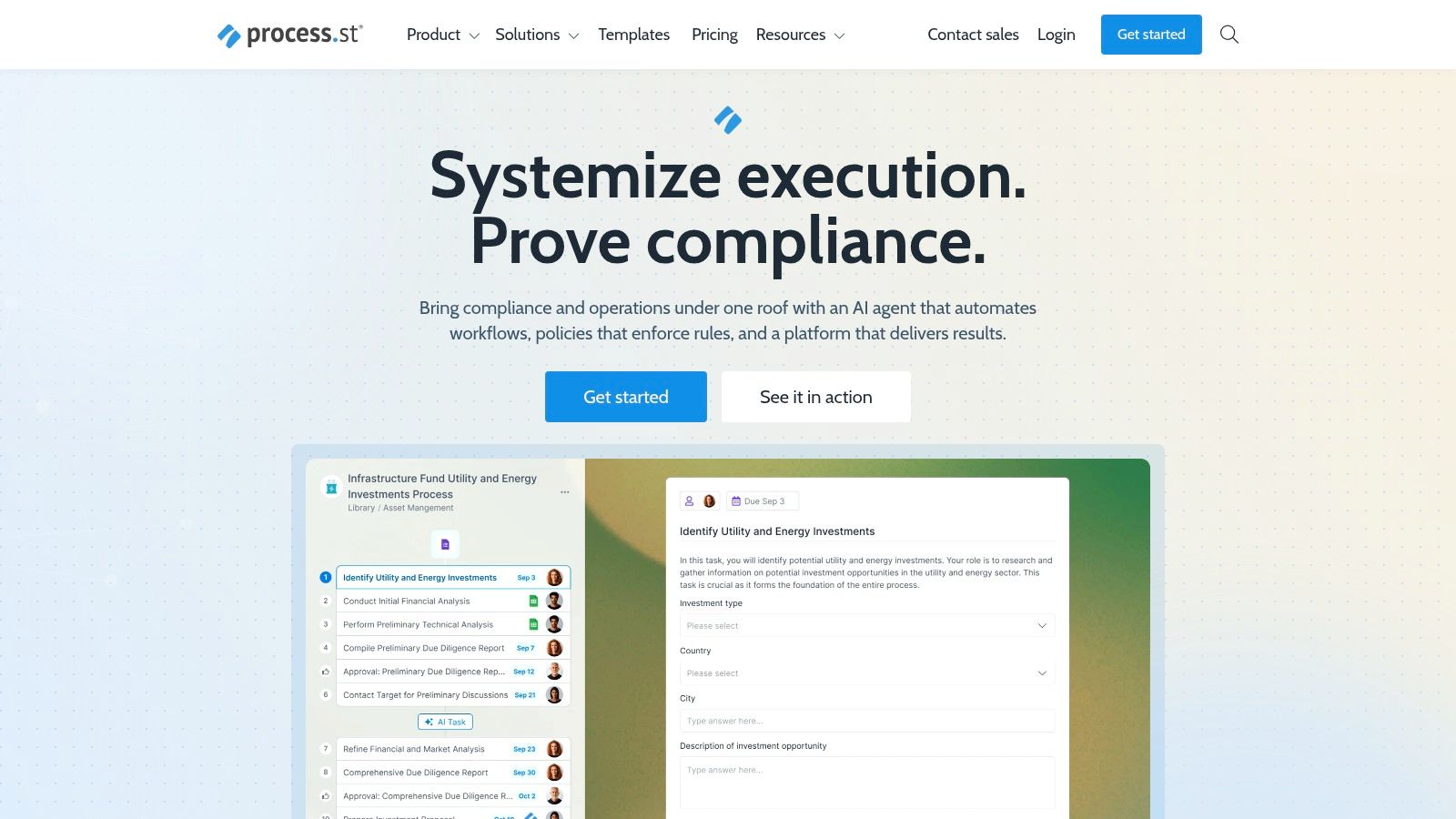
The platform shines in environments where compliance and accountability are critical. With features like conditional logic, tasks can dynamically appear or disappear based on form inputs, ensuring the correct steps are followed every time. You can assign tasks to specific roles, set dynamic due dates, and require approvals to move a workflow forward. For those just starting out, understanding the fundamentals of how to document business processes is a great first step before implementing a structured tool like this. Process Street is less about creating static how-to guides and more about building scalable, enforceable systems that guide teams through complex operations from start to finish.
Key Features & Use Cases
- Best For: Operations, HR, and IT teams that need to ensure strict adherence to multi-step, recurring procedures like compliance audits, employee onboarding, and IT service requests.
- Interactive Checklists & Workflows: Transform static documents into dynamic, trackable checklists that guide users through each step.
- Conditional Logic & Approvals: Create smart workflows that adapt based on user input and require managerial sign-off at critical stages.
- Robust Integrations: Connects with over 1,000 apps via Zapier, plus native integrations with tools like Slack, Salesforce, and DocuSign to automate tasks.
- Pricing: A free plan is available for up to 5 members and 1 workflow. Paid plans start at $100/month for the Startup plan, with custom enterprise pricing available.
- Website: https://www.process.st
5. SweetProcess
SweetProcess is a dedicated platform designed to centralize and simplify the creation, management, and use of business procedures, policies, and processes. It moves beyond simple document creation by integrating process maps, task management, and knowledge bases into a single cohesive system. This makes it a strong contender for software for process documentation for organizations that want to ensure their documented procedures are actively used and followed, rather than just stored away in a folder.
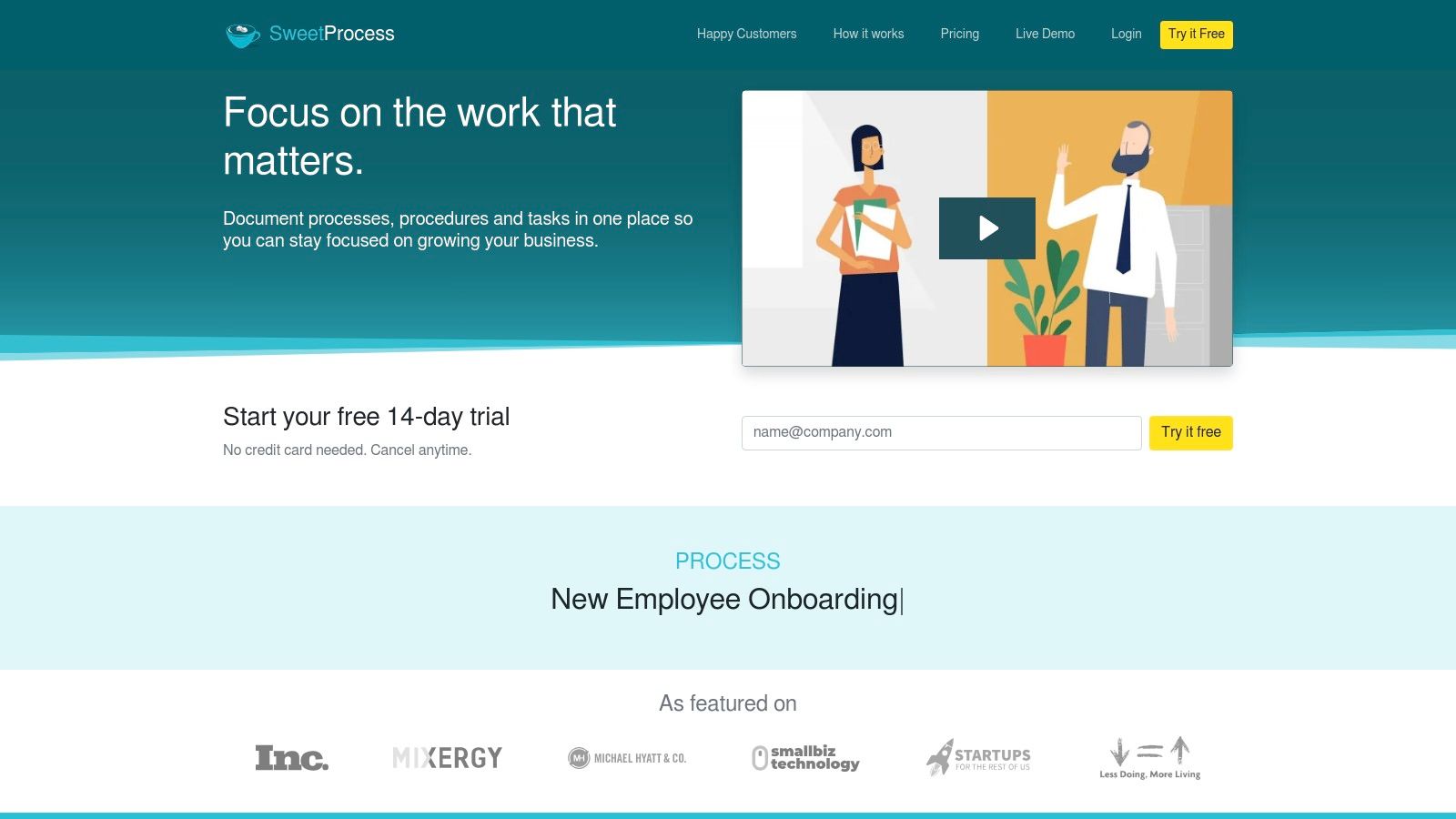
The platform’s strength lies in its all-in-one approach to procedural adherence. You can create a process, visualize it as a flowchart, and then assign tasks from that process directly to team members. SweetProcess is particularly useful for businesses focused on standardizing operations and maintaining quality control, as it provides clear version history and easy access for all employees. Its unique pricing model, based on active users, also makes it a predictable and scalable option as a company grows. This focus on structured, text-based process management distinguishes it from tools geared toward dynamic video creation, where you would use a different solution to create professional-quality tutorials and onboarding demos from screen recordings.
Key Features & Use Cases
- Best For: Businesses aiming to build a comprehensive, actionable library of SOPs, policies, and workflows that are tightly integrated with day-to-day tasks.
- Integrated Documentation: Combine written procedures, policies, and visual process maps within a single, interconnected system.
- Task Management: Assign and track tasks directly from documented procedures, ensuring accountability and consistent execution.
- Knowledge Base Creation: Build both internal and public-facing knowledge bases to serve employees and customers from the same source of truth.
- Pricing: A single plan at $99/month for a team of up to 20 members, plus $5/month for each additional active member. A 14-day free trial is available.
- Website: https://www.sweetprocess.com
6. Trainual
Trainual is more than just a place to store documents; it’s a comprehensive training and knowledge transfer platform designed to turn your business playbook into a scalable onboarding and training system. It bridges the gap between static process documentation and active learning by allowing you to create structured playbooks, assign them to specific roles, and track completion with tests and e-signatures. This makes it an excellent piece of software for process documentation for growing businesses focused on standardizing operations and ensuring team accountability.
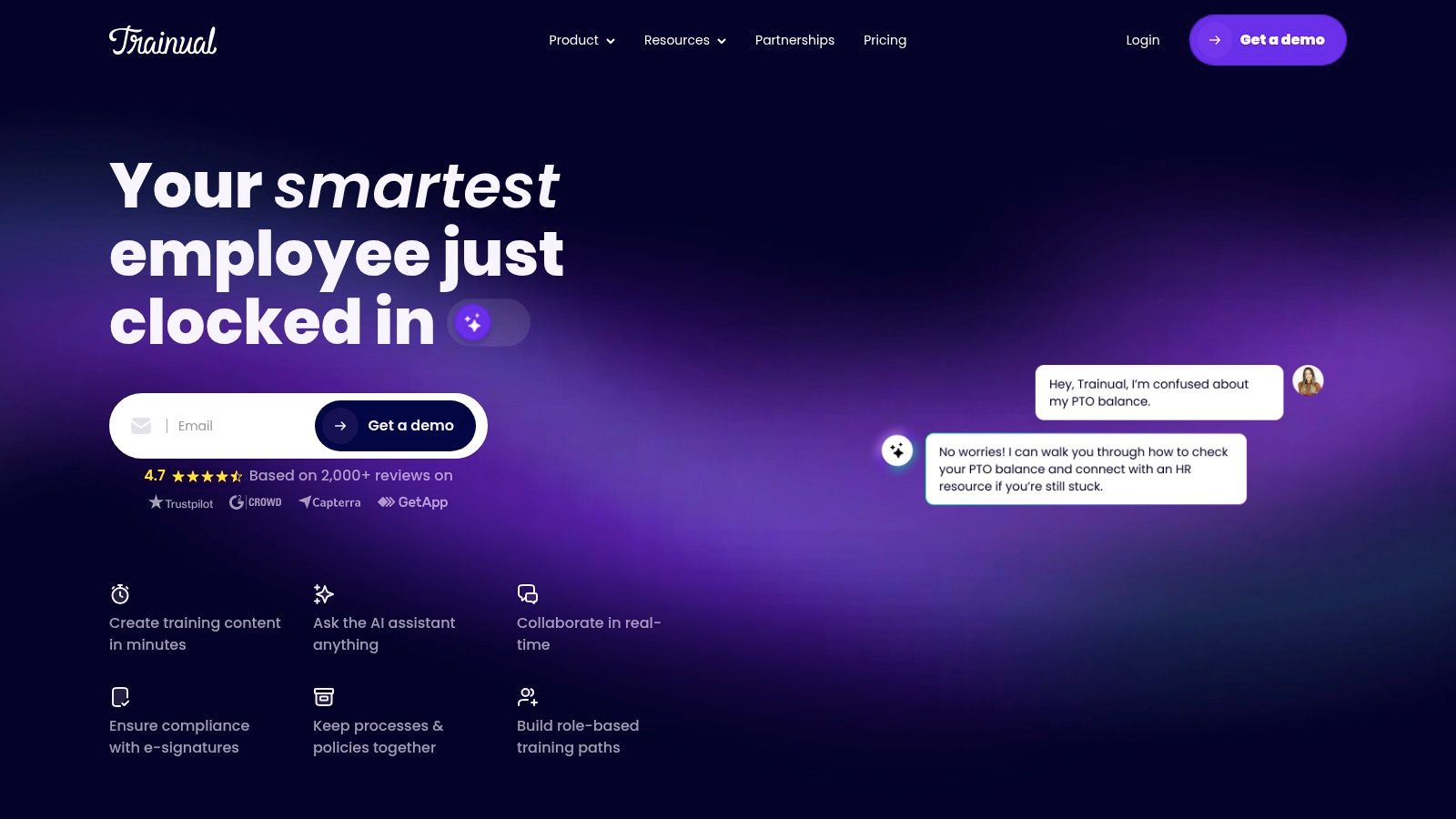
The platform is built around creating a centralized, single source of truth for every process, policy, and procedure in your company. Unlike tools that simply generate guides, Trainual formalizes them into a system of record. You can embed videos, upload SCORM files, and build org charts to clarify roles and responsibilities. While Trainual excels at this structured, text-and-test approach, teams that need to create dynamic video tutorials for software demos or feature releases might find a different tool more suitable. For instance, creating professional-looking training videos often requires extensive editing, but AI tools now allow subject matter experts to create on-brand videos efficiently without needing expert skills in complex software like Adobe Premiere Pro.
Key Features & Use Cases
- Best For: Fast-growing SMBs that need to systematize onboarding and training, ensuring consistency and accountability as the team scales.
- Structured Playbooks: Organize documentation by department, role, or project and assign content directly to relevant team members.
- Built-in Accountability: Track training progress, require e-signatures for policy acknowledgment, and create simple tests to verify comprehension.
- Org & Accountability Charts: Visually map out your company structure, defining roles and who is responsible for what.
- Pricing: Plans start at $250/month for the “Train” plan, which includes 10 seats. Higher-tier plans add features like SCORM file support and advanced reporting.
- Website: https://trainual.com
7. Atlassian Confluence
Atlassian Confluence is a titan in the team collaboration space, functioning as a powerful and scalable team wiki. It is designed to be a central source of truth where teams can create, organize, and discuss work. As a piece of software for process documentation, it shines in its ability to build comprehensive, interconnected knowledge bases for SOPs, project plans, meeting notes, and company policies, making it a staple in many enterprise environments.
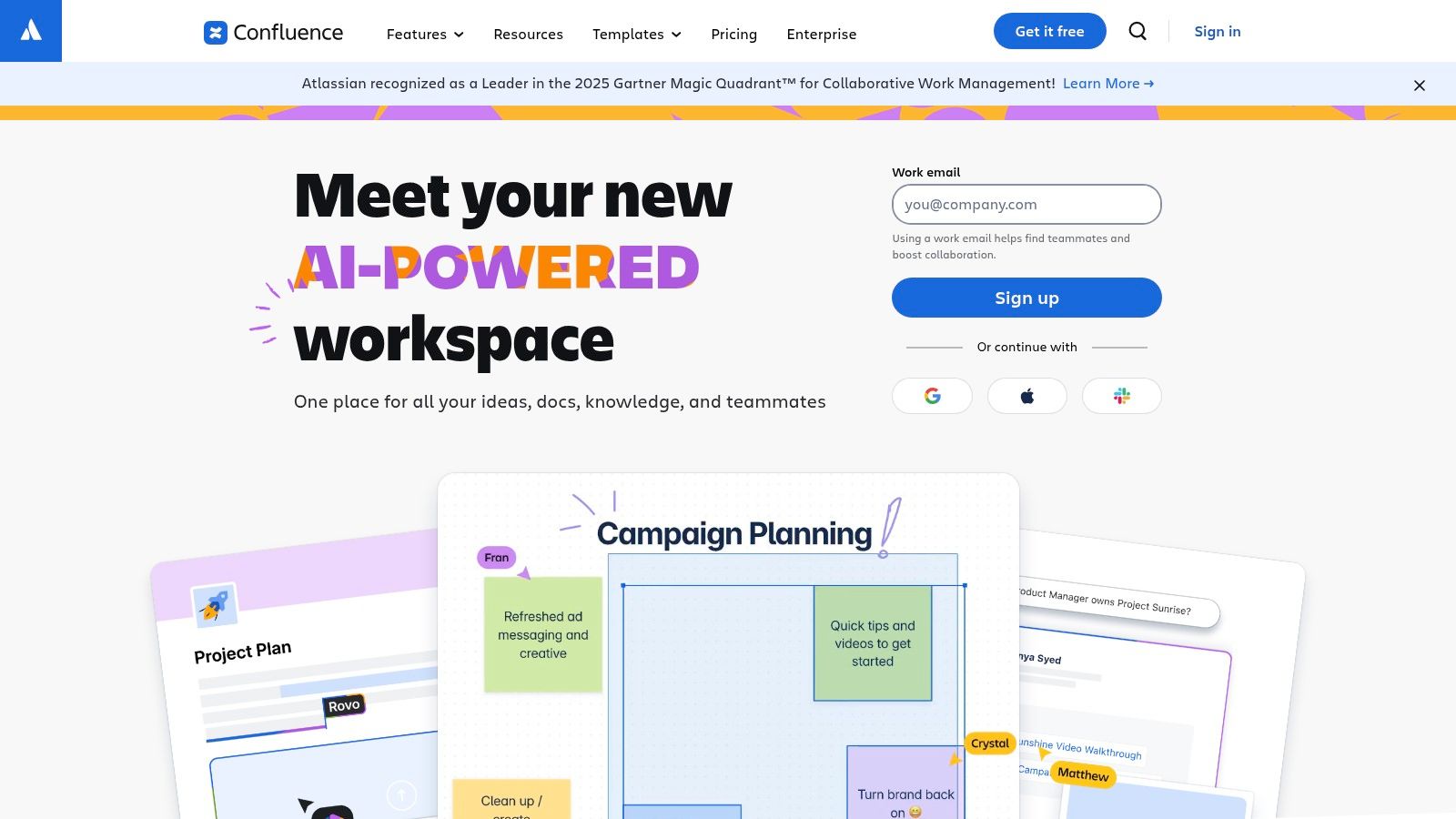
Its deep integration with Jira is a primary differentiator, making it indispensable for software development and IT teams that need to link documentation directly to project tasks and issues. The platform is organized into “Spaces” (for teams or projects) and “Pages,” which can be built from a vast library of templates to ensure consistency. While Confluence is excellent for text-based documentation, organizations often need to supplement it with video. For those looking to create dynamic training content, it’s beneficial to learn how to build a knowledge base that effectively integrates various media types for maximum impact.
Key Features & Use Cases
- Best For: Enterprise-level organizations, especially those already in the Atlassian ecosystem, that need a scalable and secure central repository for all company knowledge.
- Structured Knowledge Management: Uses a system of Spaces and Pages with versioning to keep documentation organized and up-to-date.
- Deep Jira Integration: Seamlessly link process documents to specific development tickets, epics, and sprints.
- Extensive Template Library: Start documenting quickly with pre-built templates for project plans, SOPs, and more, or create your own.
- Pricing: A free plan is available for up to 10 users. Paid plans (Standard starts at $6.05/user/month) add more storage, permissions, and app integrations.
- Website: https://www.atlassian.com/software/confluence
8. Notion
Notion is an all-in-one workspace that combines notes, documents, wikis, and project management into a single, highly flexible platform. Its block-based editor allows teams to build customized knowledge bases and standard operating procedure (SOP) repositories from the ground up. This makes it an incredibly powerful piece of software for process documentation for organizations that need a centralized, text-centric hub for all company knowledge, from high-level playbooks to detailed procedural guides.
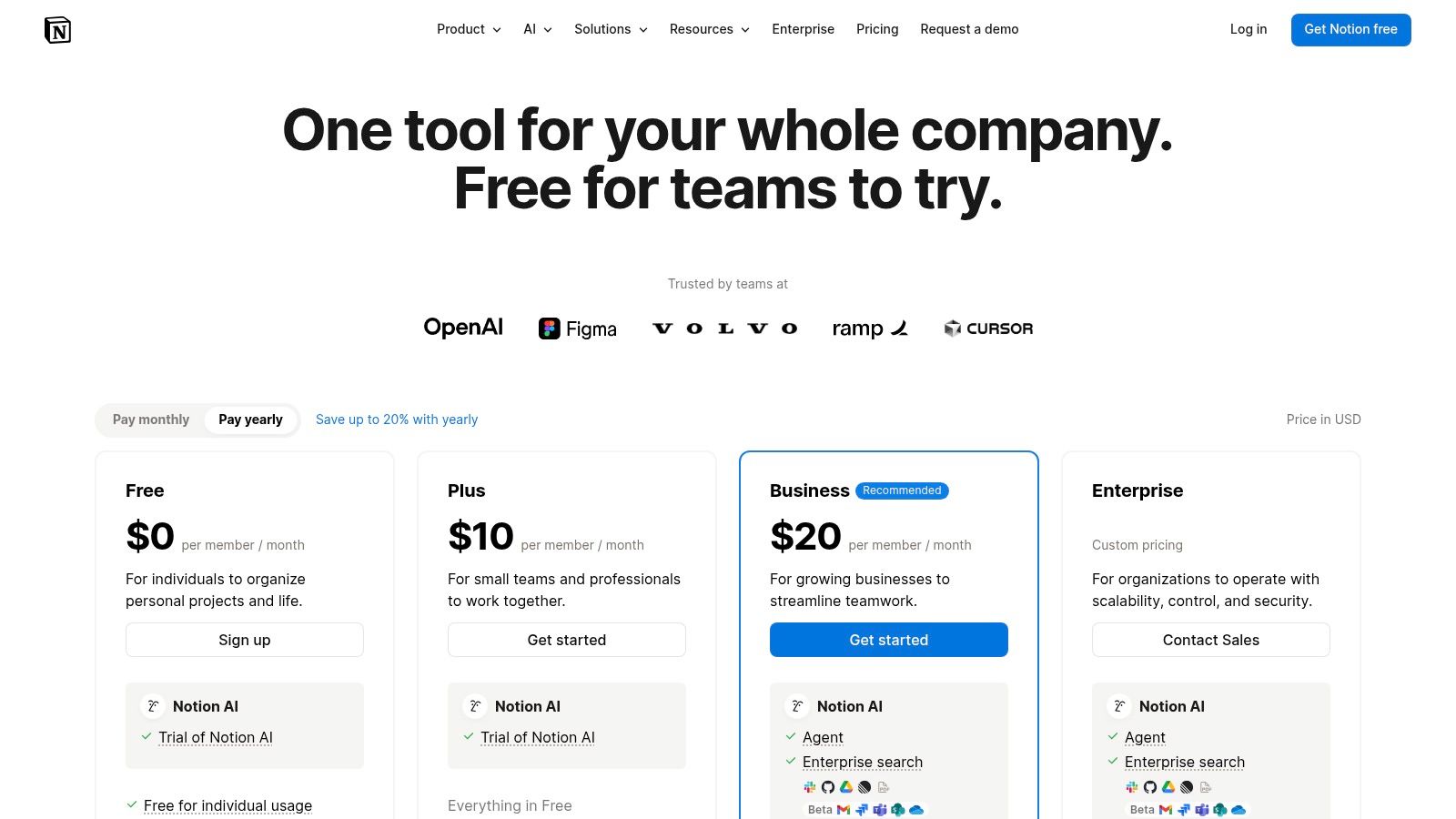
The platform’s strength lies in its databases, which can be linked and displayed in multiple views (tables, boards, calendars) to organize SOPs by department, process owner, or status. While excellent for written documentation, Notion is not a video creation tool. For dynamic training that requires video, you would need to embed content from another platform. For example, if you need to create polished, on-brand training videos without the complexity of tools like Adobe Premiere Pro, a platform like Tutorial AI would be the better choice, allowing you to quickly turn screen recordings into professional tutorials. Notion serves as the ideal home for embedding such rich media alongside your text-based processes.
Key Features & Use Cases
- Best For: Teams building a comprehensive, interconnected internal wiki or knowledge base that blends SOPs, project tasks, and company information.
- Flexible Databases: Create powerful, relational databases to track and organize all SOPs with custom properties, filters, and linked views.
- Customizable Templates: Design and reuse page templates to ensure all process documents maintain a consistent structure and format.
- Team Collaboration: Features real-time collaboration, comments, and granular permissions to control who can view or edit documentation.
- Pricing: A free plan is available for personal use. Paid plans (Plus starts at $8/user/month) add features like team collaboration, version history, and advanced permissions.
- Website: https://www.notion.so/pricing
9. Guru
Guru acts as a centralized company wiki, designed to capture, organize, and deliver process knowledge directly into your team’s workflow. Its core strength lies in making information accessible where work happens, using integrations with tools like Slack, Zendesk, and Chrome to surface verified answers and SOPs on the fly. This makes it an excellent piece of software for process documentation for teams that need to reduce context switching and ensure consistent, accurate information is always at their fingertips.
Guru’s verification workflow is a key differentiator, prompting subject matter experts to regularly review and update content to prevent it from becoming stale. This focus on maintaining a trustworthy “single source of truth” is critical for scaling teams, particularly in customer support and sales enablement where quick, reliable answers are essential. While Guru excels at text-based knowledge management, its strength is in providing immediate answers rather than creating dynamic, visual training materials. For instance, you could store a process document in Guru, but if you needed to create an engaging video tutorial of that same process, a tool like Tutorial AI would be the better choice for its ability to transform screen recordings into polished, professional-looking videos.
Key Features & Use Cases
- Best For: Customer support, sales, and internal ops teams that need instant access to verified information within their existing tools.
- Knowledge Verification Engine: An automated system that prompts experts to review and confirm the accuracy of documentation, building trust in the knowledge base.
- AI-Powered Search & Answers: Delivers relevant information through a powerful search engine and can generate answers to questions asked in natural language.
- Deep Integrations: Surfaces knowledge cards and SOPs directly within popular platforms like Slack, Microsoft Teams, and various CRMs.
- Pricing: A free starter plan is available for small teams. Paid plans have a 10-seat minimum and require contacting sales for enterprise-level features and pricing.
- Website: https://www.getguru.com
10. ScreenSteps
ScreenSteps is a knowledge base platform designed specifically for operational teams that need clear, actionable guidance directly within their workflows. It goes beyond simple document storage, focusing on creating highly scannable, step-by-step guides, interactive checklists, and decision trees that employees can find and follow in real time. This makes it an excellent piece of software for process documentation when the primary goal is performance support, reducing employee mistakes and support escalations by providing answers at the point of need.
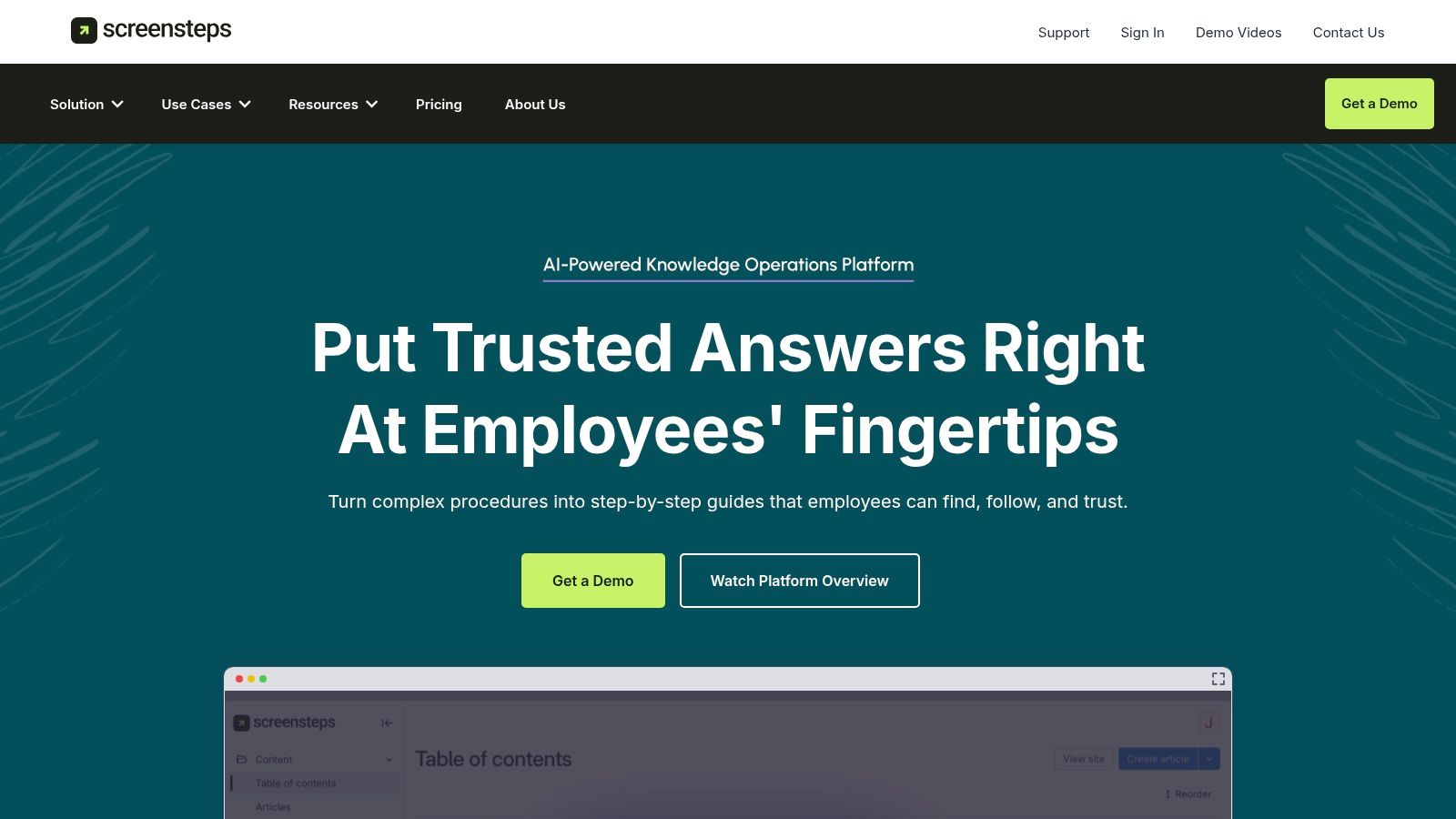
The platform’s strength lies in its “find and follow” philosophy. A key feature is its browser extension, which surfaces relevant procedures and SOPs directly within the applications an employee is using, eliminating the need to switch tabs to search a separate knowledge base. While ScreenSteps excels at text-and-image guides for internal operational support, teams looking to create polished video tutorials for external audiences, like customer onboarding or feature announcements, might find other tools more suitable. For example, a platform like Tutorial.ai is built to transform screen recordings into professional, on-brand videos without requiring complex editing skills, allowing subject matter experts to create polished demos and explainers efficiently.
Key Features & Use Cases
- Best For: Customer service, call centers, and other operational teams that require instant, in-app access to standard operating procedures and complex decision-making guides.
- Interactive Content: Build not just articles but also interactive checklists and decision trees to guide users through complex or variable processes.
- In-App Contextual Help: A browser extension delivers knowledge articles directly within the user’s workflow, improving findability and adherence.
- AI-Assisted Authoring: Utilizes AI and templates to speed up the creation of clear, formatted, and effective documentation.
- Pricing: Plans start at $2,500/year, which includes 10 authors and 50 end-users. Pricing is based on user counts and includes plan minimums.
- Website: https://www.screensteps.com
11. Document360
Document360 is a mature, enterprise-grade knowledge base platform designed for creating, managing, and publishing extensive documentation. It is powerful software for process documentation suitable for both internal audiences (like employee SOPs) and external users (such as customer-facing product guides). Its strength lies in its robust organizational features, version control, and advanced security, making it a go-to choice for companies requiring a scalable and compliant documentation hub.
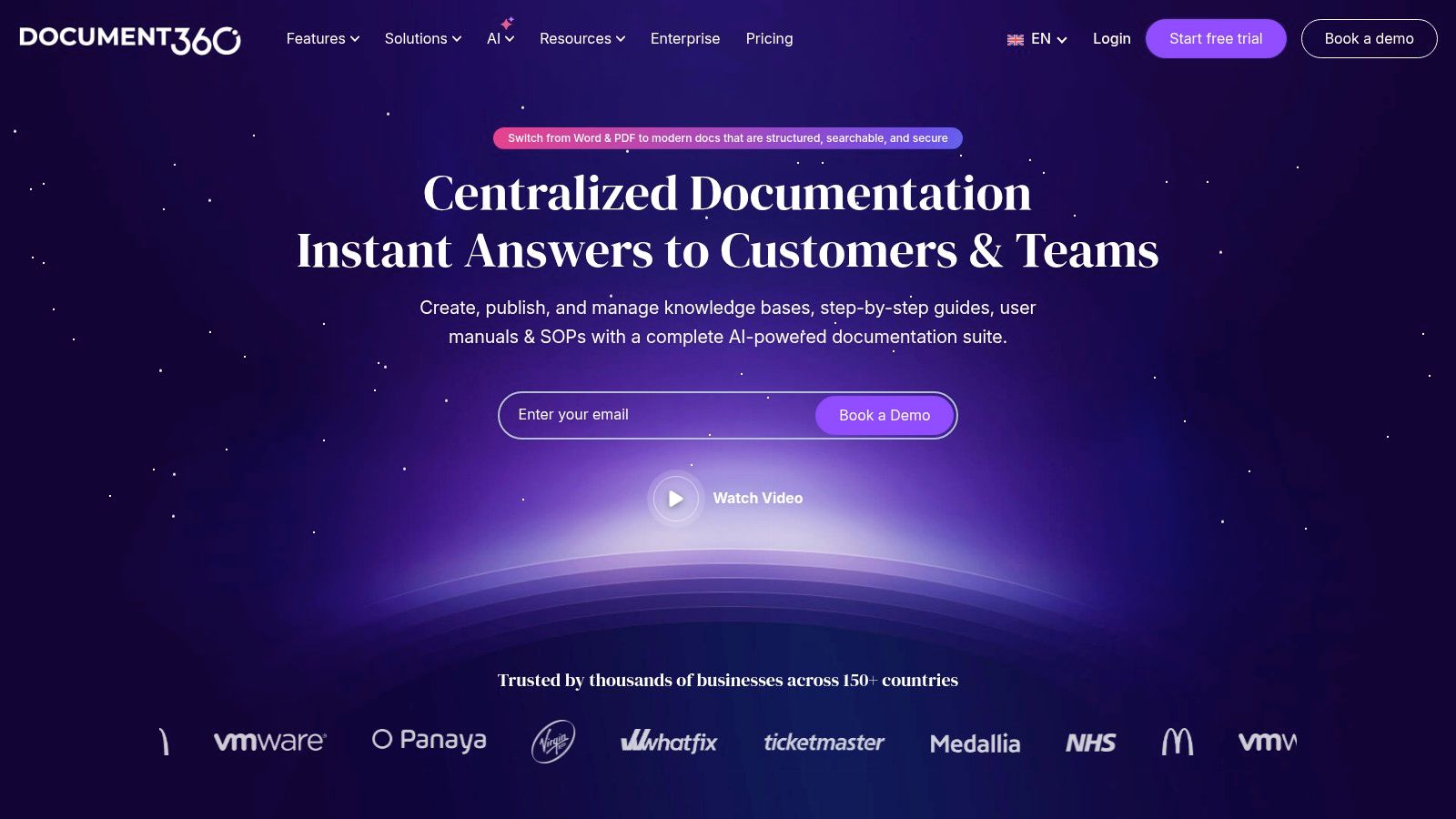
Unlike lightweight tools focused on single-guide creation, Document360 provides the infrastructure for an entire content library. It supports rich media, but its core function is text-based knowledge management. For teams needing to supplement their written guides with dynamic video content like demos or onboarding tutorials, a specialized tool is often necessary. This is where a solution like Tutorial AI excels, allowing subject matter experts to create polished, on-brand videos from simple screen recordings without needing complex editing software like Adobe Premiere Pro. Document360 serves as the structured home for this content, while other tools can create the specific media assets to embed within it.
Key Features & Use Cases
- Best For: Medium to large enterprises that need a centralized, secure, and scalable knowledge base for internal and external documentation.
- Knowledge Base Types: Supports public, private, and mixed-access knowledge bases with granular user permissions.
- Localization Support: Features an automatic translation function for over 50 languages, ideal for global teams and customer bases.
- Enterprise-Ready: Offers SOC 2 compliance, custom domains, and migration services to help teams transition from other platforms.
- Pricing: Starts with a Standard plan at $149/project/month. Higher-tier pricing is often provided via a custom quote, reflecting its enterprise focus.
- Website: https://document360.com
12. Waybook
Waybook is designed to be a central “single source of truth” for small to medium-sized businesses, combining standard operating procedures (SOPs), training materials, and company policies into one organized hub. It excels at turning static documents into actionable training modules by allowing you to embed quizzes and track completion rates. This makes it a comprehensive piece of software for process documentation for teams that prioritize accountability and structured learning alongside pure documentation.
0
The platform streamlines onboarding by offering templates and optional migration support, helping teams quickly centralize their existing knowledge. Users can create a structured hierarchy of information, build org charts, and customize the interface with their own branding. While Waybook is great for text-based policies and knowledge checks, it isn’t a video creation tool. For creating dynamic video tutorials for onboarding or feature releases, a platform like Tutorial.ai is a better fit. Tutorial.ai transforms raw screen recordings into polished, on-brand videos without requiring expert editing skills, letting subject matter experts create professional content efficiently.
Key Features & Use Cases
- Best For: SMBs looking to create a centralized, trackable playbook for business operations, policies, and employee onboarding.
- Tests & Assessments: Create unlimited documents with built-in tests to verify comprehension and track team-wide completion progress.
- Quick Start & Migration: Offers a library of templates and optional data migration services to help new users set up their knowledge base quickly.
- Branding & Access: Provides custom branding options, PDF export, integrations, and mobile app access for SOPs on the go.
- Pricing: Core plan starts at $83/month (billed annually) for the first 20 members. A Pro plan adds features like SSO and advanced integrations.
- Website: https://waybook.com
Top 12 Process Documentation Tools — Feature Comparison
| Product | Core features | UX / Quality | Pricing & Value | Target audience | Unique selling points |
|---|---|---|---|---|---|
| Tutorial AI 🏆 | AI screen recorder + editor; auto‑transcribe, doc‑style editing, AutoRetime™, cursor effects, 4K export | ★★★★★ — studio‑quality output (4.9 G2) | 💰 Free / Solo / Growth / Enterprise — per‑seat & export‑minute tiers | 👥 Knowledge bases, training, sales enablement, marketing teams | ✨ Edit‑like‑a‑doc, AutoRetime localization, post‑record cursor controls |
| Scribe | One‑click capture; auto‑screenshots, annotations & redaction; PDF/HTML/MD exports | ★★★★☆ — very fast & low learning curve | 💰 Free tier; paid desktop/governance & team plans (per‑seat/plan) | 👥 Onboarding, support authors, internal wikis | ✨ Instant step‑by‑step guides from clicks |
| Tango | Click‑to‑create workflows; screenshots, branded exports, transcripts, analytics | ★★★★☆ — polished outputs; in‑app guidance | 💰 Free tier limits; Pro per‑seat workspace billing | 👥 Support, onboarding, in‑app enablement teams | ✨ In‑app pins/tooltips + viewership analytics |
| Process Street | Structured Workflows, checklists, conditional logic, automations & integrations | ★★★★☆ — strong for operationalization at scale | 💰 Tiered pricing; quotes for larger teams | 👥 Ops, compliance, customer onboarding at scale | ✨ Conditional logic, approvals, deep integrations |
| SweetProcess | SOPs, policies, process maps, versioning, internal/external KB | ★★★★ — straightforward & predictable | 💰 Flat base price with 'active user' billing; all features included | 👥 SMBs needing simple SOPs & knowledge base | ✨ Predictable billing; full‑feature single plan |
| Trainual | Structured playbooks, role assignments, tests, video storage & transcription | ★★★★ — strong training & onboarding flows | 💰 Tiered; optimized for 10‑seat bundles | 👥 Fast‑growing SMBs scaling onboarding | ✨ Training + SOPs with tests, tracking & org charts |
| Atlassian Confluence | Spaces/pages/templates, versioning, permissions, marketplace & Jira integra. | ★★★★☆ — enterprise wiki, highly scalable | 💰 Tiered cloud/enterprise pricing; marketplace apps | 👥 Enterprises needing structured knowledge hubs | ✨ Large ecosystem, templates & enterprise SLAs |
| Notion | Pages, databases, templates, linked views; AI on Business/Enterprise | ★★★★ — very flexible; template community | 💰 Attractive SMB pricing; AI features on higher tiers | 👥 Startups, small teams, flexible SOPs | ✨ Highly customizable structure & templates |
| Guru | Verified KB, AI search/chat, review workflows, SSO/SCIM & 100+ integrations | ★★★★ — answers at point‑of‑work; enterprise security | 💰 10‑seat minimum; quote for larger deployments | 👥 Enterprises wanting in‑flow knowledge & governance | ✨ AI search + knowledge quality automation |
| ScreenSteps | AI‑assisted authoring, interactive guides, decision trees, browser extension | ★★★★ — optimized for findability & followability | 💰 Per‑user pricing with plan minimums | 👥 Operational support & frontline teams | ✨ Browser extension surfaces SOPs in‑app |
| Document360 | Internal/external KB, auto‑translate 50+ languages, imports, custom domains | ★★★★ — mature multilingual KB platform | 💰 Quote‑based for enterprises; tiered plans | 👥 Product docs, enterprise documentation teams | ✨ 50+ language auto‑translate & migration services |
| Waybook | Unlimited docs, tests & assessments, completion tracking, mobile access | ★★★★ — SMB friendly, quick start | 💰 Flat plans (includes ~20 members); Pro for governance | 👥 SMBs needing simple SOPs & training hubs | ✨ Flat plans with templates & migration support |
Making Your Final Decision: Matching the Tool to the Task
Navigating the landscape of software for process documentation can feel overwhelming, but as we’ve explored, the key lies in aligning the tool with your core objectives. We’ve analyzed a diverse set of platforms, from AI-powered video generators and rapid screenshot tools to comprehensive knowledge bases and workflow management systems. Your final choice shouldn’t be about finding a single tool that does everything, but rather the one that excels at what your team needs most.
The central takeaway is this: the medium of your documentation is as critical as its content. Static, text-heavy documents have their place, but for dynamic, software-driven processes, visual and interactive formats are often far more effective at ensuring comprehension and adoption.
Recapping the Core Categories
To simplify your decision, let’s revisit the primary use cases we’ve covered and the standout tools for each:
- For High-Impact Video Tutorials and Demos: When your goal is to create polished, professional-grade software tutorials, onboarding videos, or support content without the steep learning curve of traditional video editing, an AI-powered solution is unparalleled. This is where Tutorial AI shines, transforming raw screen recordings into concise, on-brand video assets, making the subject matter expert the hero of content creation. It fills the crucial gap between a simple Loom recording, which is often too long and unedited, and a complex tool like Adobe Premiere Pro, which requires specialized skills.
- For Rapid, Screenshot-Based Guides: If your team needs to produce step-by-step visual instructions at high speed, tools like Scribe and Tango are your best bet. Their browser extensions automatically capture clicks and keystrokes, generating shareable guides in seconds. They are ideal for internal support, ad-hoc training, and standard operating procedures (SOPs) that benefit from static visual cues.
- For Actionable Checklists and Workflow Management: When documentation needs to be more than just a reference, platforms like Process Street, SweetProcess, and Trainual come into play. They turn your processes into interactive, enforceable checklists with assignments, deadlines, and conditional logic. These are built for operationalizing recurring tasks like employee onboarding, client intake, or quality assurance checks.
- For Centralized Knowledge Management: For organizations needing a single source of truth, a robust knowledge base or wiki is essential. Atlassian Confluence and Notion offer powerful, flexible platforms for building comprehensive internal documentation, while tools like Guru and Document360 provide specialized features for knowledge accessibility and customer-facing help centers.
Key Factors for Your Implementation
Before you commit, consider these final implementation factors. The best software for process documentation is the one your team will actually use.
- Adoption and Usability: How intuitive is the platform? A tool that empowers subject matter experts to create content directly, without extensive training or reliance on a specialized team, will always yield a higher ROI.
- Primary Use Case: Be honest about your most frequent and critical documentation need. Are you documenting for internal compliance, customer education, or sales enablement? Choose the software that is purpose-built for that function.
- Integration and Scalability: How well does the tool fit into your existing tech stack? Consider its ability to integrate with your project management software, communication channels (like Slack or Teams), and other essential applications. Ensure it can grow with your team’s needs.
Ultimately, effective process documentation is a strategic asset. It reduces errors, accelerates training, and creates a culture of consistency and continuous improvement. By carefully evaluating your organization’s unique requirements against the strengths of the tools discussed, you can select a solution that transforms your processes from abstract concepts into clear, actionable, and valuable resources for everyone.
Ready to see how AI can revolutionize your video documentation? Tutorial AI empowers your team to create studio-quality software tutorials and demos in a fraction of the time, turning your experts into efficient creators. Explore Tutorial AI and discover the future of process documentation.