You’ve probably felt this already. The team needs a product demo, a feature release video, a support walkthrough, or a short explainer for prospects. Everyone agrees video matters. Then the project stalls because nobody wants to become a video editor just to explain a workflow they already know well.
That’s the real problem with learning how to create a marketing video today. The advice often swings between two extremes. One side says to just hit record and post it. The other expects a polished production process with timelines, motion graphics, and editing skills that most marketers, product people, support leads, and subject matter experts don’t have.
A better workflow sits in the middle. Record with purpose. Keep the message tight. Edit ruthlessly. Build for the channel and the viewer’s job to be done. If the video teaches clearly and moves someone to the next step, it’s doing its job.
Start with Strategy Not a Camera
Most weak marketing videos fail before recording starts. They try to explain too much, speak to everyone, and skip the hard decision about what success looks like.
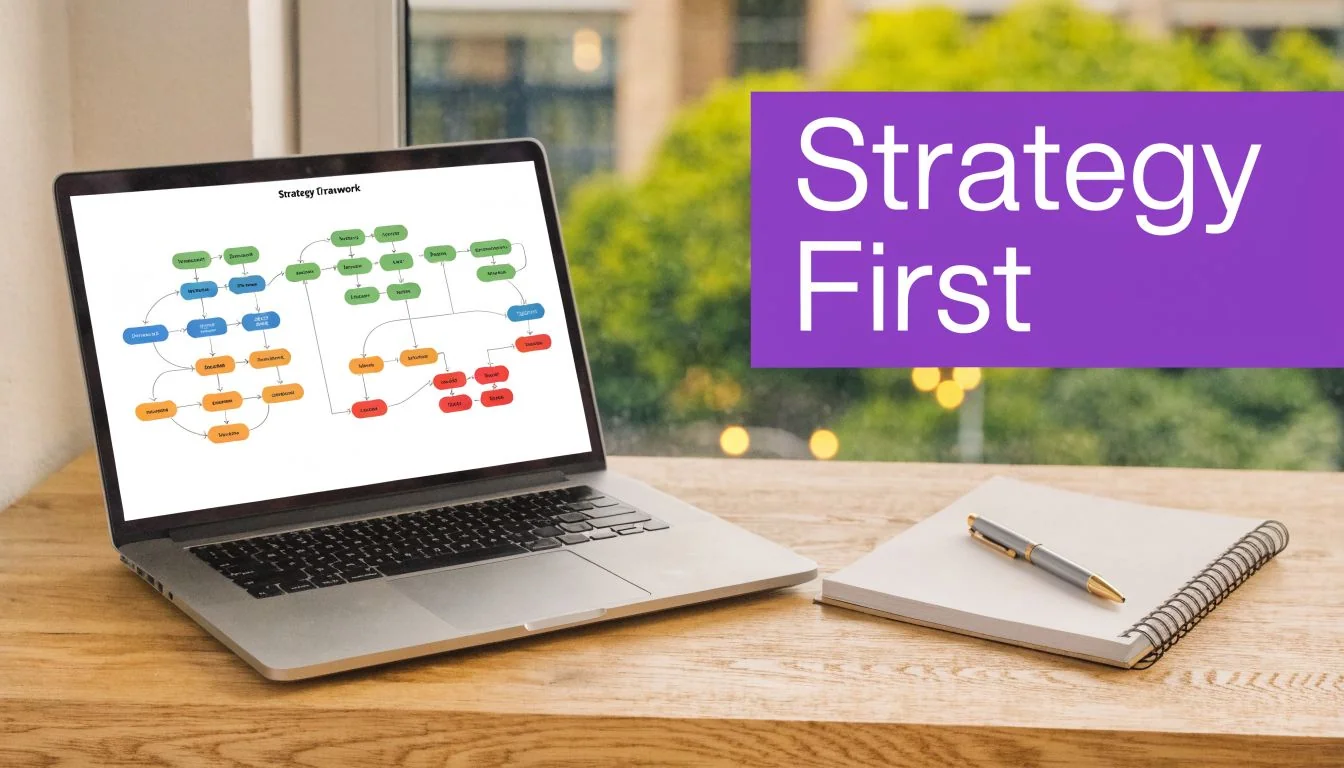
That’s why planning deserves real time. According to Digital Spark Studios’ video production process guide, pre-production takes 40-50% of the total project time. The same source notes that skipping strategic planning often leads to 30% budget overruns due to scope creep, and videos customized for specific personas achieve 2.5x higher engagement.
Pick one job for the video
A marketing video needs a single primary outcome. Not three.
If you’re creating a homepage explainer, the job might be to get qualified visitors to book a demo. If you’re making an onboarding video, the job might be to help new users complete one setup action. If it’s a support video, the win might be fewer repetitive tickets on the same issue.
Use a brief that answers these questions:
- What action should the viewer take next. Book a demo, start a trial, finish setup, read a help article, or share internally.
- Who is this for. A first-time buyer, an admin, an end user, a sales prospect, or a current customer.
- What problem are they trying to solve right now. Keep it immediate and practical.
- Where will they see it. Landing page, email, YouTube, LinkedIn, help center, or inside the product.
- What must they understand by the end. One idea. Maybe two. Not seven.
When teams skip this, they start stuffing in extra context, edge cases, and side benefits. The video gets slower with every revision.
Practical rule: If you can’t describe the video’s purpose in one sentence, you’re not ready to record.
Match the format to the funnel stage
A top-of-funnel video shouldn’t behave like a product training lesson. A bottom-of-funnel demo shouldn’t sound like a brand ad.
A simple way to decide:
- Awareness calls for a short, clear explanation of the problem and your angle.
- Consideration works better with walkthroughs, comparisons, or feature-focused explainers.
- Conversion needs proof, product clarity, and a direct next step.
- Retention benefits from onboarding videos, feature release clips, and knowledge base tutorials.
Video style matters here too. A talking-head clip can work for founder messaging or trust-building. Screen-led visuals usually work better for software demos, onboarding, and support content because viewers want to see the product, not just hear claims about it. If you need a fast way to decide on format, this guide to video styles for different use cases is useful when you’re choosing between demo, explainer, tutorial, and update formats.
Build a brief that prevents drift
Don’t overcomplicate the brief. One page is enough.
Include the audience, the channel, the key message, the CTA, and the “definitely not” list. That last part matters. It keeps stakeholders from turning a short feature video into a full product tour halfway through review.
A strong brief creates speed later. It protects the script, keeps the recording focused, and makes feedback much easier to filter. Good feedback sharpens the message. Bad feedback usually tries to change the goal.
Script and Storyboard for Clarity
Good marketing videos sound natural, but they’re rarely improvised. Even the most relaxed demo usually comes from a script that has already done the hard work of deciding what stays in and what gets cut.
Length matters here. According to Teleprompter’s 2026 video marketing statistics roundup, 73% of marketers find videos between 30 seconds and 2 minutes the most effective, and a 90-second video should be around 180-200 words to keep a natural speaking pace.
That word count is useful because it forces choices. Most first drafts are too long because they explain the product like an internal meeting, not a viewer-facing video.
Use a simple three-part structure
You don’t need a cinematic script. You need a clear one.
Open with the point. Lead with the problem, the outcome, or the most relevant benefit. If the video is about a feature, show what it helps the user do.
Move through the explanation. Keep the middle focused on the viewer’s question. For software videos, this usually means showing the exact flow, not listing every feature around it.
End with a next step. Tell the viewer what to do now. Start the trial. Book the demo. Read the article. Share with the team.
The best scripts remove effort for the viewer. They don’t make people work to figure out why the video matters.
Write the way people actually speak
Script writing gets easier when you stop trying to sound polished. Write for the ear, not the eye.
That means:
- Use short sentences so the narration sounds conversational.
- Name the screen action when it helps orientation.
- Cut background detail unless the viewer needs it to act.
- Avoid stacked claims that belong in a sales deck, not a video.
A rough line like “Your team can review the request here, approve it, and keep the workflow moving” usually works better than a sentence filled with positioning language.
If you want a practical reference for structure and pacing, this guide on writing a script for a YouTube video is worth reviewing even if your final destination isn’t YouTube. The same discipline applies across demos, explainers, and product education.
Storyboard without making it an art project
A storyboard can be ugly and still be useful. Boxes on a page are enough.
Try a two-column draft:
| Script line | Visual |
|---|---|
| “Here's how to create a branded onboarding flow in minutes.” | Product dashboard home screen |
| “Start by opening the template library.” | Cursor moves to template menu |
| “Choose the workflow your team uses most.” | Template options highlighted |
| “Publish and share it with your new users.” | Final publish screen and CTA |
That’s enough to catch problems before recording. You’ll spot missing screens, awkward jumps, and places where the narration says one thing while the visuals show another.
If you want a faster starting point, a reusable video script template can save a lot of blank-page time.
Record Your Raw Footage Without Fear
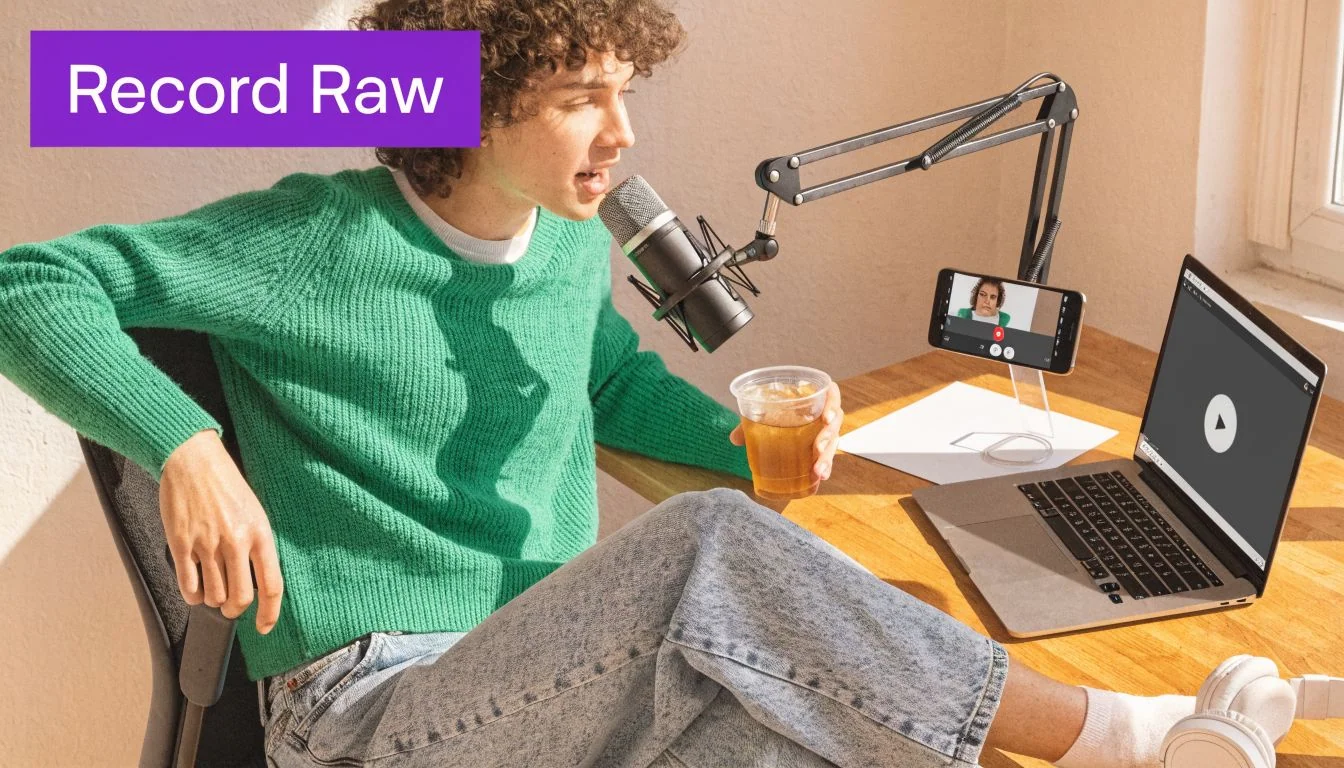
Recording is where people tighten up. They try to click, speak, remember the script, sound confident, avoid mistakes, and finish in one take. That’s the wrong goal.
The recording session should capture raw material, not a final performance.
Separate the product actions from the narration
For software demos, the easiest method is often this: record the screen flow first, then handle the voiceover after.
That approach solves several common problems at once. You don’t need to narrate and click perfectly in sync. You don’t need to restart every time you miss a word. You stay focused on showing the process correctly, which is usually the part that matters.
This is especially useful for:
- Demos that show a clean product path
- Onboarding videos where every step should be deliberate
- Knowledge base videos that mirror support documentation
- Feature release videos where timing and clarity matter more than personality
What doesn’t work well is trying to “wing it” while navigating a live interface. That usually creates long pauses, backtracking, filler language, and awkward dead air.
Make the capture clean, not perfect
You don’t need a studio. You do need a usable recording.
Pay attention to a few basics:
- Close unrelated tabs and notifications so the screen stays clean
- Increase zoom or browser size if UI text is small
- Use a consistent window size for a tidy frame
- Slow your cursor movement so viewers can follow
For voice, a quiet room and a decent microphone help. If you’re recording scratch narration, don’t obsess over every stumble. You can fix wording later. The point is to preserve the flow and the expertise.
Here’s a useful example of the kind of polished walkthrough style many teams aim for:
Keep your energy steady
Marketing videos don’t need presenter energy from a keynote stage. They need pace, clarity, and confidence.
If your voice gets flat, stand up while recording. If your clicks get messy, record the process in shorter chunks. If your product has sensitive information on screen, use a sanitized demo environment instead of hoping you won’t accidentally reveal something.
The most important shift is mental. Recording isn’t the exam. It’s just the input.
Turn Raw Recordings into Polished Videos
Editing is where most marketing video projects either become useful or become abandoned drafts. The problem isn’t only time. It’s the gap between what subject matter experts can explain well and what traditional editing software expects them to know.
That gap is why teams often fall into one of two bad options.
Option one is the fast recording tool. It’s easy to use, but the result is often a loose, rambling video that keeps every pause, every correction, and every detour. In practice, simple screen recordings are often far longer than they need to be. Option two is a professional editor like Adobe Premiere Pro or Camtasia. Those tools are powerful, but they ask a marketer, support lead, or product expert to think like an editor.
The better workflow is transcript-first editing. You record freely, then clean the video by editing the words.
Why traditional editing slows teams down
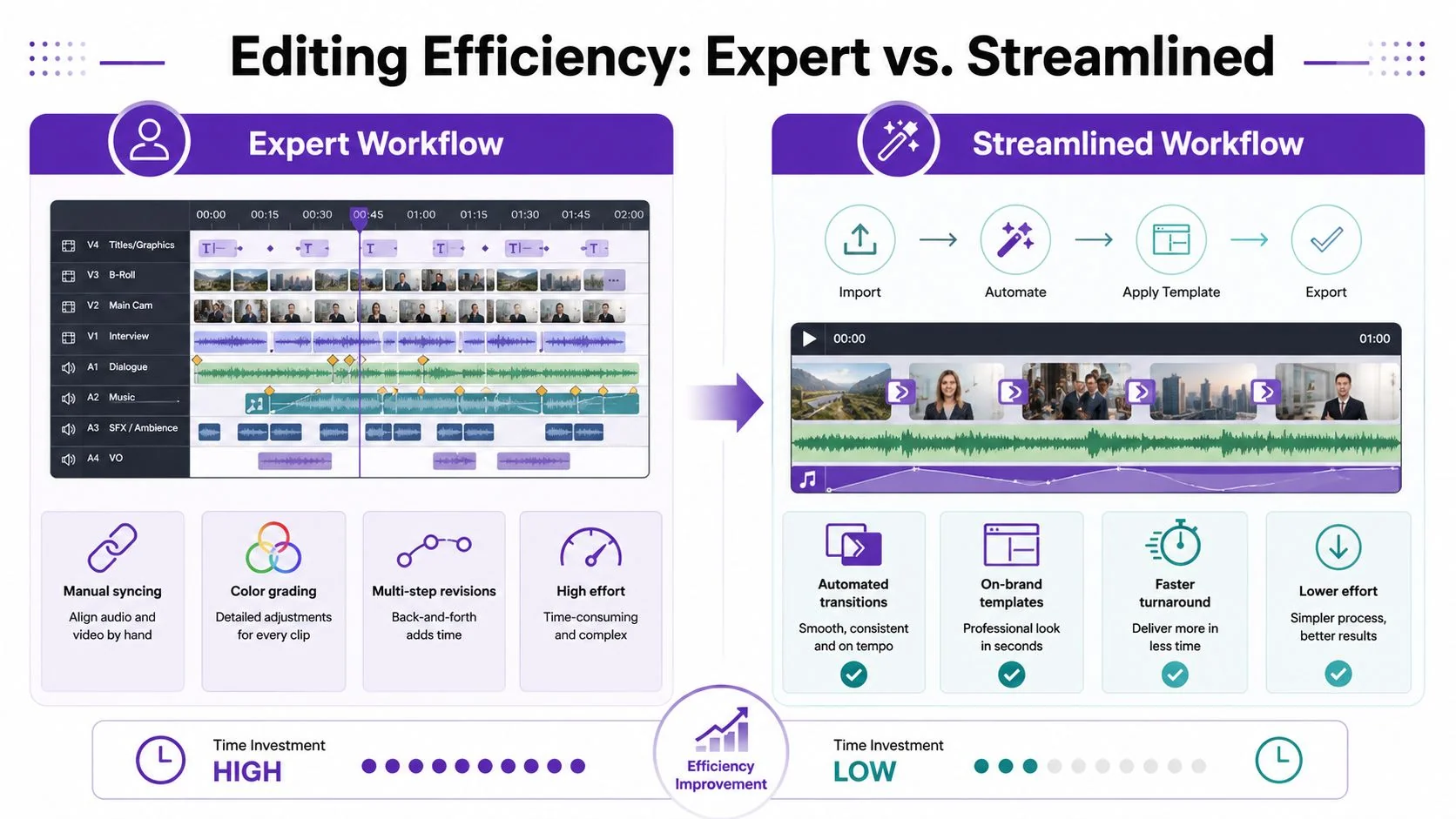
Timeline editors are built for flexibility. They’re not built for speed when the core task is “make this screen recording concise and professional.”
The usual friction points are familiar:
- Manual trimming of filler words, pauses, and mistakes
- Audio syncing after script changes
- Caption correction in separate steps
- Zooms and highlights added by hand
- Brand cleanup after the core edit is already done
That workflow can produce excellent work. It just doesn’t scale well when the people with the expertise are not full-time editors.
According to AdRoll’s step-by-step video marketing strategy guide, videos under 90 seconds yield 50% higher completion rates. The same source says optimized videos using AI voices can boost engagement by 40% in sales enablement contexts, and teams using collaborative video workspaces see 35% faster turnaround times.
Those numbers line up with what many teams already feel operationally. Tighter videos perform better, and faster review loops matter.
The workflow comparison
Here’s the practical difference between the old path and a modern AI-assisted one.
Video Editing Workflow Comparison
| Task | Traditional Editor (e.g., Premiere Pro) | AI Editor (e.g., Tutorial AI) |
|---|---|---|
| Remove filler words | Trim clips manually on timeline | Delete words from transcript |
| Change narration | Re-record audio and re-sync cuts | Rewrite script and regenerate voiceover |
| Add captions | Generate, review, and align separately | Auto-sync with script-based edits |
| Highlight UI elements | Keyframe zooms and cursor emphasis manually | Apply smart zooms and cursor effects quickly |
| Keep brand consistency | Build templates or restyle each project | Use reusable brand settings and templates |
| Team review | Pass files or exports back and forth | Review in a shared workspace |
| Repurpose recordings | Manual recuts for each format | Faster script-led variations |
Good editing is mostly subtraction. The tool matters because it determines how painful subtraction feels.
What polished actually means
A polished video doesn’t mean flashy. It means intentional.
That usually includes cleaner pacing, tighter narration, better visual focus, and consistent branding. For a product demo, that might mean smoothing cursor movement, zooming into the exact UI element being discussed, blurring sensitive fields, and tightening pauses between steps. For a feature announcement, it might mean adding a branded intro card, replacing rough voiceover, and trimming the whole piece down to the essential change.
This matters even more when one recording needs to become multiple assets. A webinar segment may need to become a short promo clip. A team meeting demo may need to become a support video. If you work with longer source material, this guide on how to turn Zoom recordings into social clips is useful because it shows the repurposing mindset that good video teams apply everywhere.
The practical standard to aim for
Use editing to make the expert look clear, not theatrical.
That means cutting repetition, tightening the script after the fact, and shaping the viewer’s attention with zooms, highlights, and clean captions. The biggest win of newer tools is that they let subject matter experts speak naturally without paying for that freedom later in timeline pain.
Scale Your Message with Video Localization
Many marketing departments treat localization as a final task after the primary video is finished. Translate the script, replace the captions, swap the voiceover, and hope the cuts still work.
That approach breaks down quickly.
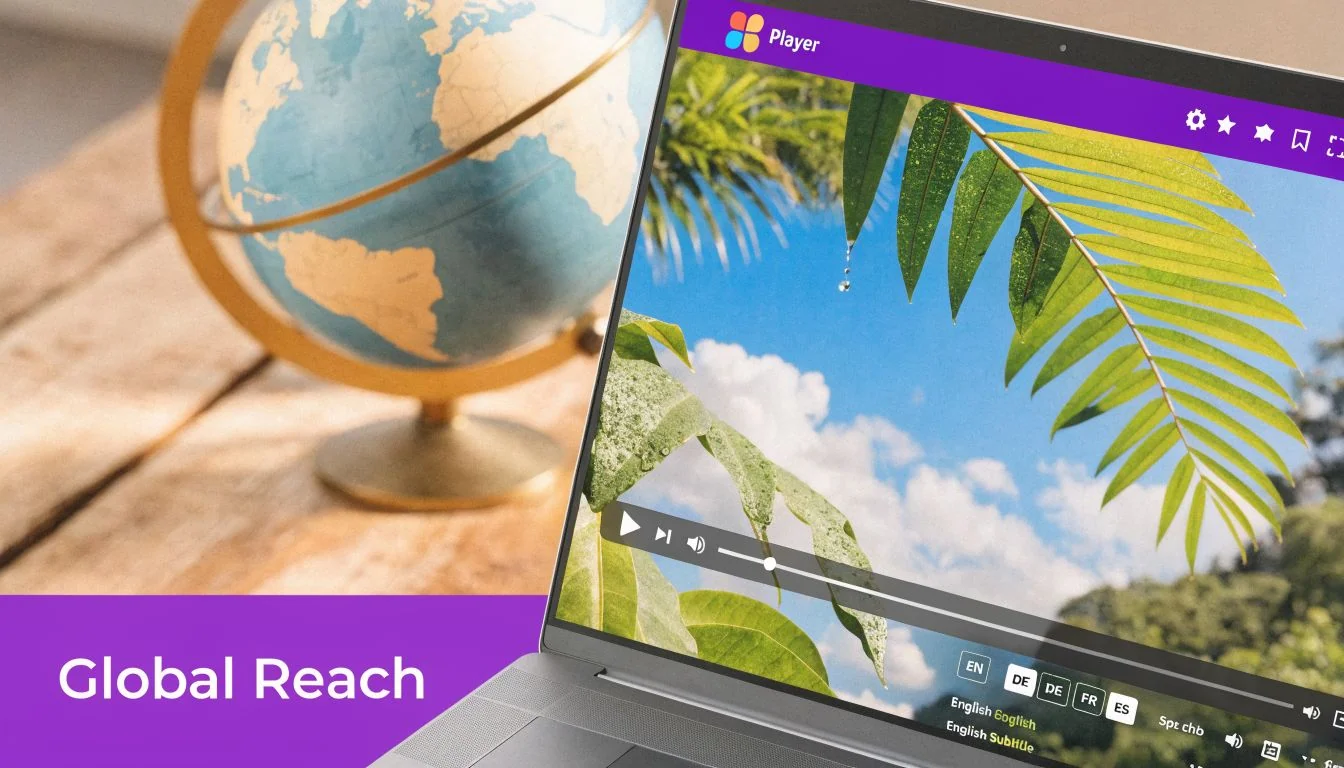
According to Adwave’s guide on creating marketing videos, a major gap in most video advice is the failure to address localization complexity. It ignores the practical difficulty of re-timing voiceovers, pacing, and captions for different languages, which creates a real bottleneck for SaaS companies serving international customers.
Translation is not the hard part
The hard part is timing.
A script that fits neatly in English can expand or contract in another language. That affects the voiceover length, which affects scene timing, which affects captions, which affects every cut built around the original narration. A video that felt crisp in one version can feel rushed or awkward in another.
That’s why manual localization often turns into repeated editing work:
- The translated narration no longer fits the visuals
- Captions fall out of sync
- Zooms and pauses land in the wrong places
- Each new version becomes its own maintenance burden
For support libraries, onboarding flows, and product education, that gets expensive in time even before it gets expensive in budget.
Treat localization as part of production
The better mindset is to plan for multiple languages from the start. Keep scripts direct. Avoid culture-specific references unless they’re necessary. Build reusable scenes. Keep on-screen text manageable.
Then choose tooling that can adapt timing automatically rather than forcing a human to rebuild each version by hand. For teams that need to publish multilingual product education at scale, platforms built around video translation services make far more sense than a string of one-off edits.
A localized video should feel native, not merely translated.
That standard affects trust. If the voice sounds unnatural or the captions lag behind the screen, viewers notice immediately. Clean localization keeps the experience coherent and protects the brand across markets.
Where this matters most
Some categories benefit from localization more than others.
Customer education teams use it to keep onboarding consistent across regions. Sales enablement teams use it to tailor demos for local prospects. Documentation and support teams use it to reduce friction when users prefer learning in their own language.
If your audience is global, localization isn’t a nice extra. It’s part of whether the video is usable.
Distribute and Measure Your Video’s ROI
A finished video with no distribution plan is just a file. Teams often spend all their energy on creation, then post the video once, collect a few view counts, and move on.
That overlooks the core value. Distribution determines whether the right people ever see the video. Measurement determines whether you should make more like it.
According to Wix’s video marketing statistics roundup, 66% of marketers track engagement, 62% track views, and 49% track leads when measuring video ROI. The same source says 62% of businesses note that video content helps reduce support queries.
Put the video where the decision happens
A lot of teams default to YouTube because it’s familiar. That may be right, but it shouldn’t be automatic.
Think about where the viewer is when the video becomes useful:
- Landing page for conversion-focused explainers and product overviews
- Email for launch announcements, follow-ups, and sales enablement
- Knowledge base for support walkthroughs and troubleshooting
- Help center articles for task-specific videos next to written steps
- LinkedIn or YouTube for discovery and top-of-funnel education
A strong distribution plan usually pairs one primary destination with a few supporting placements. For example, a feature release video might live on a product update page, get embedded in the release email, and be clipped into a social teaser.
Measure the metric that matches the job
Views alone don’t tell you much. A support video with modest views may be wildly successful if it prevents repetitive tickets. A social clip with high reach may be weak if it drives no qualified action.
Use your original goal to choose the metric:
| Video type | Most useful metric |
|---|---|
| Homepage explainer | CTA clicks, demo requests, trial starts |
| Sales demo clip | Reply rate, meeting bookings, influenced pipeline |
| Onboarding video | Step completion, activation progress |
| Knowledge base video | Ticket deflection, article engagement |
| Social promo video | Engagement quality, site visits, assisted conversions |
This is also where retention matters. If viewers drop early, the intro is weak or the setup takes too long. If they watch but don’t click, the CTA may be unclear or the placement may be wrong.
Don’t ask whether the video performed. Ask whether it changed the business outcome it was supposed to change.
Build a repeatable review loop
After each publish, review performance with a few practical questions:
-
Did the right audience watch it — A broad audience isn’t always a useful one.
-
Where did viewers stop watching — That usually points to a pacing issue or unnecessary setup.
-
Did the CTA fit the viewer’s intent — A hard sales ask on an educational support video often underperforms because it’s mismatched.
-
Should this become a series — If one workflow video performs well, adjacent tasks are often worth covering next.
If you’re also sharing clips through social channels, this guide on how to track social media return on investment is a practical companion to video metrics. It helps connect platform engagement back to business outcomes instead of stopping at vanity signals.
The teams that get compounding value from video don’t treat each asset like a one-off campaign. They build a system. One clear brief, one efficient production flow, one publishing plan, and one review loop that informs the next video.
If your team creates demos, onboarding videos, feature release walkthroughs, knowledge base videos, or support article videos, Tutorial AI gives subject matter experts a faster path from raw screen recording to polished, on-brand output. You can record freely, edit by changing the transcript, regenerate narration with lifelike AI voices, localize in multiple languages, and publish both video and step-by-step documentation from the same source. It’s a practical way to get professional results without forcing every marketer, PM, or support lead to learn complex video editing software.