You record a product walkthrough, clean up the script, cut social clips from the long video, resize graphics for three channels, then realize the whole piece also needs a localized version for a second market. That is where a lot of creator workflows break down. The individual tasks are manageable. The handoffs between tools are what slow production.
A strong AI stack fixes those handoffs. The best ai tools for content creators do more than generate text, images, or video on command. They remove repeat work across the full publishing cycle, from drafting and design to editing, repurposing, voiceover, and distribution. If one tool saves ten minutes but adds two export steps and a manual cleanup pass, it is not saving much.
AI has also moved from side experiment to day-to-day production for many teams. That creates a different buying question. The goal is no longer to test the most impressive demo. It is to choose tools that fit together cleanly, support repeatable workflows, and hold up once you are shipping every week.
This guide approaches the category that way. It is a practical playbook for building a working stack, not a loose roundup of popular apps. I am looking at the specific problem each tool solves, where it fits in a real workflow, and what trade-offs come with it.
That matters most in tutorial and education content. Software teams often need one recording to become a polished walkthrough, help-center asset, onboarding video, short promo clip, and localized version. The strongest stack handles that chain without forcing the creator to rebuild the asset at each step. Tutorial AI sets the tone for that approach, especially for software tutorials and localization workflows, and the rest of the list fills in the surrounding jobs.
1. Tutorial AI
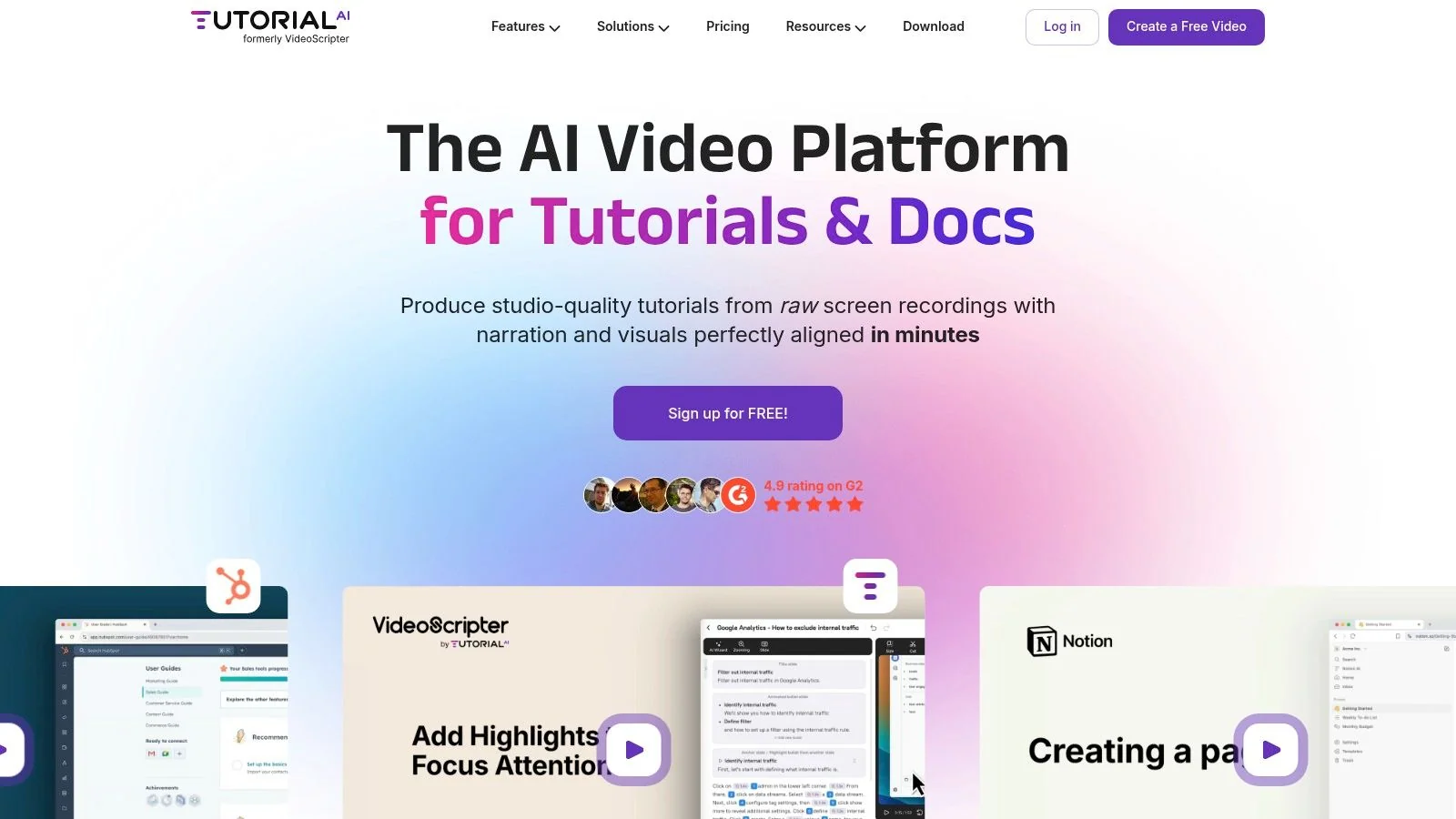
A product marketer records a six-minute feature walkthrough. Then the challenging work begins. Clean up the wording, fix the cursor path, add captions, turn it into a help-center asset, and produce localized versions without rebuilding the edit from scratch. That production chain is where many creator stacks slow down.
Tutorial AI is built for that exact job. It is the strongest specialist tool in this list for software demos, onboarding videos, feature walkthroughs, support content, and product tutorials created from screen recordings. The advantage is not just speed. It is reducing the number of handoffs between recording, editing, documentation, and localization.
The biggest reason it works is the text-first editing model. Record the walkthrough, then edit the spoken script like a document. Change a line, remove filler, or tighten an explanation, and the narration, captions, and timing update together. For subject matter experts who know the product but do not want to work inside a traditional timeline editor, that is a much better fit than a standard video workflow.
I have found this especially useful for teams where the person with product knowledge is not a video editor. They can speak naturally on the first pass, then tighten the explanation after the recording instead of chasing a perfect take. That usually produces clearer tutorials in less time.
Its cursor and scene controls matter more than they sound. Software tutorials succeed or fail on viewer orientation. If the cursor moves too fast, the zoom lands late, or the interface feels crowded, the tutorial becomes harder to follow even when the information is accurate. Tutorial AI lets teams adjust cursor styling, highlights, zooms, blurs, shadows, and other visual guidance after recording, which helps rescue usable takes and improve clarity without moving the project into a heavier editor.
The feature that gives it a clear strategic edge is localization. Many tools can translate captions or generate a voice track. Fewer help teams keep the structure of the tutorial intact once narration length changes across languages. Tutorial AI’s AutoRetime™ workflow addresses that production problem directly. One source recording can become multiple language versions while keeping scenes, captions, and cuts aligned to each new voiceover.
That matters if your content operation needs one asset to feed several channels. A single walkthrough can support a polished tutorial video, a training resource, and documentation output with less duplicate work. For teams producing software education content every week, that is the difference between having localization on the roadmap and shipping it.
A few capabilities stand out in day-to-day use:
- Documentation output: Turn one recording into video and structured written guidance.
- Brand control: Use Brand Kits, custom fonts, and slides to keep support and enablement content consistent.
- Team workflow: Shared workspaces, comments, guest sharing, version history, and embeddable players make it practical for review-heavy teams.
- Publishing fit: The product is clearly designed for LMS, CMS, CRM, and knowledge base use cases, not just one-off creator exports.
The trade-offs are straightforward. Lower tiers can force harder choices around generated-video minutes if your team publishes often. A cloud-first workflow can also be a constraint for organizations with strict offline or security requirements. And if the job calls for dense multi-track editing across interviews, b-roll, live footage, and motion graphics, a traditional NLE still does that better.
For software tutorials, though, Tutorial AI solves a specific production bottleneck that general creator tools usually leave to manual cleanup. It earns its place here because it is not just another recorder. It is a practical starting point for a content stack built around tutorial production and localization.
2. Adobe Firefly
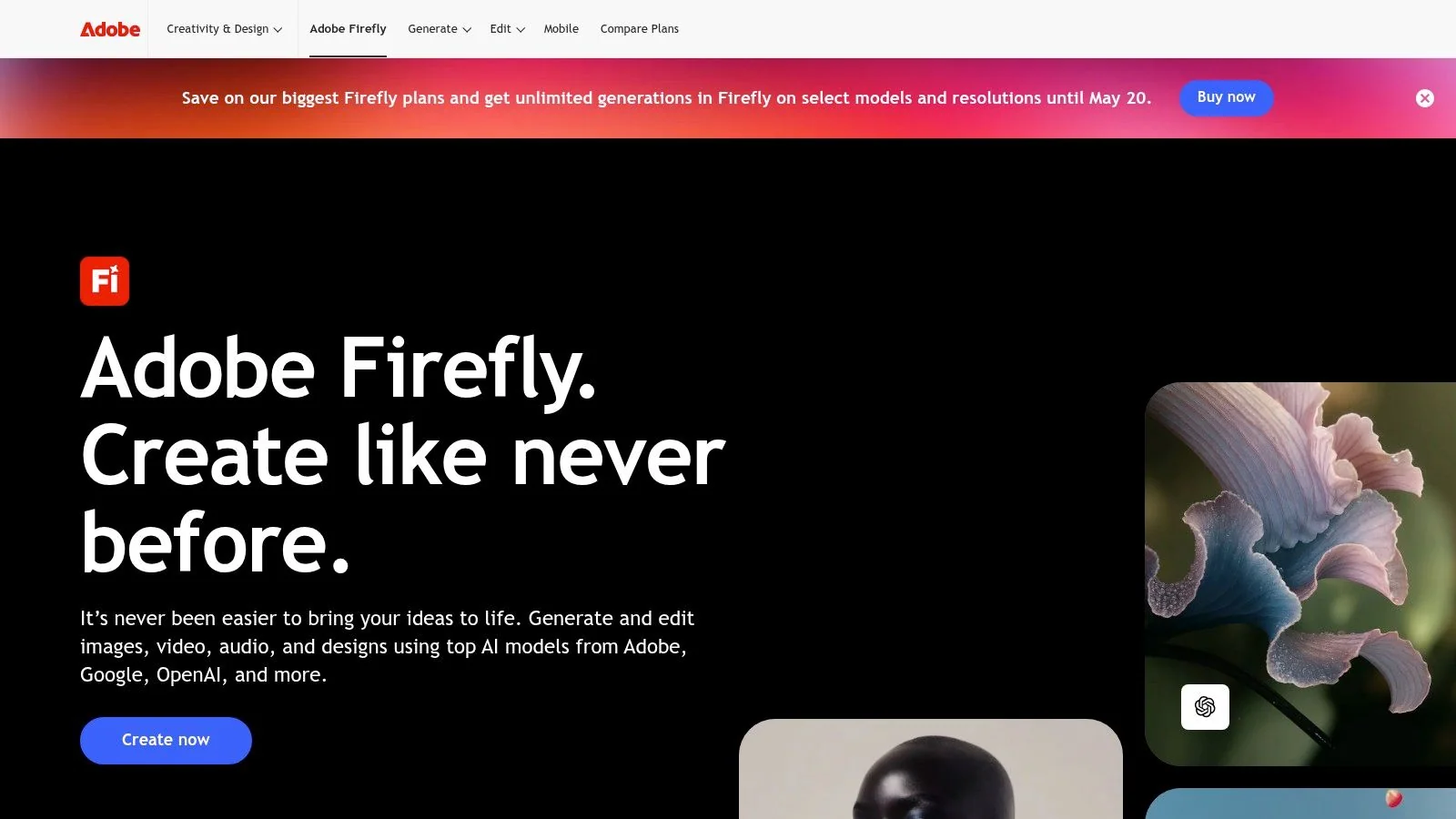
Adobe Firefly is the tool I’d point brand-conscious teams to first when the job is asset generation, not open-ended experimentation. It’s strongest when you need images, vectors, and emerging video generation to fit into an Adobe-centered production environment without creating handoff chaos.
That matters because a lot of AI image tools are great at raw generation and weaker at production discipline. Firefly fits better when the output is headed into Photoshop, Express, or Premiere Pro and needs to live inside an existing creative workflow.
Best use case
Use Firefly when your team already works in Creative Cloud and wants AI generation that feels like an extension of that stack. Marketing teams, in-house designers, and content studios tend to benefit most because the handoff is cleaner than bouncing between standalone generators and pro apps.
Its practical value shows up in three places:
- Brand-safe generation: Better fit for commercial teams that worry about asset provenance.
- Adobe handoff: Easier movement into the apps where refinement already happens.
- Content credentials: Useful when transparency and authenticity matter to your organization.
Firefly is less compelling if you don’t already use Adobe tools. In that case, you may end up paying for ecosystem benefits you won’t fully use.
Teams that already live in Adobe usually care less about novelty and more about controlled production. That’s where Firefly earns its keep.
Trade-offs to know
The core trade-off is the credit model. For occasional use, it’s manageable. For heavy generation, especially with video and audio features, planning usage becomes part of the workflow.
That doesn’t make Firefly a bad choice. It just means it’s better for structured teams than for creators who prefer flat, unconstrained experimentation. If that’s your world, Adobe Firefly is one of the most practical AI additions to a professional design stack.
3. Canva Magic Studio
Canva Magic Studio is the fastest route from rough idea to usable visual content for non-designers. If Firefly fits creative teams with established Adobe workflows, Canva fits operators, marketers, founders, educators, and creators who need volume, speed, and consistency without hiring design help for every asset.
That’s why it belongs on any serious list of the best ai tools for content creators. Most content teams don’t need infinite creative control for every social asset, slide, handout, or short promo. They need a polished starting point and a system that helps them ship.
Where Canva wins
Canva’s strength isn’t one breakthrough feature. It’s convenience at scale. The templates, layout system, asset library, and embedded AI tools all push in the same direction. You can move from idea to presentation, social graphic, thumbnail, one-pager, or simple short video without changing software or rebuilding your brand setup each time.
Its AI layer helps with image generation, cleanup, expansion, and design assistance. That keeps the workflow approachable for non-specialists.
Here’s where Canva tends to work best:
- Fast campaign support: Social posts, promo graphics, decks, and lightweight video.
- Team consistency: Shared brand assets and repeatable templates.
- Low-friction production: Good for people who create content regularly but aren’t designers.
Where it falls short
Canva gets less impressive as your creative standards become more custom or your edits become more complex. It’s excellent for “good and fast.” It’s less ideal for high-end motion work, advanced compositing, or heavily customized visual systems.
That’s not a flaw. It’s the point of the product. The right way to use Canva Magic Studio is to let it own the high-volume, repeatable design layer of your content operation, then reserve specialist tools for the smaller set of assets that need deeper craft.
4. Runway
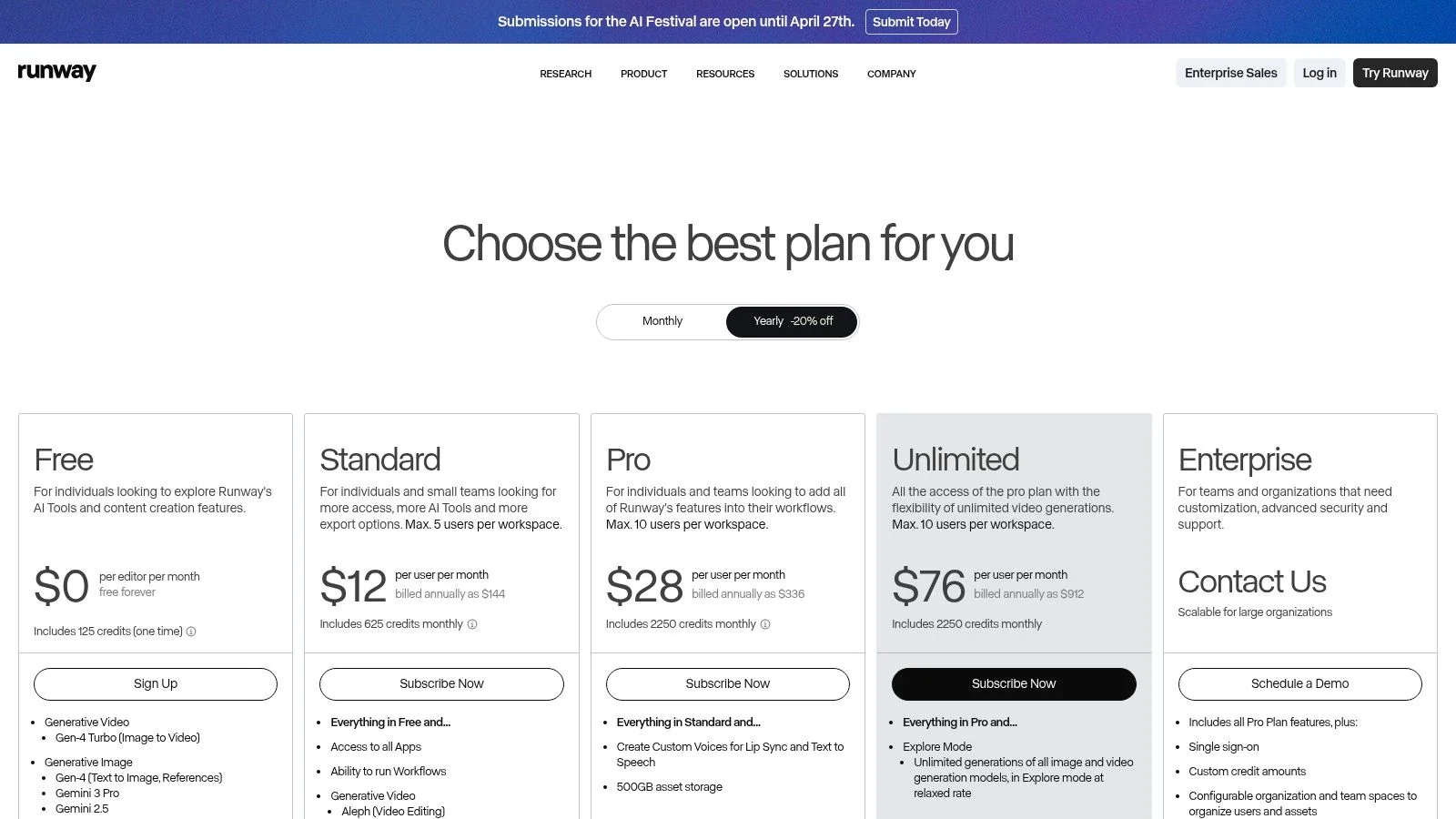
Runway is the tool for creators who want AI video generation to be part of production, not just a novelty test. It’s useful for concept sequences, stylized motion assets, visual ideas, synthetic B-roll, and fast experimentation when shooting isn’t practical or budget-friendly.
The reason I keep it in a serious toolkit is simple. It’s one of the few platforms where video generation feels structured enough to plan around.
What it solves
Runway helps when the problem is visualizing something you can’t easily film. That could be a mood sequence for a promo, motion backgrounds for explainers, product concept visuals, or filler footage that would otherwise require expensive production time.
Its generation models and editor workflow make it more production-aware than many one-off generators. You can iterate with purpose instead of treating every prompt like a lottery ticket.
A good use pattern looks like this:
- Generate visual concepts for pitches, storyboards, and campaign ideas.
- Create stylized inserts for explainers and launch videos.
- Build synthetic B-roll when live footage isn’t available or worth sourcing.
Real trade-off
Runway can get expensive fast if your workflow depends on lots of iterations. That’s the main practical limitation. AI video still rewards trial and refinement, and credit systems make that visible very quickly.
The right way to budget Runway is to use it for high-value shots you can’t get another way, not as a replacement for every second of footage.
If you use it selectively, it’s powerful. If you expect infinite experimentation on a fixed budget, it’s frustrating. For creators who understand that balance, Runway is one of the best generative video tools available.
5. Descript
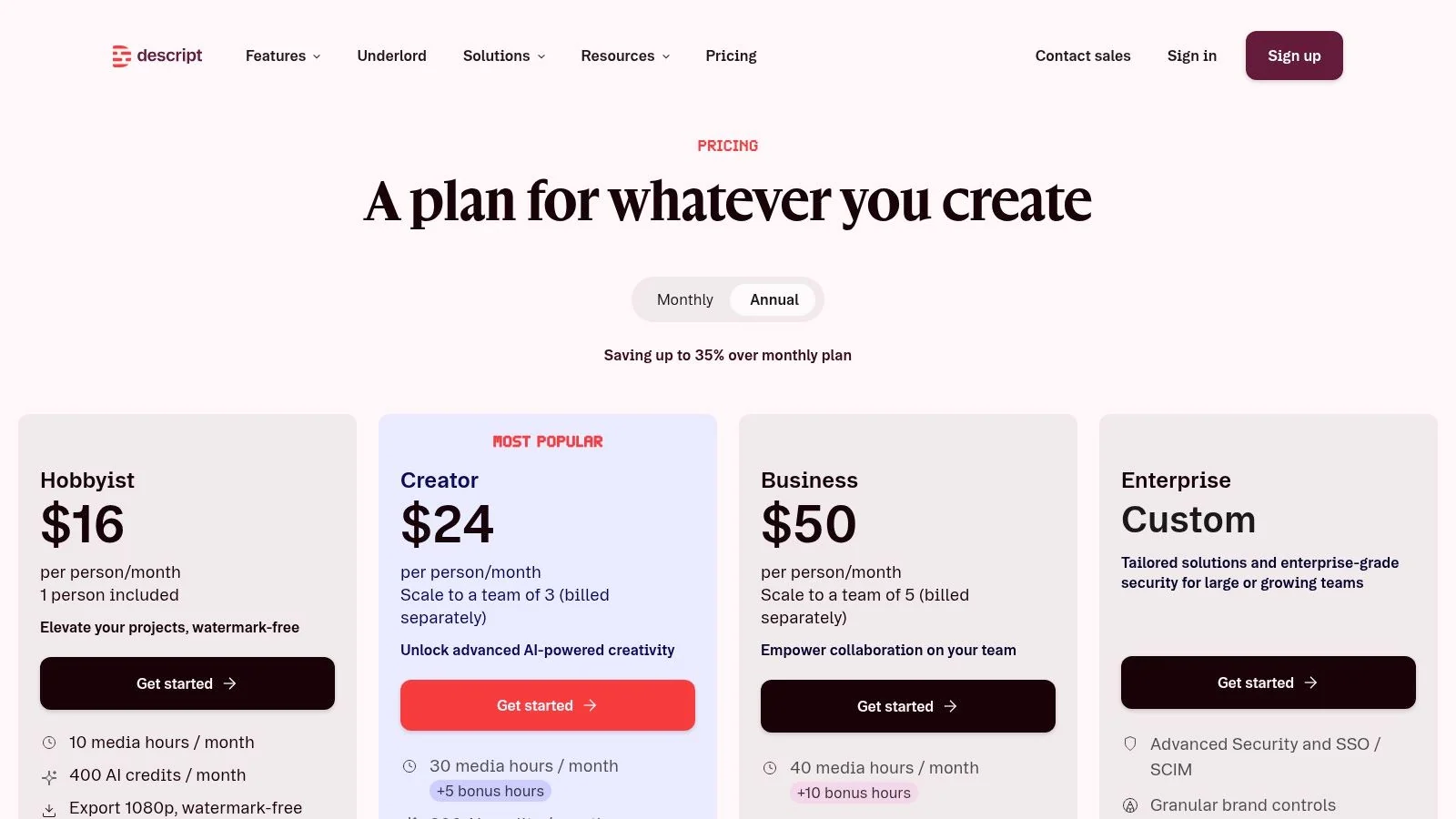
A lot of creator bottlenecks start after recording, not before. The interview ran long, the webinar wandered, the tutorial has five good minutes buried inside forty average ones. Descript is useful because it cuts through that cleanup stage fast.
Its core advantage is simple. You edit spoken content by editing text. For teams producing podcasts, webinar clips, customer interviews, and screen-recorded explainers, that usually means faster first cuts and fewer low-value timeline tasks.
That matters in a real stack. I use Descript when the job is reducing friction between raw recording and publishable asset, not when a project depends on detailed motion work or precise visual pacing.
Where it fits best
Descript earns its place when language drives the edit. You can remove filler words, trim repetition, clean up transcript sections, and improve listenability without spending most of the session nudging clips on a traditional timeline. Overdub also helps on revision-heavy projects where re-recording a line would slow the whole workflow down.
A practical use pattern looks like this:
- Podcast editing: Tighten conversations and remove verbal clutter quickly.
- Webinar repurposing: Pull short, usable segments from long recordings.
- Tutorial cleanup: Edit screen recordings and voice-led explainers where the script or transcript is the main structure.
- Review cycles: Make script-level changes before handing polished assets to a video editor.
If you are building software education content, this guide on how to create AI video for tutorials is a useful companion because it shows how screen-based instruction and AI-assisted production can work together.
The real trade-off
Descript is strongest at spoken-content editing. Its limits show up when visuals carry the story. If the project needs layered graphics, intricate transitions, or tight cinematic pacing, transcript editing stops being enough and a traditional editor becomes the better choice.
That trade-off is why Descript works best as a production-speed tool inside a broader workflow. Use it to clean the story, shape the script, and produce the rough cut. Then move to a more visual editor only when the project needs that extra control.
For creators who publish a lot of voice-first content, Descript remains one of the most efficient tools in the stack.
6. Synthesia
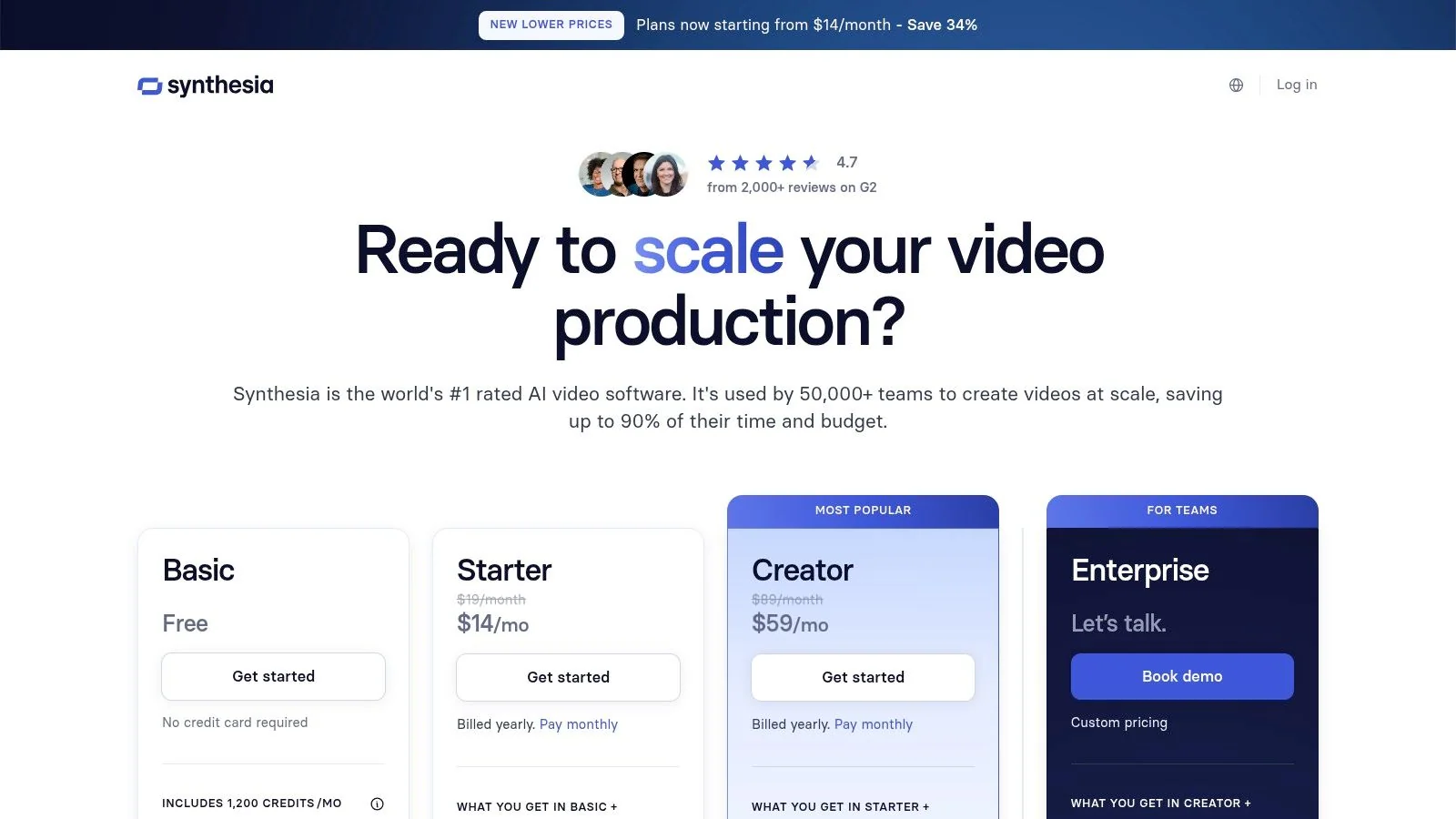
Synthesia is a strong option when you need presenter-led videos without filming presenters. That includes training modules, internal enablement content, onboarding explainers, and multilingual business communication where consistency matters more than personality-driven performance.
It’s not the tool I’d choose for every content format. It is the tool I’d choose when reliability and repeatability matter most.
Best-fit workflow
Synthesia works well for organizations that need to turn scripts into clean, standardized videos across teams and languages. Script-to-video production with avatars is efficient when the message is structured and the format is expected.
That’s why it’s often useful for:
- Training content
- Product explainers
- Internal communication
- Localization-heavy business video
The big advantage is consistency. You don’t need to schedule presenters, maintain camera setups, or re-record every change.
The real trade-off
Avatar-led content can feel less dynamic than screen-driven tutorials or human-shot social content. That doesn’t matter in every context, but it does matter if attention, warmth, or platform-native energy is the priority.
Use Synthesia when the job is clear communication at scale. Don’t use it when the creative brief depends on spontaneity, visual variety, or a more human performance style.
7. ElevenLabs
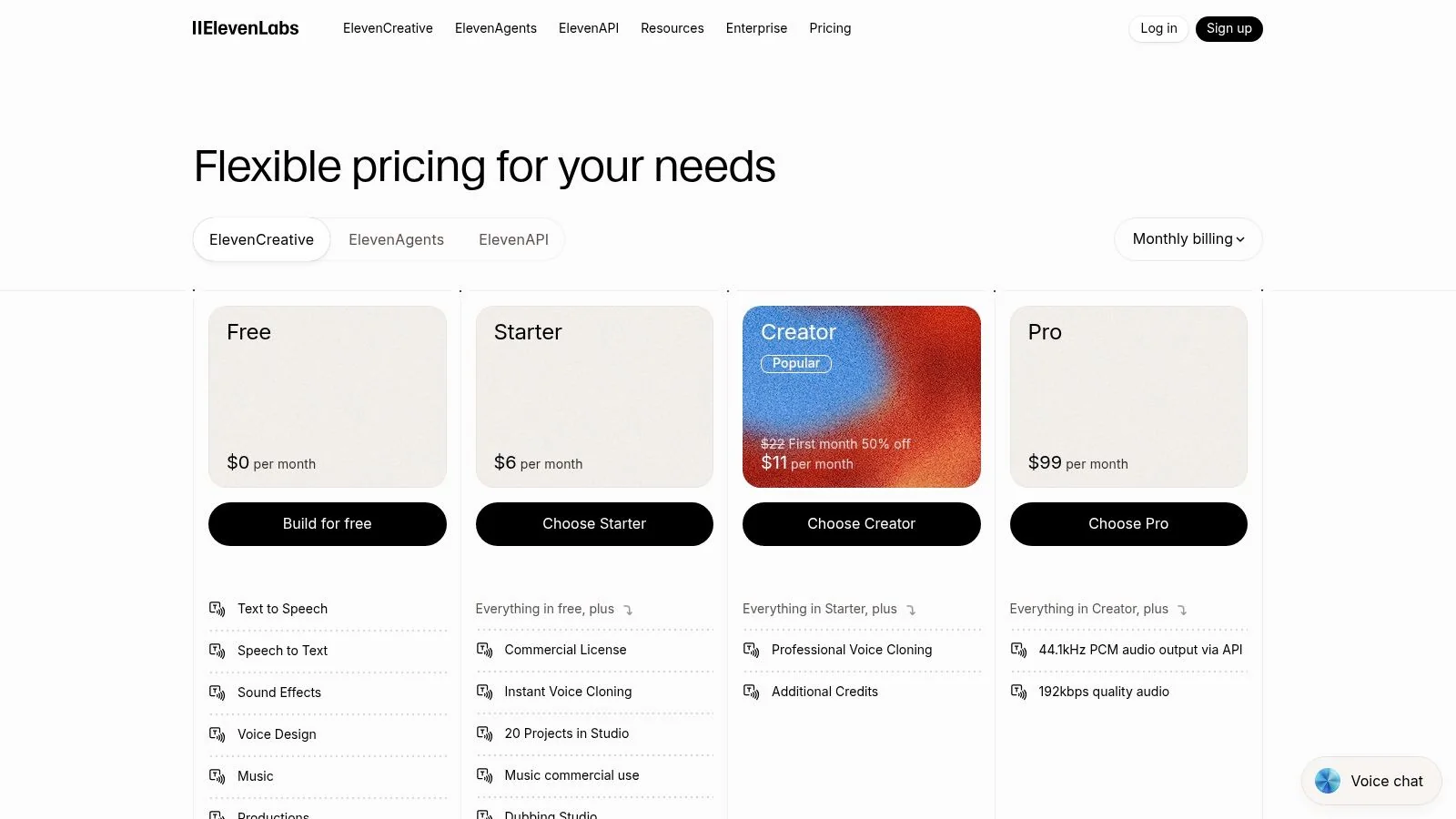
A lot of content teams hit the same wall after the script is done. The copy is solid, the edit is clean, and then the voiceover makes the whole piece sound cheaper than it should. ElevenLabs earns its place by fixing that specific problem.
I use it for projects where the voice needs to carry credibility. That usually means product walkthroughs, educational videos, software tutorials, localized explainers, and any asset where bad pacing or flat delivery will distract from the message. General video tools can add narration. ElevenLabs is better when narration quality is the production requirement, not an afterthought.
Where it fits best
ElevenLabs works well for creators and teams that need to produce spoken content repeatedly across formats and languages without recording every version by hand.
Its best use cases are:
- Narration for tutorials and explainers
- Voice cloning for consistent recurring content
- Dubbing and localization
- API-based voice generation inside larger production workflows
That last point matters if you are building a stack instead of buying isolated tools. A practical workflow looks like this: write the script in your planning tool, build the screen-based lesson in Tutorial AI or Descript, generate narration in ElevenLabs, then publish localized versions with the same pacing and structure. If voice is the missing layer in your tutorial process, this guide to an AI voice generator for videos is a useful next step.
The trade-off
ElevenLabs is a specialist tool, so the cost only makes sense if voice quality affects performance or trust. For quick social clips, rough internal drafts, or content where captions do most of the work, a built-in voice feature may be good enough.
The other trade-off is operational. Usage-based pricing gets expensive if you are producing high-volume dubbing at scale, and voice cloning requires process discipline around approvals, rights, and brand use. Those are manageable issues, but they are real ones.
Use ElevenLabs when narration quality is part of the product. Skip it when audio is secondary and speed matters more than polish.
8. Jasper
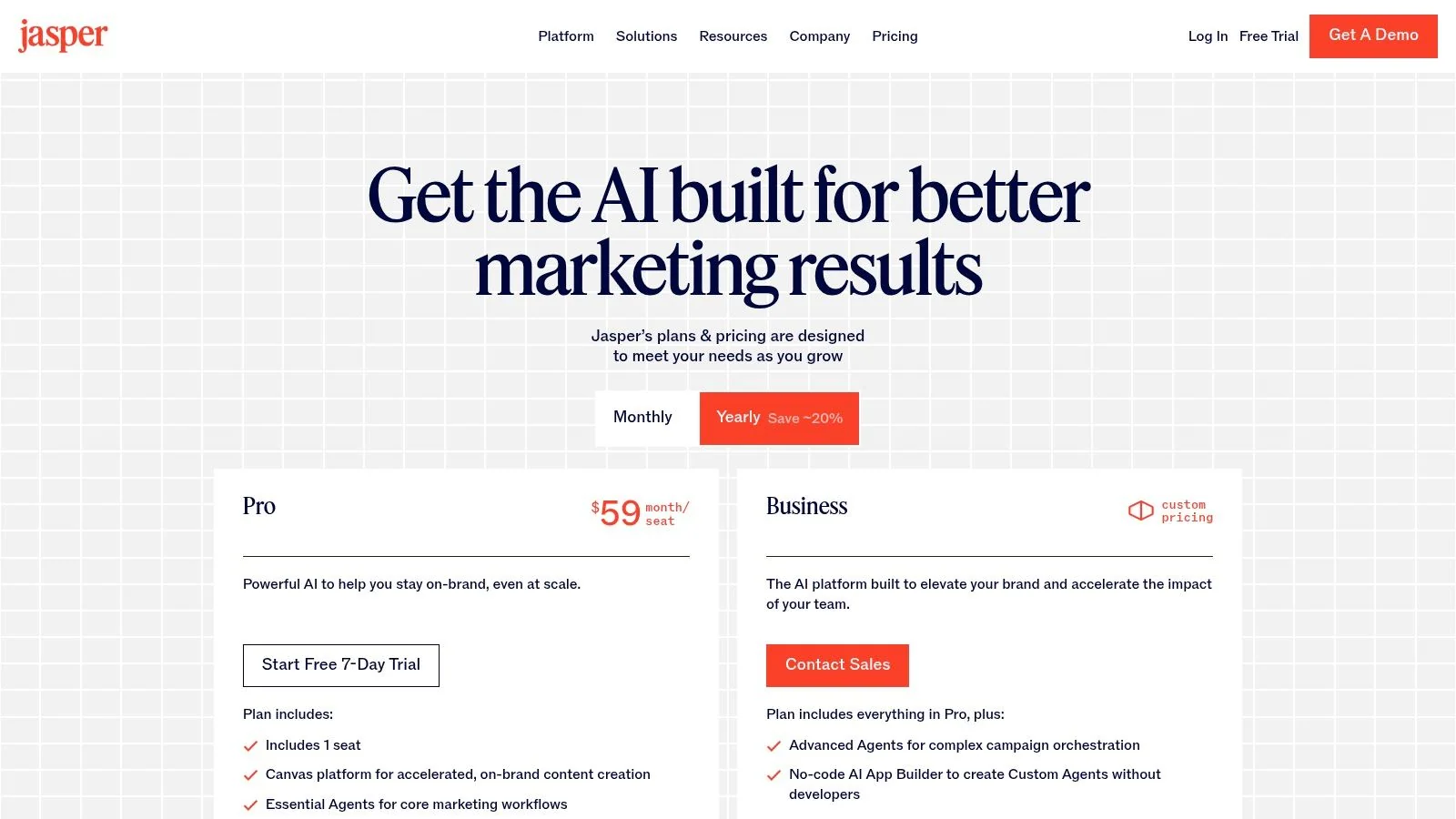
Jasper works best when content quality depends on brand control across a team. If three writers, a demand gen lead, and a product marketer all touch the same campaign, speed stops being the only goal. Consistency becomes the job.
That is where Jasper earns its cost. It is less about raw generation and more about keeping messaging, tone, and campaign structure aligned while multiple people are drafting at once.
Where Jasper is strong
Jasper is a good fit for marketing teams producing high volumes of launch copy, nurture emails, landing pages, paid social variations, and sales enablement assets. Its Brand Voice and workflow features matter because they reduce the cleanup work that usually happens after the first draft.
In practice, Jasper is most useful for:
- Campaign copy that needs to stay on-brand across channels
- Teams with review layers and shared approval standards
- Writers who need faster first drafts without starting from a blank page
- Organizations that want reusable templates for recurring content types
I have found Jasper most effective after the strategy work is already settled. Build the messaging framework first, then use Jasper to scale it. If your team still needs help tightening structure before drafting, a video script template for repeatable content workflows can make Jasper’s outputs more consistent.
The trade-off
Jasper is harder to justify for solo creators or small teams with loose brand requirements. A general AI assistant can often handle ideation, rough drafts, and revisions at a lower cost. Jasper becomes more valuable as process complexity increases.
It also works best for marketing copy, not every kind of content. For example, I would use Tutorial AI or Descript for software tutorial production, then bring Jasper in for launch emails, product page copy, webinar promos, and campaign variants around that core asset. That is the smarter stack. Let specialist tools handle the tutorial itself, and use Jasper to package and distribute the message around it.
For in-house marketing teams with approval chains and channel sprawl, Jasper is still a strong option because it helps teams standardize output, not just produce more of it.
9. Notion AI
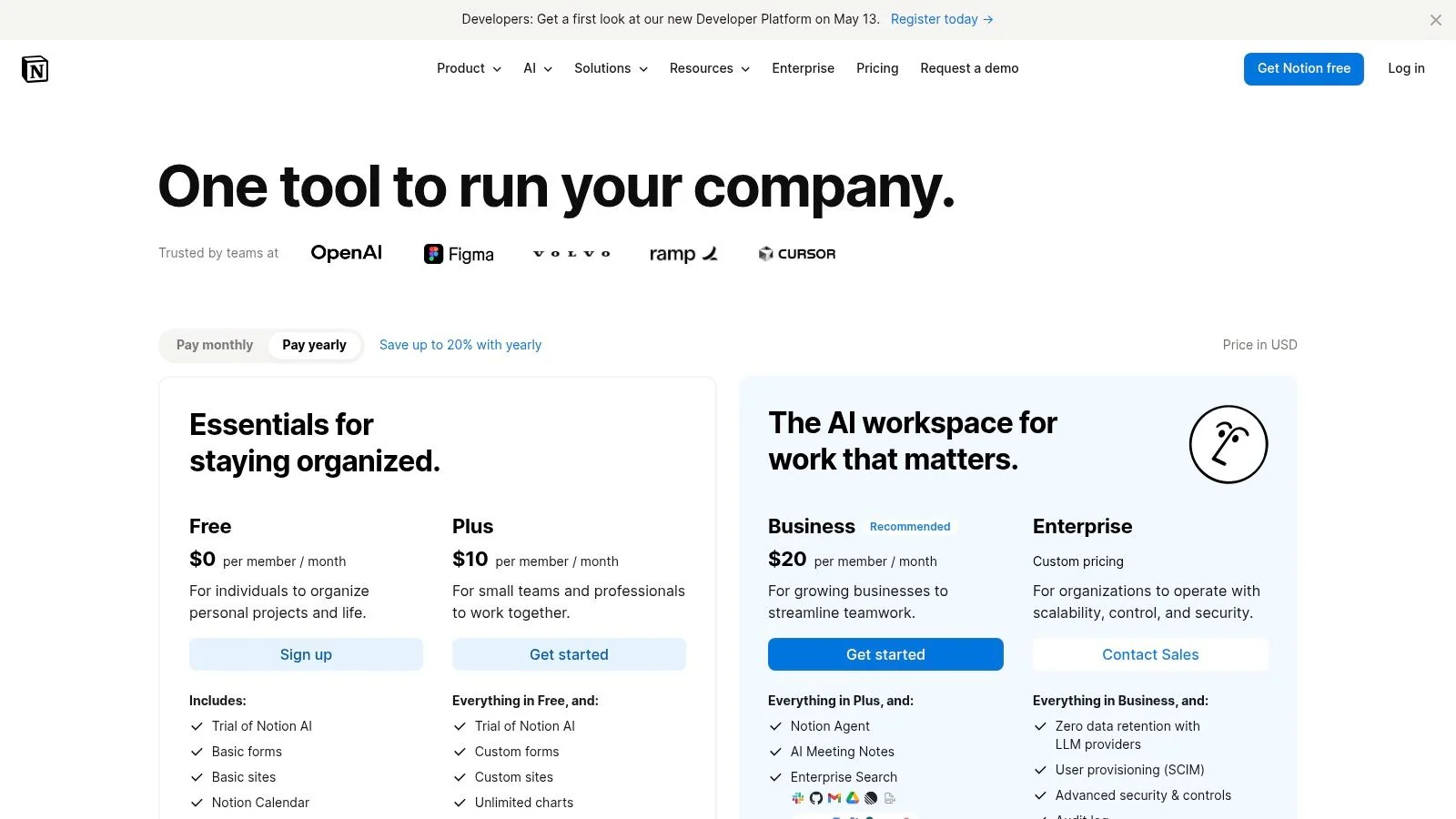
Notion AI isn’t the strongest writer or the strongest researcher in a vacuum. It’s valuable because it keeps planning, drafting, documentation, and internal coordination in one workspace. For content teams, that unification matters more than any single generation feature.
A lot of AI stacks fail because the work gets scattered. Briefs live in one app, scripts in another, meeting notes somewhere else, and production tasks in a project tool no one updates. Notion AI helps reduce that fragmentation.
Best use case
Use Notion AI when content operations are the bottleneck. Editorial calendars, idea capture, outlines, meeting summaries, script drafts, and production notes all benefit from being close together.
That makes it especially useful for teams managing:
- Content calendars
- Creative briefs
- Script drafts
- Knowledge repositories
- Cross-functional planning
If your team builds repeatable script workflows, a solid video script template can pair well with Notion AI as the planning layer.
The best planning tool isn’t always the smartest AI tool. It’s often the one your team actually keeps open all day.
Limitation to expect
Notion AI is less satisfying if you want best-in-class output for every single task. That’s not really its purpose. It’s a workflow layer, not a specialist engine for every content problem.
For teams that value coordination as much as creation, Notion AI can become one of the most useful tools in the stack.
10. Opus Clip
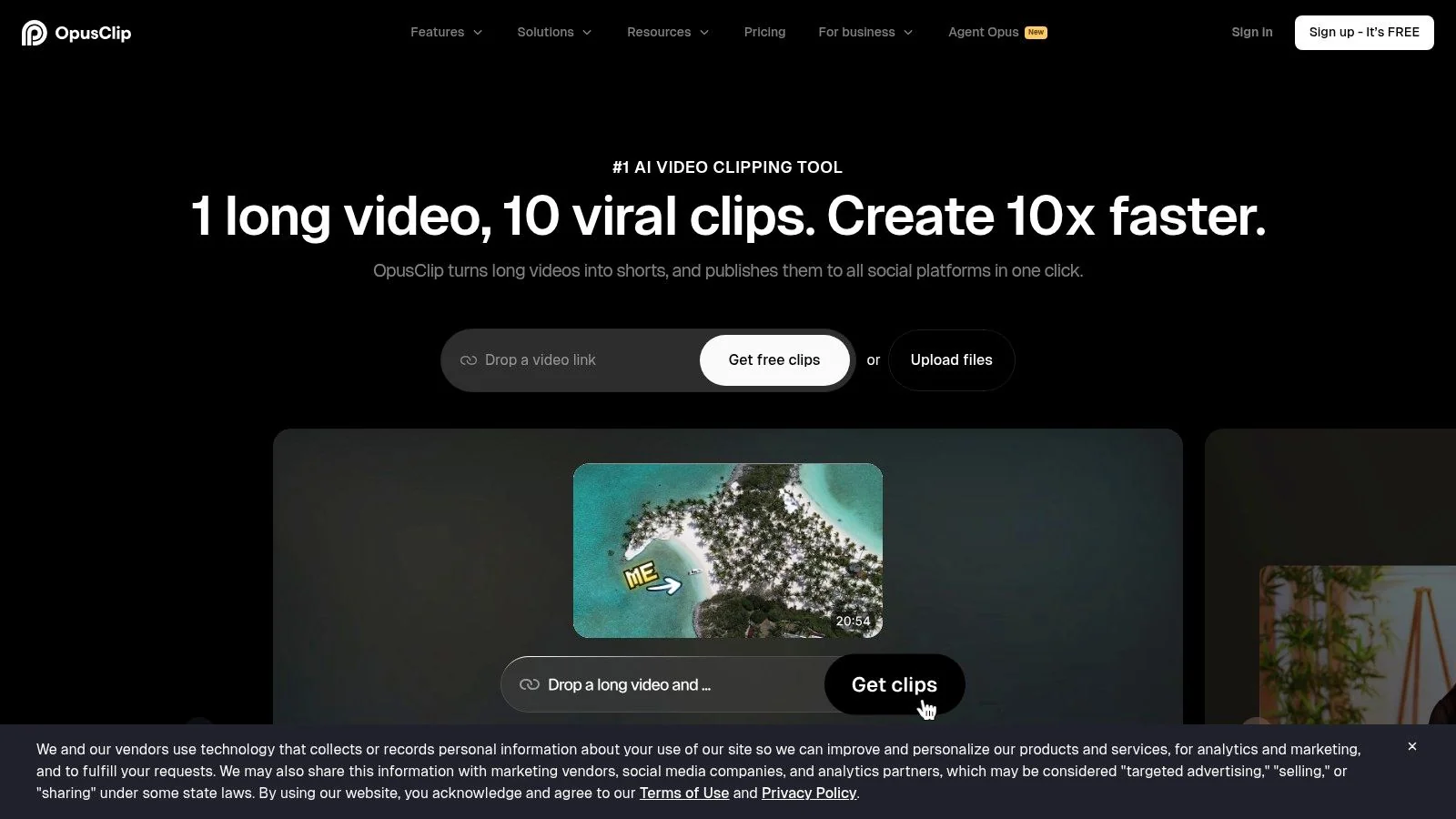
A 45-minute webinar rarely fails because the content is weak. It underperforms because no one has time to cut six strong social clips, resize them, caption them, and publish them fast enough to catch the campaign window. Opus Clip addresses that production gap.
Its value is simple. It turns long-form video into short-form assets quickly enough that repurposing becomes a repeatable workflow instead of a backlog item. For creators running podcasts, interviews, product demos, training sessions, or event recordings, that matters more than another general-purpose AI feature.
What it does well
Opus Clip handles the mechanical work that usually slows teams down: finding clip-worthy moments, reframing speakers for vertical formats, generating captions, and packaging the output for short-form channels. The built-in scoring and hook detection can help surface usable excerpts faster, especially when the source video is long and the editing queue is already full.
It works best for:
- Webinar repurposing
- Podcast-to-shorts workflows
- Demo excerpting
- Social distribution from long-form content
In practice, I see Opus Clip fit best near the end of the stack. The long-form asset gets created elsewhere, then Opus Clip helps squeeze more distribution value out of it. That makes it a strong multiplier tool, not a starting point.
Where human judgment still matters
Auto-selected clips are not the same as good editorial choices. A tool can spot pauses, punchy lines, and likely hooks. It cannot reliably judge whether a clip matches your positioning, whether the first sentence makes sense without context, or whether the excerpt attracts the right audience instead of empty views.
That trade-off matters. Teams that publish every AI-selected clip without review usually end up with repetitive posts, weak narrative setup, or clips that sound sharper than they convert.
Use Opus Clip to speed up selection and formatting. Keep a human editor on final clip choice, sequencing, titles, and distribution decisions.
Top 10 AI Tools for Content Creators, Feature & Use Case Comparison
| Tool | Core features | AI & unique strengths (✨) | UX & Quality (★) | Target audience (👥) | Pricing / Value (💰) |
|---|---|---|---|---|---|
| 🏆 Tutorial AI | Screen recorder + text‑first editor, cursor post‑edit, docs export | ✨ AutoRetime translations; lifelike TTS (74 langs); post‑record cursor effects | ★★★★★ studio‑quality, fast edits | 👥 Docs, L&D, Support & Sales enablement teams | 💰 Free → Solo/Growth → Enterprise; export‑minute caps on lower tiers |
| Adobe Firefly | Image/vector generation; Video (beta); CC integrations | ✨ Content Credentials; licensed training data for brand safety | ★★★★ professional, IP‑friendly | 👥 Designers, agencies, brand teams | 💰 Credit & CC subscription model; tiered video/audio credits |
| Canva Magic Studio | Templates, text‑to‑image, simple video & slides | ✨ Magic Eraser/Expand, Magic Design + big asset library | ★★★★ fast, template‑driven for non‑designers | 👥 Marketers, small teams, social creators | 💰 Freemium → Pro/Enterprise; AI quotas vary by plan |
| Runway | Text/image→video, upscaling, editor projects | ✨ Multiple Gen models (4.5/4/3), Turbo modes for motion | ★★★★ powerful for experimental video; credit management needed | 👥 Video creators, VFX, experimental studios | 💰 Credit‑based; costs scale with length/iterations |
| Descript | Transcript-driven editor, screen record, overdub, cleanup | ✨ Overdub voice cloning, Studio Sound, filler removal | ★★★★ speeds rough‑cut & polish via text edits | 👥 Podcasters, tutorial creators, communicators | 💰 Freemium → paid tiers; transcription hour caps apply |
| Synthesia | Script→video with AI avatars; PPT→video, translations | ✨ 160+ languages, templates & team workspaces | ★★★ consistent, efficient for talking‑head content | 👥 Training, e‑learning, HR & product enablement | 💰 Minute caps per plan; team pricing for scale |
| ElevenLabs | TTS, voice cloning, dubbing studio, API | ✨ Very natural synthetic voices; strong dubbing tools | ★★★★★ industry‑leading voice quality | 👥 Voiceover, localization teams, developers | 💰 Credit/character billing; can be costly at high volume |
| Jasper | AI copy, brand voice & governance, agents | ✨ Brand Voice/Knowledge & multi‑seat collaboration | ★★★★ marketing‑focused, governed outputs | 👥 Content, growth & marketing teams | 💰 Team/business tiers; best ROI at scale |
| Notion AI | Writing, research, meeting notes, Agents & automations | ✨ Embedded Agents + workspace & docs integration | ★★★★ unified content planning + AI | 👥 Product teams, docs/authors, planners | 💰 Included in Notion plans; Agents via credit system |
| Opus Clip | Long→short auto clipping, reframing, captions, publishing | ✨ ClipAnything/ReframeAnything + direct platform publishing | ★★★★ very fast repurposing; limited advanced NLE edits | 👥 Social creators, repurposers, marketers | 💰 Credit/tiered model; heavy users need higher tiers |
Building Your AI Stack And Final Thoughts
Monday starts with a familiar mess. Product marketing has a webinar recording, support has three feature questions that need tutorial videos, and the social team wants short clips by Friday. The problem usually is not a lack of AI tools. It is a stack built around categories instead of workflow.
The best setup starts with the bottleneck. If scripting is slow, fix drafting. If reviews drag, fix collaboration. If software tutorials keep getting stuck between screen recording and final polish, fix that handoff first.
For many teams, that handoff is the expensive part. Subject matter experts know the product, but they do not want to spend hours inside a timeline editor trimming pauses, rewriting narration, retiming captions, and exporting localized versions. Tutorial AI solves that specific production problem well. It turns a rough walkthrough into an editable script, then lets the team clean up language, regenerate voiceover, adjust pacing, and publish a tutorial that looks deliberate instead of improvised.
That changes the stack decision. Tutorial AI should not sit at the edge as one more app. For teams producing demos, onboarding videos, release walkthroughs, and help content, it works best as the center of a tutorial workflow.
A practical stack looks like this:
- Use ChatGPT for ideation and first-draft scripting. It is fast for outlining flows, turning release notes into a tutorial script, and generating alternate explanations for different audiences. The trade-off is inconsistency. It still needs a human editor to remove vague phrasing and match product terminology.
- Use Tutorial AI for recording, script cleanup, narration, captions, and localization. This is the strongest fit when the source material is a product walkthrough and the goal is clear instruction, not cinematic editing. The trade-off is obvious. It is purpose-built, so teams needing heavy motion graphics or advanced timeline control will still want a traditional editor for some projects.
- Use Adobe Firefly or Canva Magic Studio for supporting visuals. Firefly is a better choice when brand control and Adobe workflows matter. Canva is faster for lightweight team production, thumbnails, diagrams, and launch assets. The trade-off is depth versus speed.
- Use ElevenLabs when voice quality or multilingual dubbing needs to sound polished. Built-in narration is often enough for internal explainers. ElevenLabs earns its place when voice realism affects trust, retention, or localization quality.
- Use Descript or Runway only where they add a specific advantage. Descript is useful for text-based cleanup on podcasts, interviews, and talking-head video. Runway makes sense for creative video tasks and visual experimentation. Neither should be added just because they are popular.
- Use Opus Clip after the main asset is approved. It is a distribution tool, not the production hub. It saves time when you already have a webinar, demo, or tutorial worth slicing for short-form channels.
- Use Jasper or Notion AI as the operating layer. Jasper fits teams that need tighter brand governance across campaigns. Notion AI fits teams that want planning, briefs, notes, and production docs in one workspace.
I use a simple rule when choosing the stack. One tool should own the core asset. Everything else should support planning, asset creation, or distribution. Once two tools are fighting for the same job, review cycles get longer and version control gets sloppy.
A strong example is software tutorial localization. Start with a rough script in ChatGPT. Record the walkthrough in Tutorial AI. Clean up the transcript inside the same workflow so the instructional logic is clear before anyone translates it. Then regenerate narration or create localized versions for regional teams. Add thumbnail and in-article graphics in Canva or Firefly. If the launch also needs social distribution, send the final recording to Opus Clip for short segments. That sequence keeps the product expert focused on explanation instead of post-production mechanics.
The trade-off across any AI stack is breadth versus friction. An all-in-one setup sounds efficient, but it often compromises on one critical step. A highly specialized stack can produce better output, but every extra handoff creates review overhead. The right answer depends on content volume, team skill, and how expensive delays are.
Final advice is simple. Build around the asset you publish most, not the tool category getting the most attention. For many creators, that means choosing the best drafting assistant or clip generator. For product-led teams, it often means choosing the fastest path from raw walkthrough to publishable instruction. That is why Tutorial AI stands out in this lineup. It improves a workflow that is usually slow, technical, and hard to delegate.
For teams refining AI-assisted writing before publication, this guide to humanize chatgpt text is also worth reviewing.
If your team creates demos, onboarding videos, feature release walkthroughs, or knowledge base content, Tutorial AI is worth trying first. It gives subject matter experts a practical way to record freely, polish the script, regenerate narration, localize the result, and publish on-brand tutorials without wrestling with a timeline editor.