
All the AI. None of the browser limitations. Half the price.
Trupeer runs in your browser and brings a video-editing mindset to a problem that should be solved with text. Tutorial.ai's native desktop app and text-based editing get you from raw recording to polished tutorial in minutes — without a timeline, without manual sync, and without a $199/mo team bill.
| Feature | Tutorial.ai | Trupeer |
|---|---|---|
| Recording method | Native desktop app (Mac, Windows) | Browser-based only |
| Mobile recording | ✅ iPhone and iPad | ❌ |
| Cursor captured as separate data stream | ✅ Enables precise effects | ❌ Cursor baked into pixel stream |
| Cursor smoothing | ✅ Automatic | ❌ |
| Cursor resize & click animations | ✅ | ❌ |
| AutoZoom on key UI elements | ✅ Driven by pointer data | Limited |
| AI script generation | ✅ | ✅ |
| AI voiceover narration | ✅ Multiple voices and languages | ❌ Not available for silent recordings |
| Edit text to edit video | ✅ No timeline required | ❌ Video-editing timeline workflow |
| AI avatar / talking-head presenter | ❌ Not a feature | ✅ |
| Localization | ✅ 30+ languages | Limited |
| AutoRetime™ (auto-adjust video timing for translated audio) | ✅ | ❌ |
| Brand kits (logos, colors, fonts) | ✅ | Limited |
| Documentation generation from recording | ❌ | ✅ |
| Team collaboration | ✅ Growth plan | ✅ Scale plan |
| Starting price (individual) | $29/mo | ~$199/mo (team plan) |
| Free plan | ✅ | Limited trial |
Native recording means better cursor effects — not just a prettier app
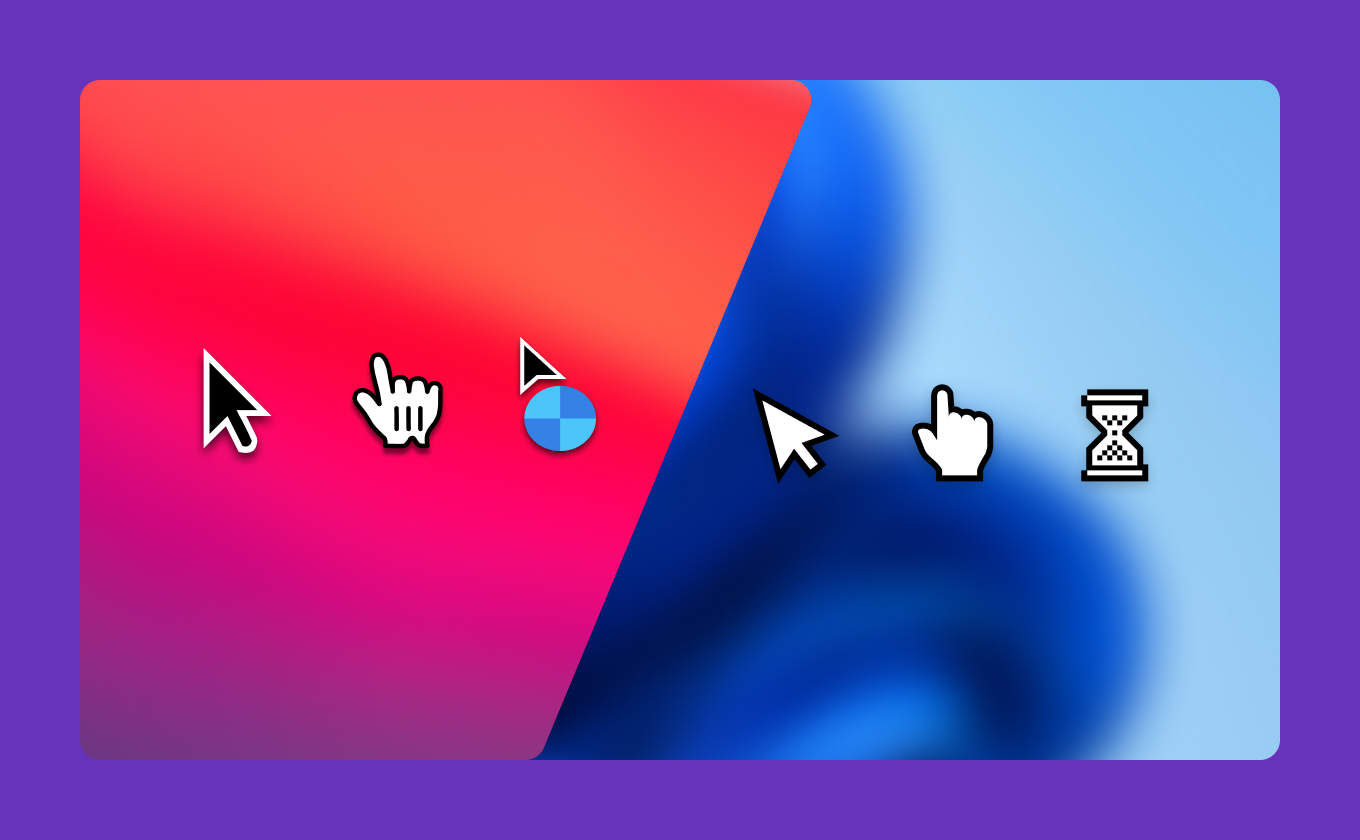
Because Tutorial.ai is a native desktop app, it captures your mouse pointer as a separate data stream, independent of the screen video. This is the architectural foundation for cursor smoothing, resizing, click animations, and AutoZoom — effects that are driven by real pointer coordinates, not pixel-level guesswork. Trupeer runs in the browser, where the cursor is baked into the pixel stream from the moment it's recorded. That makes precise, automatic cursor effects impractical to do well.
Edit the script. The video updates. No timeline involved.
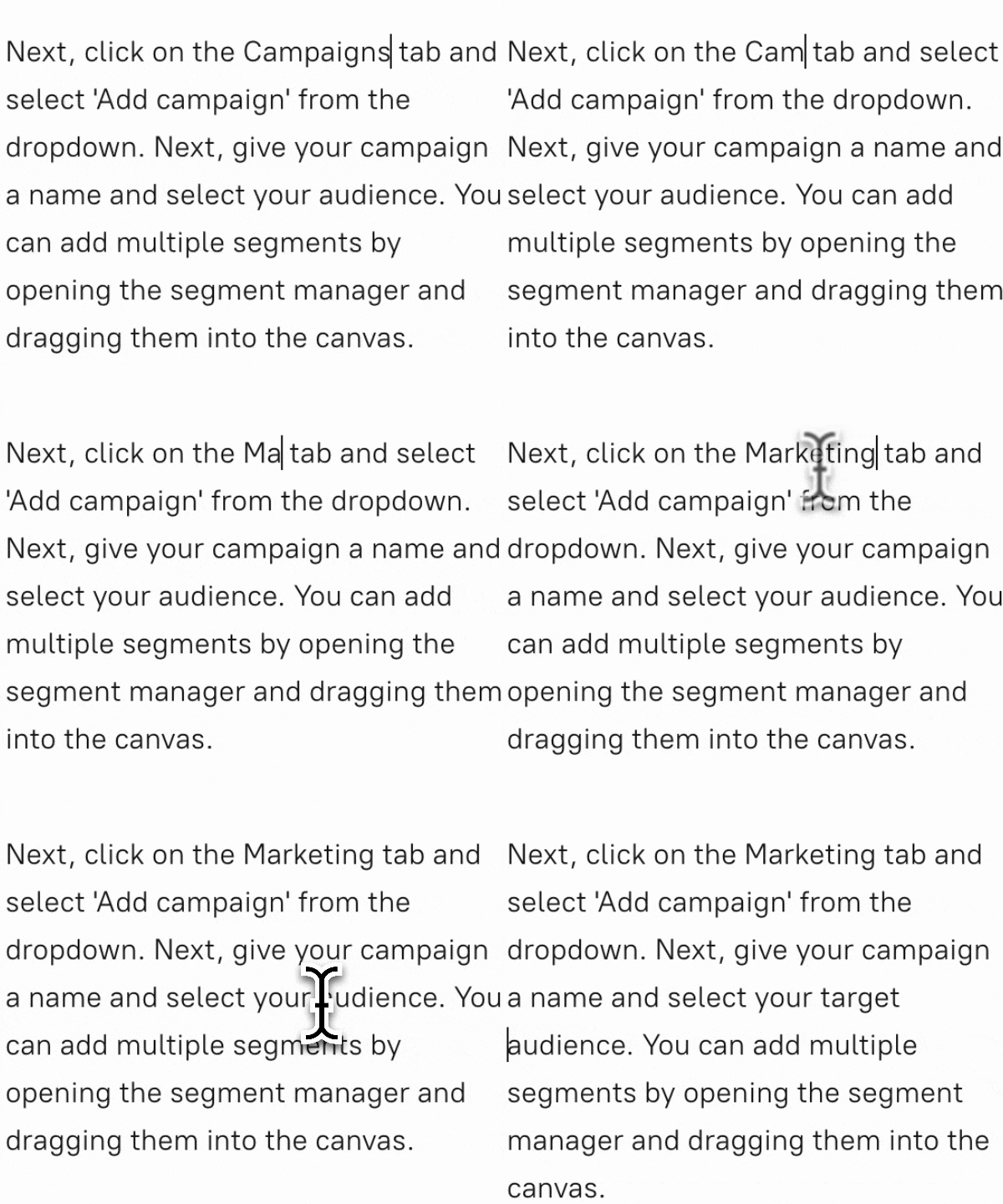
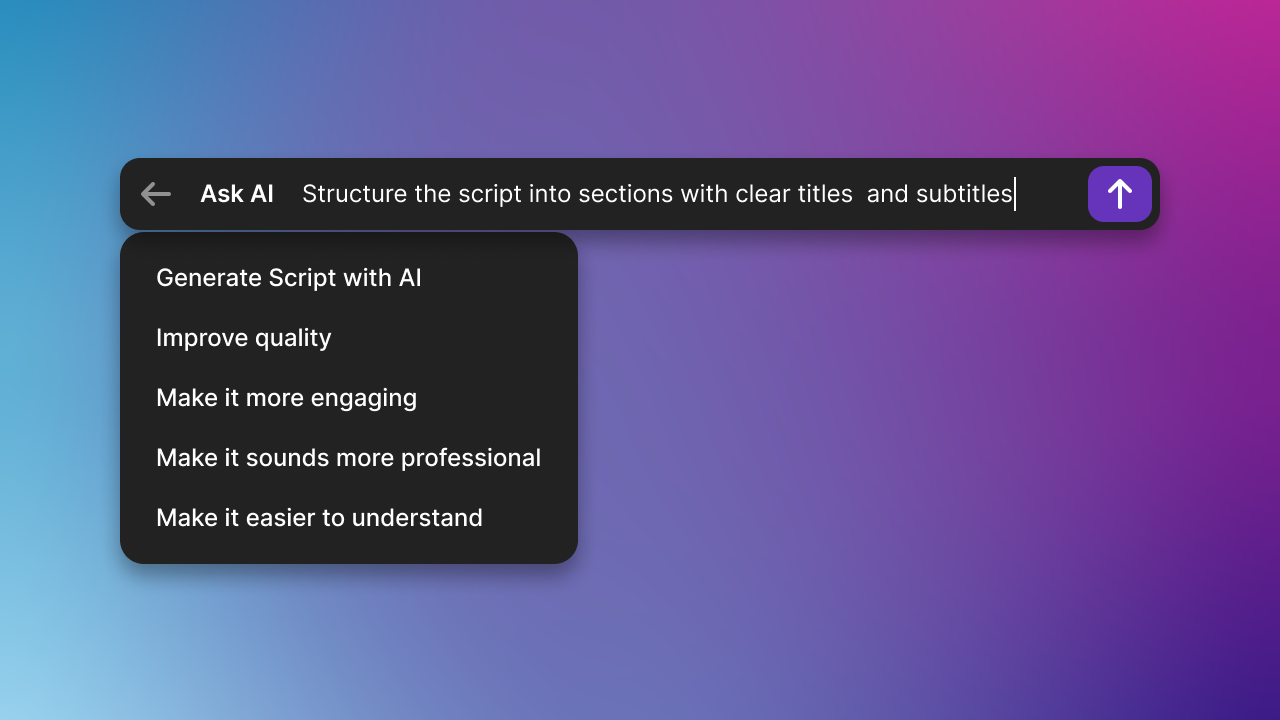
Trupeer approaches video creation the way a traditional editor would — with a timeline-based mindset that puts the burden of syncing audio, trimming clips, and arranging segments on you. Tutorial.ai takes the opposite approach: edit the text transcript and the video updates automatically. There are no keyframes, no clip handles, and no re-sync step. For teams that need to update tutorials frequently as products change, this difference is measured in hours saved per video.
Localize once. AutoRetime™ handles the rest.
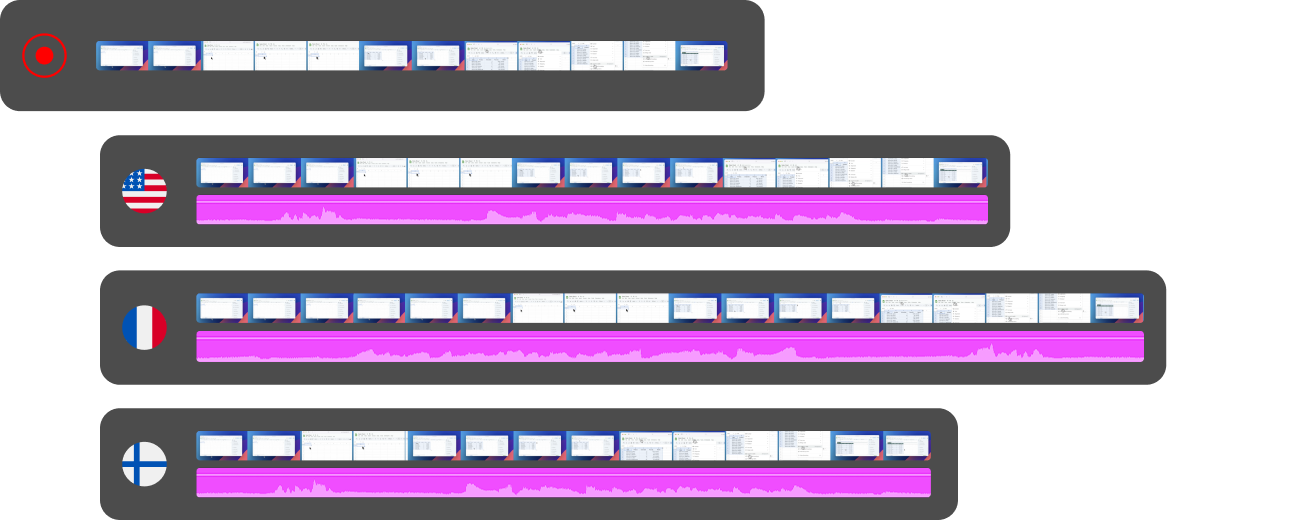
Translating a tutorial video usually means re-recording or manually trimming timing whenever a voiceover runs long or short in another language. Tutorial.ai's AutoRetime™ automatically adjusts the video's pacing to match the translated narration — no re-recording, no manual trimming across 30+ language versions. Trupeer has no equivalent capability. For L&D teams or global product organizations building multilingual video libraries, AutoRetime™ eliminates the single most time-consuming step in localization.

See what polished tutorials look like without the timeline.
Start free and record your first tutorial in minutes, or book a demo to see AutoRetime™ and native cursor effects in action.




