
Tella makes you look good. Tutorial.ai makes your videos production-ready — automatically.
Tella is a polished screen recorder focused on presenter aesthetics. Tutorial.ai is an AI-powered tutorial engine that generates scripts, voiceovers, and cursor effects from your raw recording — no editing skills required.
| Feature | Tutorial.ai | Tella |
|---|---|---|
| Native desktop app (Mac & Windows) | ✅ | ❌ Browser-based only |
| iPhone & iPad recording | ✅ | ❌ |
| AI script generation from recording | ✅ Automatic | ❌ Manual script required |
| AI voiceover narration | ✅ Multiple voices & languages | ❌ Not available |
| Edit text to edit video | ✅ Change transcript, video updates | ❌ No text-based video editing |
| Video timeline editing | ❌ Not needed — text editing replaces it | ✅ Basic timeline available |
| Cursor smoothing (shaky cursor removal) | ✅ Automatic via native pointer data | ❌ Not available |
| Cursor highlight & click animations | ✅ | ❌ |
| AutoZoom on key UI elements | ✅ | ❌ |
| Webcam / presenter overlay | ❌ | ✅ Core feature — customizable camera layouts |
| Localization (30+ languages) | ✅ | ❌ No localization features |
| AutoRetime™ for translated voiceovers | ✅ Unique to Tutorial.ai | ❌ |
| Brand kits (logo, colors, fonts) | ✅ | ✅ Basic branding options |
| Custom intro/outro templates | ✅ | ✅ |
| Team collaboration | ✅ Growth plan ($89/mo) | ✅ Available on paid plans |
| Starting price | $0/mo free, $29/mo Solo | ~$19/mo (limited free tier) |
| Primary use case | AI-generated tutorials & product demos | Polished async video messaging with presenter focus |
AI does the work — you just review and publish
After you record in Tutorial.ai, the AI generates a script, adds a narration voiceover, smooths your cursor, and applies zoom effects — all before you touch the editor. Tella produces a clean recording, but the polish still depends on how well you performed on camera. Tutorial.ai turns an imperfect recording into a professional tutorial automatically.
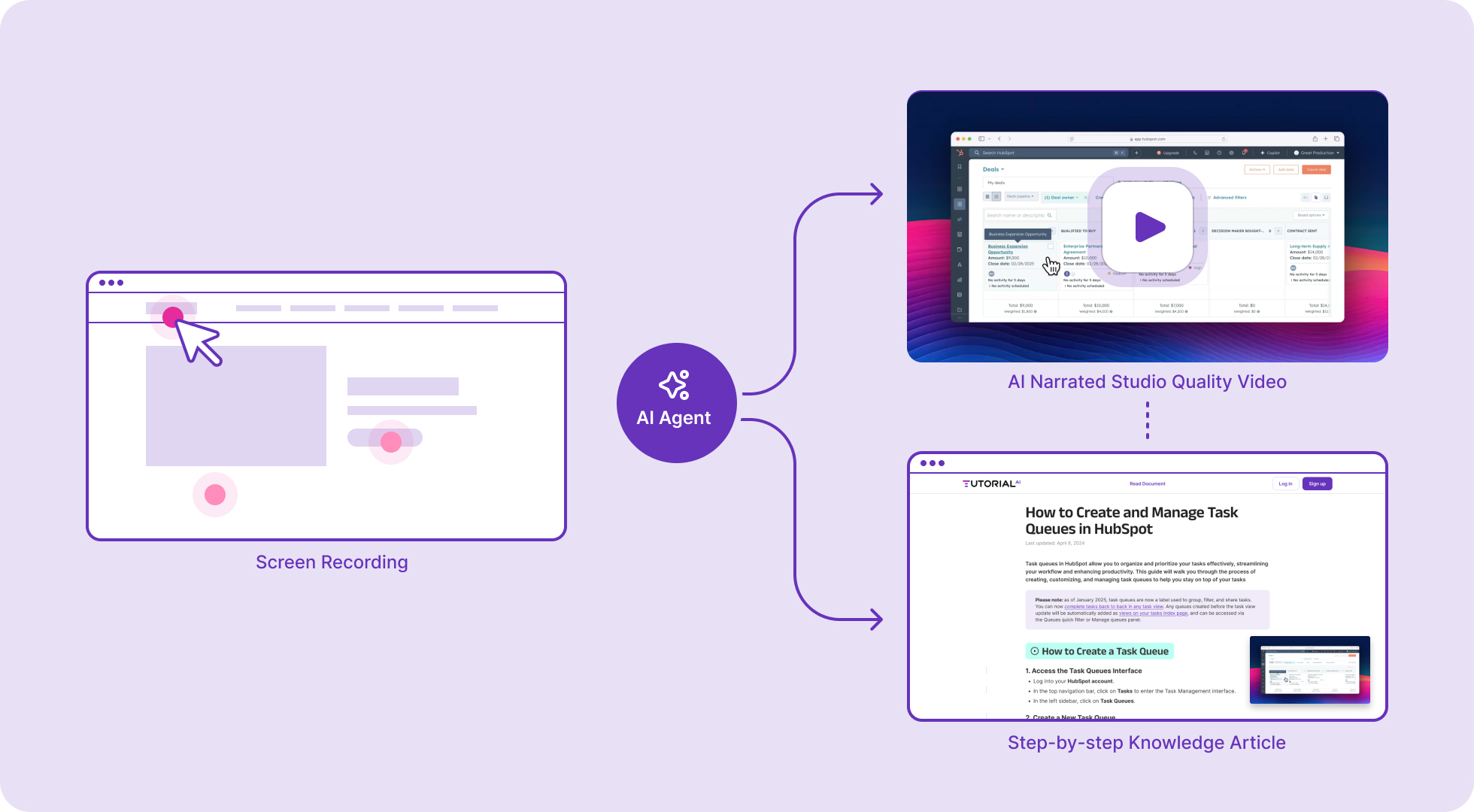
Native app architecture means better cursor effects — by design
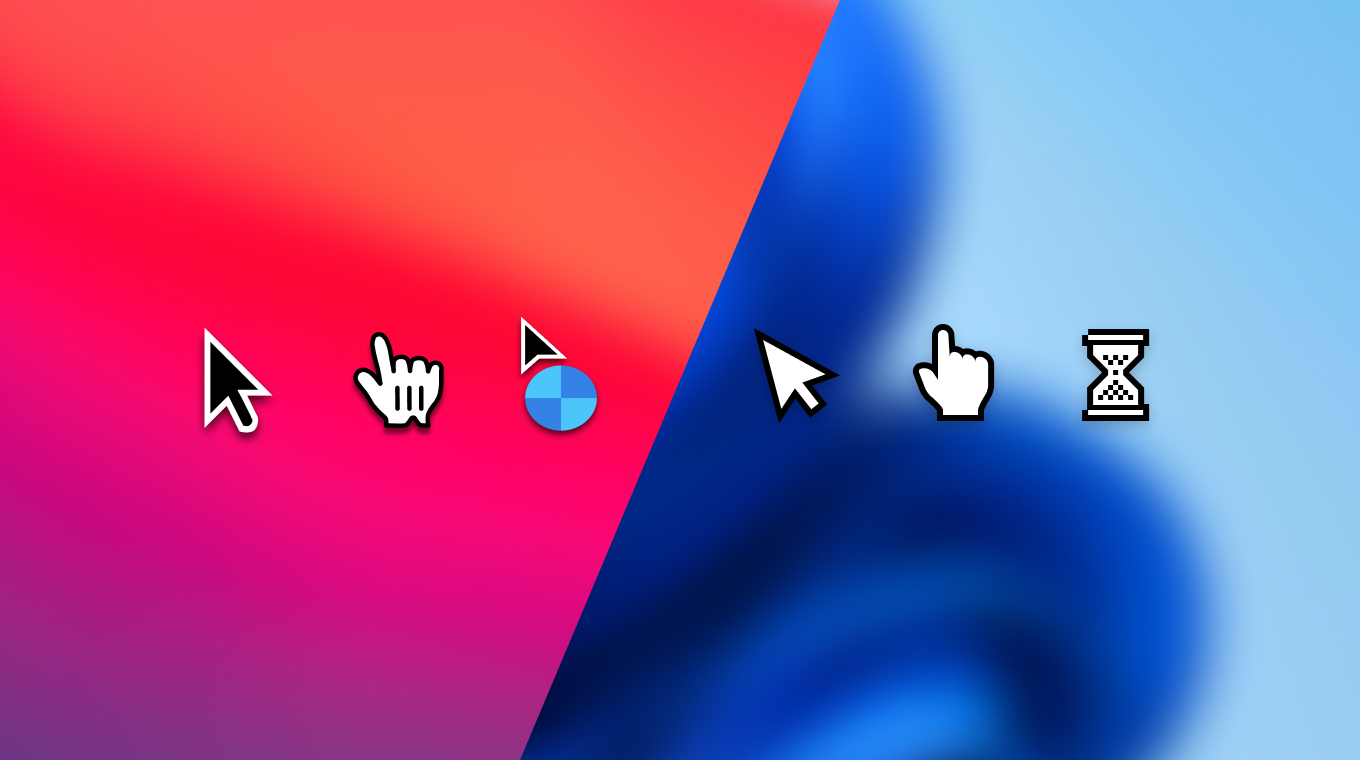
Tutorial.ai's native desktop app captures mouse pointer data as a separate stream from the screen video. This means cursor smoothing, click animations, and AutoZoom are driven by actual pointer position data — not pixel-level filters applied after the fact. Tella runs in the browser and records the cursor as part of the video pixel stream, making these effects impractical or unavailable. If your tutorials live inside software UIs, that difference is visible in every video.
Translate once, publish everywhere with AutoRetime™
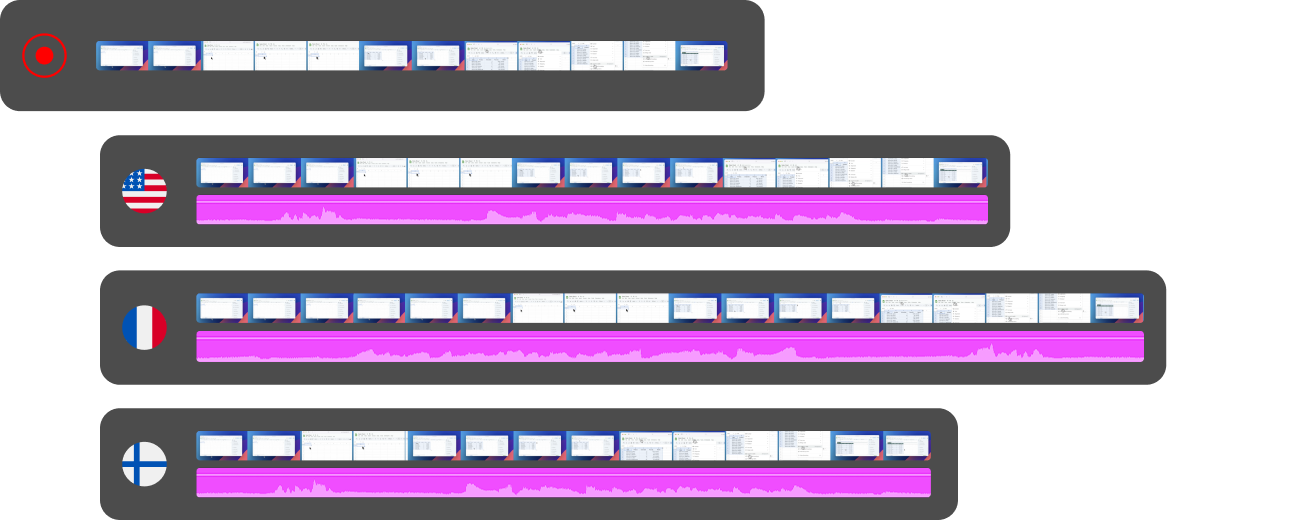
Tutorial.ai can translate your tutorial into 30+ languages and generate a new AI voiceover in each — and AutoRetime™ automatically adjusts the video timing to match the new narration length without re-recording. Tella has no equivalent localization workflow. For teams that need to reach international audiences or support multilingual knowledge bases, Tutorial.ai removes weeks of manual re-editing work.
Ready to make tutorials that build themselves?
Try Tutorial.ai free and see how far a single screen recording goes — or book a demo to see AutoRetime™ and AI voiceover in action.



