
ScreenFlow Edits Video. Tutorial.ai Writes It For You.
ScreenFlow is a capable Mac video editor — but it still requires a timeline, manual trimming, and separate voiceover work. Tutorial.ai automates all of that: record once, and AI generates your script, narration, and a finished video you edit by changing text.
| Feature | Tutorial.ai | ScreenFlow |
|---|---|---|
| Primary workflow | Record → AI generates video → edit text | Record → manually edit on timeline |
| AI script generation | ✅ Automatic from recording | ❌ |
| AI voiceover narration | ✅ Multiple voices and languages | ❌ Manual voiceover recording required |
| Text-based video editing | ✅ Edit the transcript, video updates automatically | ❌ Timeline-based editing only |
| Video timeline editor | ❌ Not applicable (no timeline needed) | ✅ Full-featured multi-track timeline |
| Cursor smoothing (AI) | ✅ Automatic from separate pointer data stream | ❌ No automatic cursor smoothing |
| AutoZoom on UI elements | ✅ AI-driven, powered by pointer data | Manual zoom keyframes required |
| Cursor animations and highlight effects | ✅ Click animations, spotlight — driven by pointer data | Limited manual callout annotations |
| Platform availability | Mac, Windows, iPhone, iPad | Mac only |
| Localization / translation | ✅ 30+ languages with AI voiceover | ❌ |
| AutoRetime™ for translated videos | ✅ Video timing adjusts automatically to new narration length | ❌ |
| Brand kits (logos, colors, fonts) | ✅ Applied consistently across all videos | Manual per-project setup |
| Team collaboration | ✅ Growth plan ($89/mo) includes team features | Single-user license; no native team collaboration |
| Advanced manual video editing | ❌ Not a general-purpose editor | ✅ Multi-track, annotations, transitions, callouts |
| SCORM / LMS export | ❌ | ❌ |
| Embed and share via link | ✅ | Export MP4 only; no native hosting |
| Pricing (individual) | From $29/mo (or free tier available) | ~$169 one-time purchase (Mac App Store) |
| Learning curve | Low — no editing skills required | Moderate — requires familiarity with timeline editing |
No timeline. No manual voiceover. No re-syncing.
ScreenFlow is a respected Mac video editor, but creating a polished tutorial still means recording your voice, trimming clips, placing callouts, and syncing everything on a timeline — work that takes hours per video. Tutorial.ai eliminates all of those steps. Record your screen, and AI automatically generates a script, adds a professional voiceover, smooths your cursor, and produces a finished video. When you need to change something, you edit a word in the transcript — the video updates instantly.

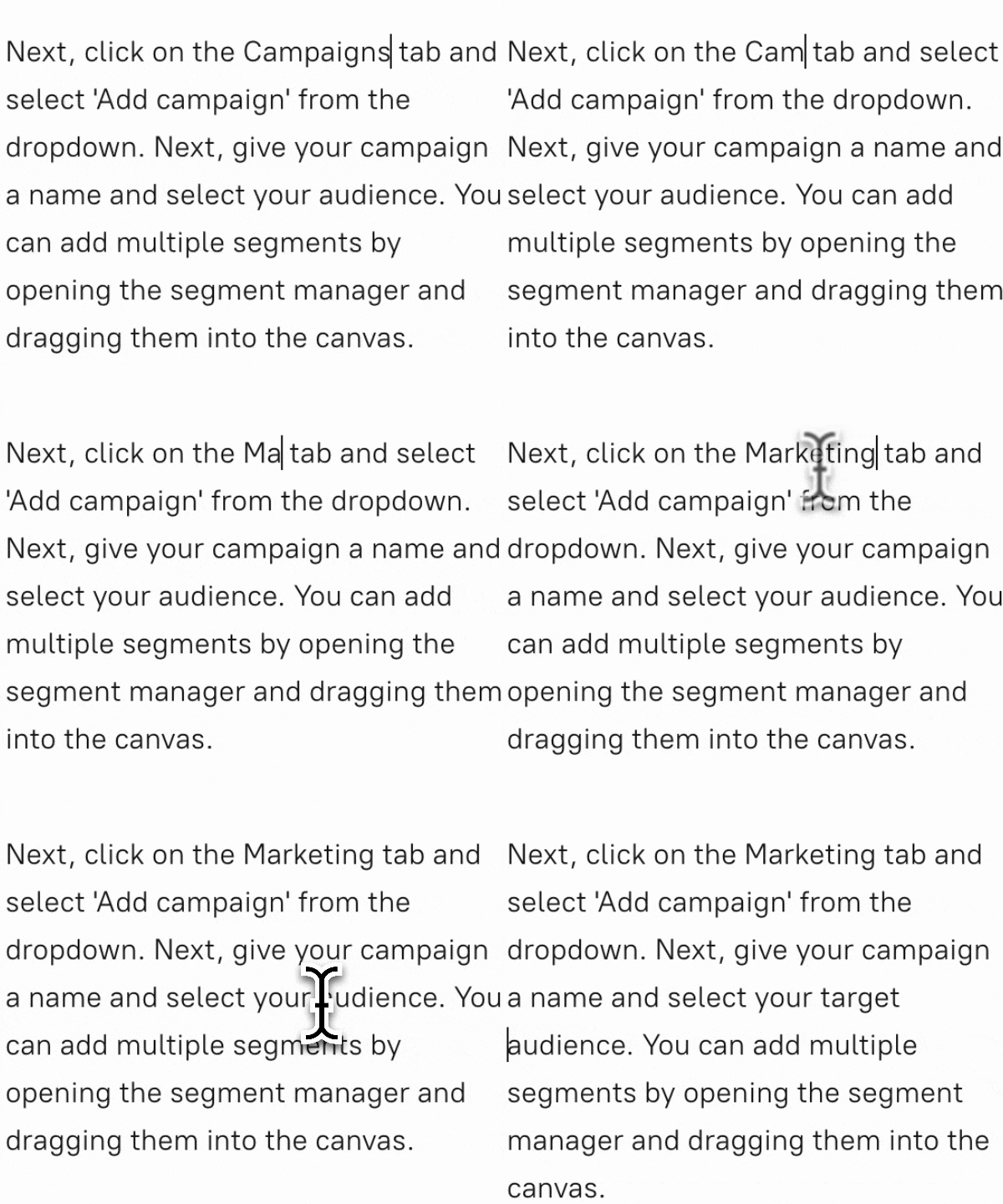
Cursor quality that no manual editor can replicate
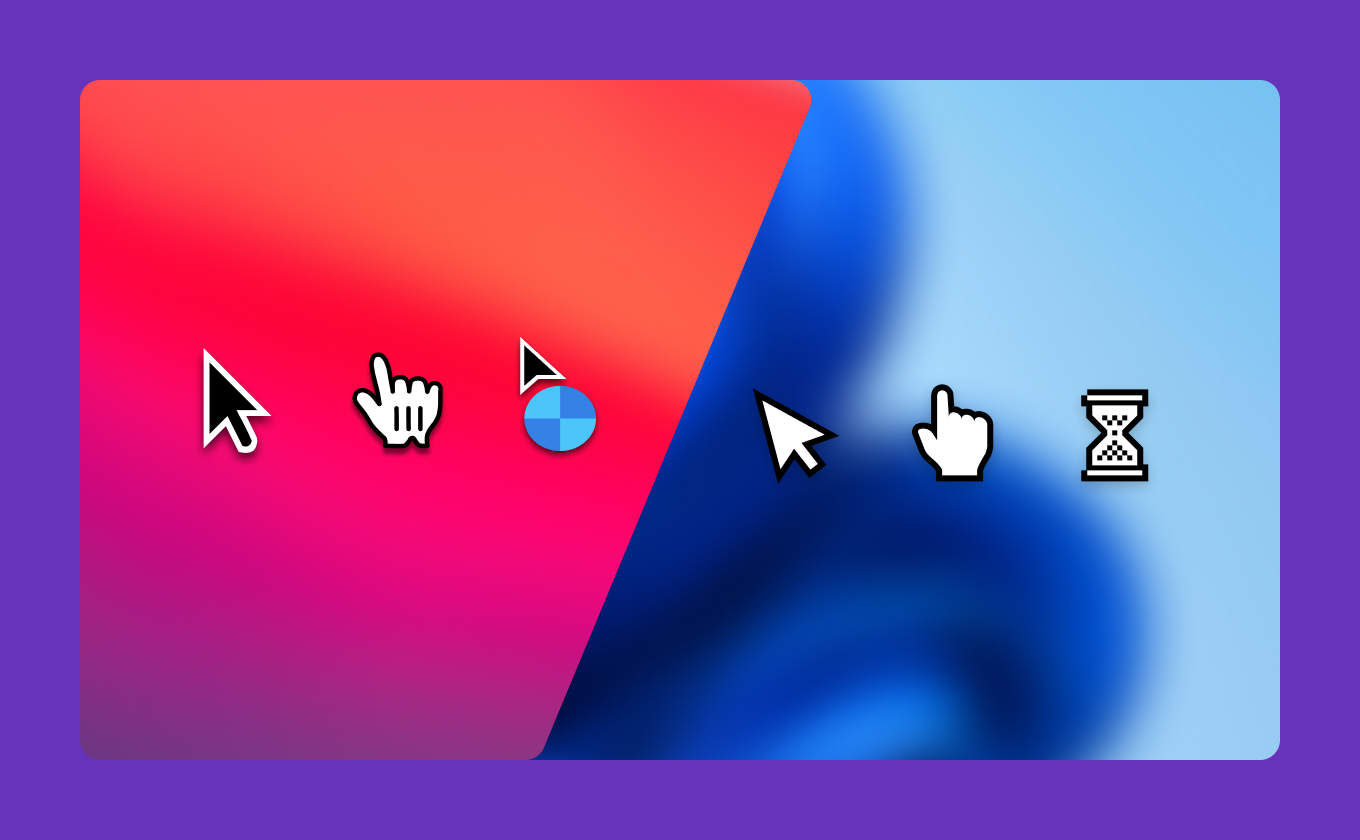
Tutorial.ai's native desktop app captures the mouse pointer as a separate data stream alongside the screen video. This means cursor smoothing, resizing, and click animations are driven by actual pointer position data — not a filter applied to pixels after the fact. ScreenFlow can add manual callout shapes, but it cannot retroactively smooth an erratic cursor or produce the same precision zoom effects. The result is a noticeably cleaner, more professional-looking tutorial without any manual effort.
Localize your tutorial library without re-recording anything
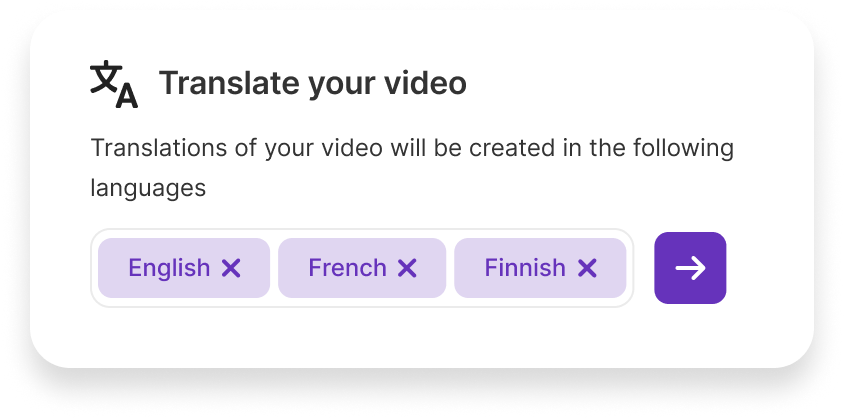
ScreenFlow has no localization features — translating a video means recording a new voiceover, re-editing the timeline, and re-exporting for every language. Tutorial.ai supports AI voiceover in 30+ languages, and AutoRetime™ automatically adjusts the video's timing when a translated narration runs shorter or longer than the original. Teams serving global audiences can scale their tutorial library across languages without touching the video editor or the studio.

Ready to stop editing timelines and start editing text?
Try Tutorial.ai free and create your first polished tutorial in minutes — no video editing experience required. Or book a demo to see AutoRetime™ and cursor smoothing in action.



