
Loom records what you do. Tutorial.ai turns it into something worth watching.
Loom is built for quick, one-to-one video messages. Tutorial.ai is built for polished tutorials that represent your product, your team, and your brand — without a video editor in the room.
| Feature | Tutorial.ai | Loom |
|---|---|---|
| Primary use case | Polished tutorials, product demos, training videos | Async video messaging and quick walkthroughs |
| AI script generation | ✅ Automatic from recording | ❌ |
| AI voiceover narration | ✅ Multiple voices and languages | ❌ Records your live voice only |
| Edit text to edit video | ✅ Change a word, the video updates | ❌ No text-driven editing |
| Video timeline required | ❌ No timeline needed | ❌ No timeline (but also no editing) |
| Cursor smoothing | ✅ Automatic via native pointer data | ❌ Cursor recorded as raw pixel stream |
| AutoZoom on UI elements | ✅ | ❌ |
| Cursor highlight and click animations | ✅ | ❌ |
| Localization (30+ languages) | ✅ With AI voiceover translation | ❌ |
| AutoRetime™ (auto-adjust video timing for translated audio) | ✅ Unique to Tutorial.ai | ❌ |
| Brand kits (logos, colors, fonts) | ✅ | ❌ |
| Custom intro/outro templates | ✅ | ❌ |
| Viewer analytics | Basic | ✅ Detailed engagement analytics |
| Viewer reactions and comments | ❌ | ✅ |
| Integrations (Notion, Slack, etc.) | Embed and share via link | ✅ Deep integrations across tools |
| Native desktop app (Mac & Windows) | ✅ | ✅ Desktop app available |
| Export MP4 | ✅ | ✅ |
| Pricing (team plan) | From $89/mo for teams | ~$12.50/user/mo (Atlassian) |
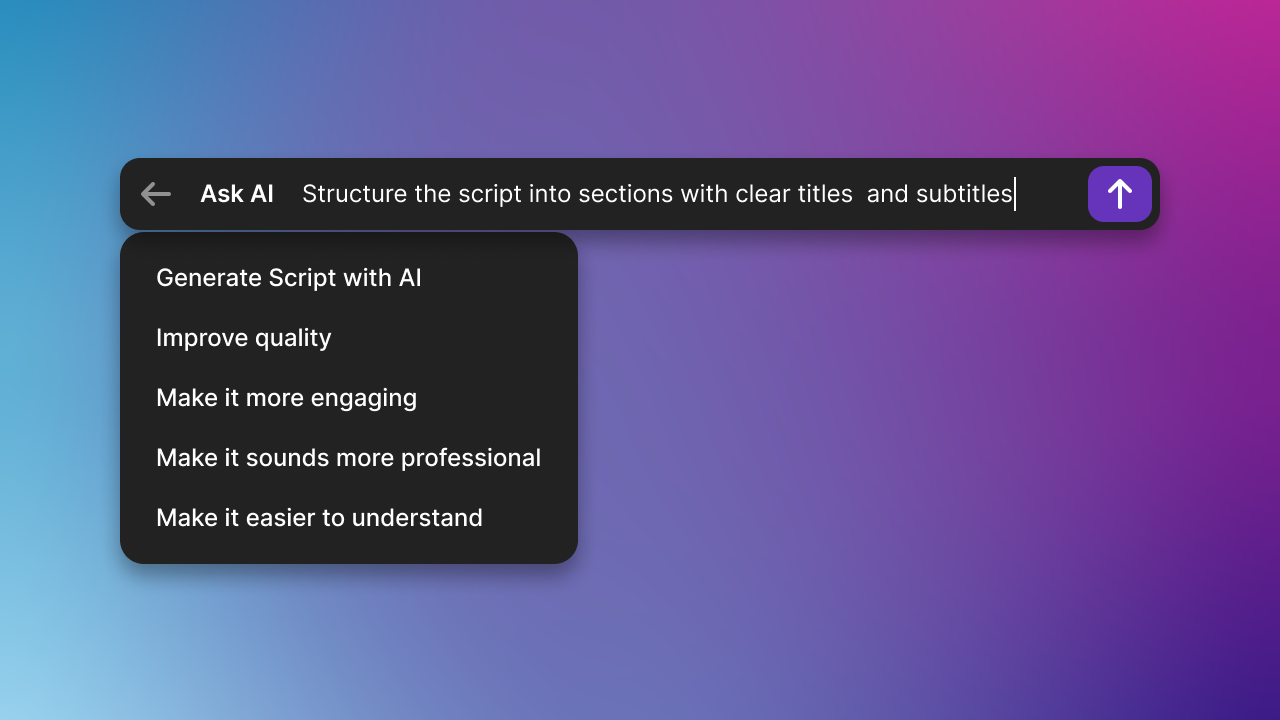
AI turns your rough recording into a finished tutorial — automatically
When you finish recording in Tutorial.ai, the AI generates a script, adds narration, smooths your cursor, and times everything together. With Loom, what you record is what viewers get — hesitations, erratic cursor movements, and all. For one-off internal messages, that's fine. For tutorials and product demos that represent your brand, it isn't.
Edit text. Not video. No timeline, no re-recording.
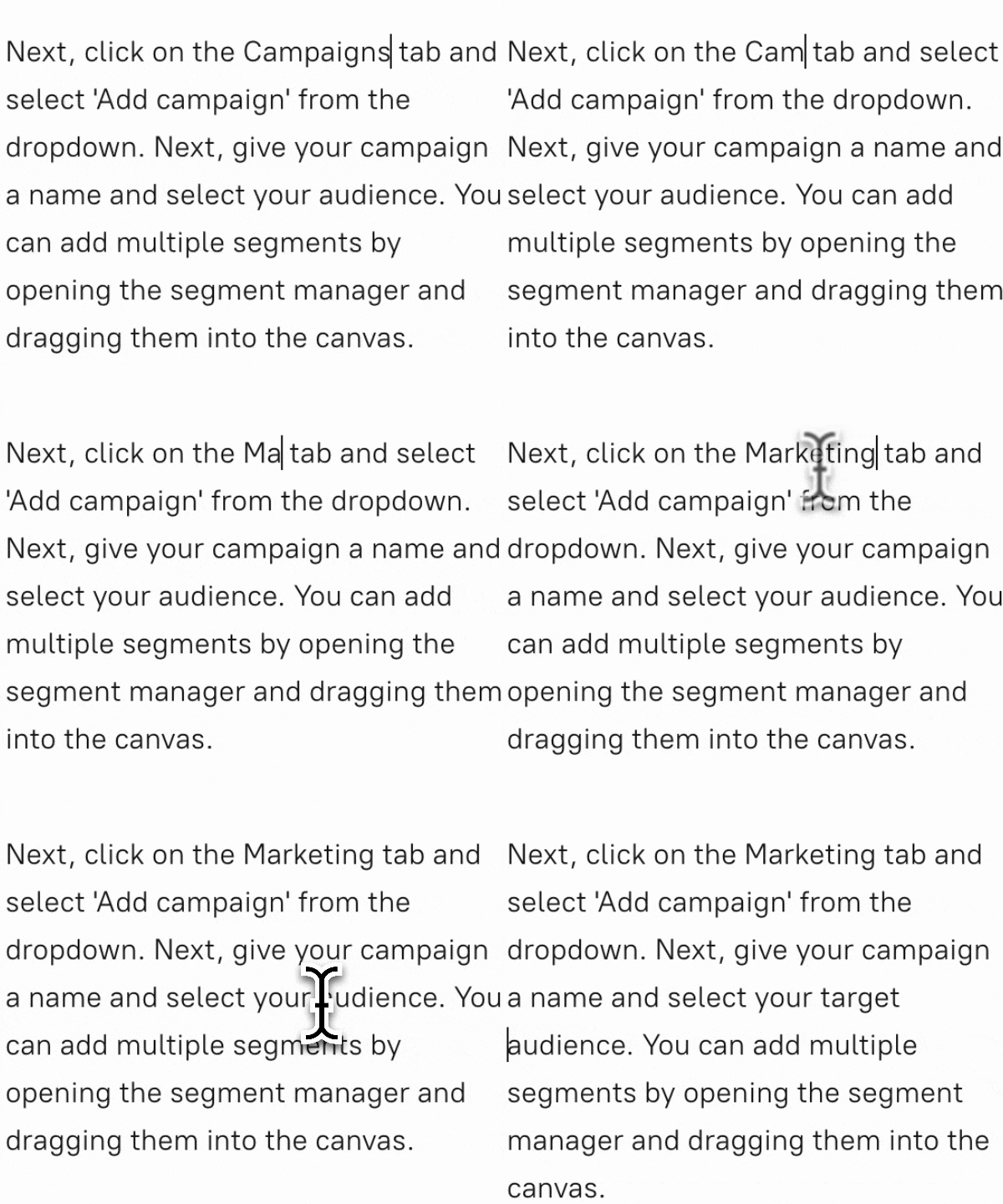
Tutorial.ai lets you edit your video by editing a transcript — change a word, fix a sentence, and the video updates automatically. Loom has no equivalent editing capability; if you misspeak or want to update a step, you record again from scratch. This difference compounds over time: every product change, every onboarding update, every new language takes minutes in Tutorial.ai and a full re-record in Loom.
Localize once. Publish everywhere with AutoRetime™.
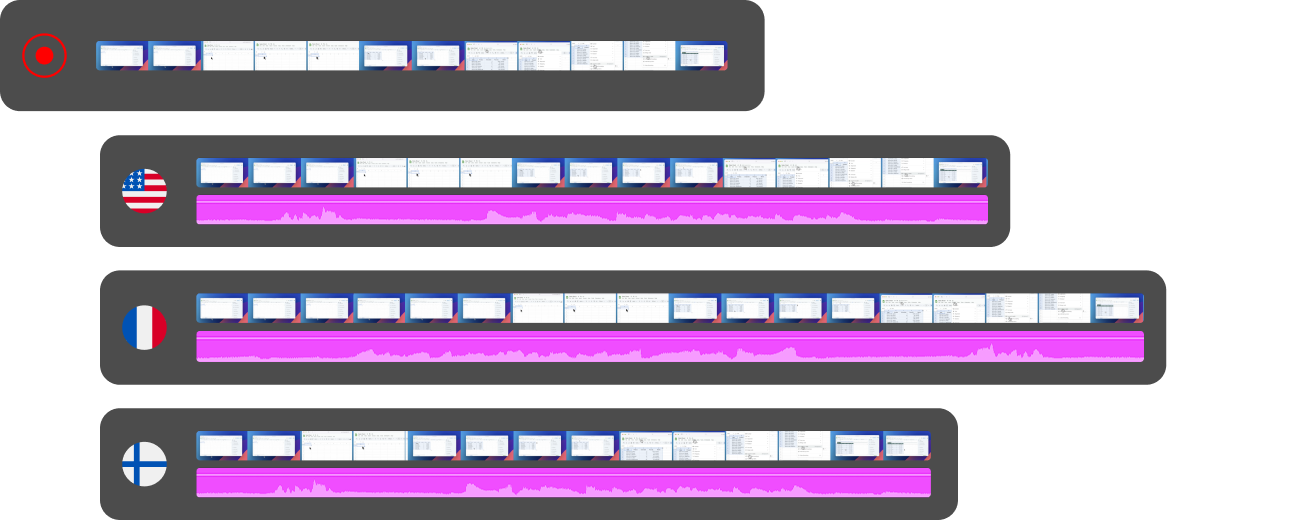
Tutorial.ai translates your video into 30+ languages with AI voiceover, and AutoRetime™ automatically adjusts the video timing to match the new narration length — no re-recording, no manual trimming. Loom has no localization features. If your tutorials need to reach a global audience, Tutorial.ai is built for that workflow from the ground up.
Ready to create tutorials that look like they took hours — in minutes?
Try Tutorial.ai free, or book a 20-minute demo to see the full workflow from recording to polished video.



