
Same goal, very different price tags — and one does a lot more.
Clueso and Tutorial.ai both turn screen recordings into polished videos, but Tutorial.ai does it at a fraction of the cost with AutoRetime™ localization and a text-first editing workflow that requires zero video editing experience.
| Feature | Tutorial.ai | Clueso |
|---|---|---|
| Starting price | $29/mo (Solo) | ~$120/mo for 2 users |
| Free plan | ✅ | ❌ |
| Native desktop app (Mac & Windows) | ✅ | ❌ (browser-based) |
| iPhone & iPad recording | ✅ | ❌ |
| AI script generation from recording | ✅ | ✅ |
| AI voiceover narration | ✅ | ❌ (no voiceover on silent recordings) |
| Edit text to update video (no timeline) | ✅ | ❌ (video editing mindset required) |
| Cursor smoothing from native pointer data | ✅ | ❌ |
| AutoZoom on key UI elements | ✅ | ✅ |
| Cursor highlight & click animations | ✅ | Limited |
| Translations (30+ languages) | ✅ | Limited |
| AutoRetime™ (auto-adjusts video timing for translated narration) | ✅ | ❌ |
| Written documentation from recording | ❌ | ✅ |
| Brand kits (logos, colors, fonts) | ✅ | ✅ |
| SOC 2 / ISO 27001 certification | ❌ | ✅ |
| Export MP4 / embed on website | ✅ | ✅ |
| Team collaboration plan | $89/mo (Growth) | ~$120/mo base (2 users) |
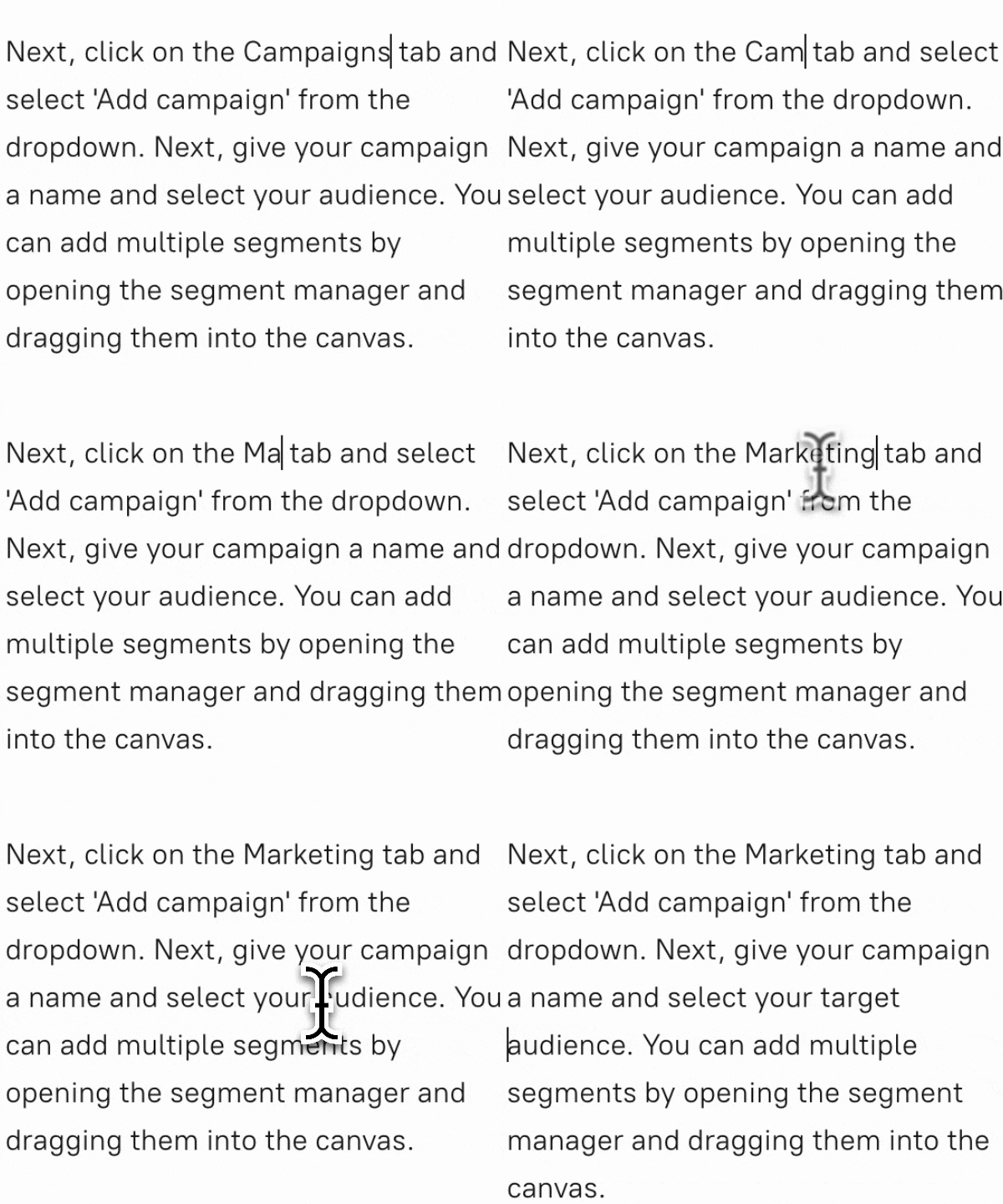
No video editing skills required — edit text, the video updates
Clueso is built around a video editing mindset: you're expected to work with clips, timings, and manual adjustments. Tutorial.ai takes a fundamentally different approach — you edit a text transcript and the video updates automatically. There's no timeline to manage, no keyframes, and no re-syncing when you change a word. For product marketers, CS teams, and L&D professionals who aren't video editors, that difference is hours per video.
AutoRetime™: localization that actually works at scale
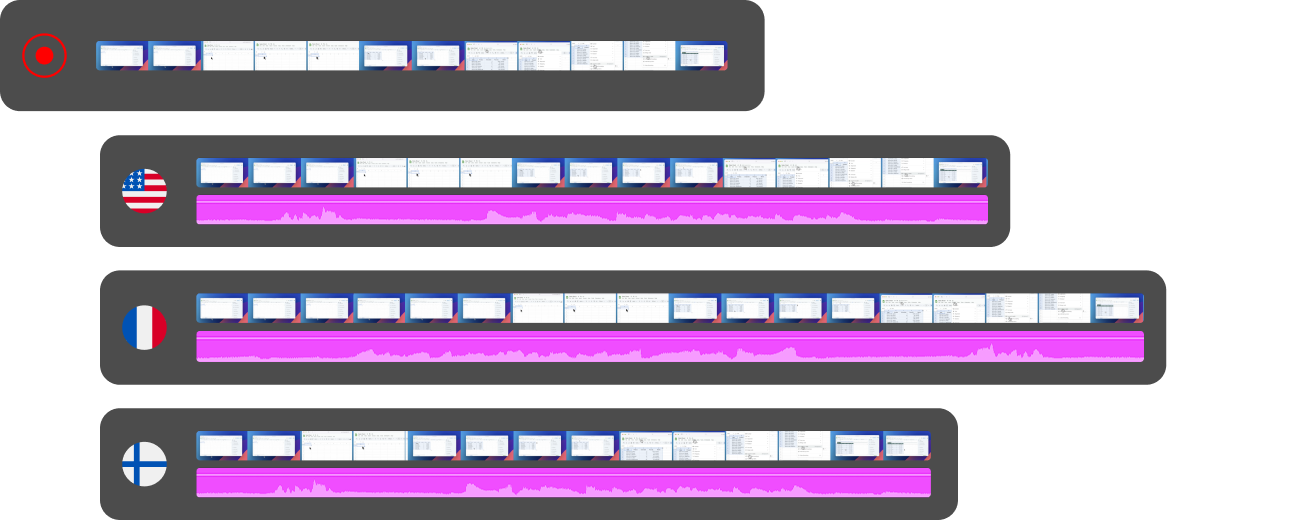
When you translate a video into another language, the AI voiceover is almost never the same length as the original. Clueso offers limited localization support and no solution for timing drift. Tutorial.ai's AutoRetime™ automatically adjusts the video timing to match the new narration length across 30+ languages — no re-recording, no manual trimming, no frame-by-frame fixes. For teams scaling a training library or product documentation across global markets, this is the feature that makes localization practical.

Smoother cursor effects — because Tutorial.ai captures pointer data natively
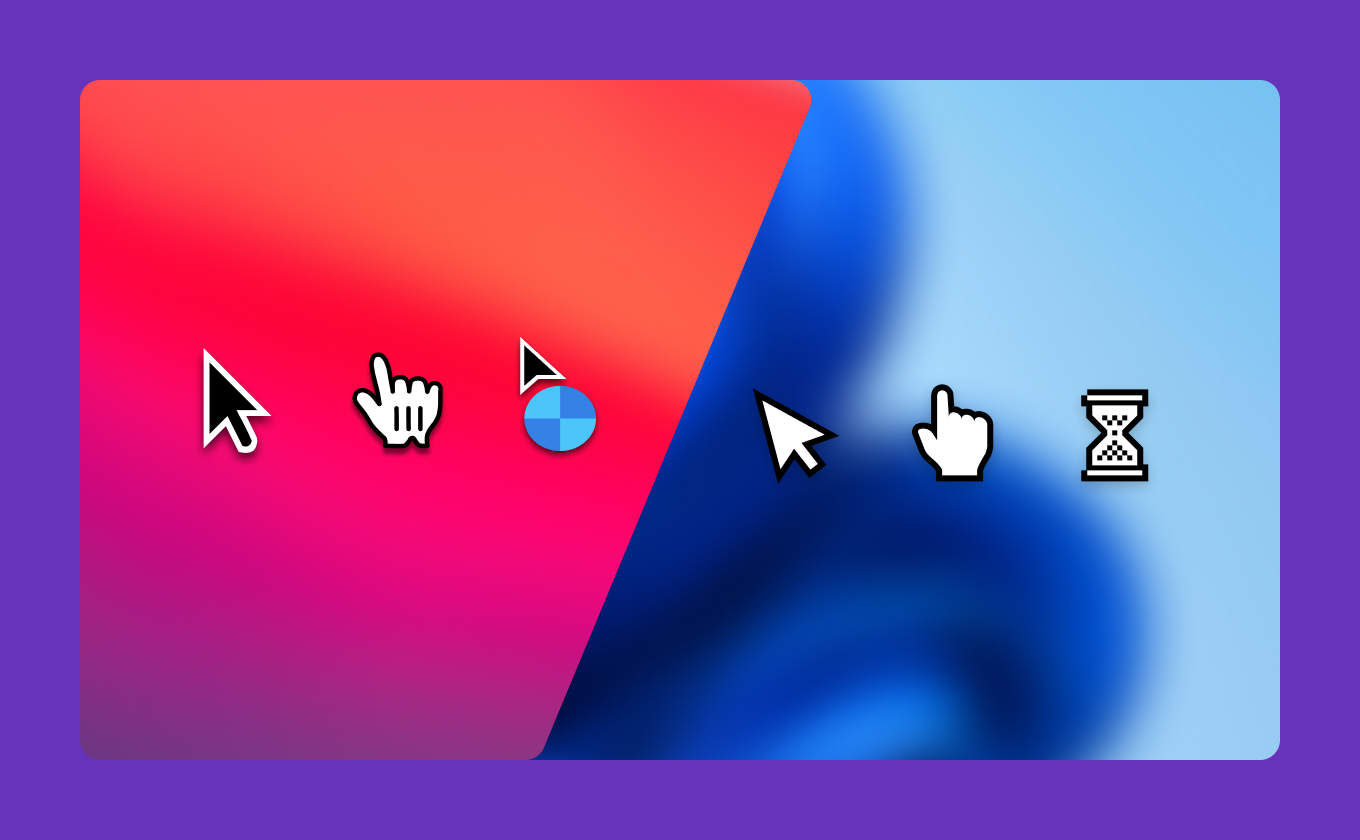
Tutorial.ai's native desktop app captures the mouse pointer as a separate data stream, independent of the screen video. This is what enables true cursor smoothing, resizing, and click animations — they're driven by actual pointer coordinates, not a filter applied to pixels. Clueso is browser-based, which means the cursor is baked into the pixel stream and these effects are impractical to execute with the same precision. If your tutorials need clean, professional cursor behavior, the architectural difference matters.
Get polished tutorials at a price that makes sense.
Start free with no credit card required, or book a 20-minute demo to see AutoRetime™ and text-based editing in action.



