
Camtasia is a video editor. Tutorial.ai is an AI that makes videos for you.
Camtasia has been the gold standard for tutorial production for decades — but it still requires you to do all the work. Tutorial.ai automates the script, narration, cursor cleanup, and timing so your team can publish polished tutorials in minutes, not hours.
| Feature | Tutorial.ai | Camtasia |
|---|---|---|
| AI script generation from recording | ✅ Automatic | ❌ Not available |
| AI voiceover narration | ✅ Multiple voices and languages | ❌ Not available |
| Text-based editing (edit script → video updates) | ✅ Core workflow | ❌ Requires separate Audiate app, manual sync |
| Video timeline required | ❌ No timeline | ✅ Full timeline editor |
| Cursor smoothing (AI-powered) | ✅ Automatic from native pointer data | ❌ Not available |
| AutoZoom on key UI elements | ✅ AI-driven, pointer-data based | Manual zoom animations on timeline |
| Localization (30+ languages) | ✅ Built-in with AI voiceover | ❌ Not available |
| AutoRetime™ (video timing adjusts to translated narration) | ✅ Unique to Tutorial.ai | ❌ Not available |
| Brand kits (logos, colors, fonts) | ✅ Applied across all videos | Limited theme support |
| SCORM / LMS export | ❌ Not available | ✅ Full SCORM support |
| Interactive quizzes | ❌ Not available | ✅ Built-in quiz authoring |
| Learning curve | Low — no video editing skills required | High — professional video editor skill set expected |
| Pricing (per user/year) | From $0 (Free) to $348/yr (Solo) | ~$299/yr per user (perpetual license model) |
| Team collaboration | ✅ Growth plan ($89/mo) | Separate team licensing required |
| iPhone / iPad recording | ✅ Native app support | ❌ Not available |
| Embed video on website | ✅ One-click embed | Export and self-host required |
| Time to first polished video | Minutes | Hours to days |
No timeline. No manual edits. AI handles the production.
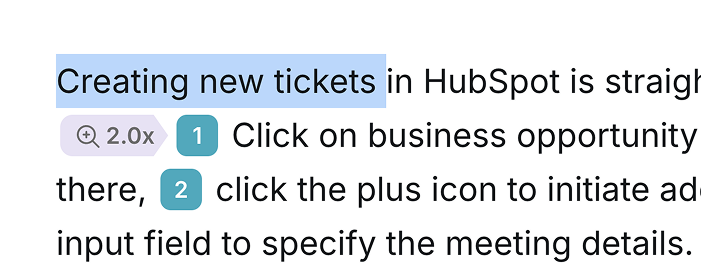
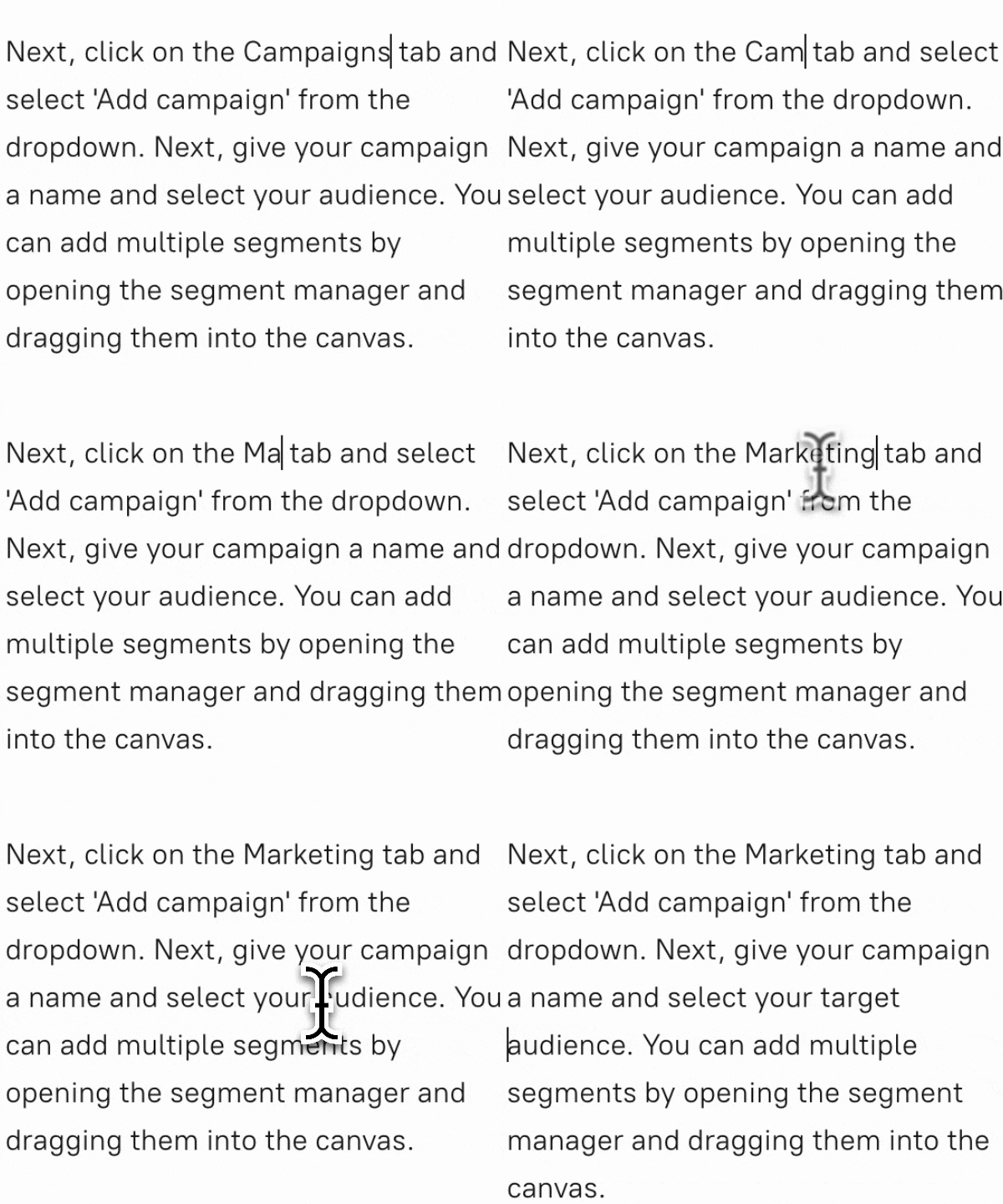
Camtasia is a powerful video editor — but editing is exactly what it asks you to do. Trimming clips, layering audio, syncing narration, adding zoom effects: every step is manual and every change requires rework on the timeline. Tutorial.ai replaces that workflow entirely: record your screen, and the AI generates the script, voiceover, cursor cleanup, and zoom effects automatically. When you need to change something, you edit a word in the transcript and the video updates — no timeline, no keyframes, no re-export.
Scale your training library without a video production team.
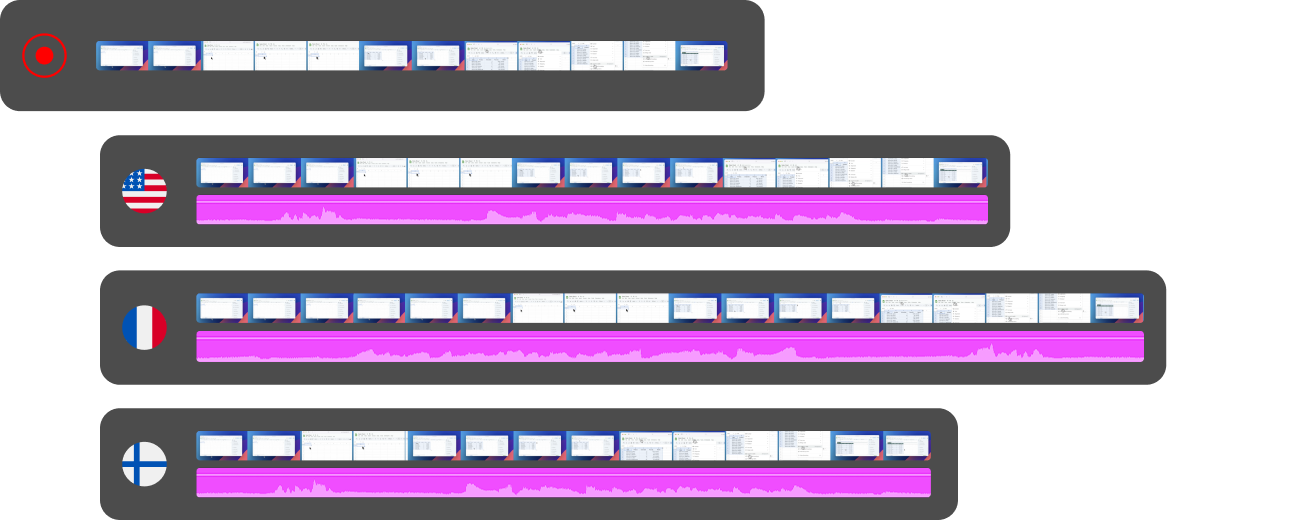
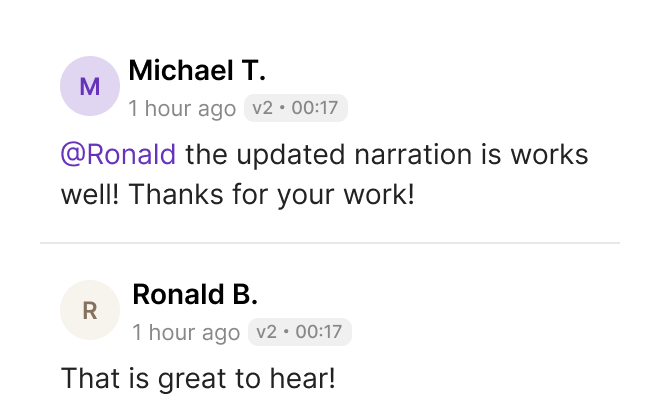
For L&D teams, Camtasia's manual workflow creates a bottleneck: every video requires a skilled editor, and every localization means re-recording or expensive agency work. Tutorial.ai's AutoRetime™ technology translates your video into 30+ languages and automatically adjusts the video timing to match each new narration — no re-recording, no manual trimming. A training video your team records once can be localized into a dozen languages in the same afternoon.
Text-based editing that actually works — without a separate app.
Camtasia's text-based editing requires Audiate, a separate piece of software that must be connected to Camtasia manually, creating a cumbersome two-app workflow that many users abandon. In Tutorial.ai, the script is the video: every word in the transcript is linked to the corresponding moment in the recording. Changing a sentence, removing a mistake, or reordering a section takes seconds — all in one place, with no timeline involved.

Ready to leave the timeline behind?
Try Tutorial.ai free and publish your first polished tutorial video today — no video editing skills required. Or book a 30-minute demo to see AutoRetime™ and AI voiceover in action.



