In a scaling business, undocumented processes are a silent killer of productivity and consistency. Tribal knowledge walks out the door, onboarding is slow and painful, and the way things are done changes with every new hire. This isn’t just an operational headache; it directly impacts efficiency across departments. For instance, understanding how effective pipeline management for creative teams transforms workflows is key to appreciating the value of clear, documented procedures.
This guide cuts through the noise to help you find the best software to document processes for your specific needs. We’ll explore the four main categories of documentation tools, from automated workflow recorders that capture every click to sophisticated Business Process Management (BPM) platforms designed for complex operational mapping. You’ll get a detailed breakdown of 12 leading solutions, complete with screenshots and direct links to each platform.
We move beyond generic feature lists to provide a comprehensive analysis of each tool’s unique strengths, ideal use cases, and honest limitations. This resource is designed to help you select the right system to build a scalable, single source of truth for your entire organization, whether you’re in sales enablement, IT operations, or product marketing.
Furthermore, we’ll examine the rising importance of video in process documentation. Traditional methods like screen recordings are often too long, while professional editing software requires specialized skills. We’ll look at how tools like Tutorial AI bridge this gap, allowing subject matter experts to efficiently create polished, on-brand video tutorials from raw recordings, turning complex procedures into easy-to-follow visual guides. This list will equip you to transform your internal chaos into operational clarity.
1. Tutorial AI
Tutorial AI is an elite software to document processes that generates professional video tutorials from screen recordings. It’s designed for teams who need to create polished content like demos, onboarding videos, explainer videos, feature release announcements, knowledge base videos, and support article videos. The platform masterfully solves a common dilemma: easy-to-use recording tools like Loom often produce videos that are 50-100% longer than necessary, while professional editing software like Camtasia or Adobe Premiere Pro requires expert video editing knowledge.
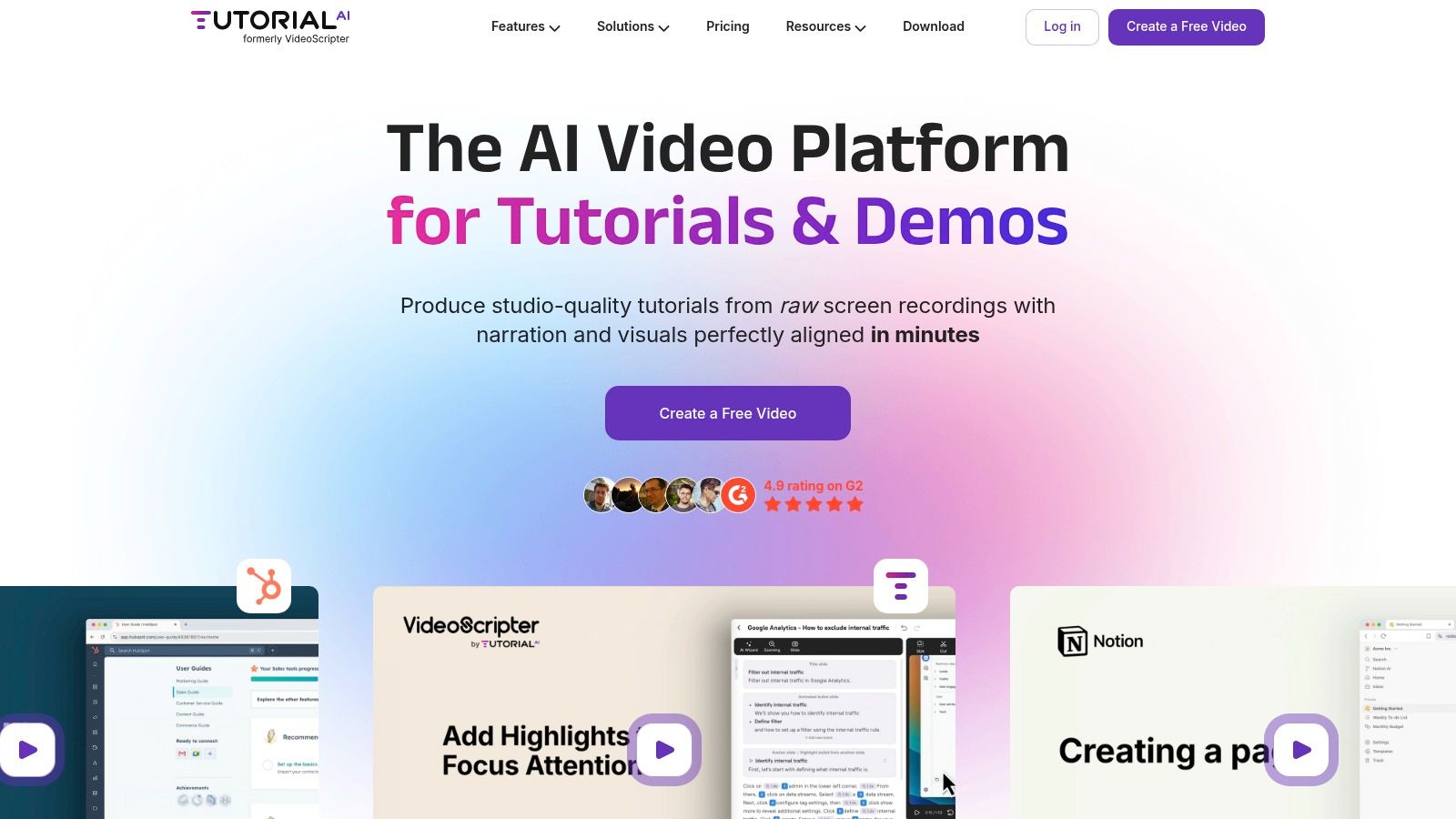
Tutorial AI’s tools empower the subject matter expert to speak freely without any practice, and the final video will still look professional, as if it were edited in Adobe Premiere Pro. After recording, its powerful engine transcribes the audio, allowing you to edit the video by simply editing the text document. Any change to the script automatically regenerates a lifelike AI voiceover and syncs the video timing, effectively eliminating tedious timeline editing. This allows the subject matter expert to create on-brand videos extremely efficiently, turning a raw screen capture into a perfectly paced, professional guide.
Core Strengths and Unique Features
- AI-Powered “Edit-Like-a-Doc” Workflow: This is Tutorial AI’s standout feature. By editing the AI-generated transcript, you automatically edit the video and audio tracks. This drastically reduces production time and allows for rapid updates without re-recording.
- Advanced Visual Polish: The platform offers powerful post-recording effects that elevate a simple screen capture. You can apply smart zooms to focus attention, blur sensitive information, and add dynamic cursor effects like smoothing, resizing, and highlighting to guide the viewer’s eye.
- Effortless Localization: With its AutoRetime™ feature, Tutorial AI can translate your script into over 30 languages, automatically generating new voiceovers and adjusting video cuts to match the cadence of each language, making global content scaling seamless.
- Brand Consistency and Collaboration: Brand Kits ensure every video adheres to your company’s visual identity with consistent logos, colors, and backgrounds. Collaborative workspaces allow teams to work on projects together, ensuring a unified and high-quality output.
Pricing and Access
Tutorial AI offers a flexible pricing structure that includes a free tier for individuals to explore basic features. Paid plans, such as Growth and Enterprise, unlock more advanced capabilities like additional AI voices, higher-resolution exports (up to 4K), iPhone/iPad recording, and the AutoRetime™ translation feature. While some of the most powerful tools are reserved for higher tiers, this model allows teams of all sizes to access professional-grade video documentation tools. Organizations handling highly sensitive data should review the cloud-based processing against their compliance standards.
Website: https://www.tutorial.ai
2. Scribe
Scribe revolutionizes process documentation by automating the most tedious part of the job: taking screenshots and writing instructions. This browser extension and desktop application records your workflow as you perform it, automatically converting your clicks and keystrokes into a polished, step-by-step guide complete with annotated screenshots. It is an exceptional tool for teams that need to create Standard Operating Procedures (SOPs), training materials, or customer support guides with maximum speed and minimal effort.
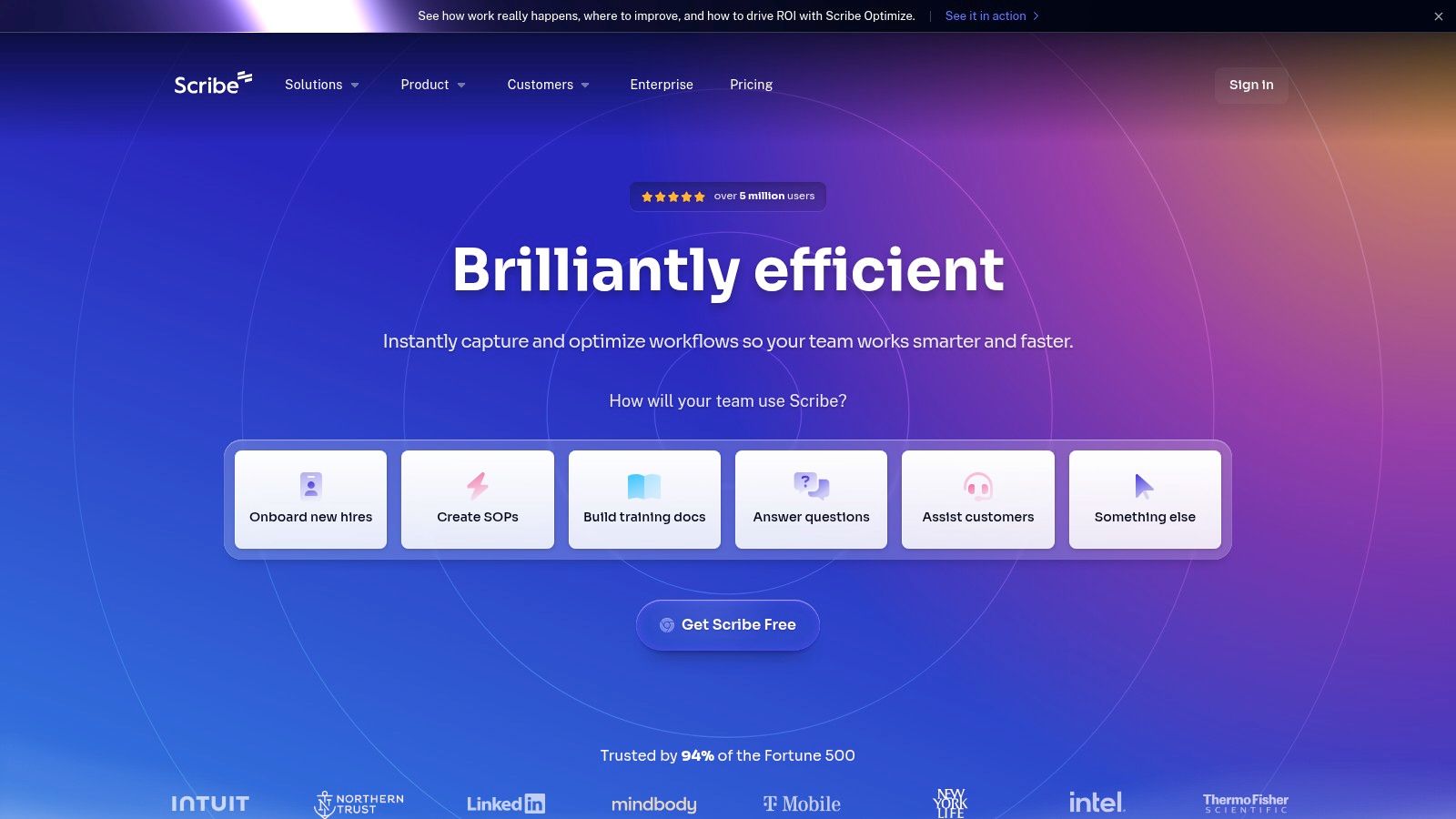
The primary strength of Scribe is its “one-click capture” technology, which makes it one of the fastest pieces of software to document processes available. Once a guide is created, you can easily edit text, combine steps, or redact sensitive information. The guides can be shared via a direct link, embedded into tools like Notion or Confluence, or exported to PDF and HTML formats.
While Scribe excels at creating static, image-based guides, some processes are better explained with video. For creating dynamic video tutorials, a tool like Tutorial AI can be a powerful complement. It transforms raw screen recordings into professional, on-brand videos without requiring expert editing skills in software like Adobe Premiere Pro. This allows subject matter experts to create polished demos and training videos efficiently, bridging the gap between simple recordings and professionally edited content. You can learn more about how to enhance your guides with screen recordings for training and when to choose video over static guides.
Key Features & Use Cases
- Best For: Rapid creation of SOPs, team onboarding guides, and customer-facing tutorials.
- Standout Feature: Auto-generates step-by-step guides from a screen recording, complete with annotated screenshots and written instructions.
- Integrations: Embeddable guides work seamlessly with knowledge bases like Confluence, Notion, and SharePoint.
- Pricing: Offers a free Basic plan for individuals. Pro plans (starting at $23/user/month) add features like desktop capture and custom branding. Enterprise plans include advanced security and governance.
Website: https://scribehow.com
3. Tango
Tango emerges as a strong Scribe alternative, offering a polished platform to capture workflows and transform them into beautiful, shareable step-by-step guides. Like its competitors, it uses a browser extension and desktop app to record your actions, automatically generating annotated screenshots and instructions. Where Tango shines is in its enterprise-grade features and integrated analytics, making it a compelling choice for larger teams focused on governance, security, and performance measurement.
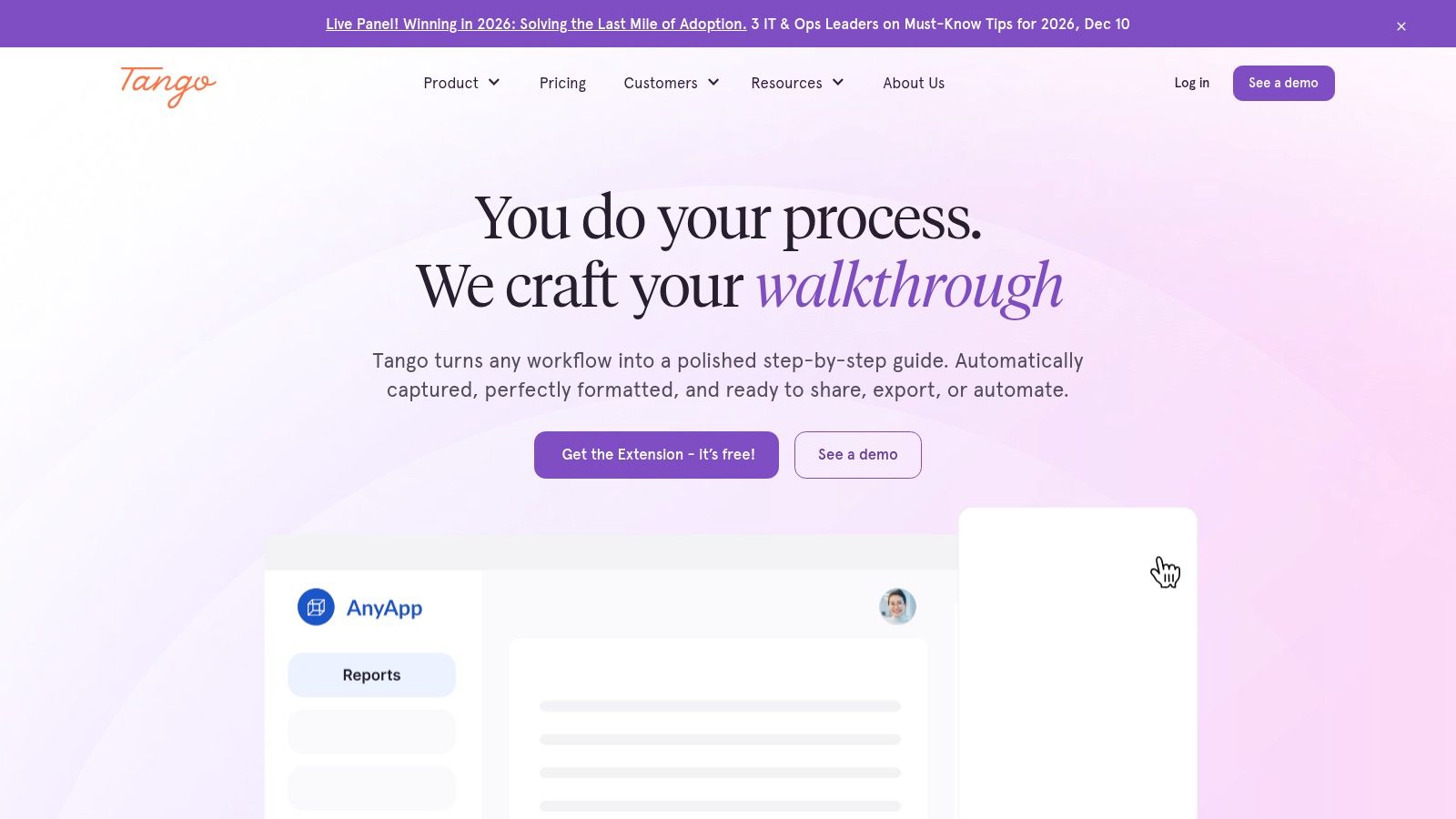
The platform’s standout feature is Guidance, a digital adoption tool that overlays your documented processes directly within other applications, offering live, in-app walkthroughs for users. This makes it a powerful piece of software to document processes for employee onboarding and software adoption. Its clean user experience and robust branding controls allow for highly professional-looking documentation that can be exported or embedded anywhere.
While Tango excels at creating visual guides, some complex processes are better explained with a dynamic video. Tools like Tutorial AI are ideal for turning screen recordings of demos, onboarding flows, or feature releases into professional, on-brand videos. It bridges the gap between a simple, often lengthy, screen recording and a video that requires expert editing in software like Adobe Premiere Pro. Tutorial AI allows a subject matter expert to record freely and transforms the raw footage into a concise, polished video, making it highly efficient for creating knowledge base or support article videos.
Key Features & Use Cases
- Best For: Enterprise teams needing process documentation with strong governance, analytics, and in-app guidance capabilities.
- Standout Feature: Guidance, an optional digital adoption platform that provides on-screen, interactive walkthroughs of documented processes.
- Integrations: Works with all web-based applications and offers seamless embeds for knowledge bases and internal wikis.
- Pricing: A free plan is available for individuals and small teams. The Pro plan is $16/user/month (billed annually), with custom pricing for Enterprise plans that include SSO and advanced governance.
Website: https://tango.us
4. Process Street
Process Street elevates process documentation from static pages into actionable, trackable checklists. It is a mature workflow platform where documentation and execution converge, allowing teams to not only define their procedures but also run them as interactive workflows. This makes it an ideal choice for businesses that need to ensure compliance, consistency, and accountability in critical operations like employee onboarding, client intake, or content approvals.
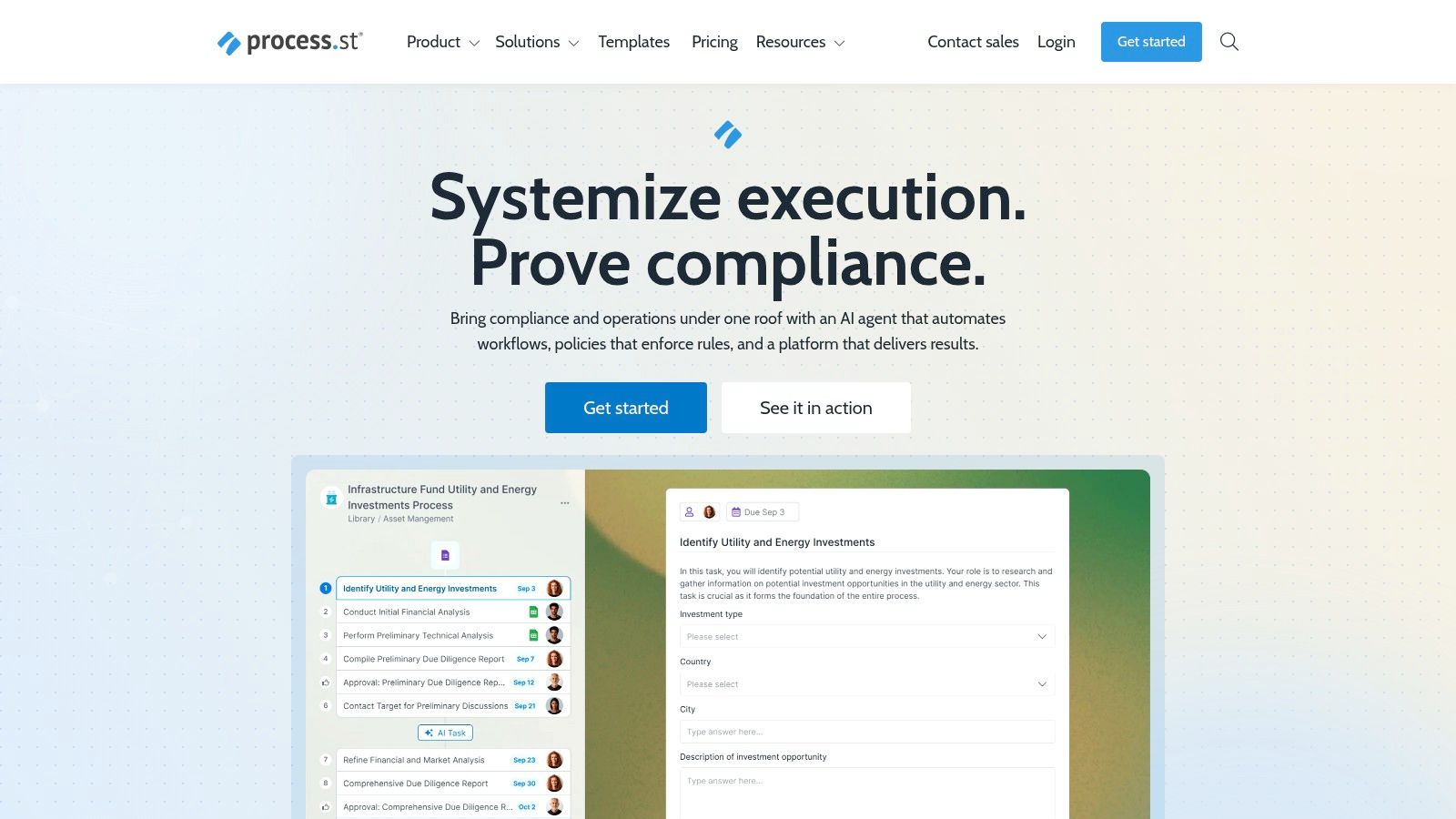
The platform’s core strength is turning a documented standard operating procedure into a live, automated process. You can embed forms, set conditional logic to adapt workflows on the fly, and assign tasks with dynamic due dates. This active approach makes it a powerful piece of software to document processes when simple static guides are not enough to guarantee execution.
While Process Street excels at managing structured checklist-based tasks, some steps within a workflow require visual, dynamic instruction. This is where a tool like Tutorial AI becomes a valuable asset. Subject matter experts can record a quick walkthrough of a complex software task, and Tutorial AI will automatically transform that raw footage into a polished, on-brand training video. It bridges the gap between a simple screen recording and content produced with expert software like Adobe Premiere Pro, making it easy to embed professional-grade video tutorials directly into your workflows. You can explore how this improves SOPs and team training by adding clarity where text falls short.
Key Features & Use Cases
- Best For: Operations teams, HR departments, and agencies managing repeatable, multi-stakeholder processes.
- Standout Feature: Combines policy documentation (Pages) with actionable workflows, approvals, and conditional logic in a single platform.
- Integrations: Connects with over 1,000 apps via Zapier, along with native integrations for tools like Salesforce and Slack.
- Pricing: The Startup plan begins at $100/month for 5 members. The Pro plan is $415/month, and a custom-priced Enterprise plan is available. A free plan is offered for individuals or small teams with basic needs.
Website: https://www.process.st
5. SweetProcess
SweetProcess is a streamlined software solution designed to help teams document, manage, and track their Standard Operating Procedures (SOPs), policies, and processes. It centralizes all procedural knowledge into a single, accessible location, making it an excellent choice for organizations aiming to systematize their operations, ensure consistency, and simplify employee onboarding. The platform focuses on simplicity, removing the complexity often associated with more robust Business Process Management (BPM) systems.
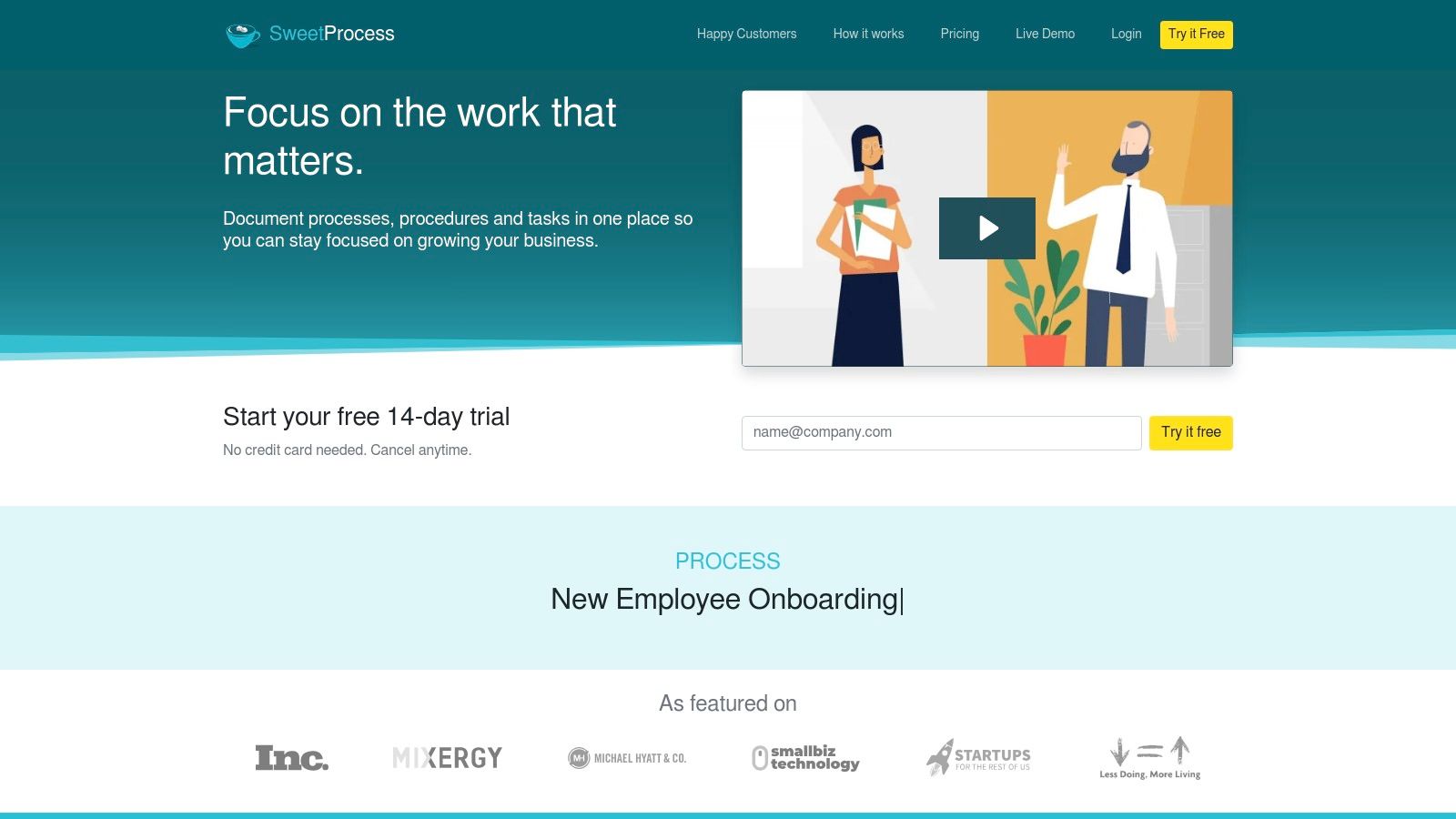
The core appeal of SweetProcess is its straightforward approach to creating and distributing process documents. You can combine text, images, and videos to build clear, actionable procedures and even assign them as tasks to team members with due dates. This turns static documentation into an active part of daily workflows, ensuring that processes are not just documented but also followed. This functionality makes it a powerful piece of software to document processes for operational and compliance-focused teams.
While SweetProcess is excellent for text and image-based procedures, creating effective video guides for complex software workflows presents a different challenge. A quick screen recording from a tool like Loom is often too long and unpolished, while professional software like Adobe Premiere Pro requires expert editing skills. Tutorial AI bridges this gap by transforming raw screen recordings into professional, on-brand video tutorials. It allows a subject matter expert to record freely, and the AI automatically edits the footage into a concise, polished video perfect for demos, feature releases, or knowledge base articles, ensuring high-quality results without the steep learning curve.
Key Features & Use Cases
- Best For: Creating a centralized knowledge base of SOPs, managing team tasks, and ensuring procedural compliance.
- Standout Feature: The ability to assign processes as trackable tasks to team members, complete with deadlines and progress monitoring.
- Integrations: Connects with over 1,000 apps via Zapier and offers a robust API for custom integrations.
- Pricing: Offers a single plan at $99/month for a team of up to 20 members, plus $5 for each additional active member. A 14-day free trial is available.
Website: https://www.sweetprocess.com
6. Trainual
Trainual is a comprehensive system designed specifically for building a business playbook, turning disorganized processes into a centralized, trainable knowledge base. It excels at connecting documentation directly to roles and responsibilities within an organization, making it a powerful tool for onboarding, training, and ensuring accountability. The platform combines process documentation with learning management system (LMS) features, allowing teams to not only store SOPs but also test employees on their knowledge.
Its core strength lies in structuring information around departments, roles, and individual subjects, making it one of the most organized pieces of software to document processes for growing teams. With built-in features like screen recording, e-signatures for policy verification, and a vast template library, Trainual streamlines the creation and maintenance of a company-wide operational manual. If you’re evaluating Trainual, it can be helpful to explore Trainual alternatives to ensure it’s the right fit for your team’s specific needs.
While Trainual’s native recording is useful for quick captures, some training materials require a more polished video format. For creating professional, on-brand demos or tutorials, a tool like Tutorial AI is an excellent addition. It transforms raw, unscripted screen recordings into polished videos without requiring expert skills in complex software like Adobe Premiere Pro. This enables subject matter experts to efficiently create high-quality training content, bridging the gap between simple screen shares and professionally edited productions. You can discover more strategies for training employees online and when to leverage video.
Key Features & Use Cases
- Best For: Creating a scalable business playbook, standardizing employee onboarding, and mapping processes to specific roles.
- Standout Feature: Combines process documentation with testing and accountability, linking SOPs directly to org charts and roles.
- Integrations: Connects with dozens of apps, including HRIS and payroll systems like Gusto and Rippling, as well as Slack for notifications.
- Pricing: Plans start at $250/month for 10 seats. Higher-tier plans add features like unlimited version history and stock photo/video access.
Website: https://trainual.com
7. Atlassian Confluence
Atlassian Confluence is a powerful team workspace and knowledge management tool that serves as a central source of truth for organizations. It excels at creating, organizing, and discussing work, making it a robust platform for scalable process documentation. Teams use Confluence to build everything from meeting notes and project plans to extensive Standard Operating Procedures (SOPs) and technical documentation within a structured, wiki-like environment that integrates deeply with other Atlassian products like Jira.
Its primary strength lies in its flexibility and enterprise-grade architecture. Confluence allows teams to create dedicated “Spaces” for different departments or projects, using a vast library of templates to standardize document creation. This structured approach makes it a reliable piece of software to document processes, ensuring consistency and findability across the organization. The large marketplace of apps, such as draw.io and Gliffy, further extends its capabilities by allowing users to create and embed detailed process diagrams and flowcharts directly within their documents.
While Confluence is ideal for text-based documentation and diagrams, complex processes often benefit from video walkthroughs. Raw screen recordings from tools like Loom can be too long and unpolished, while professional software like Adobe Premiere Pro requires specialized editing skills. This is where Tutorial AI can add significant value. It allows subject matter experts to transform their screen recordings into professional, on-brand training videos, demos, or knowledge base explainers. Tutorial AI automates the editing process, letting you record freely and still produce a polished video that looks like it was created by a professional editor, making visual process documentation both efficient and high-quality.
Key Features & Use Cases
- Best For: Creating a centralized, scalable knowledge base for company-wide SOPs, project documentation, and technical guides.
- Standout Feature: Deep integration with the Atlassian ecosystem (especially Jira), linking documentation directly to development tasks and projects.
- Integrations: Offers a massive marketplace with hundreds of apps for diagramming, project management, and content formatting.
- Pricing: A free plan is available for up to 10 users. Paid plans start at $6.05/user/month (Standard) and scale up with additional features like advanced permissions and analytics.
Website: https://www.atlassian.com/software/confluence
8. Notion
Notion is an all-in-one workspace that has become a powerhouse for creating dynamic and interconnected process documentation. It combines documents, wikis, and relational databases into a single, highly flexible platform. This makes it an ideal choice for teams looking to build a comprehensive “single source of truth” for their Standard Operating Procedures (SOPs), where processes can be linked to projects, team members, and other relevant resources.
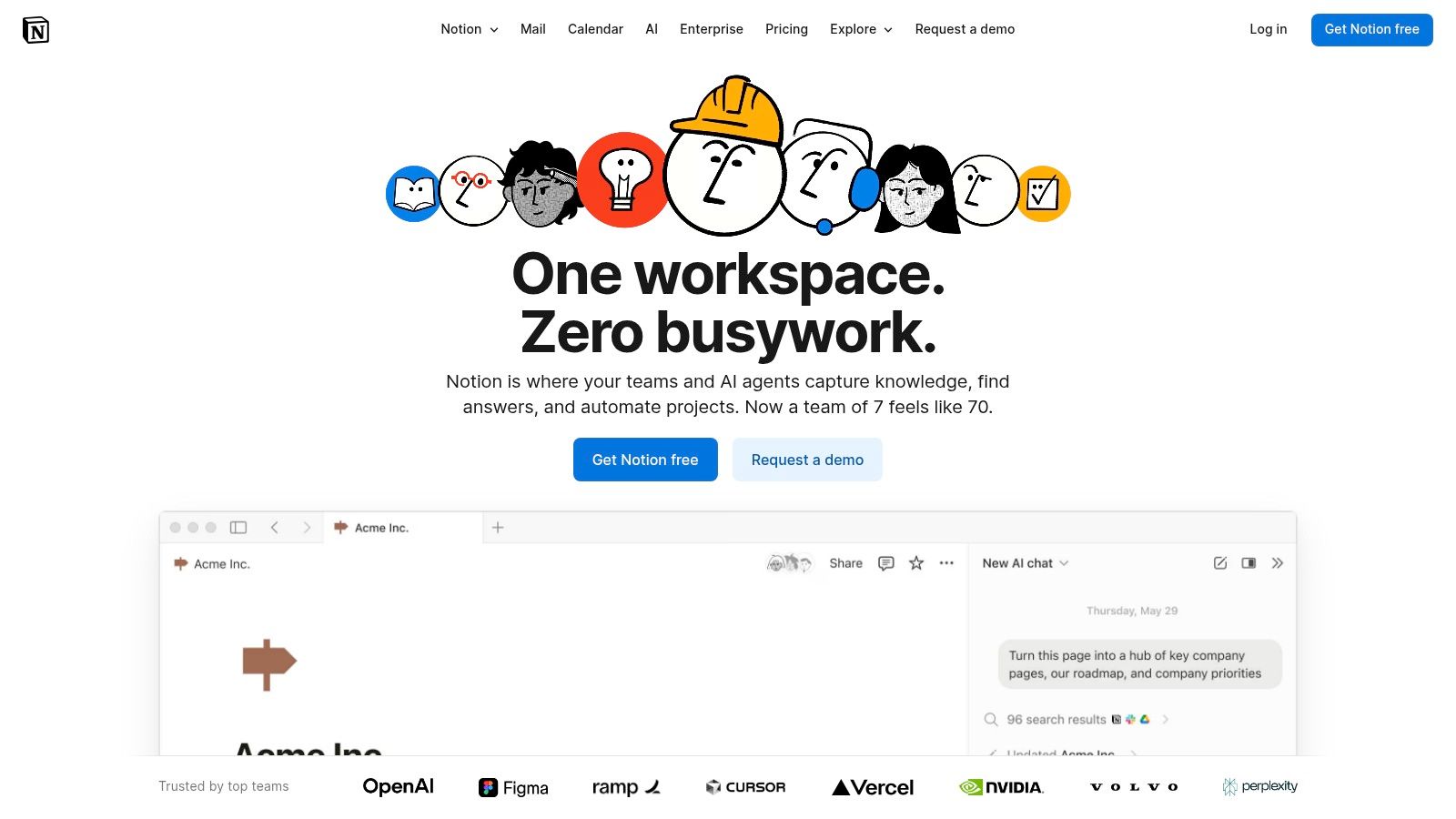
The primary strength of Notion is its block-based editor and database functionality, which allows you to structure information in countless ways. You can create a master database of all SOPs, then use filtered views to display relevant processes on team-specific dashboards. This modularity makes Notion an exceptionally versatile piece of software to document processes that can adapt to any organizational structure, though its flexibility requires good governance to prevent workspace sprawl.
While Notion is excellent for text and database-driven documentation, complex processes often benefit from video demonstrations. A tool like Tutorial AI can enhance your Notion-based knowledge base by transforming simple screen recordings into professional video tutorials. Subject matter experts can record their workflow freely, and Tutorial AI will automatically edit it into a polished, on-brand video, perfect for onboarding, feature releases, or support articles. This bridges the gap between a long, unedited Loom recording and a video that requires expert editing in software like Adobe Premiere Pro, making video creation highly efficient.
Key Features & Use Cases
- Best For: Building centralized, interconnected knowledge bases and SOP libraries for teams of all sizes.
- Standout Feature: Relational databases allow you to link processes to projects, tasks, and team pages, creating a truly connected workspace.
- Integrations: Deeply integrates with tools like Slack, Figma, and GitHub, and allows embedding content from hundreds of other apps.
- Pricing: Offers a free plan for individuals. Plus plans start at $8/user/month (billed annually), with Business and Enterprise tiers adding advanced AI, security, and search features.
Website: https://www.notion.so
9. Lucidchart (Lucid)
Lucidchart is a premier intelligent diagramming application that specializes in visualizing complex processes, systems, and organizational structures. It’s an essential tool for teams that need to create, share, and iterate on detailed process maps, flowcharts, and diagrams like Business Process Model and Notation (BPMN). By turning abstract workflows into clear, visual documents, Lucidchart helps align teams and provides a single source of truth for how procedures should operate.
The platform’s strength lies in its collaborative, data-driven approach. Teams can work together in real-time to build and refine diagrams, linking shapes to live data from spreadsheets or other applications to create dynamic, auto-updating visuals. This makes it a powerful piece of software to document processes that are subject to frequent change, ensuring that visual documentation always reflects the current state of operations and reduces manual update efforts.
While Lucidchart is unparalleled for creating the visual backbone of a process, these diagrams often require supplementary video explanations for training. For creating dynamic video tutorials, a tool like Tutorial AI can be a powerful complement. It transforms raw screen recordings into professional, on-brand videos without requiring expert editing skills. This allows a subject matter expert to record a walkthrough freely, and the AI will produce a polished video that looks as if it were edited in Adobe Premiere Pro, making it perfect for onboarding, feature demos, and support articles.
Key Features & Use Cases
- Best For: Creating detailed process maps, org charts, and system diagrams for technical documentation and strategic planning.
- Standout Feature: Real-time collaboration and data linking that turns static diagrams into dynamic, interactive dashboards and documents.
- Integrations: Connects with key enterprise tools like Jira, Confluence, Microsoft 365, Asana, and Slack to embed diagrams where work happens.
- Pricing: A limited free plan is available. Paid plans start at $7.95/user/month for individuals. Business and enterprise tiers offer advanced features, but pricing is often custom and requires contacting sales.
Website: https://lucid.co/lucidchart
10. Miro
Miro transforms process documentation from a solitary task into a dynamic, collaborative workshop. It’s an online whiteboard platform where teams can brainstorm, map out workflows, and design complex systems together in real time. Miro excels at bridging the gap between informal ideation and structured, formalized process diagrams, making it an essential tool for cross-functional teams looking to visualize and agree upon procedures before committing them to a static document.
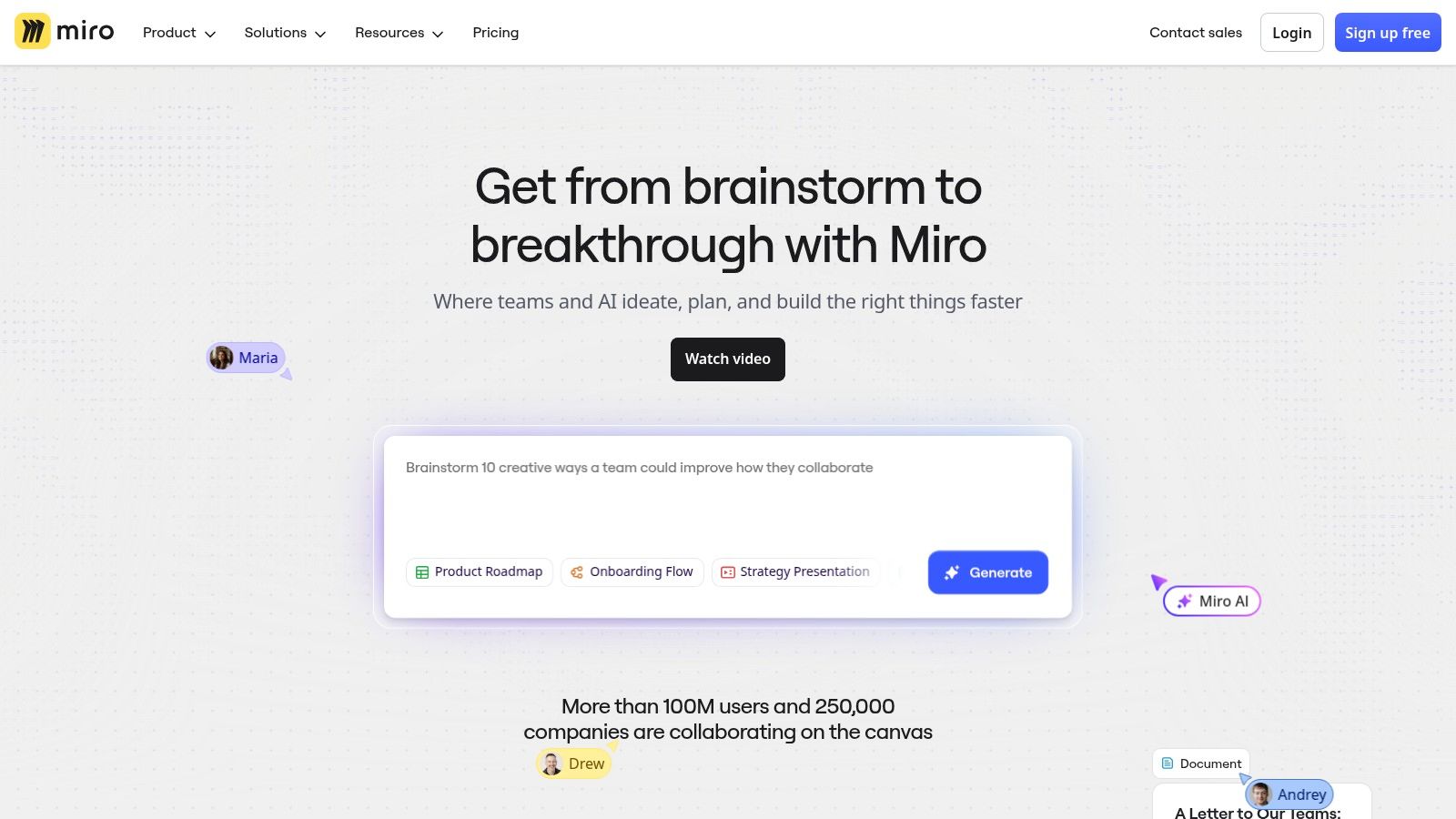
The platform’s strength lies in its vast template library and shape packs, including specialized notations like BPMN and UML. This makes it powerful software to document processes for both technical and non-technical stakeholders. Once a process is mapped visually, it serves as a single source of truth that can be embedded into knowledge bases or exported. However, a visual map often benefits from a narrated walkthrough to explain the “why” behind the “how.”
For creating these crucial video explanations, a tool like Tutorial AI is invaluable. It lets subject matter experts record their screen while explaining the Miro board, then automatically edits the raw footage into a professional video. Instead of spending hours in complex editors like Adobe Premiere Pro or creating long, unedited recordings, Tutorial AI produces polished, on-brand demos and training videos efficiently, making complex process diagrams easy for anyone to understand. You can learn more about how to create product demo videos that clarify visual documentation.
Key Features & Use Cases
- Best For: Collaborative process mapping workshops, visualizing complex systems, and creating high-level workflow diagrams.
- Standout Feature: Real-time collaborative whiteboard with an extensive library of templates and diagramming shapes (BPMN, UML).
- Integrations: Deep integrations with tools like Jira, Confluence, Asana, and Microsoft Teams to embed boards directly into existing workflows.
- Pricing: Offers a free plan with limited boards. Paid plans start with the Starter plan at $8/member/month (billed annually) for unlimited boards and projects.
Website: https://miro.com
11. Bizagi Modeler
Bizagi Modeler is a robust, free-to-use desktop application designed for creating detailed business process models using the Business Process Model and Notation (BPMN) standard. It is a go-to choice for business analysts, process improvement professionals, and IT teams who require a formal, standardized approach to diagramming complex workflows. The tool allows users to map, document, and simulate processes with a high degree of precision, making it ideal for compliance, optimization, and automation initiatives.
The platform’s core strength lies in its powerful, no-cost BPMN modeling capabilities on its Windows desktop application. This makes it an exceptionally accessible piece of software to document processes for anyone needing to create industry-standard documentation. Once a process is mapped, it can be published to various formats, including Word, PDF, and SharePoint, or exported to other process management tools. For collaborative work, Bizagi offers enterprise-level cloud services that add features for team sharing, governance, and a clear path to its low-code automation platform.
While Bizagi excels at creating technical process diagrams, these static models often need to be supplemented with more dynamic training materials. For creating video-based tutorials that explain these processes to a wider audience, a tool like Tutorial AI is an excellent complement. It can take a simple screen recording of a software workflow and automatically transform it into a polished, on-brand explainer video. This allows process experts to create professional-looking demos and onboarding videos efficiently, without needing advanced skills in video editing software like Adobe Premiere Pro.
Key Features & Use Cases
- Best For: Business analysts, Six Sigma practitioners, and IT teams documenting complex operational workflows for analysis and improvement.
- Standout Feature: A completely free, full-featured desktop BPMN modeler that adheres to a globally recognized standard for process mapping.
- Integrations: Publishes documentation directly to Word, PDF, Visio, and SharePoint. Enterprise plans offer deeper cloud integration and a bridge to the Bizagi automation suite.
- Pricing: The Bizagi Modeler desktop application is free. Paid plans are required for enterprise features like cloud collaboration and governance.
Website: https://www.bizagi.com
12. Microsoft Visio
Microsoft Visio is a long-standing industry standard for creating detailed, formal process maps and technical diagrams. It is a powerful tool for organizations that require adherence to specific notation standards like Business Process Model and Notation (BPMN) 2.0 or Unified Modeling Language (UML) 2.5. Its strength lies in producing highly structured, data-linked diagrams, organizational charts, and floor plans, making it ideal for regulated industries and complex enterprise architecture.
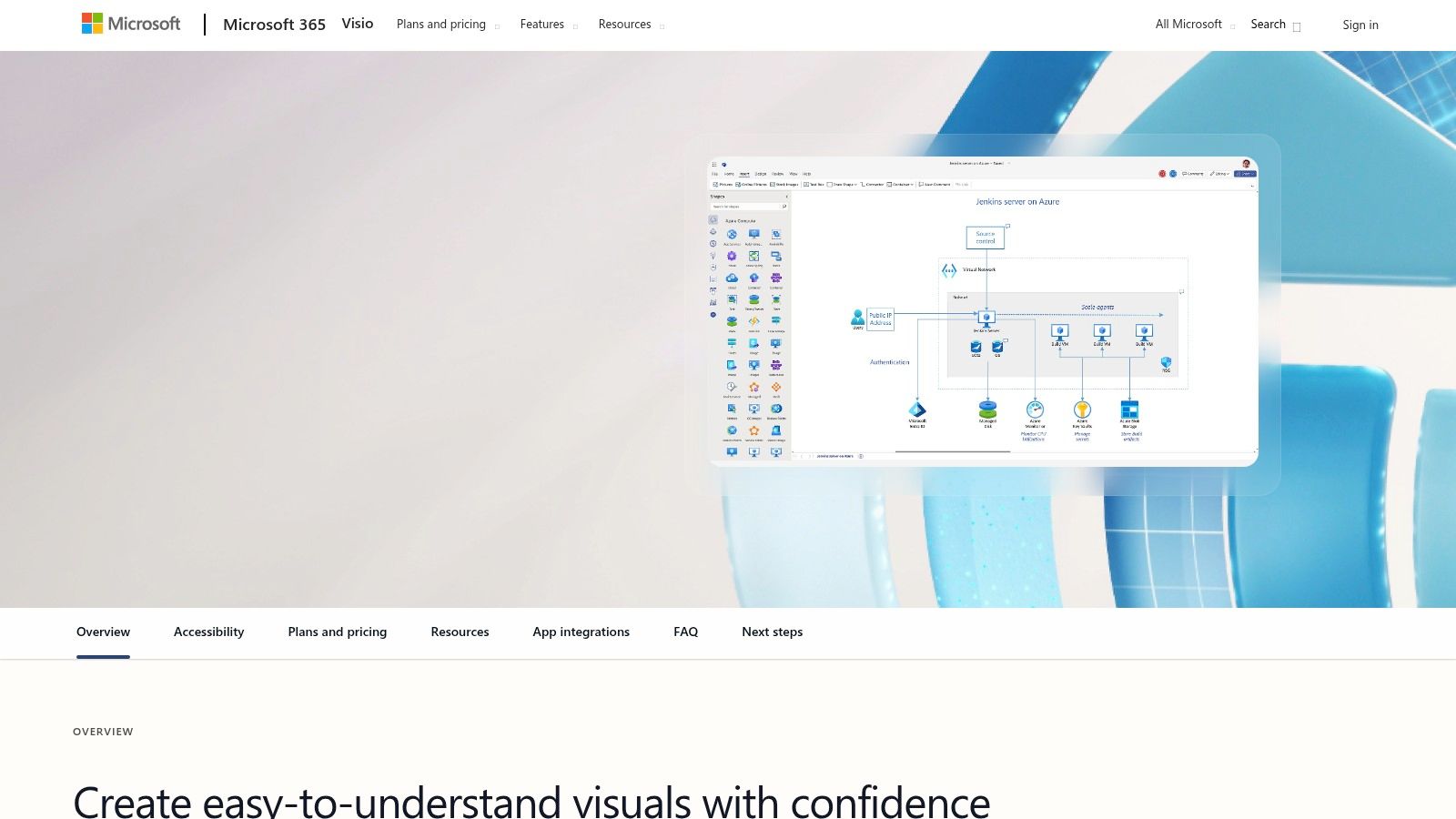
As a core part of the Microsoft ecosystem, Visio integrates deeply with applications like Excel, SharePoint, and Power BI, allowing users to build dynamic, data-driven visuals. This makes it an excellent piece of software to document processes where diagrams must reflect real-time data from other business systems. Visio’s traditional desktop application provides robust, offline capabilities, while its cloud-based version offers collaboration and accessibility for Microsoft 365 users.
While Visio excels at static, technical diagramming, many complex processes are better explained with a dynamic visual walkthrough. For creating video-based process guides like demos, onboarding flows, or knowledge base videos, a tool like Tutorial AI is a powerful complement. It transforms raw screen recordings into professional, on-brand videos without requiring expert skills in software like Adobe Premiere Pro. This allows subject matter experts to create polished support and training videos efficiently, turning unscripted recordings into concise, studio-quality content.
Key Features & Use Cases
- Best For: Creating formal BPMN/UML diagrams, data-linked flowcharts, and technical schematics in enterprise or regulated environments.
- Standout Feature: Extensive library of professional templates and shapes that adhere to industry standards, with deep integration into the Microsoft 365 stack.
- Integrations: Natively connects with Microsoft Excel, SharePoint, OneDrive, and Power BI for creating data-driven diagrams.
- Pricing: Available via subscription plans (starting at $5/user/month for the web app) or as a one-time purchase for the desktop version (Standard and Professional editions).
Website: https://www.microsoft.com/microsoft-365/visio
Process Documentation Software — 12-Tool Comparison
| Product | Core features | UX / Quality (★) | Price / Value (💰) | Target audience (👥) | Unique selling points (✨) |
|---|---|---|---|---|---|
| Tutorial AI 🏆 | AI screen recorder + doc-style editor, transcription, lifelike AI voices, cursor tracking, AutoRetime, Brand Kits, team workspace, 4K export | 4.9★ | 💰 Free tier; Solo ≈ $18/mo (ann), Growth ≈ $64/mo (ann); Enterprise custom | 👥 Knowledge base, sales enablement, L&D, product marketing, creators | ✨ Script‑first editing, post-record cursor effects, AutoRetime localization, multi‑language voices |
| Scribe | One-click workflow capture → annotated screenshots, PDF/HTML/MD exports, collaboration & branding | 4.6★ | 💰 Free tier; team plans (seat-based) | 👥 Ops, support, product teams building SOPs | ✨ Ultra-fast auto-step capture & polished exports |
| Tango | One-click capture (web/desktop), branded guides, analytics, enterprise governance, optional in-app guidance | 4.5★ | 💰 Free tier; Pro/Team seat pricing | 👥 Customer success, support, product teams | ✨ Viewership analytics + optional digital adoption features |
| Process Street | Structured workflows & tasks, approvals, conditional logic, automations, policy pages | 4.4★ | 💰 Tiered / custom pricing (sales quotes) | 👥 Ops, QA, compliance, regulated teams | ✨ Combines documentation with executable workflows & automations |
| SweetProcess | Centralized SOPs, process maps, KB, version history, task tracking | 4.2★ | 💰 Flat transparent pricing; 14‑day trial & 30‑day money-back | 👥 Small–mid teams needing simple SOPs | ✨ Simple KB + versioning with straightforward pricing |
| Trainual | AI-assisted docs, role/department training paths, screen recording, tests & reporting | 4.5★ | 💰 Seat-based; starts at 10 seats (paid tiers) | 👥 HR, onboarding, L&D teams | ✨ Training + testing + content verification & org charts |
| Atlassian Confluence | Wiki pages & spaces, SOP templates, integrations, cloud/Data Center options | 4.3★ | 💰 Free up to 10 users; per‑user tiers for larger teams | 👥 Engineering, documentation, enterprise KBs | ✨ Enterprise KB with deep Jira/Atlassian ecosystem & marketplace |
| Notion | Docs + relational DBs + public sites, templates, permissions, AI on Business+ | 4.4★ | 💰 Free/Plus/Business; AI features on Business/Enterprise | 👥 SMBs, startups, product & ops teams | ✨ Flexible linked databases, templates & publishing |
| Lucidchart (Lucid) | BPMN & process diagramming, data linking, real-time collaboration, integrations | 4.2★ | 💰 Free tier; paid per‑user plans | 👥 Process designers, analysts, PMs | ✨ Best-in-class visual process mapping & integrations |
| Miro | Collaborative whiteboard, BPMN/UML shapes, templates, AI-assisted diagramming | 4.3★ | 💰 Free tier; Business/Enterprise plans | 👥 Workshop facilitators, cross-functional teams | ✨ Workshop→artifact flow with large template library & AI |
| Bizagi Modeler | Full BPMN desktop modeler (free), process publishing, enterprise add-ons | 4.0★ | 💰 Free desktop; paid enterprise services | 👥 BPM practitioners, process modelers | ✨ No-cost, professional BPMN modeling (Windows) |
| Microsoft Visio | BPMN/UML, data-linked diagrams, desktop & cloud options, MS365 integration | 4.1★ | 💰 Perpetual licenses or subscription; higher upfront cost | 👥 Regulated enterprises, architects, formal BPMN users | ✨ Enterprise-grade standards support & deep Microsoft integration |
Making Your Final Decision: How to Choose the Right Tool for Your Team
Navigating the landscape of software to document processes can feel overwhelming, but making an informed choice is about aligning a tool’s strengths with your team’s specific needs and long-term goals. We’ve explored a dozen powerful solutions, from automated screenshot generators like Scribe and Tango to comprehensive knowledge management systems such as Confluence and Notion, and even sophisticated visual modelers like Lucidchart and Bizagi. The key takeaway is that the “best” software is the one that fits seamlessly into your existing workflows and genuinely solves your most pressing documentation challenges.
A tool that empowers one team might create friction for another. Therefore, the most critical step is to look inward and define your primary objective. Are you aiming to capture institutional knowledge, standardize complex operational procedures, or create engaging training materials? Your answer will immediately help you narrow down the options.
A Framework for Your Final Selection
To move from analysis to action, evaluate your top contenders against three core pillars: Primary Use Case, Content Format, and Scalability. This simple framework will help you filter out unsuitable options and focus on the software that will deliver the most value.
- Primary Use Case: What is the main problem you need to solve? For quick, step-by-step guides: Tools like Scribe and Tango excel at rapidly generating visual instructions for simple, browser-based tasks. They are ideal for one-off support answers or quick “how-to” articles.
- For structured training and onboarding: Platforms like Trainual and SweetProcess are built specifically for creating repeatable, testable training modules and formal standard operating procedures (SOPs).
- For a central, collaborative knowledge hub: If your goal is a single source of truth for the entire company, robust platforms like Atlassian Confluence or the flexible Notion are designed for this purpose, integrating project management with documentation.
- For visualizing complex systems: When you need to map out intricate workflows, decision trees, or system architecture, dedicated diagramming tools like Lucidchart and Miro are indispensable.
- Content Format: How does your team learn and communicate best?While text and static images have long been the standard for process documentation, their effectiveness diminishes when explaining dynamic, multi-step digital workflows. This is where video becomes a strategic advantage. However, traditional video creation presents a bottleneck. Recording a quick Loom video is easy, but it’s often 50-100% longer than necessary and lacks polish. On the other hand, professional software like Adobe Premiere Pro requires specialized skills and significant time investment. This is the exact gap that Tutorial AI is designed to fill. It empowers your subject matter experts to record their screen and speak freely, without a script or practice. Its AI-powered tools then automatically transform that raw recording into a professional, on-brand video tutorial that looks like it was edited by an expert. This approach drastically increases the efficiency of creating high-quality video-based software documentation for everything from onboarding and feature releases to in-depth support articles.
- Scalability: Will this tool grow with your organization?Consider your future needs. The software to document processes you choose today should support your team tomorrow. Evaluate user management, permission levels, integration capabilities (especially with your existing tech stack like Slack, Jira, or Salesforce), and the pricing model. A tool that seems affordable for a team of five might become prohibitively expensive for a team of fifty. Ensure your choice has a clear path to scale as your company, content library, and documentation needs evolve.
Turning Process into a Strategic Asset
Ultimately, investing in the right software to document processes is about more than just creating a manual. It’s about building a strategic asset that drives consistency, accelerates employee onboarding, reduces repetitive questions, and empowers your team to perform their best work. By carefully considering your use case, preferred content format, and long-term scalability, you can select a platform that transforms your internal knowledge from a hidden liability into a powerful engine for growth and efficiency.
Ready to unlock the power of video for your process documentation without the steep learning curve of traditional editing software? Discover how Tutorial AI empowers your experts to create polished, on-brand video tutorials in a fraction of the time. Visit Tutorial AI to see how you can make complex processes simple and clear.