Video production has shifted from a specialized skill to a core business function. Support teams, L&D departments, and sales professionals are now expected to create high-quality video tutorials, demos, and training materials. The primary challenge is efficiency. Recording a simple screen capture with a tool like Loom often results in a video that is 50-100% longer than necessary, filled with pauses, mistakes, and repetitive actions. On the other hand, professional editing suites like Adobe Premiere Pro demand significant expertise and time, creating a major bottleneck.
This is the problem that ai video editing software is built to solve. These platforms automate tedious, time-consuming tasks, allowing subject matter experts to produce polished, on-brand videos without any prior editing experience. For instance, some tools can take a raw, unscripted screen recording and automatically trim dead air, remove filler words, add dynamic zooms, and generate a professional voiceover, transforming a rambling take into a concise, studio-quality tutorial. This empowers teams to create effective video content at scale, bridging the gap between quick-and-dirty recordings and professionally edited productions.
In this comprehensive guide, we break down the top AI video editing software available today. We’ll analyze each tool’s core features, ideal use cases, pricing, and limitations. Each review includes screenshots and direct links to help you find the perfect solution for your specific needs, whether you’re creating knowledge base articles, sales demos, or employee onboarding videos.
1. Tutorial AI
Tutorial AI is a standout choice in the AI video editing software landscape, specifically engineered to generate professional video tutorials from screen recordings. It’s ideal for creating demos, onboarding videos, explainer videos, feature release videos, knowledge base videos, and support article videos. It directly addresses a common dilemma: easy-to-use recording tools like Loom often produce videos that are 50-100% longer than necessary, whereas professional video editing software such as Camtasia or Adobe Premiere Pro requires expert video editing knowledge.
Tutorial AI’s tools let you speak freely during a screen capture without any practice, and still, your video will look professional as if it was edited in Adobe Premiere Pro. It allows the subject matter expert to create on-brand videos extremely efficiently. The platform’s AI pipeline automatically transcribes your speech, allowing you to edit the video by simply editing the text transcript. This “edit like a doc” interface is revolutionary; deleting a word or sentence in the script automatically removes the corresponding audio and video segments. You can then regenerate the entire voiceover using a lifelike AI voice, available in over 30 languages, ensuring a flawless, consistent narration. Explore the platform’s capabilities with a comprehensive guide to using an AI voice generator for videos on tutorial.ai.
Unique Features and Use Cases
Tutorial AI’s unique cursor tracking technology records mouse movements as separate data, not as part of the video stream. This allows you to add or modify cursor highlights, smooth out jerky motions, and apply smart zooms post-recording to focus viewer attention precisely where it’s needed.
Best For:
- Knowledge Base & Support: Creating clear, concise support article videos and troubleshooting guides.
- Sales Enablement & L&D: Developing powerful product demos, onboarding videos, and training modules.
- Product Marketing: Producing polished feature release videos and explainer content.
Pricing and Key Considerations
The platform offers a functional free tier, with paid plans unlocking higher limits and advanced features.
| Plan | Price (Billed Annually) | Key Features |
|---|---|---|
| Free | $0 | 1 editor, 3 projects, 1080p exports |
| Solo | ~$18/mo | Unlimited projects, 4K exports, more recording time |
| Growth | ~$64/mo | Team features, Brand Kits, shared workspaces |
| Enterprise | Custom | Custom AI voices, voice cloning, dedicated support |
While powerful, teams handling highly sensitive data should review the platform’s compliance policies. The most advanced features, like voice cloning, are reserved for the Enterprise plan, which may be a consideration for teams on a tighter budget.
| Pros | Cons |
|---|---|
| AI-Driven Workflow: Handles script generation, transcription, and voiceover end-to-end. | Enterprise-Gated Features: Custom AI voices and voice cloning require an Enterprise plan. |
| Unique Post-Production: Post-recording cursor effects, smart zooms, and highlights other editors don't offer. | Cloud-Based: Cloud workflow requires review for organizations with highly sensitive data. |
| AutoRetime™ Localization: Seamless multi-language video localization with synced callouts and captions. | |
| Team Collaboration: Strong brand management, shared workspaces, and review workflows. |
2. Adobe Premiere (Premiere Pro)
Adobe Premiere Pro is the industry-standard non-linear editor (NLE) for professionals, now supercharged with integrated generative AI. This platform is not for quick, automated tutorials; it’s a deep, powerful tool for crafting polished, high-production-value videos where creative control is paramount. While some tools aim to simplify editing to the point of automation, Premiere Pro gives experts the AI tools to enhance their existing, complex workflows.
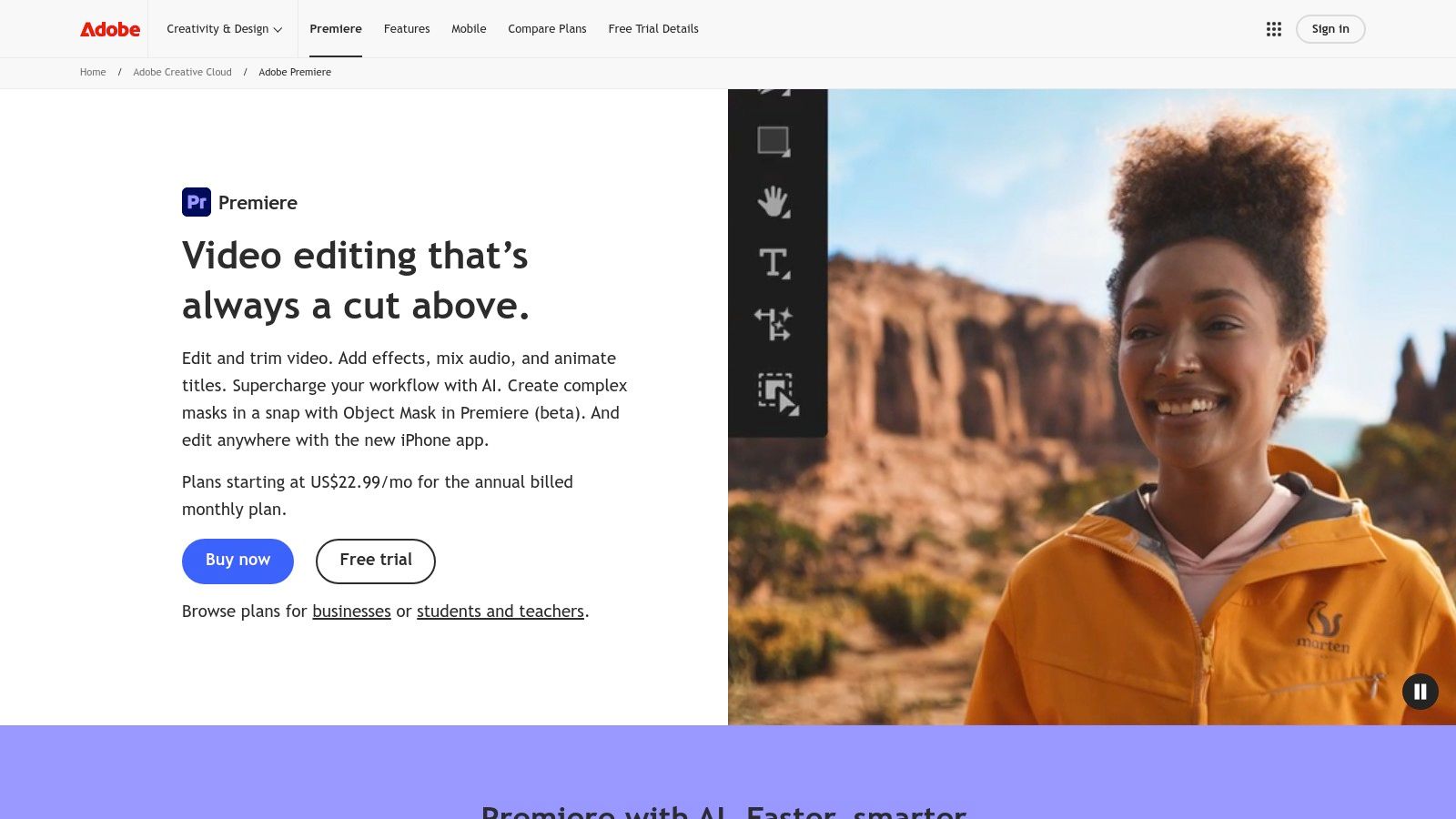
The platform stands out by integrating its Firefly generative AI directly into the timeline. Features like Generative Extend allow editors to seamlessly lengthen clips, while Text-Based Editing lets users edit video by simply cutting and pasting the auto-generated transcript. This makes it an exceptional piece of AI video editing software for documentary filmmakers or content marketers working with interview footage. Furthermore, its Enhance Speech tool can clean up poor-quality audio with a single click, saving hours of manual audio engineering.
Key Details & Use Cases
- Best For: Professional video editors, marketing teams, and creative agencies requiring granular control and a robust post-production ecosystem.
- Standout Features: Integrated Firefly AI, Text-Based Editing, Enhance Speech, deep integration with After Effects and Adobe Stock.
- Pros: Unmatched professional features, continuous AI updates, and a vast ecosystem of creative apps.
- Cons: Steep learning curve for beginners and a subscription model where generative features consume “Firefly credits.”
- Pricing: Requires an Adobe Creative Cloud subscription, with plans starting at $22.99/month for Premiere Pro alone.
Website: https://www.adobe.com/products/premiere.html
3. Blackmagic Design DaVinci Resolve / Resolve Studio
DaVinci Resolve is a complete, all-in-one post-production solution that combines professional editing, world-renowned color correction, visual effects (Fusion), and audio post-production (Fairlight) into a single application. It leverages the powerful DaVinci Neural Engine to offer sophisticated AI capabilities that rival dedicated plugins. Unlike tools focused purely on automation, Resolve uses AI to enhance the creative workflow of professional editors, making complex tasks faster and more precise.
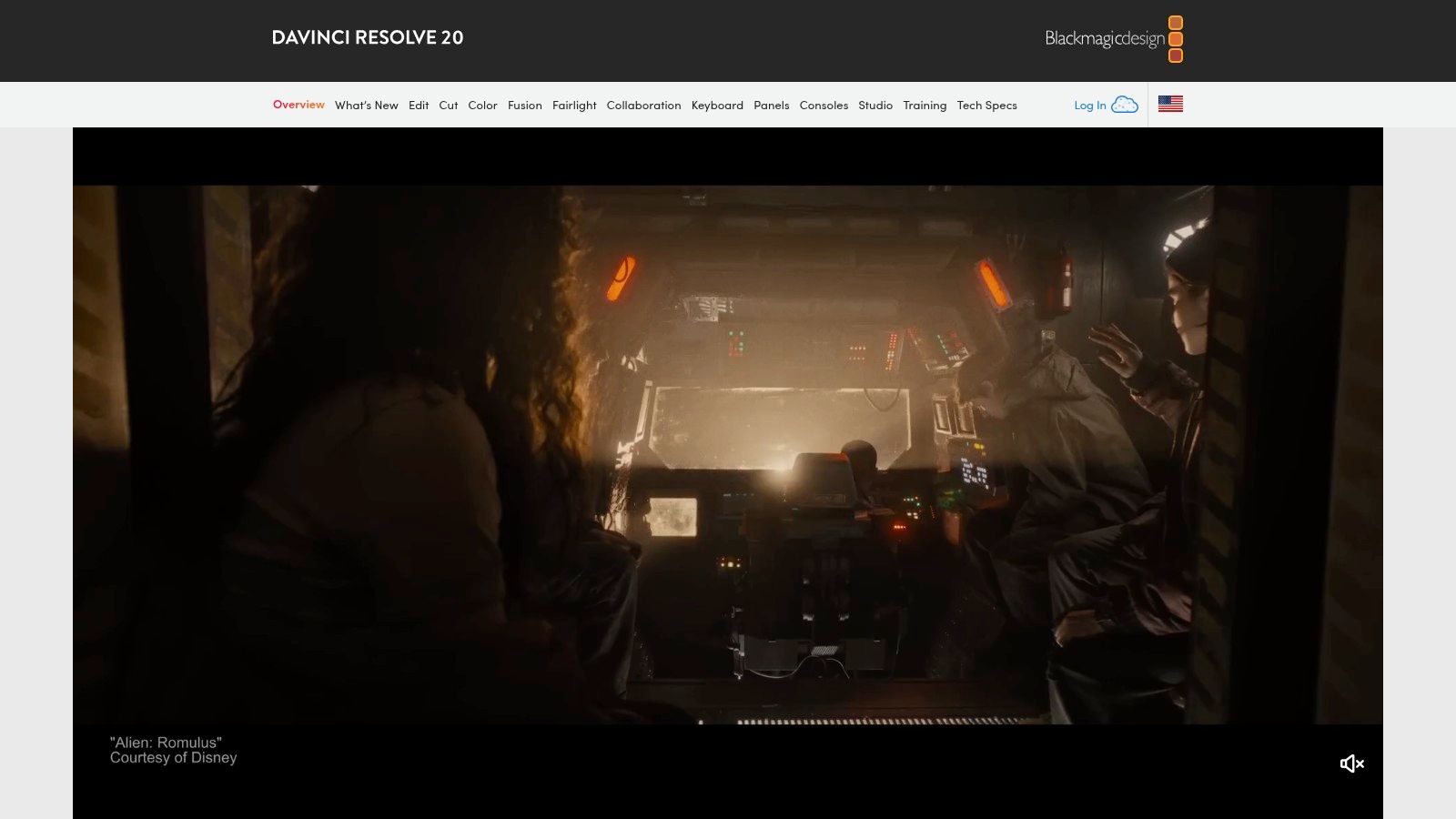
The platform’s standout AI features are seamlessly integrated. For instance, Magic Mask uses the Neural Engine to perform object isolation with incredible accuracy, allowing for targeted color grades or effects without tedious rotoscoping. The Voice Isolation tool can remove loud, unwanted background noise from dialogue tracks, a game-changer for content shot in uncontrolled environments. This makes it a superior piece of AI video editing software for indie filmmakers and creators who need top-tier results without a Hollywood budget. Additionally, its Smart Reframe feature automatically repositions footage for different aspect ratios, perfect for social media content.
Key Details & Use Cases
- Best For: Professional colorists, indie filmmakers, and video editors looking for a comprehensive, subscription-free post-production suite.
- Standout Features: DaVinci Neural Engine (Magic Mask, Voice Isolation, Smart Reframe), industry-leading color grading tools, integrated Fusion VFX and Fairlight audio.
- Pros: Incredibly powerful free version, a one-time purchase for the Studio version (no subscriptions), and an all-in-one workflow that eliminates round-tripping between apps.
- Cons: Requires powerful computer hardware to run smoothly and presents a steep learning curve for those new to professional NLEs.
- Pricing: A highly capable version is available for free. DaVinci Resolve Studio is a one-time payment of $295.
Website: https://www.blackmagicdesign.com/products/davinciresolve
4. Apple Final Cut Pro
Apple Final Cut Pro is a powerhouse professional editor, exclusively optimized for the macOS and iPadOS ecosystems. Its strength lies in leveraging Apple’s own hardware, particularly the Neural Engine in Apple silicon, to accelerate AI-driven tasks and deliver a remarkably smooth editing experience. This platform is tailored for creators who are deeply invested in the Apple ecosystem and prioritize performance and stability for demanding post-production workflows, from feature films to high-fidelity social content.
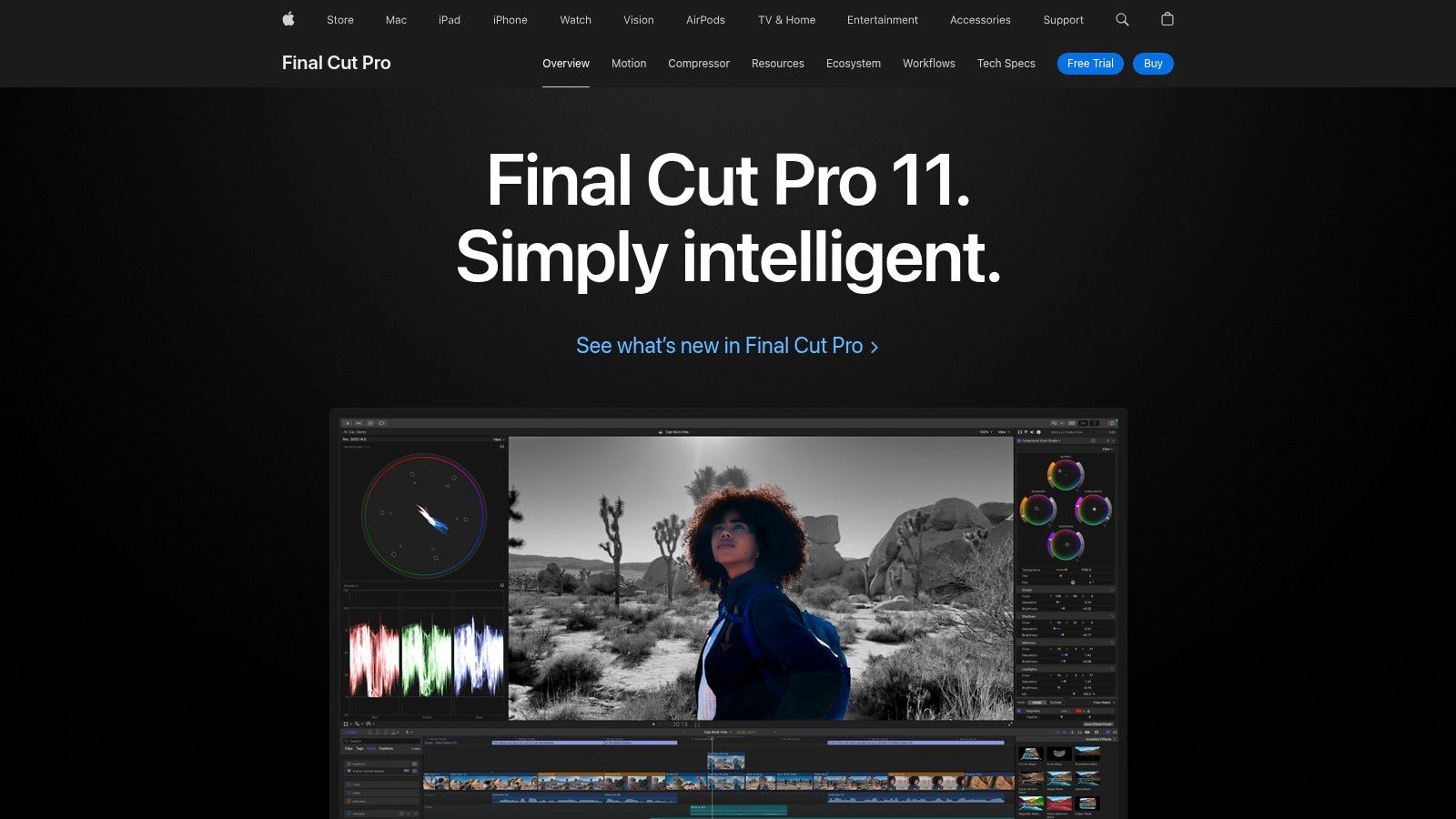
Final Cut Pro integrates machine learning to streamline complex editing processes without overwhelming the user. Features like Scene Removal Mask can isolate subjects from backgrounds without a green screen, while Object Tracker analyzes video to match the movement of faces or objects with titles and effects. For editors looking to perfect their footage, Enhance Light & Color uses AI to instantly improve color balance, contrast, and brightness. This sophisticated use of underlying technology makes it a formidable piece of AI video editing software for Mac-based professionals who value efficiency and power.
Key Details & Use Cases
- Best For: Professional Mac-based video editors, filmmakers, and content creators who want peak performance on Apple hardware and prefer a one-time purchase model.
- Standout Features: Neural Engine-powered Object Tracker and Scene Removal Mask, deep optimization for Apple silicon, integration with Motion and Compressor, and a generous 90-day free trial for Mac.
- Pros: Exceptional performance and stability on Macs, a one-time purchase model (on Mac) which is cost-effective long-term, and a large third-party plugin ecosystem.
- Cons: Exclusive to the Apple ecosystem (macOS and iPadOS only), and its cloud-based collaboration tools are less extensive than competitors without third-party add-ons.
- Pricing: Available as a one-time purchase of $299.99 for Mac, or a subscription for iPad at $4.99/month or $49/year.
Website: https://www.apple.com/finalcutpro/
5. CapCut
CapCut has rapidly become a dominant force in the mobile and social-first video editing space, thanks to its incredibly accessible interface and powerful, free AI features. Originally known for its mobile app, its desktop and web versions offer seamless, cloud-synced projects, making it a versatile tool for creators who need to edit on the go. It excels at quickly turning raw footage into engaging, trend-worthy content for platforms like TikTok, Instagram Reels, and YouTube Shorts.
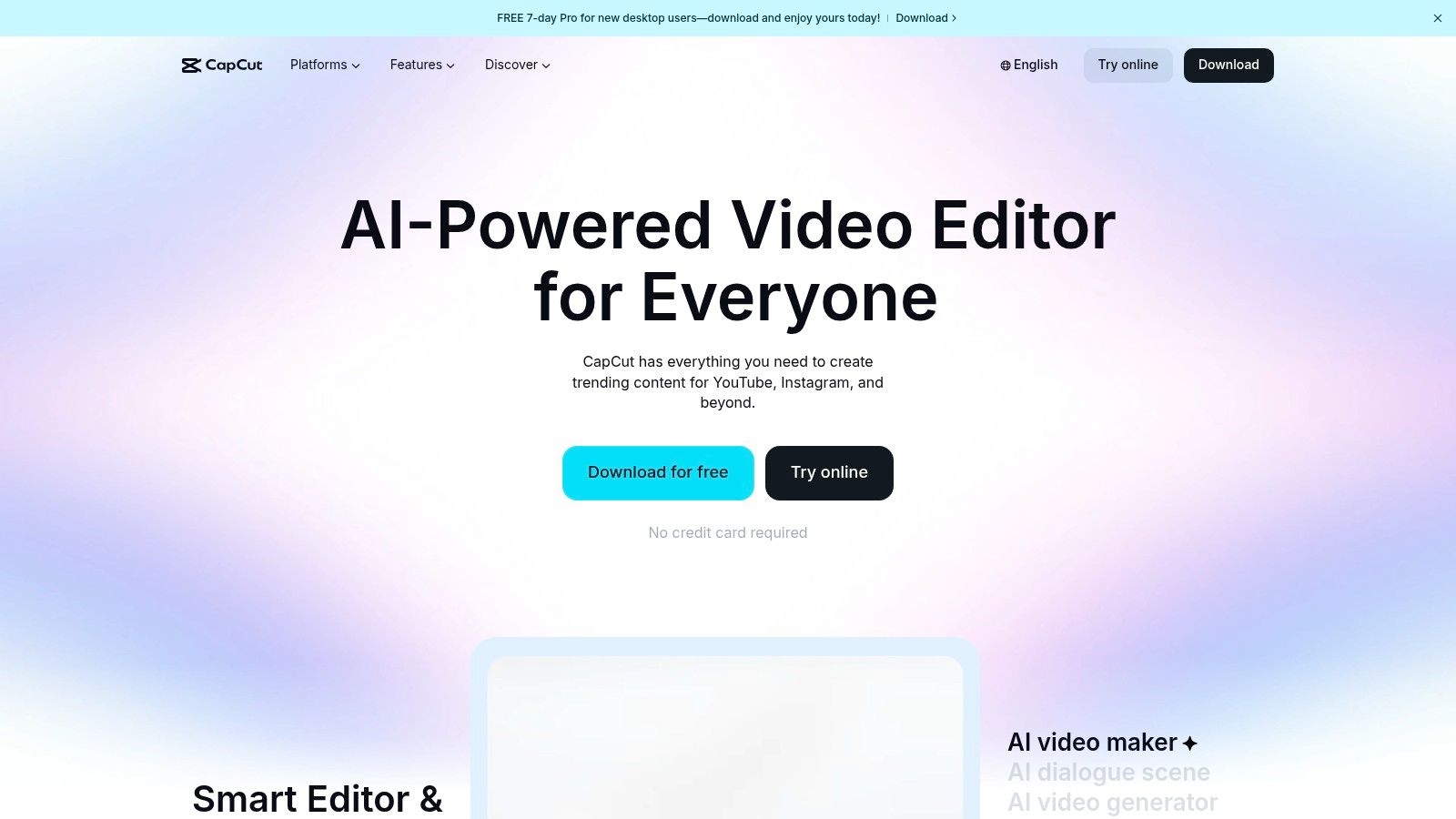
The platform’s strength lies in its one-click AI tools that simplify complex editing tasks. Its AI-powered auto-captioning is remarkably accurate and customizable, saving hours of manual transcription. Other standout features include effortless background removal, smart motion tracking for attaching text or effects to moving objects, and an AI video maker that generates content from templates. This focus on speed and ease of use makes it a top-tier AI video editing software for social media managers and content creators who prioritize a fast turnaround without a steep learning curve.
Key Details & Use Cases
- Best For: Social media managers, content creators, and marketers focused on producing short-form video content quickly.
- Standout Features: AI auto-captions with translation, one-click background removal, motion tracking, and a vast library of social media templates.
- Pros: Extremely generous free tier, fast and intuitive workflow for social content, and a huge library of templates and assets.
- Cons: Pricing for its Pro plan can fluctuate and vary by region, and it is less suited for complex, long-form professional projects.
- Pricing: Offers a robust free version. CapCut Pro pricing varies but typically starts around $7.99/month.
Website: https://www.capcut.com/
6. Runway
Runway is a pioneering browser-based suite of AI magic tools that blurs the line between video editing and content creation. This platform is designed for creators and teams who want to leverage cutting-edge generative AI without needing powerful local hardware. It’s less of a traditional editor and more of a creative studio, offering powerful text-to-video and video-to-video generation alongside a functional timeline editor, making it a go-to for experimental and futuristic video projects.
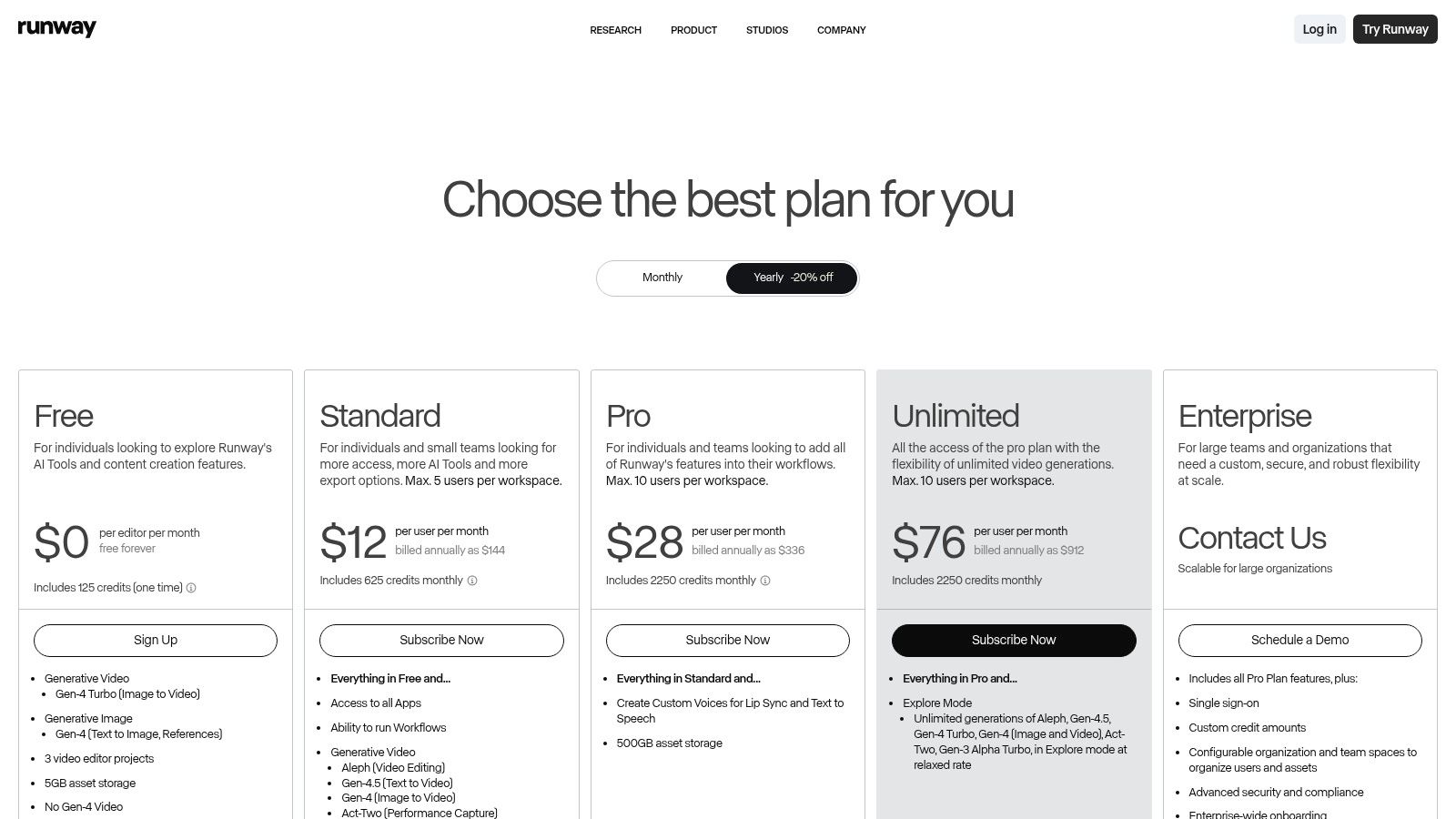
The platform’s strength lies in its generative models, such as Gen-2, which allow users to create video clips from simple text prompts or by applying styles to existing footage. This makes Runway an exceptional piece of AI video editing software for artists, advertisers, and filmmakers looking to produce surreal visuals or conceptual B-roll that would be impossible to shoot. All projects are stored in the cloud and accessible via team workspaces, facilitating collaborative workflows on generative video content from anywhere.
Key Details & Use Cases
- Best For: Digital artists, creative agencies, and marketing teams focused on producing unique, AI-generated video content and special effects.
- Standout Features: Advanced text-to-video and video-to-video generation (Gen-2), in-painting (removing objects), frame interpolation, and a suite of over 30 AI “Magic Tools.”
- Pros: State-of-the-art generative video capabilities accessible in-browser, collaborative cloud-based workflow, and a free tier to experiment with features.
- Cons: Generative outputs consume credits which can become costly, and lower-tier plans have significant limits on video resolution, storage, and export options.
- Pricing: Offers a free Basic plan with limited credits. Paid plans start at $12/user/month (Standard) and scale up to Enterprise solutions.
Website: https://runwayml.com/pricing
7. Descript
Descript revolutionizes video editing by shifting the process from a timeline-based interface to a text-based one, making it as easy as editing a document. This platform is tailor-made for content heavy on spoken words, such as podcasts, interviews, and corporate training videos. Instead of scrubbing through video clips, users edit the auto-generated transcript, and the corresponding video and audio cuts are made automatically. This unique workflow makes it an indispensable tool for anyone who needs to quickly refine dialogue-driven content.
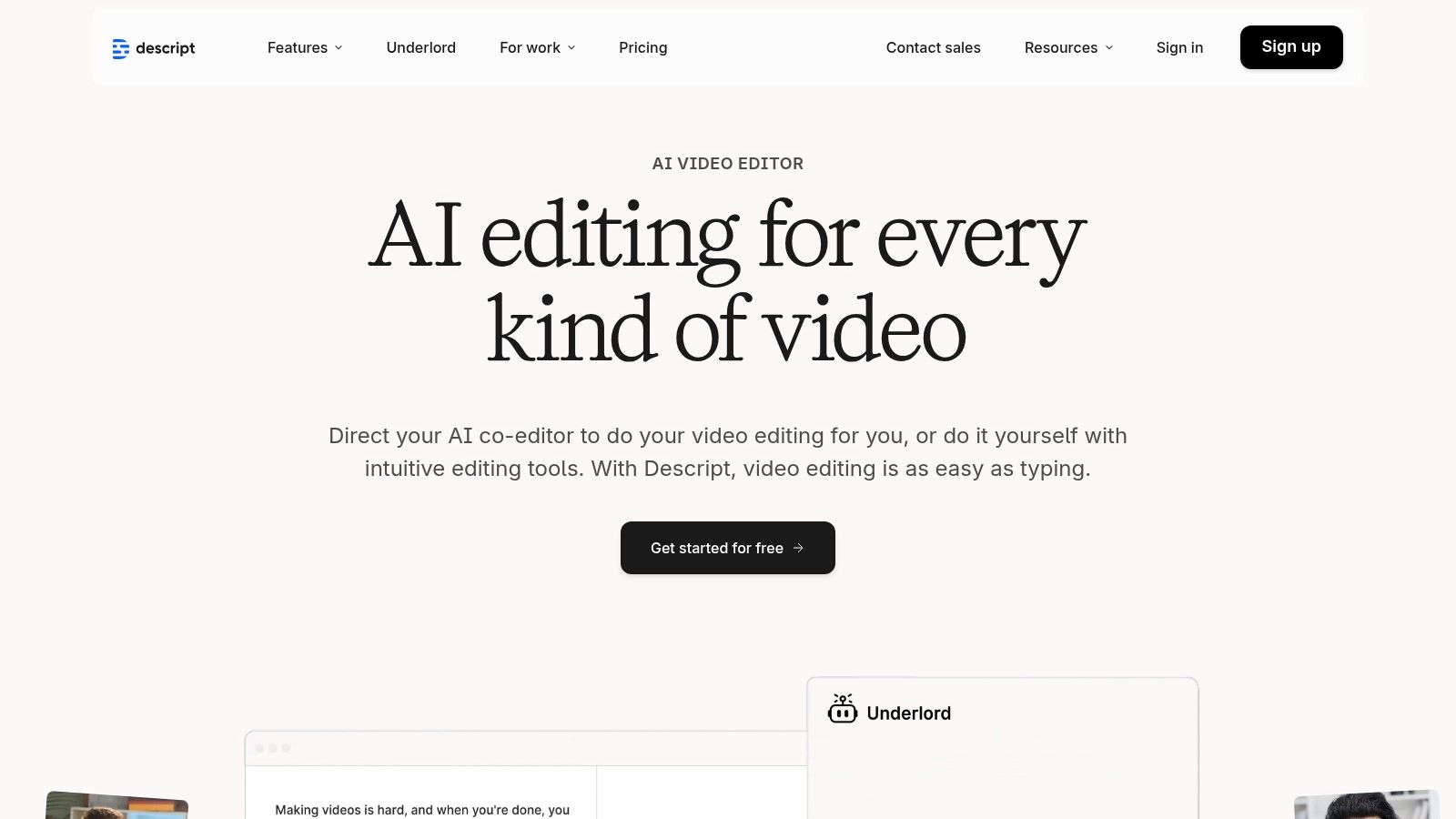
The platform’s standout AI features are designed for maximum efficiency. Studio Sound can repair poor-quality audio and remove background noise with a single click, while the Filler Word Removal feature automatically finds and deletes “ums” and “ahs.” Another powerful tool is Overdub, which lets you clone your voice to correct misspoken words or add new sentences without re-recording. This exceptional approach makes it a leading piece of AI video editing software for creators and marketing teams who prioritize speed and simplicity for their talk-based projects. For those looking to make their videos more accessible, Descript also streamlines the process of adding subtitles, a crucial step for engagement you can explore in this guide on adding captions to videos.
Key Details & Use Cases
- Best For: Podcasters, corporate trainers, content marketers, and anyone creating interview or explainer videos.
- Standout Features: Transcript-based editing, Studio Sound audio enhancement, Overdub (AI voice cloning), and automatic filler-word removal.
- Pros: Incredibly intuitive and fast for dialogue editing, steep reduction in editing time, and a gentle learning curve for non-editors.
- Cons: Not ideal for highly visual, cinematic projects; less powerful for advanced motion graphics and VFX compared to traditional NLEs.
- Pricing: Offers a free plan for basic use. Paid plans start at $12/month per editor (billed annually), with advanced features on higher tiers.
Website: https://www.descript.com/
8. Wondershare Filmora
Wondershare Filmora strikes a balance between accessibility for beginners and powerful AI features for prosumers. It’s a cross-platform editor designed for creators who need to produce engaging content quickly without a steep learning curve. Instead of overwhelming users with complex settings, Filmora packs its AI capabilities into one-click tools that simplify otherwise time-consuming tasks, making it a go-to for YouTubers, social media managers, and aspiring video editors.
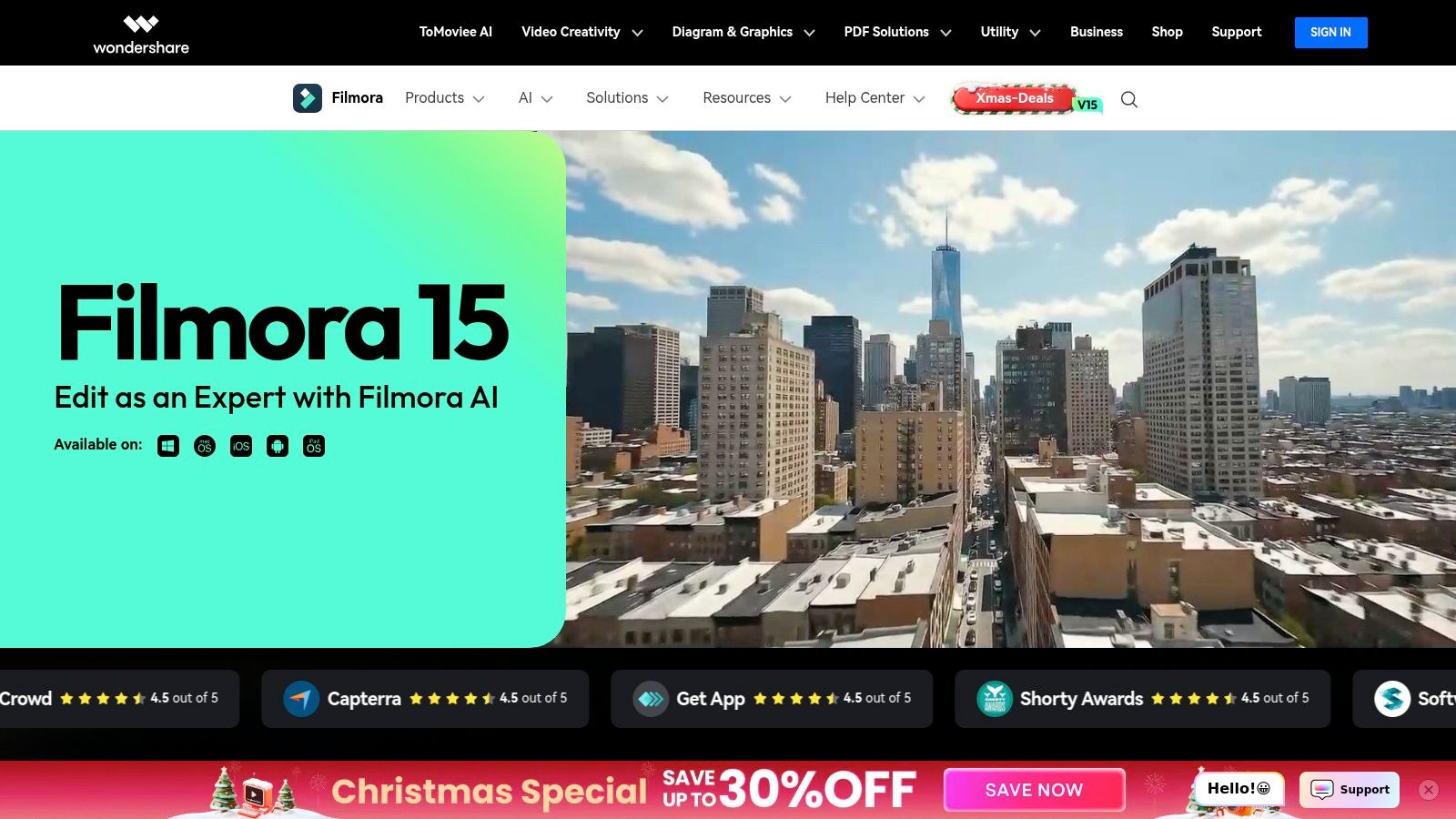
The platform stands out with its suite of practical AI tools like AI Portrait, which can remove backgrounds without a green screen, and Auto Reframe, which automatically adapts videos to different aspect ratios for platforms like TikTok or Instagram. It also includes an AI Audio Denoise function to clean up imperfect audio and AI-powered text-to-video and text-to-speech generation. This makes Filmora excellent AI video editing software for creators who need to efficiently repurpose content across multiple channels while maintaining a polished look and feel.
Key Details & Use Cases
- Best For: Content creators, YouTubers, and small business owners looking for an easy-to-use editor with powerful, automated AI features.
- Standout Features: One-click AI tools (Auto Reframe, AI Portrait, Audio Denoise), a large built-in library of effects and stock assets, and an intuitive interface.
- Pros: Affordable subscription and perpetual license options, very approachable for beginners, and a vast library of ready-made assets for quick results.
- Cons: AI credits and full asset library access are tied to higher-tier plans, and it lacks the high-end finishing tools found in professional NLEs.
- Pricing: Offers a subscription starting at $29.99 quarterly or a perpetual plan for a one-time fee of $79.99.
Website: https://filmora.wondershare.com/
9. Topaz Video / Topaz Video AI
Topaz Video AI is not a traditional video editor but a specialized enhancement tool that uses artificial intelligence to dramatically improve video quality. It focuses exclusively on post-production tasks like upscaling, de-noising, stabilization, and frame interpolation. This makes it an essential companion for professionals who need to restore old footage, clean up noisy clips shot in low light, or convert standard-definition content into crisp 4K or even 8K resolution. It functions as a powerful step in a professional workflow, used before or after the main edit.
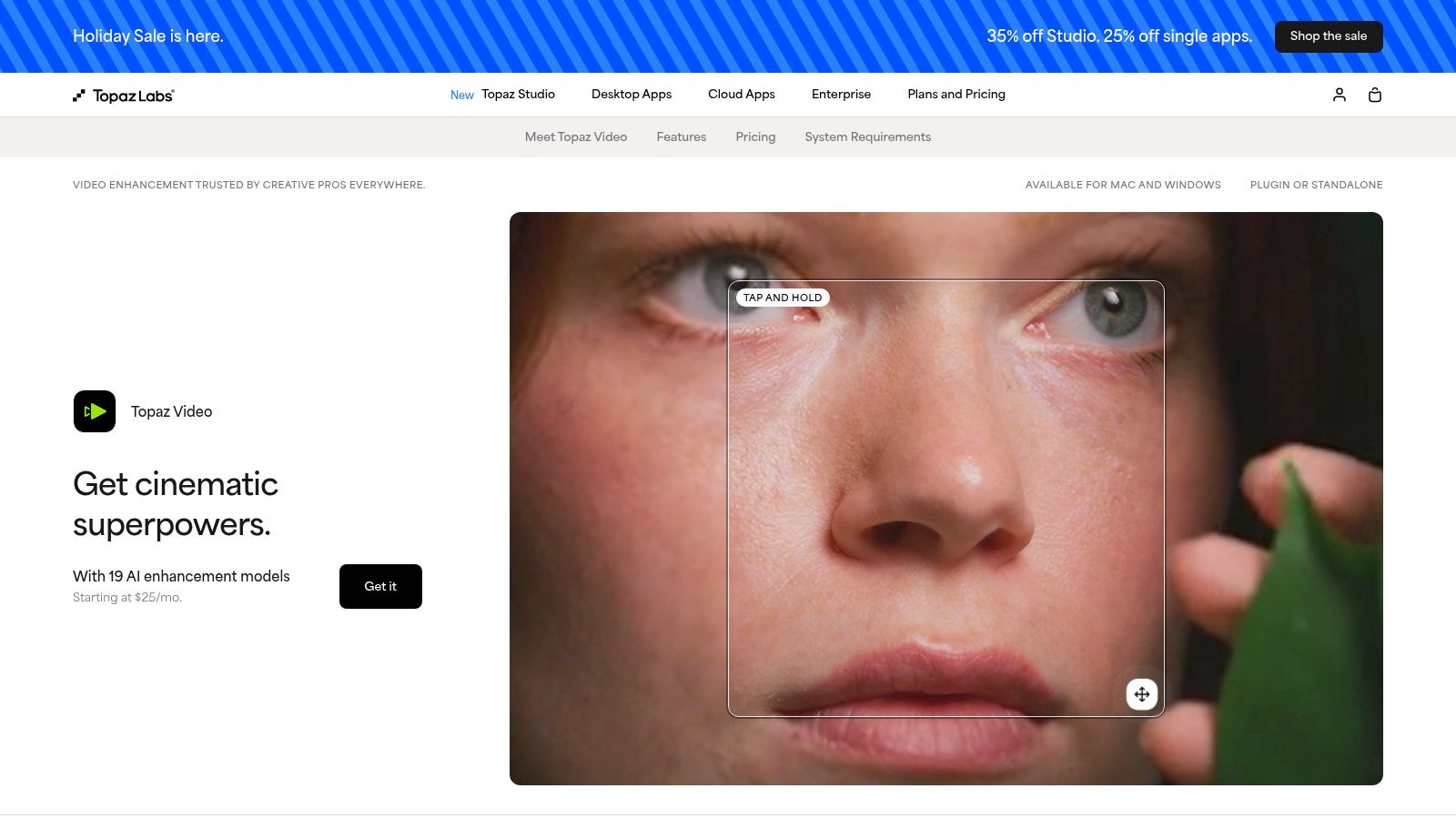
The platform leverages highly trained AI models to achieve results that are often impossible with standard editing software. Features like AI upscaling can intelligently add detail to low-res video, while frame interpolation creates smooth slow-motion effects by generating new frames. As a dedicated desktop application, it utilizes your computer’s GPU for accelerated batch processing, allowing you to enhance multiple files overnight. For anyone working with archival, drone, or compressed footage, Topaz Video AI is a critical piece of AI video editing software for achieving the best possible source quality.
Key Details & Use Cases
- Best For: Filmmakers, archivists, and videographers needing to restore or enhance the technical quality of existing footage.
- Standout Features: Best-in-class AI-powered upscaling and restoration models, motion deblur, frame interpolation for slow motion, and robust stabilization.
- Pros: Delivers unparalleled quality for video enhancement, offers a clear before/after preview, and supports batch processing for efficiency.
- Cons: It is a complementary tool, not a full NLE, so it doesn’t handle cutting or arranging clips. The purchase and update models have evolved, so users should verify current terms.
- Pricing: A one-time purchase of $299, which includes one year of updates. Users can continue using their purchased version indefinitely or pay for another year of updates.
Website: https://www.topazlabs.com/topaz-video-ai
10. VEED
VEED is a versatile, browser-based video editor that prioritizes speed and simplicity for marketing and social media workflows. It’s designed for users who need to produce engaging, on-brand content quickly without installing complex software or having a deep technical background. The platform combines a familiar timeline editing interface with a powerful suite of one-click AI tools, making it a go-to choice for teams needing to streamline their content creation pipeline from a single, collaborative space.
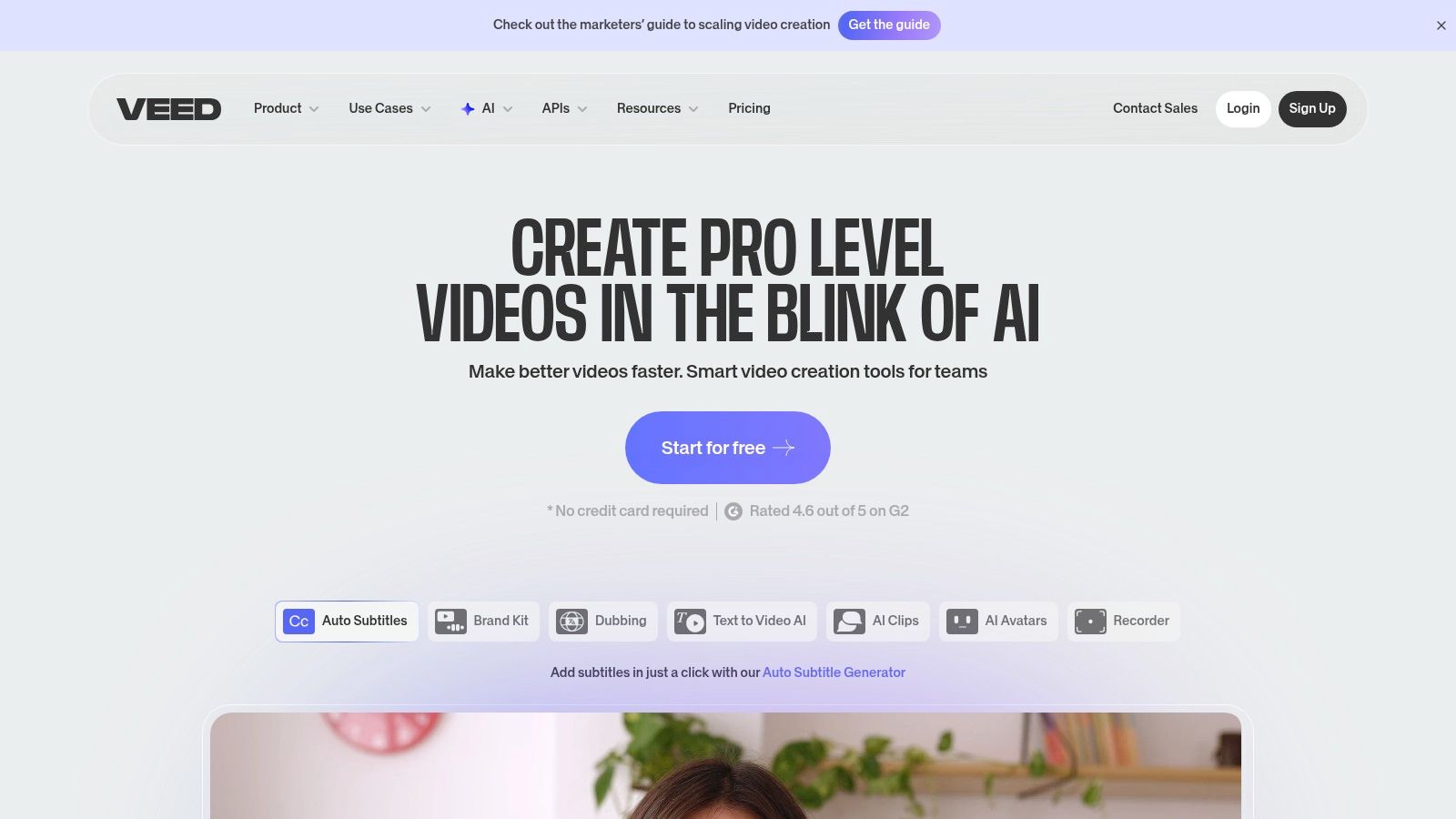
The platform shines with its integrated AI features that solve common video production bottlenecks. Auto-captions and one-click translation make content instantly accessible to a global audience, while the AI audio cleanup tool removes background noise to ensure professional-sounding audio. For content that needs a human touch without a live presenter, VEED offers text-to-speech and AI avatars. As a comprehensive piece of AI video editing software, it empowers marketing teams to manage brand kits, use templates, and collaborate on projects entirely within their browser, significantly accelerating the content lifecycle.
Key Details & Use Cases
- Best For: Marketing teams, social media managers, and small businesses needing a fast, all-in-one online video editor for promotional content.
- Standout Features: Auto-captions and translations, AI audio cleanup, text-to-speech with avatars, and cloud-based team collaboration.
- Pros: Extremely easy to learn and use, no software installation required, and excellent for quick social media video production.
- Cons: Pricing and included AI credits/models can change; verify current plan. Lower-tier plans often have limits on export duration and storage.
- Pricing: Offers a free tier with watermarks. Paid plans with more features start around $18/month per user (billed annually).
Website: https://www.veed.io/
11. Microsoft Clipchamp
Microsoft Clipchamp is an accessible, web-based video editor that integrates surprisingly powerful AI features into a user-friendly package. It’s designed for users who need to create clean, professional-looking videos without a steep learning curve or expensive software. Positioned as a practical tool for everyday business and personal use, it leverages AI to automate tedious tasks like captioning and voiceovers, making it a strong contender for those already within the Microsoft ecosystem.
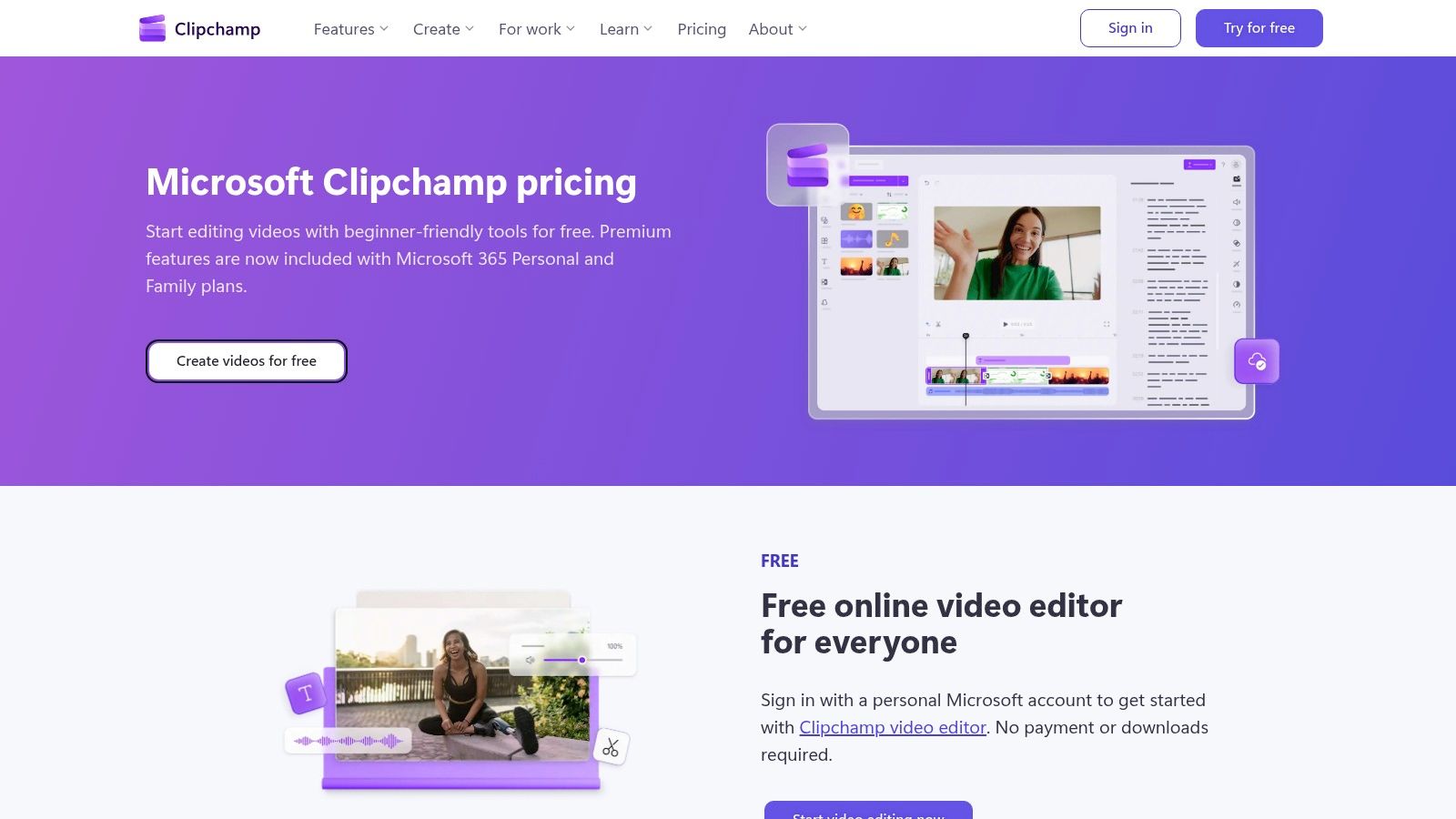
The platform shines with its AI-driven convenience features. The auto-captions tool generates subtitles with impressive accuracy, while the text-to-speech function can create natural-sounding voiceovers in various languages and voices. Another standout feature is Silence Removal, which automatically finds and deletes awkward pauses, tightening up interview or presentation footage instantly. As a piece of AI video editing software, its value is magnified by its integration with OneDrive and its inclusion in many Microsoft 365 plans, providing a seamless workflow for users invested in that environment.
Key Details & Use Cases
- Best For: Individuals, small businesses, and marketing teams using Microsoft 365 who need a quick and easy tool for social media, presentations, and simple promotional videos.
- Standout Features: Auto-captions, text-to-speech AI voiceovers, Silence Removal, direct integration with OneDrive and Xbox, and a rich stock library.
- Pros: Generous free plan with 1080p exports, premium features are often included with existing Microsoft 365 subscriptions, and it has a very gentle learning curve.
- Cons: Advanced features and premium stock assets require a paid plan, and business licensing can sometimes be confusing depending on the organization’s Microsoft 365 tier.
- Pricing: A free basic plan is available. The Premium plan (with brand kit and premium assets) is included with personal and family Microsoft 365 subscriptions or can be purchased separately.
Website: https://clipchamp.com/en/pricing/
12. CyberLink PowerDirector
CyberLink PowerDirector has long been a favorite for consumer and prosumer video editors, and it now integrates a powerful suite of AI features to streamline creative workflows. It strikes an excellent balance between user-friendly design and advanced editing capabilities, making it a strong contender for those who find professional NLEs too complex. The platform is not just about traditional editing; it’s evolving into a comprehensive content creation tool with generative AI at its core.
0
The software excels by incorporating practical AI tools directly into its interface. Features like an AI video generator, which creates videos from text prompts, and AI talking avatars allow creators to produce engaging content quickly. Its AI-powered speech-to-text and voice tools are invaluable for adding subtitles or creating voiceovers automatically, making it a versatile piece of AI video editing software for YouTubers and marketers. PowerDirector also provides a vast library of effects, transitions, and stock media integrations, which are consistently updated for subscribers.
Key Details & Use Cases
- Best For: Hobbyists, content creators, and small businesses looking for a powerful yet accessible editor with modern AI features.
- Standout Features: AI video generator, talking avatars, speech-to-text and AI voice tools, massive effects library, flexible licensing.
- Pros: Great balance of usability and advanced features, competitive pricing with frequent content updates on subscription plans.
- Cons: Some advanced AI tools operate on a credit system, and perpetual licenses do not receive the same ongoing AI and asset updates as subscriptions.
- Pricing: Offers both a subscription model (PowerDirector 365 from $51.99/year) and perpetual licenses.
Website: https://www.cyberlink.com/products/powerdirector-video-editing-software/pricing_en_US.html
Top 12 AI Video Editors — Feature Comparison
| Product | Core features ✨ | UX & Quality ★ | Target audience 👥 | Price & Value 💰 |
|---|---|---|---|---|
| Tutorial AI 🏆 | AI script + editable transcript → regenerated voices; cursor-tracking; AutoRetime translations; studio effects | ★★★★★ (4.9 G2) — fast, polished, doc-like editor | 👥 Knowledge bases, L&D, sales, product marketing, creators | 💰 Free tier; Solo ~$18/mo; Growth ~$64/mo; Enterprise (custom voices) |
| Adobe Premiere (Pro) | Timeline NLE, Firefly AI, Enhance Speech, Frame.io integration | ★★★★☆ — pro-grade, frequent AI rollouts | 👥 Professional editors, studios, cross‑app workflows | 💰 Subscription (Adobe Creative Cloud; generative credits) |
| Blackmagic DaVinci Resolve / Studio | NLE + top-tier color, Fairlight audio, Neural Engine (object/voice isolation) | ★★★★☆ — powerful, pro-quality; steeper HW needs | 👥 Colorists, post houses, pro editors | 💰 Free tier; Studio one‑time license (~$295) |
| Apple Final Cut Pro | Apple-optimized NLE, Neural Engine features, Motion/Compressor integration | ★★★★☆ — very fast on macOS/Apple Silicon | 👥 Mac users, pro/single‑editor workflows | 💰 One-time purchase (macOS); iPad subscription option |
| CapCut | Auto-captions, background removal, motion tracking, social templates | ★★★★☆ — fast short-form/social workflows | 👥 Social creators, mobile-first editors | 💰 Generous free tier; region-dependent paid features |
| Runway | Text/image→video, video→video gen, timeline editor, team workspaces | ★★★★☆ — cutting-edge generative, cloud-based | 👥 Generative video creators, teams without heavy HW | 💰 Free trial; credit-based generation tiers |
| Descript | Transcript-first editing, AI transcription, Overdub, Studio Sound | ★★★★☆ — fastest for talk-driven content | 👥 Podcasters, interviewers, explainers, educators | 💰 Free tier; paid plans for Overdub/advanced exports |
| Wondershare Filmora | One-click AI tools, templates, asset library, simple UI | ★★★★☆ — approachable for beginners/prosumers | 👥 Beginners, YouTubers, prosumers | 💰 Subscription & perpetual license options |
| Topaz Video AI | AI upscaling, frame interpolation, stabilization, batch GPU | ★★★★☆ — best-in-class enhancement toolkit | 👥 Editors needing restoration/upscale | 💰 Paid desktop app (licenses/subscription/credits evolving) |
| VEED | Online timeline, auto-captions, TTS, avatars, brand kits | ★★★☆☆ — quick browser-based marketing workflows | 👥 Marketing/social teams, remote collaborators | 💰 Freemium; team plans with more exports/credits |
| Microsoft Clipchamp | AI subtitles/voiceover, silence removal, OneDrive integration | ★★★☆☆ — easy & integrated with M365 | 👥 Casual editors, M365 users, educators | 💰 Free 1080p exports; premium via Microsoft 365 |
| CyberLink PowerDirector | AI generators, talking avatars, speech-to-text, large asset library | ★★★★☆ — strong for hobbyists/prosumers | 👥 Hobbyists, prosumers, fast-content creators | 💰 Subscription (365) and perpetual license options |
The Future is Automated: Final Thoughts on AI-Powered Video
The landscape of video creation is undergoing a seismic shift, and as we’ve explored, AI video editing software is the powerful force driving this transformation. We’ve journeyed through a diverse set of tools, from industry-defining giants like Adobe Premiere Pro and DaVinci Resolve, which are integrating AI to supercharge professional workflows, to disruptive, AI-native platforms like Descript and Runway that are completely reimagining the editing process from the ground up.
The central theme is clear: AI is no longer a futuristic gimmick but a practical, efficiency-driving partner in video production. It demolishes traditional barriers, making high-quality video creation accessible to individuals and teams who lack formal editing expertise or the extensive budgets required for post-production specialists.
Key Takeaways from Our Deep Dive
Reflecting on the dozen tools we’ve analyzed, several key insights emerge for anyone looking to adopt this technology:
- Efficiency is the Prime Mover: The most significant, universal benefit across all these platforms is a dramatic reduction in time and effort. AI automates the most tedious aspects of editing, such as removing filler words, cutting silences, generating subtitles, and color correcting footage, freeing up creators to focus on narrative and substance.
- Specialization is Crucial: There is no single “best” AI video editor. The ideal choice is entirely dependent on your specific use case. A Hollywood filmmaker will find DaVinci Resolve’s AI-powered color grading indispensable, while a corporate L&D team will see immense value in Tutorial AI’s ability to instantly professionalize raw screen recordings.
- The Rise of “Generative” and “Corrective” AI: We’ve seen two dominant categories of AI functionality. Corrective AI enhances existing footage (e.g., Topaz Video AI upscaling, Descript’s Studio Sound). Generative AI creates new content or transforms existing media (e.g., Runway’s text-to-video, CapCut’s automated templates). Understanding which you need most will guide your selection.
How to Choose the Right AI Video Editing Software for Your Team
Navigating this crowded market can be daunting. To make an informed decision, move beyond the feature list and focus on your core objectives.
- Identify Your Primary Use Case: Are you a support team creating a library of knowledge base videos? A sales team needing to quickly produce personalized demos? Or a content creator focused on cinematic short-form video? Your primary output dictates the features you should prioritize.
- Evaluate Your Team’s Skill Level: Be honest about your team’s technical capabilities. Tools like Adobe Premiere Pro and Final Cut Pro have a steep learning curve, even with their AI features. Platforms like Descript, VEED, and especially Tutorial AI are built for subject matter experts, not video editors, ensuring rapid adoption and immediate ROI.
- Consider Your Workflow Integration: How will this new tool fit into your existing processes? Check for integrations with platforms you already use, such as cloud storage (Google Drive, Dropbox) or video hosting services (Vimeo, Wistia). A tool that streamlines your entire workflow, from recording to publishing, is exponentially more valuable.
For many organizations, particularly those in SaaS, the challenge lies in empowering subject matter experts, not training them to become video editors. This is where specialized AI video editing software truly shines. Consider a tool like Tutorial AI, designed specifically for creating professional demos and tutorials. It allows your experts to record freely, capturing their knowledge naturally. The AI then steps in, acting like a professional editor to cut out mistakes, tighten pacing, and apply on-brand finishing touches, turning a rambling 10-minute recording into a polished 5-minute video without any manual editing. This approach bridges the gap between expert knowledge and professional video output, a problem traditional software like Adobe Premiere Pro was never built to solve.
The era of AI-powered video is here, democratizing a medium that was once the exclusive domain of specialists. By choosing the right tool, you’re not just buying software; you’re unlocking your team’s potential to communicate more effectively, train more efficiently, and engage audiences on a deeper level.
If your primary goal is to empower subject matter experts to create polished, on-brand software tutorials and demo videos without the learning curve of traditional editors, Tutorial AI is purpose-built for your workflow. Transform raw screen recordings into professional, ready-to-share content in minutes. See how it works by visiting Tutorial AI.